Help Center • Tenants • Leasing & Screening
Track your rental applications
View all rental applications you have submitted, track their status through the screening pipeline, and upload required payments.
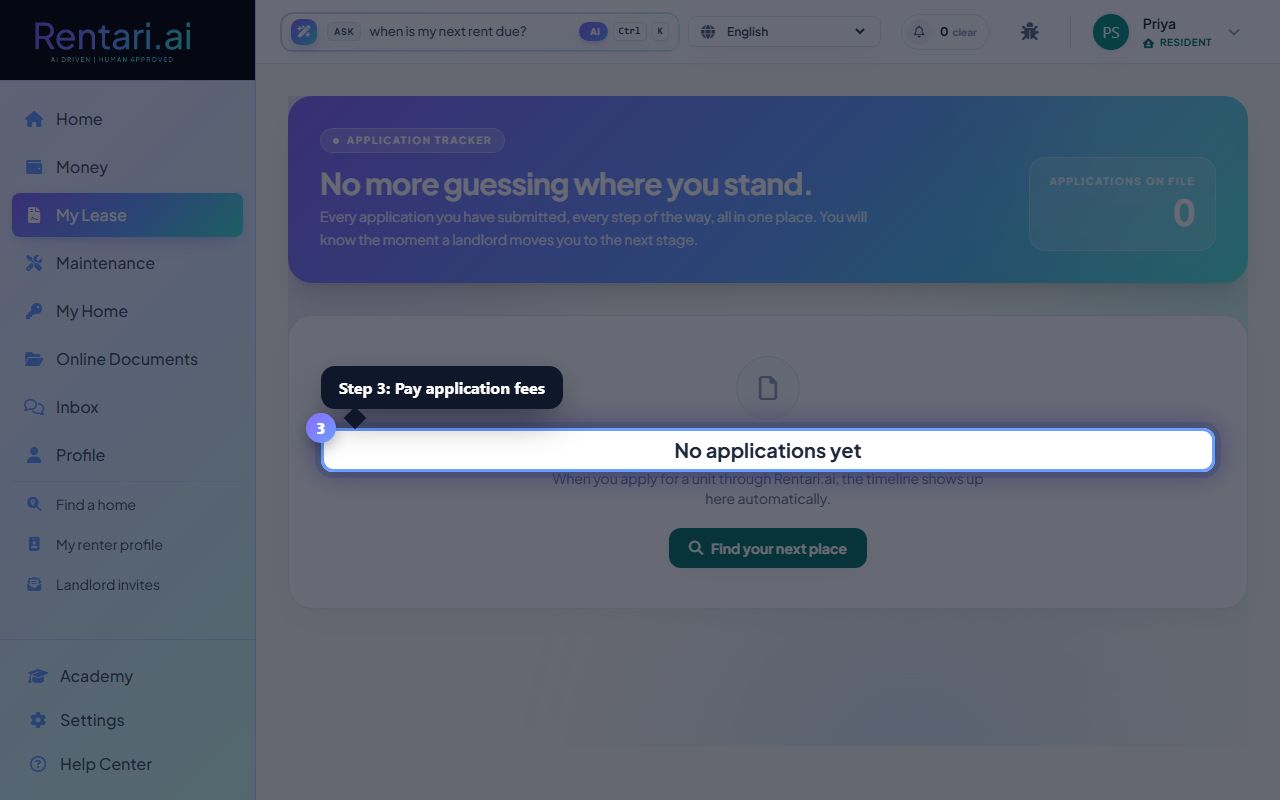
Open your applications list
Action: Navigate to the My Applications page. You will see a card showing the total number of applications on file.
Email verification is required to see your applications. If your email is unverified, click the banner at the top to confirm it first.
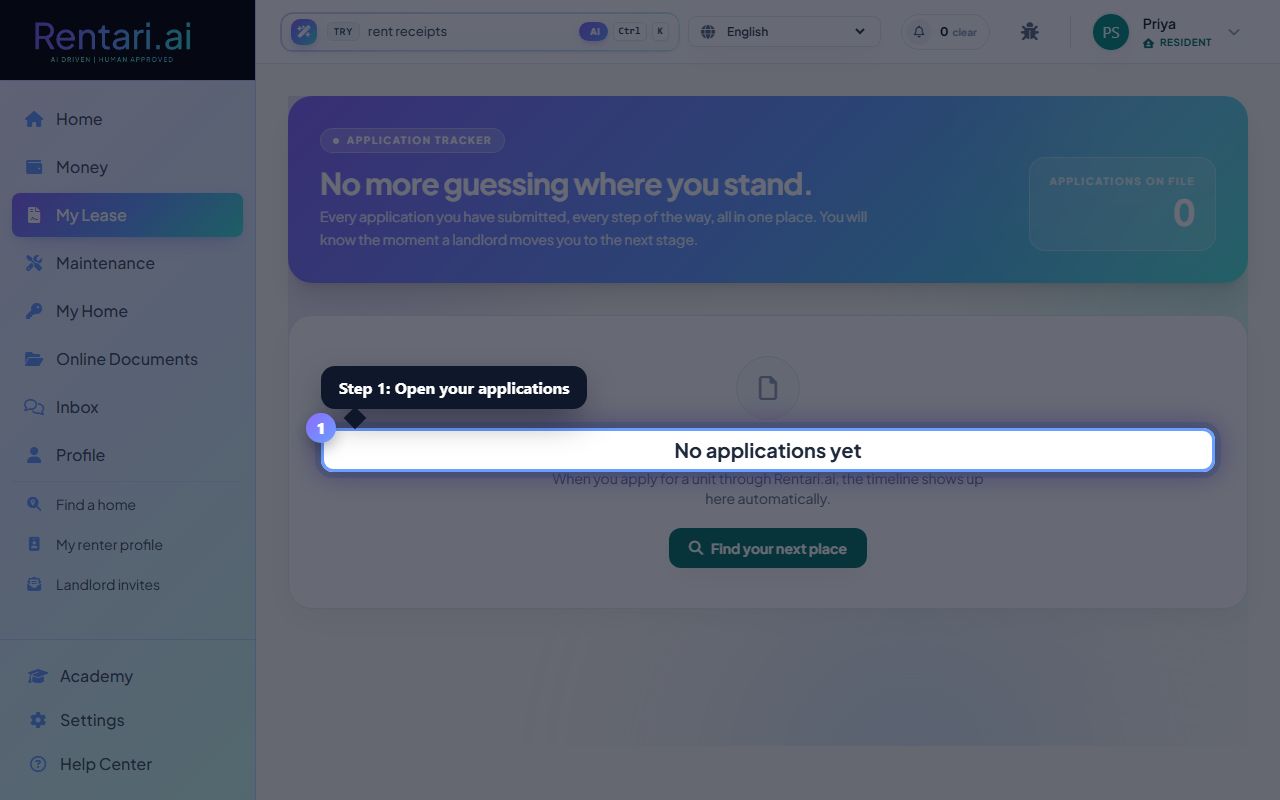
Review each application's pipeline
Action: For each application card, scroll through the 5-step pipeline timeline showing submission, fee, background check, decision, and move-in. Completed steps show a checkmark, your current step pulses with a ring, and future steps are grayed out.
The pipeline percentage at the top right shows how far along you are. If a step is skipped, it will show a dash instead of a checkmark.
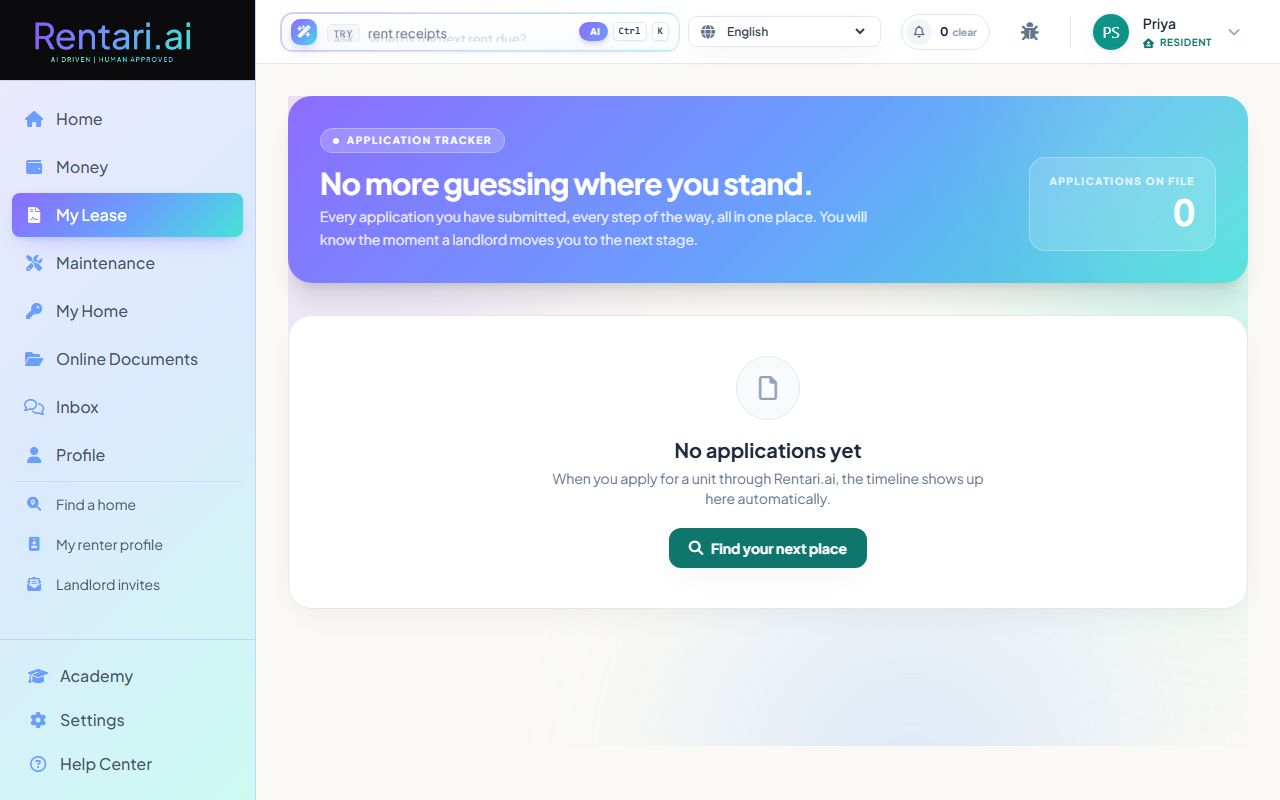
Pay application fees if needed
Action: If an application shows 'Unpaid' for the application fee, click the 'Pay application fee' button to open Stripe checkout. Once fees are paid or waived by the landlord, the button changes to 'Pay deposit and move in' if you have been approved.
Reference IDs are shown at the bottom of each application card for landlord communication. Only approved applications with move-in charges will show the deposit payment button.