
Help Center • Landlords • Leasing & Screening
Screen an applicant
Run background, credit, and AI trust scoring on a rental applicant.
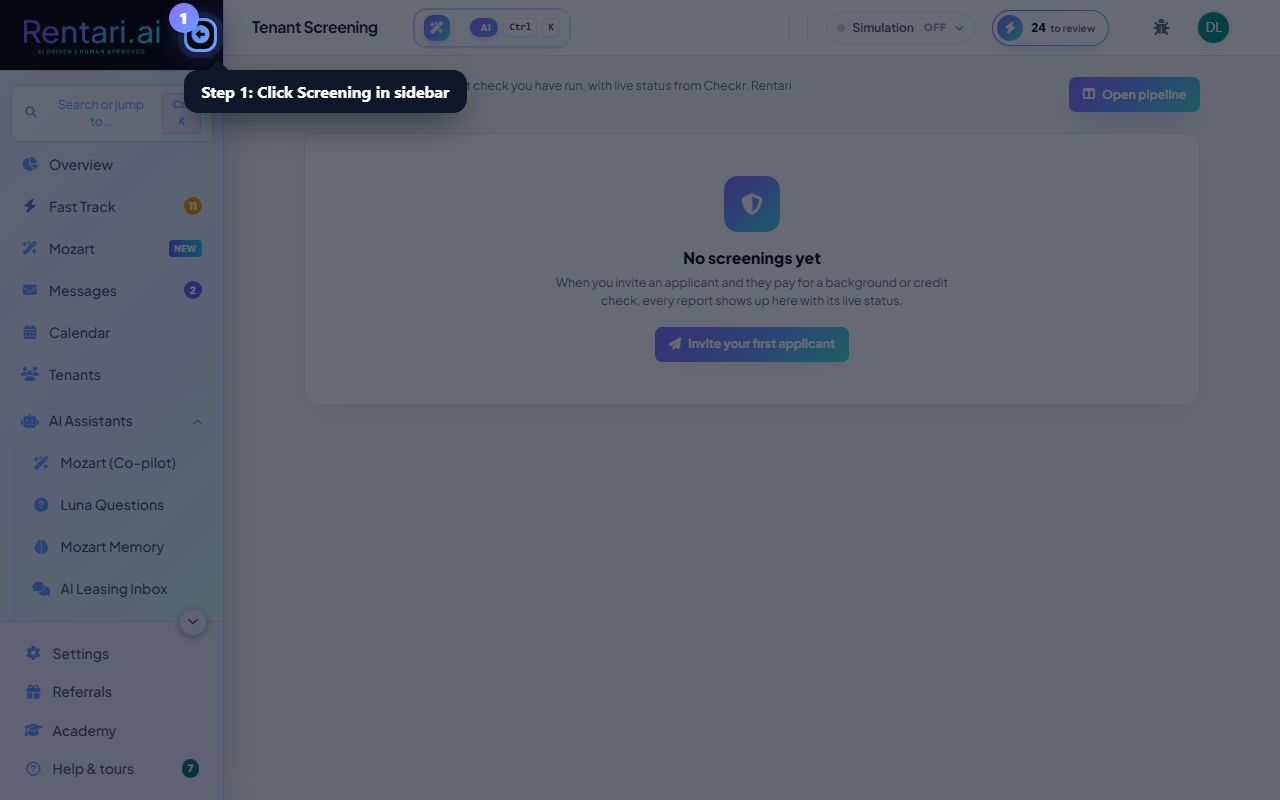
Open Screening
Action: Choose Screening in the sidebar to see applicants and their reports.
Applicants flow in from your listing and the Application Tracker.
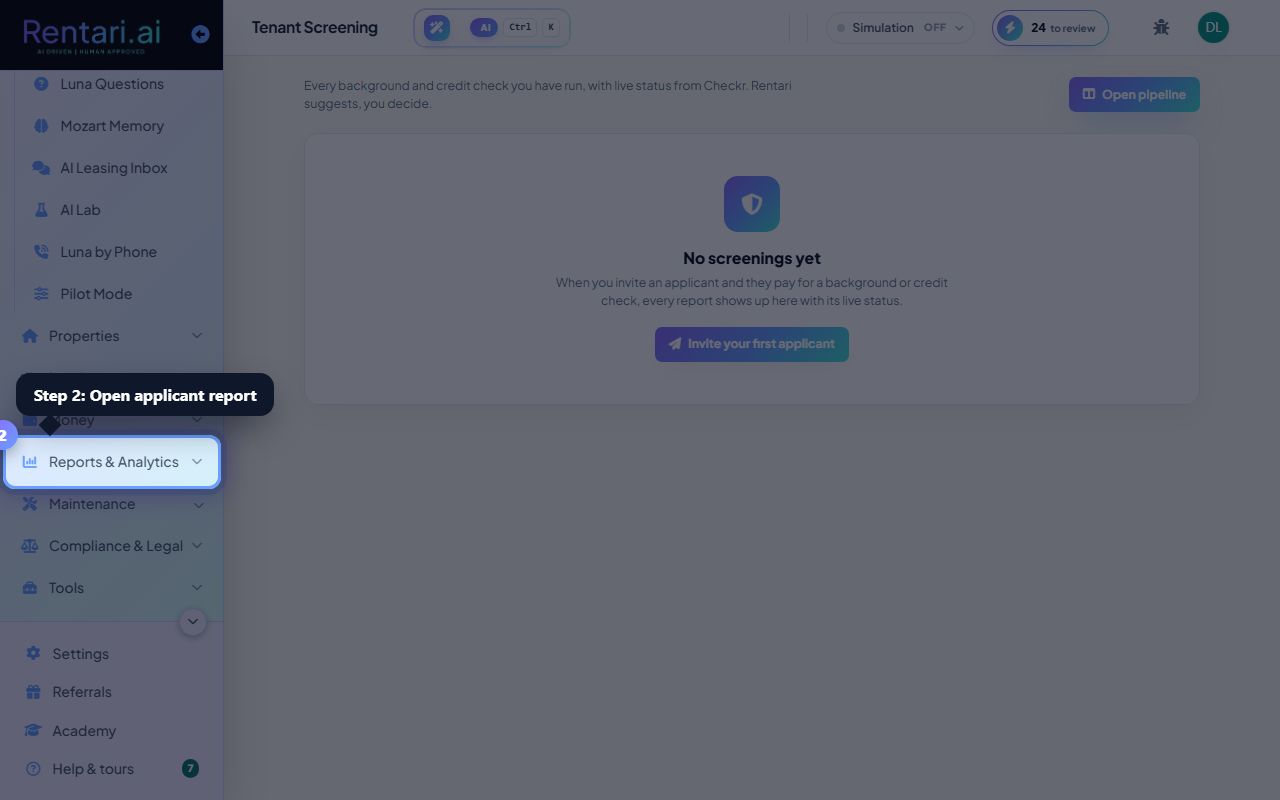
Review the report
Action: Open an applicant to read the background, credit, and AI trust summary.
The AI summary highlights the signals; the underlying report is always there.
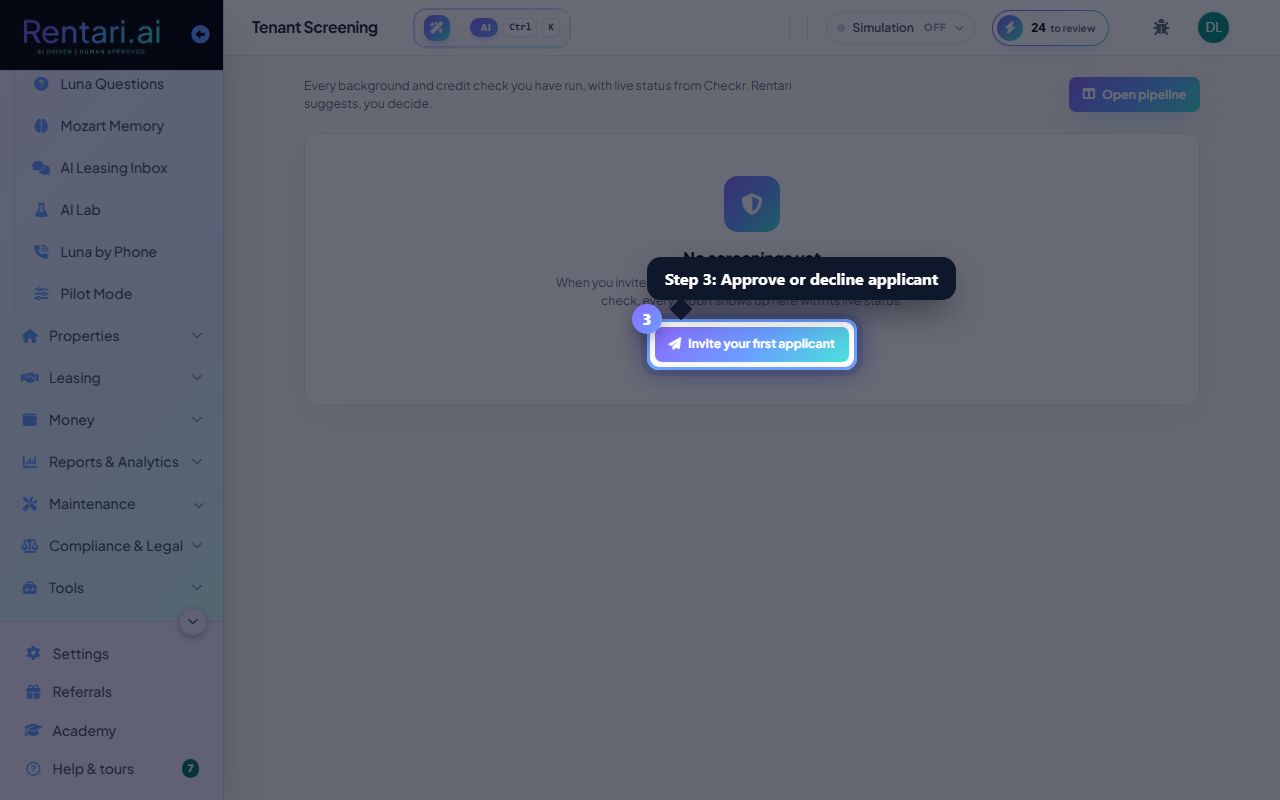
Decide
Action: Approve or decline the applicant, or move them along the pipeline.
A clear-pass screening can chain straight into a generated lease.
Was this helpful?
Thanks for your feedback.