You already have an AI. Now give it your portfolio.
Rentari gives you a key you can paste into the assistant you already use. From then on it can answer questions about your rent, leases, and repairs using your real records, and if you allow it, make changes. You choose what it can touch, and you see every change before it happens.
For landlords who already live inside an AI assistant.
If you have started asking an assistant to plan your week, draft your emails, and think through decisions, the one thing it has never been able to see is the portfolio those decisions are about. This closes that gap without asking you to change tools.
Your assistant is smart, and completely blind to your rentals.
Ask it who is late on rent and it cannot know. So you copy a spreadsheet into the chat, or paste a screenshot, or just answer from memory and hope. The assistant was never the problem. It simply had no way to see the records.
Decide exactly how far your assistant can reach.
Every key carries permissions, and the assistant can never go past them. Read only is the default, and it is the right choice for most people. Money is its own separate permission, so an assistant tidying up repair tickets is never one sentence away from changing what a tenant is billed.
It shows you the change before it makes it.
When you do let an assistant make changes, it can ask Rentari to run the change as a preview first. Rentari checks it and reports exactly what the record would look like, without saving anything. You see the before and after in plain language, and only then does it commit.
A key opens your portfolio, and only yours.
A key is bound to your account, so an assistant using it can never see another landlord's data. Keys are stored scrambled, shown to you once, and stop working the moment you revoke them. Sandbox keys can never change anything at all, no matter what you ask.
The same portfolio your assistant reads.
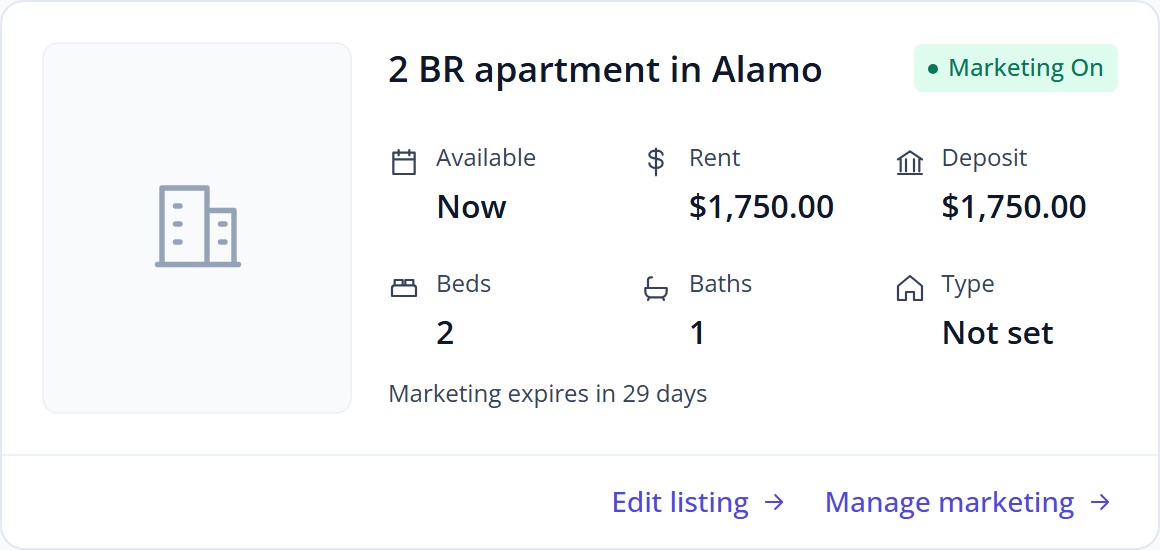
Whatever your AI can see through the MCP server, you can see here first, and every action it takes lands in the same audit trail.
Bring your own AI to your portfolio.
Create a key, paste it into the assistant you already use, and ask it the first thing that comes to mind. Start read only, and widen it later if you want the help.
Works with assistants that support the Model Context Protocol. Access is reviewed before your first key is issued.