Snap the receipt. We file it.
Photograph a receipt or forward an invoice. Rentari.ai reads the vendor, amount, and date, proposes the expense category and the property it belongs to, and drops it into your books, tax-ready and split by property. You approve, the shoebox disappears.
Built for landlords and property managers who would rather not touch a spreadsheet.
A crumpled receipt becomes a ledger entry.
Photograph any receipt from your phone, or forward a PDF invoice. Receipt scanning reads the vendor, date, and total off the image and keeps the original attached, so the proof is one click away if you are ever asked for it. Nothing is pulled from a bank, you send it, we read it.
The right category, on the right property.
Each scanned expense is matched to its category, Repairs, Utilities, Insurance, Supplies, and tagged to the property it belongs to. It is a proposal you confirm, never an automatic write, and a wrong guess fixed once is remembered for next time.
Every expense, grouped by unit.
Approved expenses roll into a live, per-property breakdown, so the spend on each unit is current the moment a receipt lands, not reconstructed in a panic later. The number you need at tax time is sitting there in April.
Tax season is an export, not an excavation.
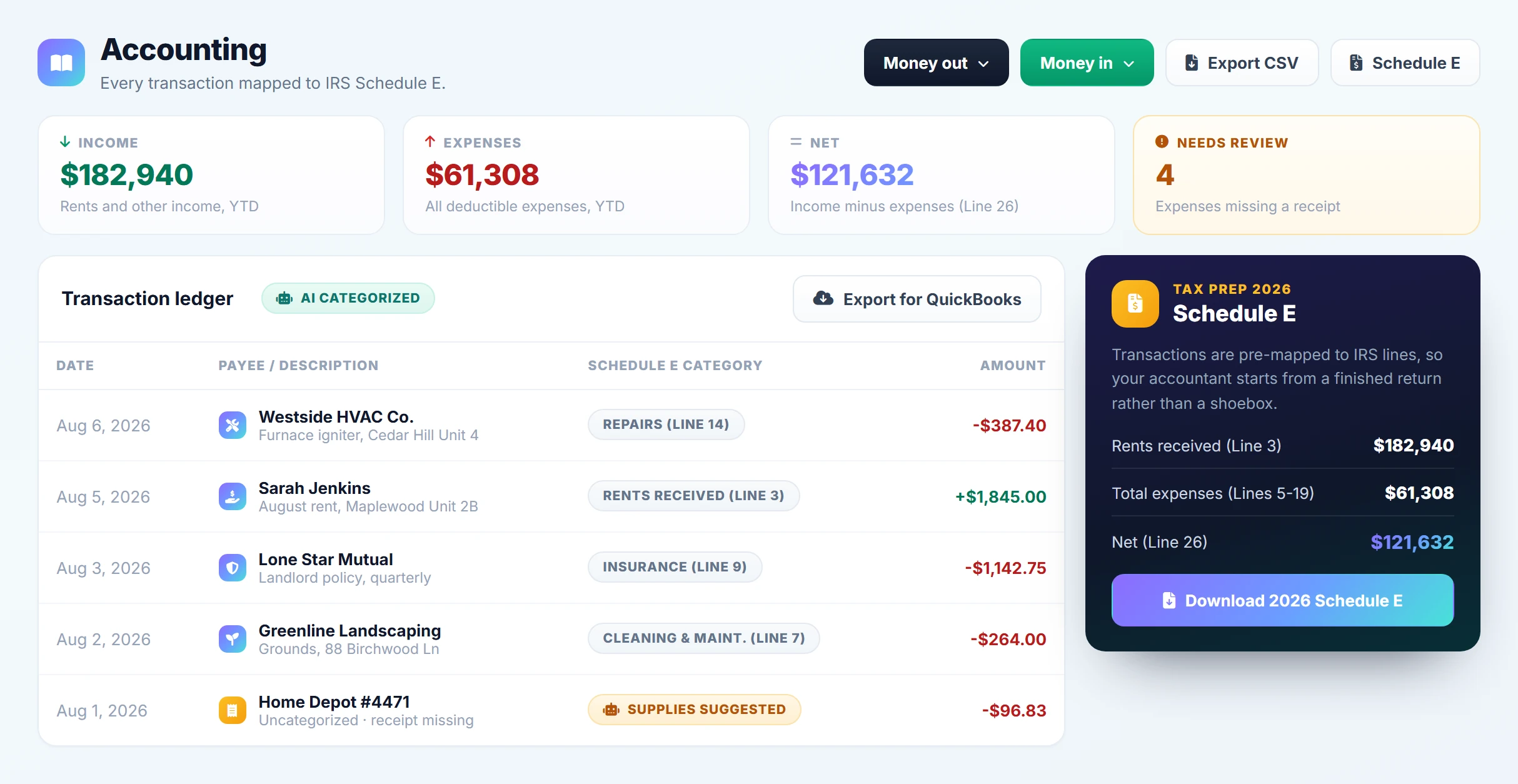
Because every expense is already categorized and tied to a property, year-end is a single click. Each scanned receipt rolls into a Schedule E line by line, with the original photos attached and a clean export ready for QuickBooks.
Expense tracking questions
What can I scan?
Where does the expense end up?
What if it picks the wrong category?
Receipts in, categories out.
Snap or forward the receipt and it lands coded to the right property and the right Schedule E line.
Try it. No signup, no card.
Categorise a receipt.
Describe an expense, or upload a photo of the receipt. The AI maps it to its IRS Schedule E line.
Nothing here is saved, sent or charged, and no real tenant, applicant or vendor is involved. It runs the same models the product runs, so it is rate limited per visitor.
Retire the shoebox.
Snap the receipt the moment you get it and watch it read itself, land in the right category on the right property, and roll into a one-click Schedule E. You will see receipt scanning, smart tagging, and the per-property breakdown, the whole flow
Free to start. You approve every entry.