
Help Center • Tenants • Get Paid
Pay your rent
Add a payment method and pay rent online in a couple of taps.
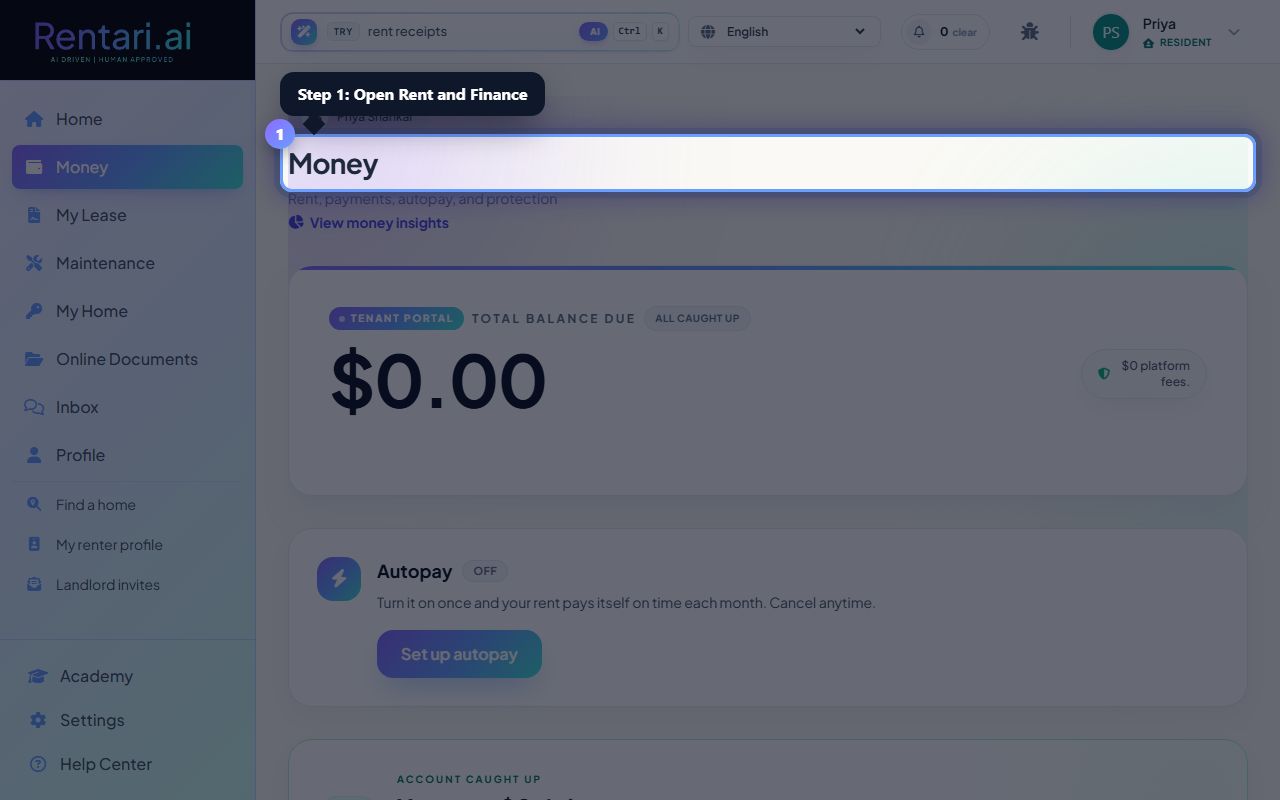
Open Rent and Finance
Action: Choose Rent and Finance, then Pay.
You can see exactly what is due before you confirm.
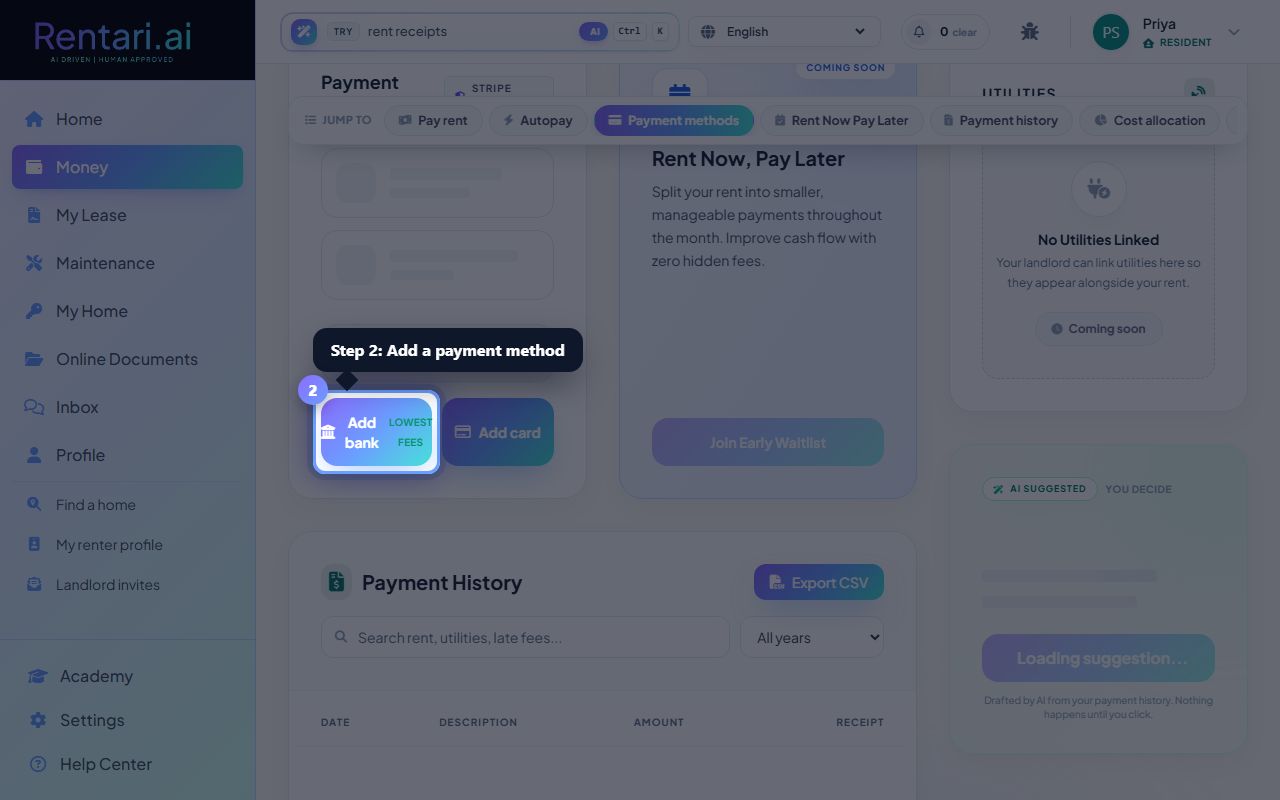
Add a payment method
Action: Add a bank account or a debit or credit card.
Card clears immediately; bank transfer takes 1 to 3 business days.
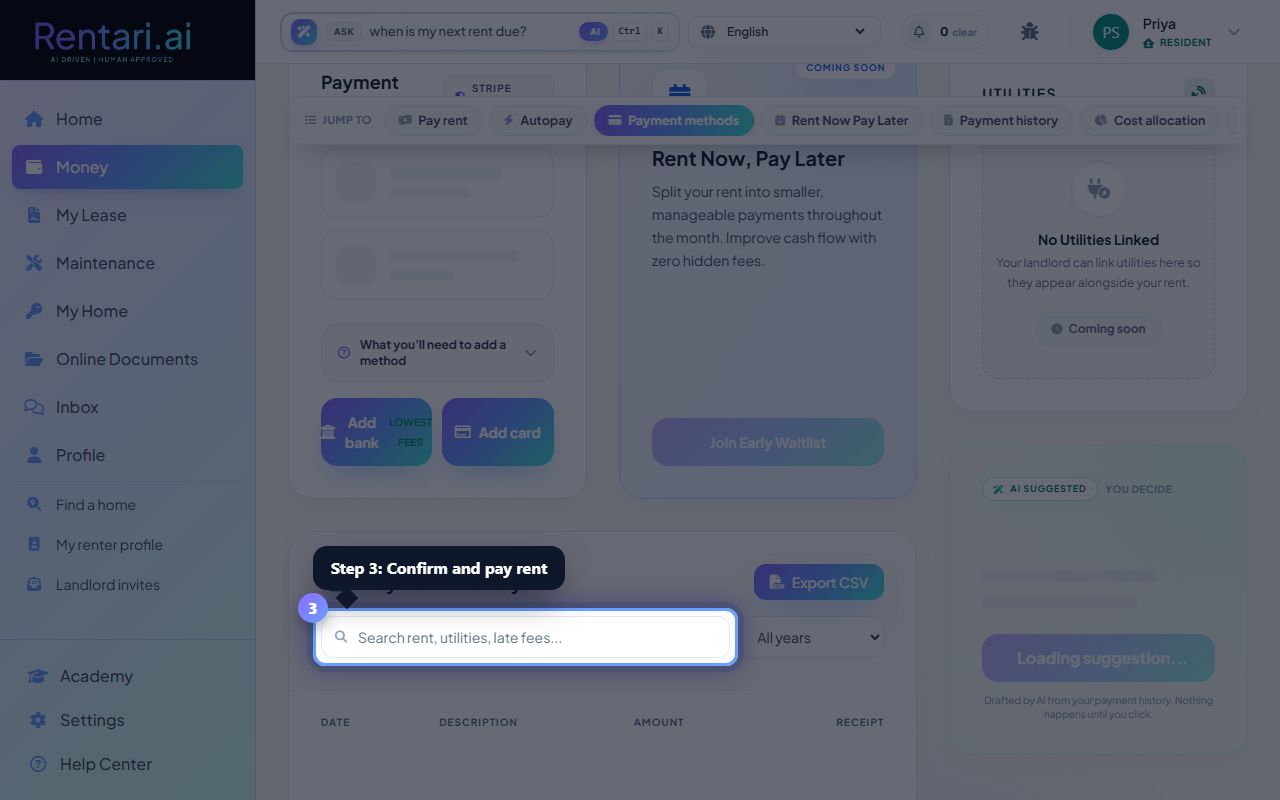
Pay
Action: Confirm the amount and submit your payment.
You get a receipt, and your history updates right away.
Was this helpful?
Thanks for your feedback.