
Help Center • Landlords • Leasing & Screening
Build a lease
Generate a state-specific lease from your property and tenant data in minutes.
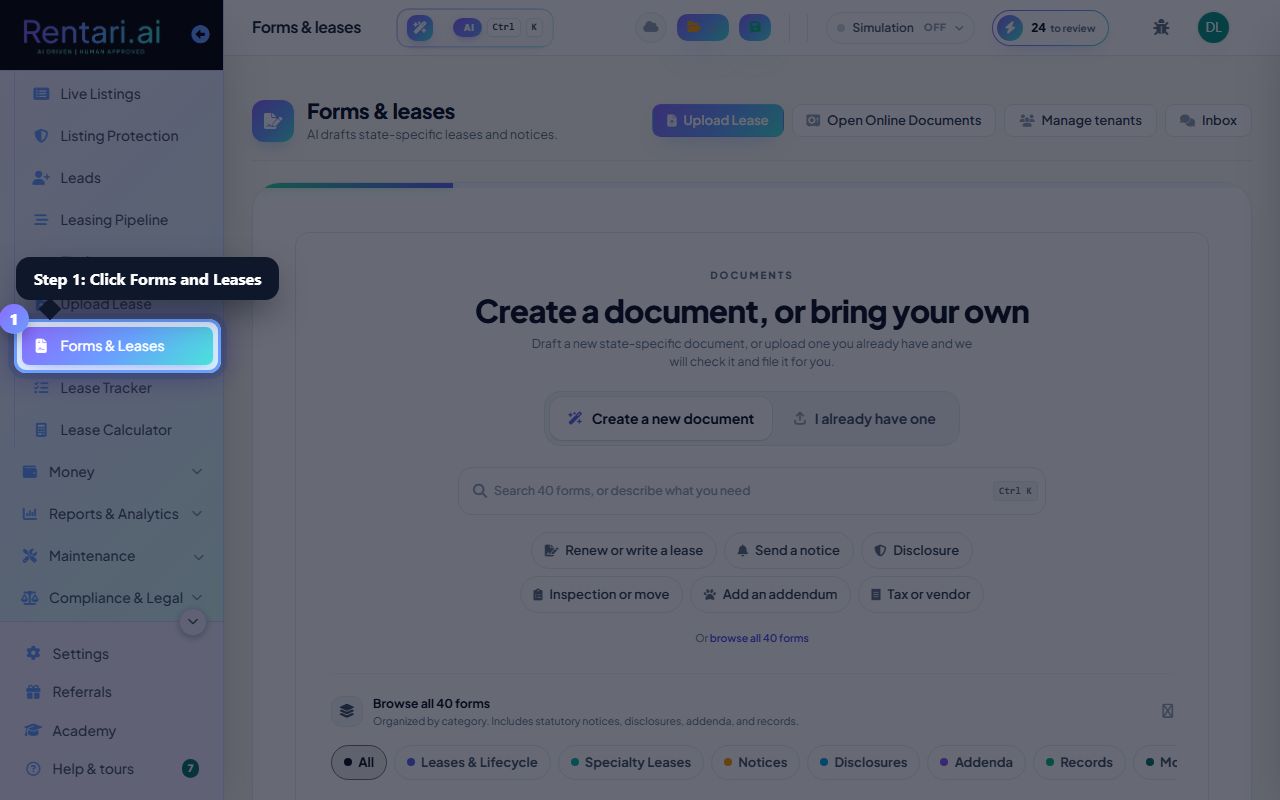
Open E-Sign & Leases
Action: Choose E-Sign & Leases (the Document Studio) in the sidebar.
Pick the property and unit so terms prefill from your data.
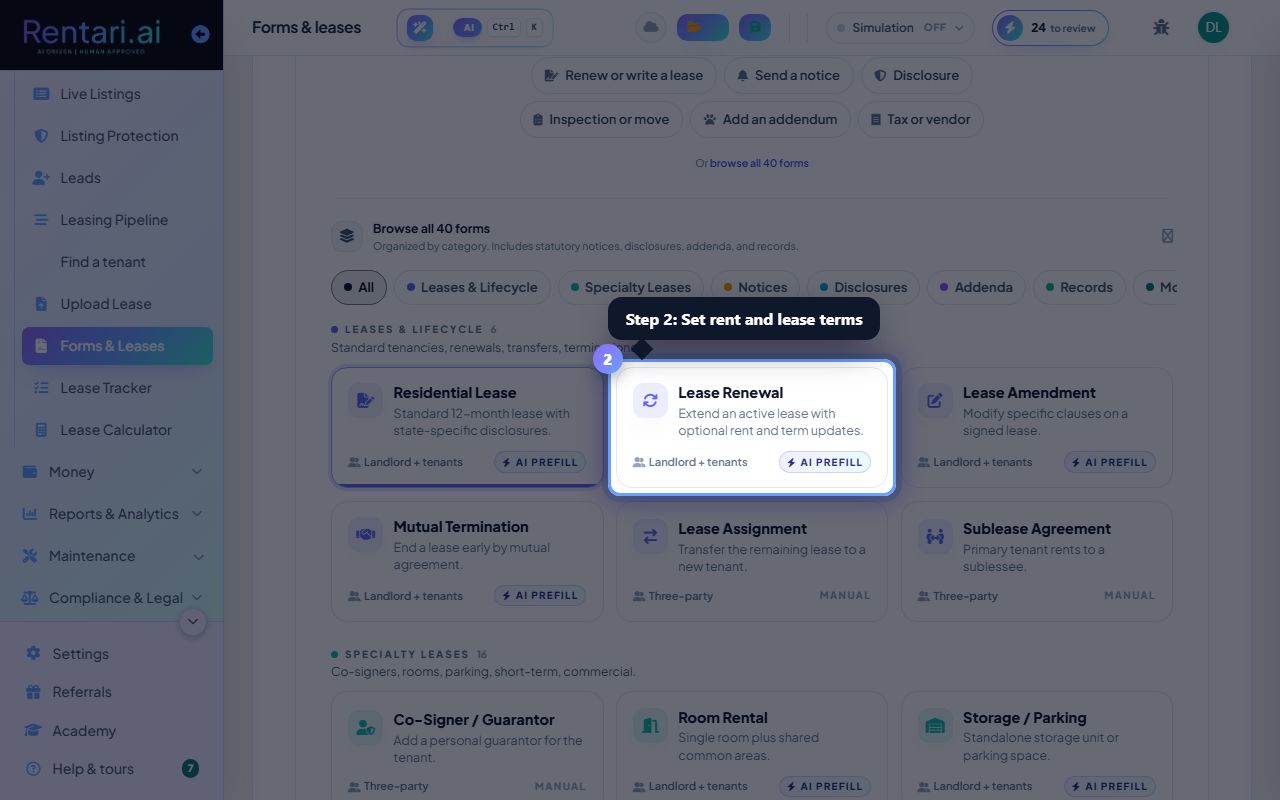
Set the terms
Action: Confirm rent, deposit, dates, and any addenda you need.
Rentari flags terms that fall outside your state's rules as you go.
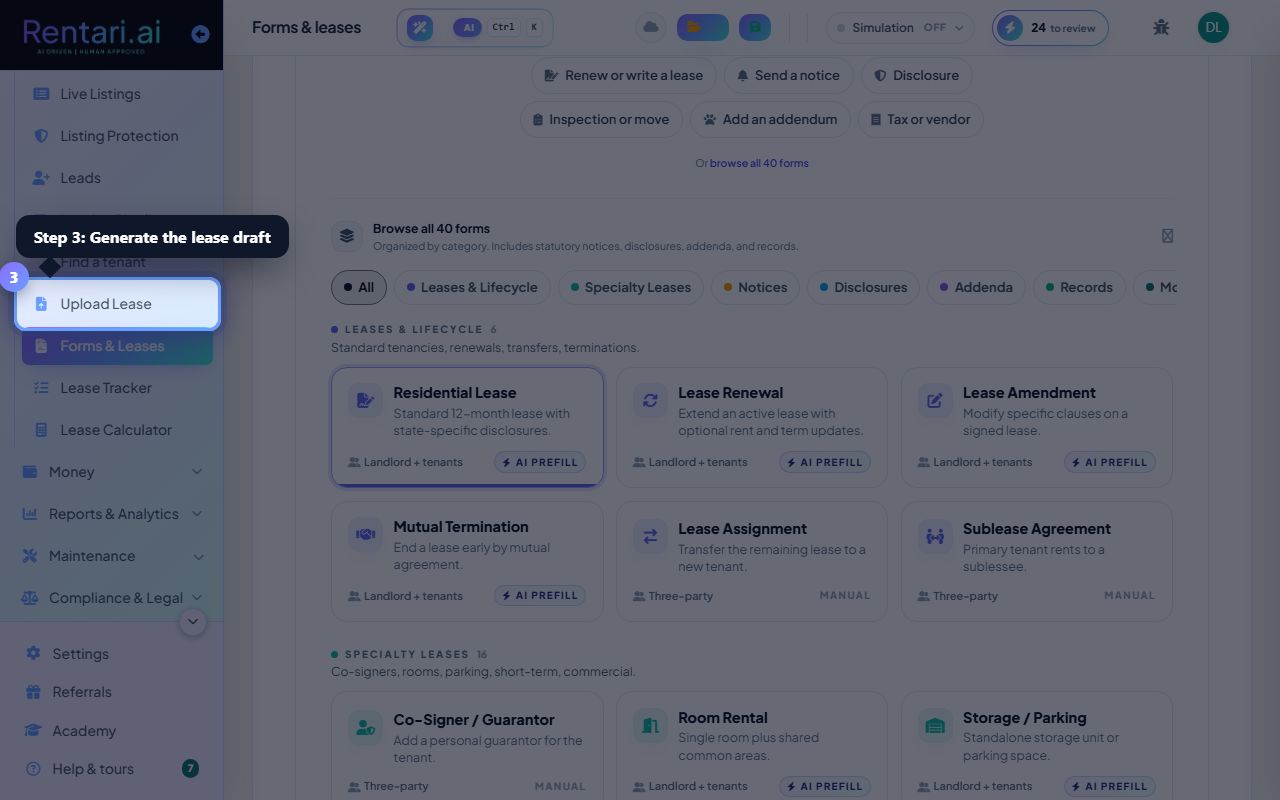
Generate the draft
Action: Generate the lease. It lands as a draft, ready to send for signature.
Sending for signature is a separate, deliberate step.
Was this helpful?
Thanks for your feedback.