
Help Center • Landlords • Leasing & Screening
Work the application tracker
Track every applicant from invited to approved on one board.
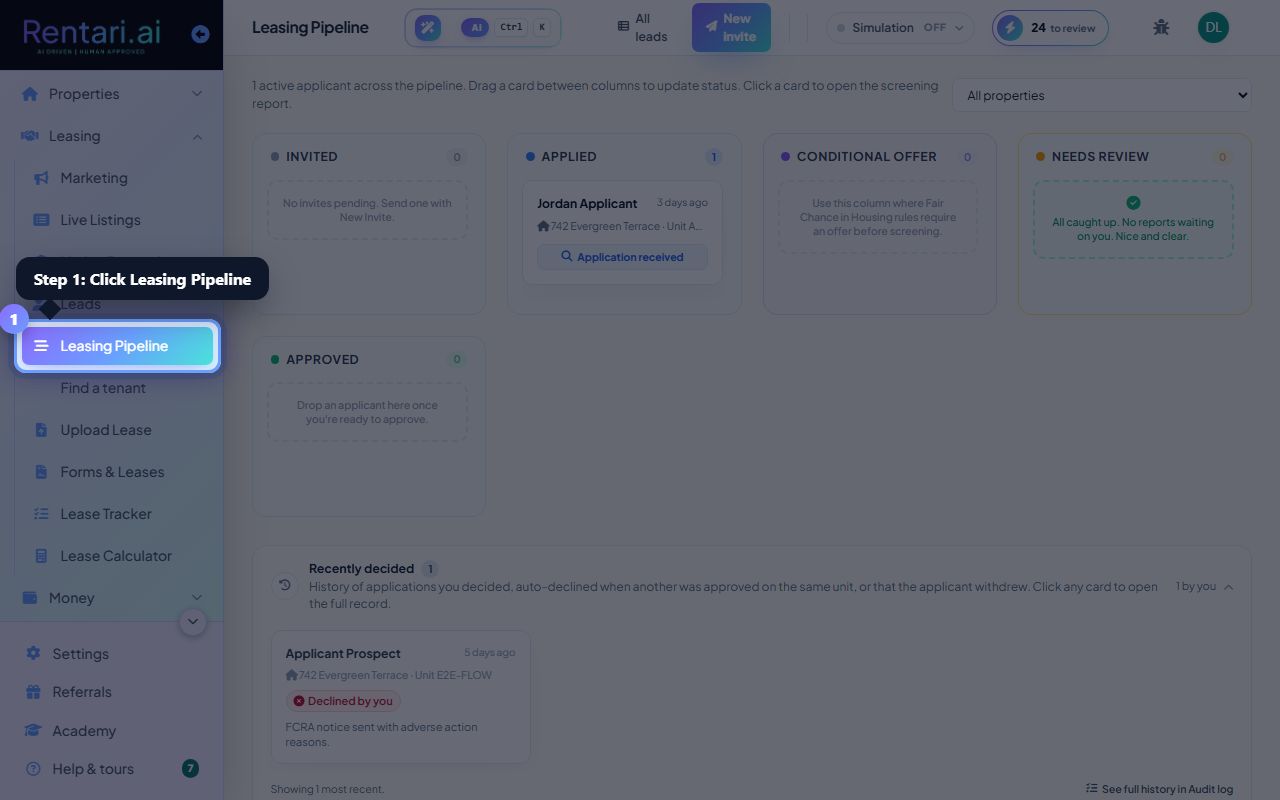
Open the pipeline
Action: Choose Application Tracker to see applicants by stage.
Stages run from Invited and Applied through Approved and Lease Sent.
Advance an applicant
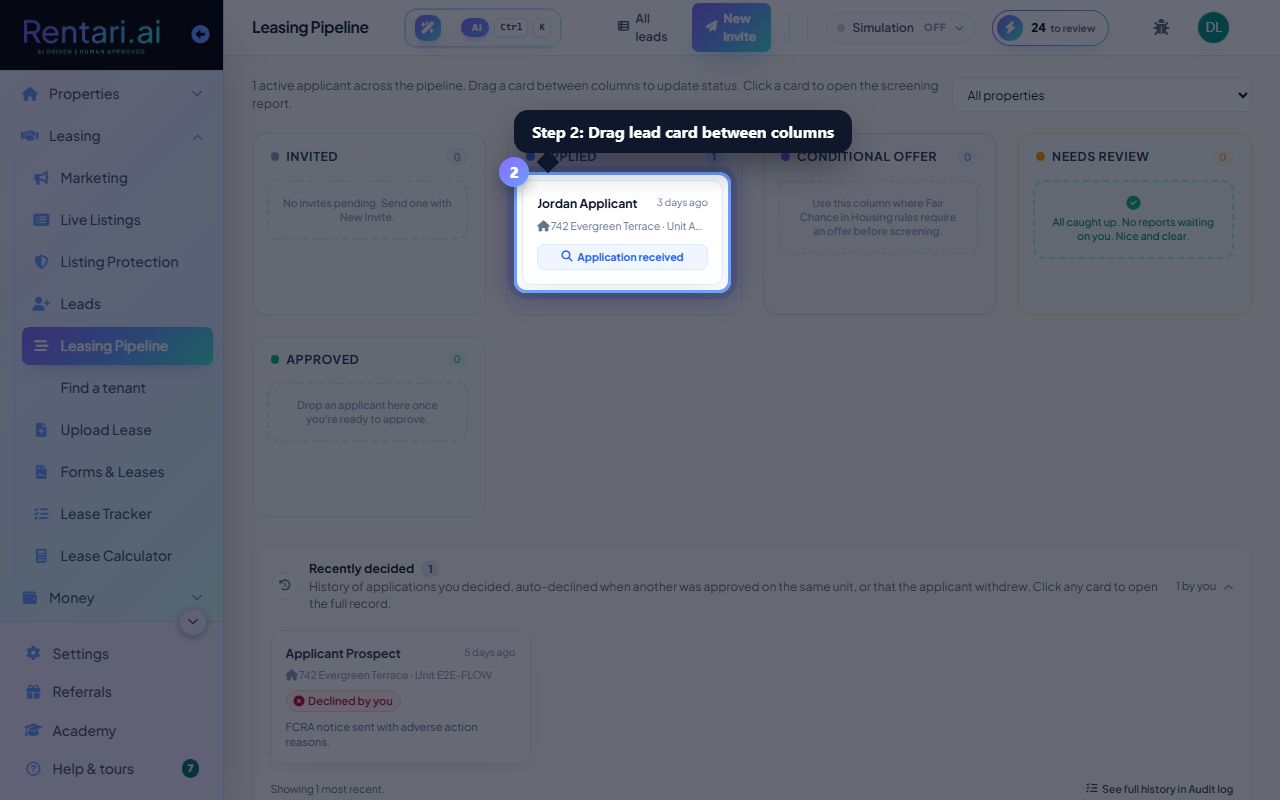
Action: Move a card forward as they progress, and open it for the AI screening summary.
Each card links to the applicant's screening and documents.
Was this helpful?
Thanks for your feedback.