
Help Center • Landlords • Documents
Send a lease for signature
Dispatch a drafted lease for e-signature and countersign when the tenant is done.
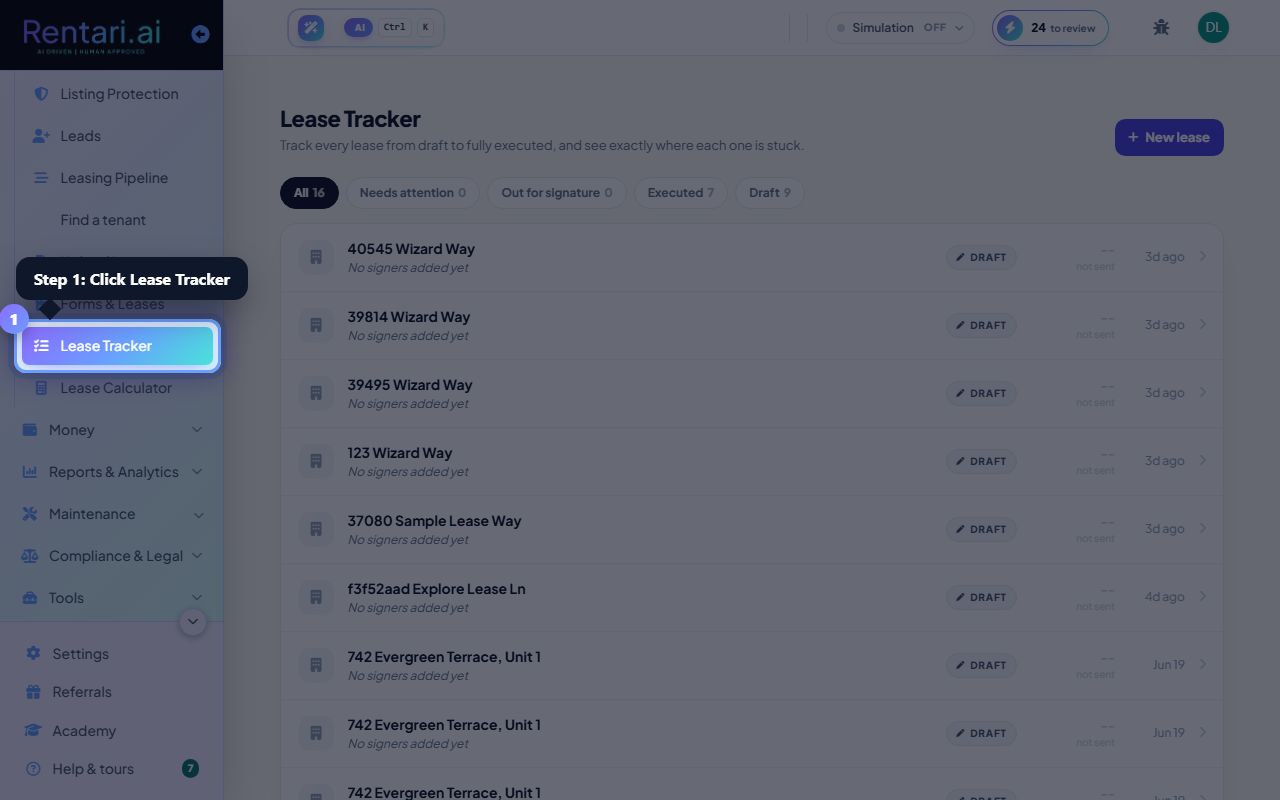
Find the lease
Action: Open Lease Tracker, find the drafted lease, and choose Send for signature.
Rentari checks required disclosures before it dispatches.
Tenant signs
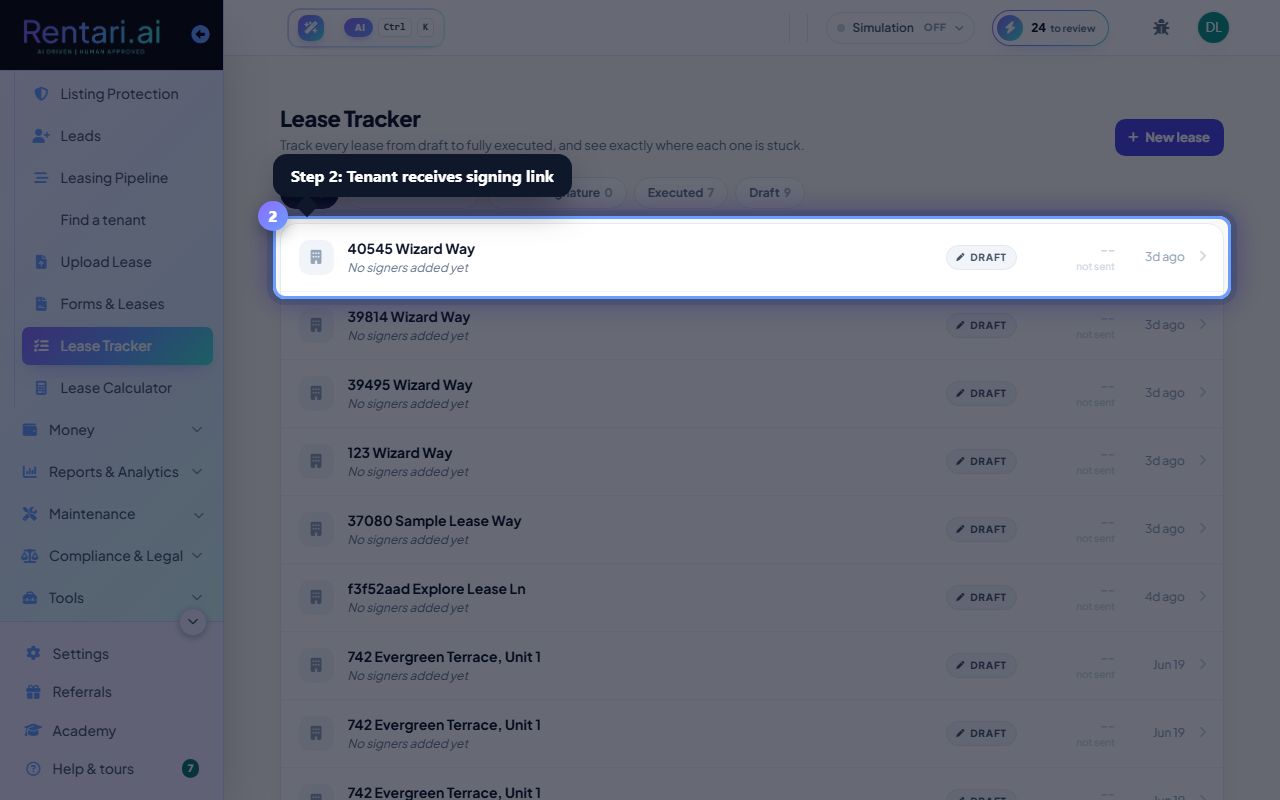
Action: The tenant gets a link to review and e-sign their part.
You can track signing progress on the lease's page.
Countersign
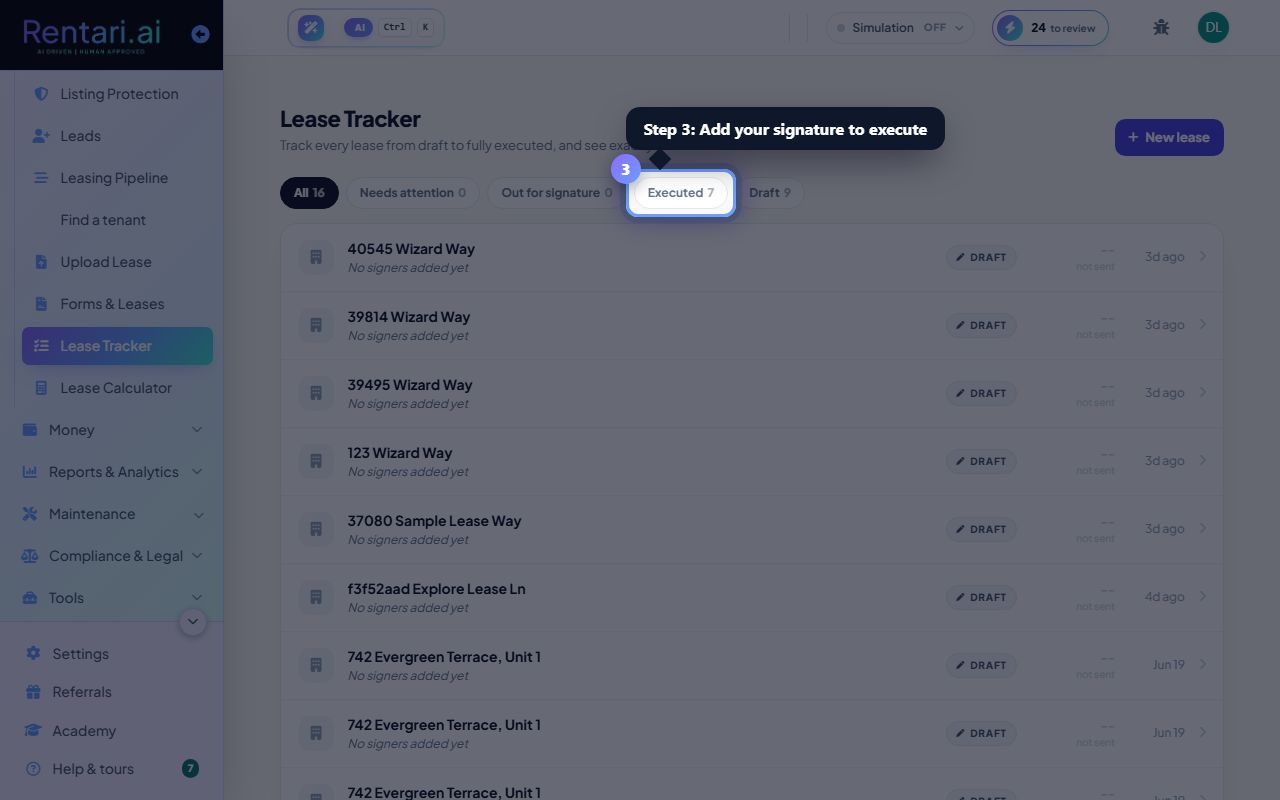
Action: Once the tenant signs, add your signature to execute the lease.
Your countersignature is the one required touch to finish.
Was this helpful?
Thanks for your feedback.