
Help Center • Landlords • Portfolio
Add your first property
Create a property and its units so leases, rent, and maintenance have a home.
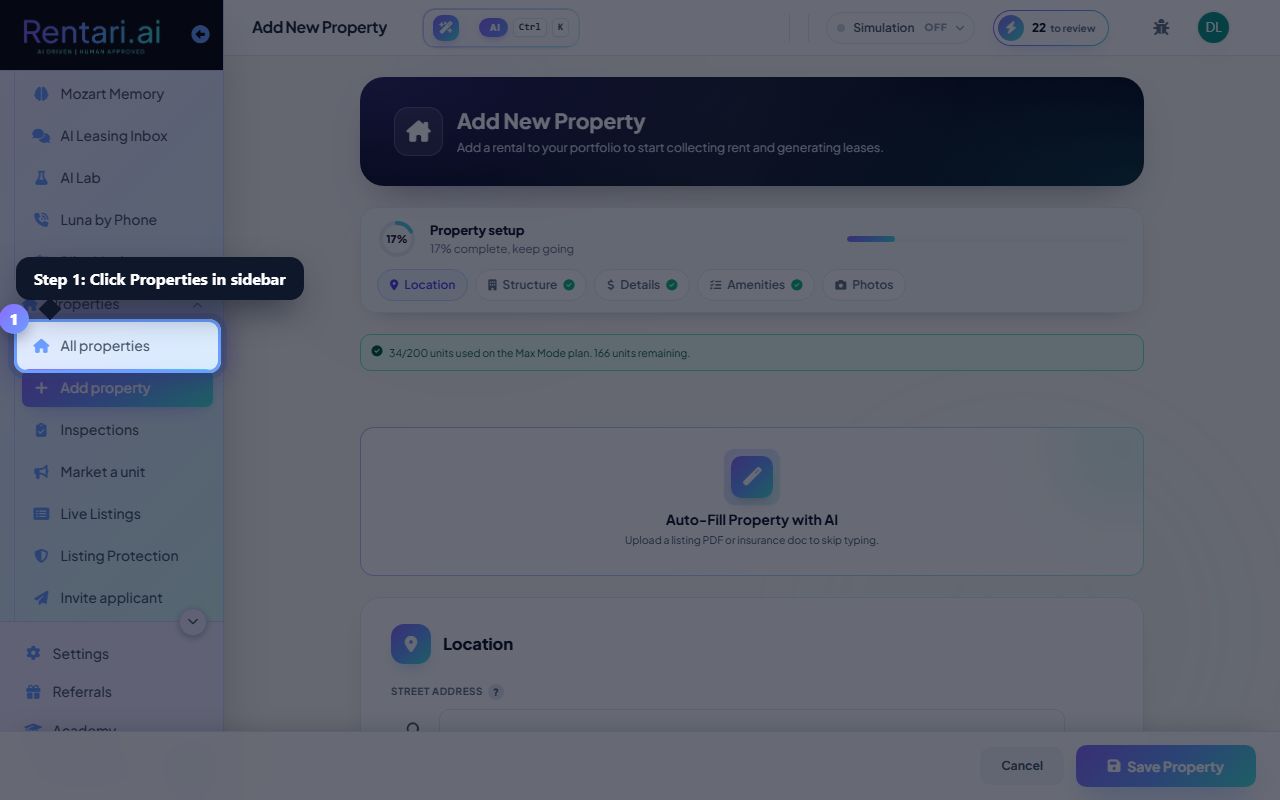
Open Add Property
Action: From the sidebar choose Properties, then Add Property.
You can add a single unit or a multi-unit building.
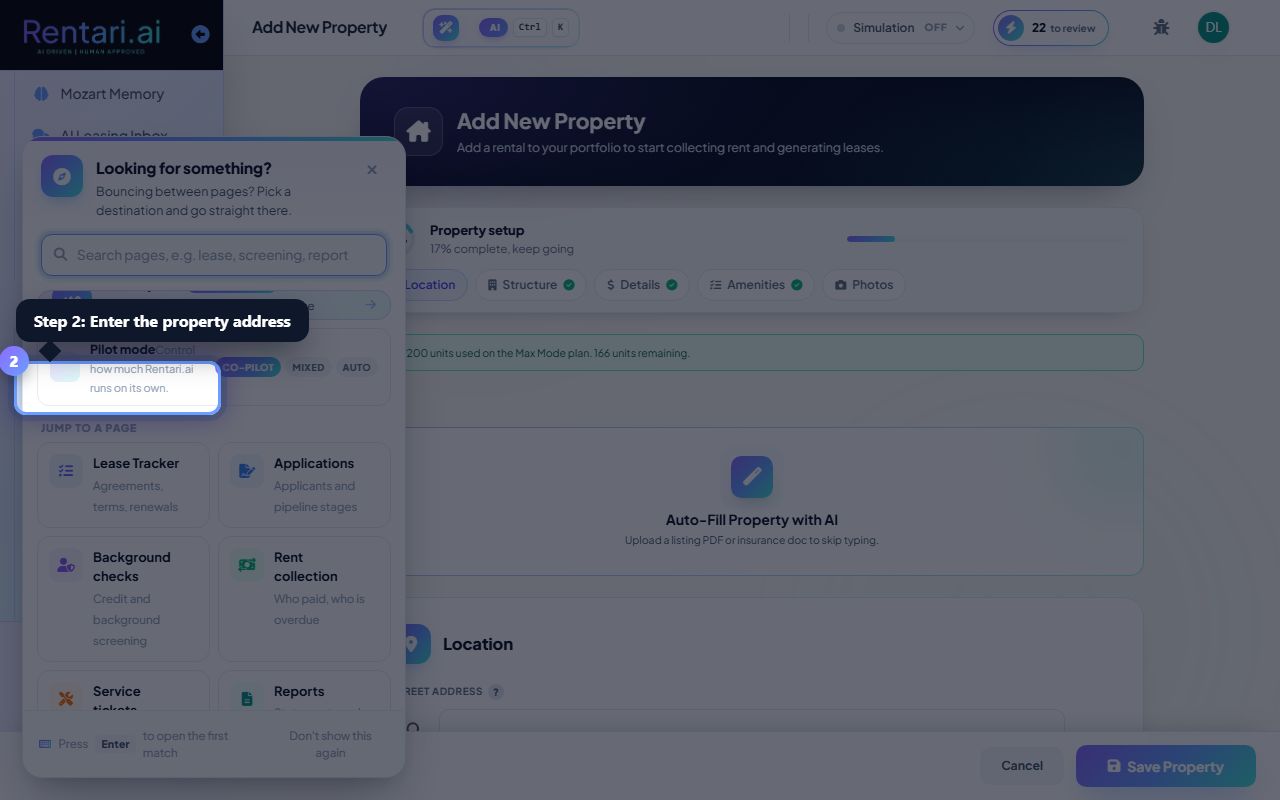
Enter the details
Action: Add the address, then the kind of place it is and the unit numbers. Beds, baths and square feet are optional.
Rent is not asked for here. It belongs to a listing, and you set it if and when you advertise the unit.
Save
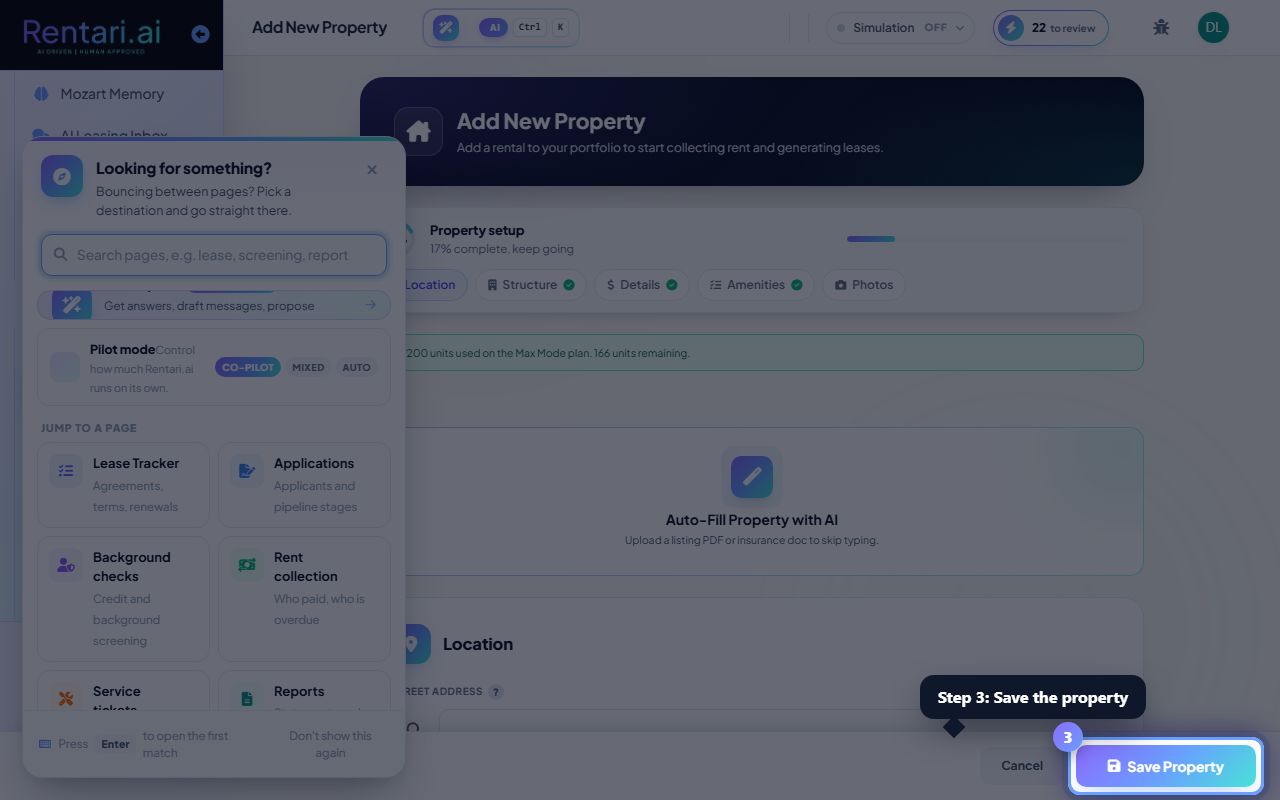
Action: Save the property. It now appears in Properties and is ready for a lease.
We then ask whether you want to list it for rent. Say not right now and everything still works; you can list it from the property whenever you like.
Was this helpful?
Thanks for your feedback.