
Help Center • Vendors • Getting Started
What you see as a vendor
Where your assigned jobs, the bid board, invoices, payouts, and your credentials live in the vendor portal.
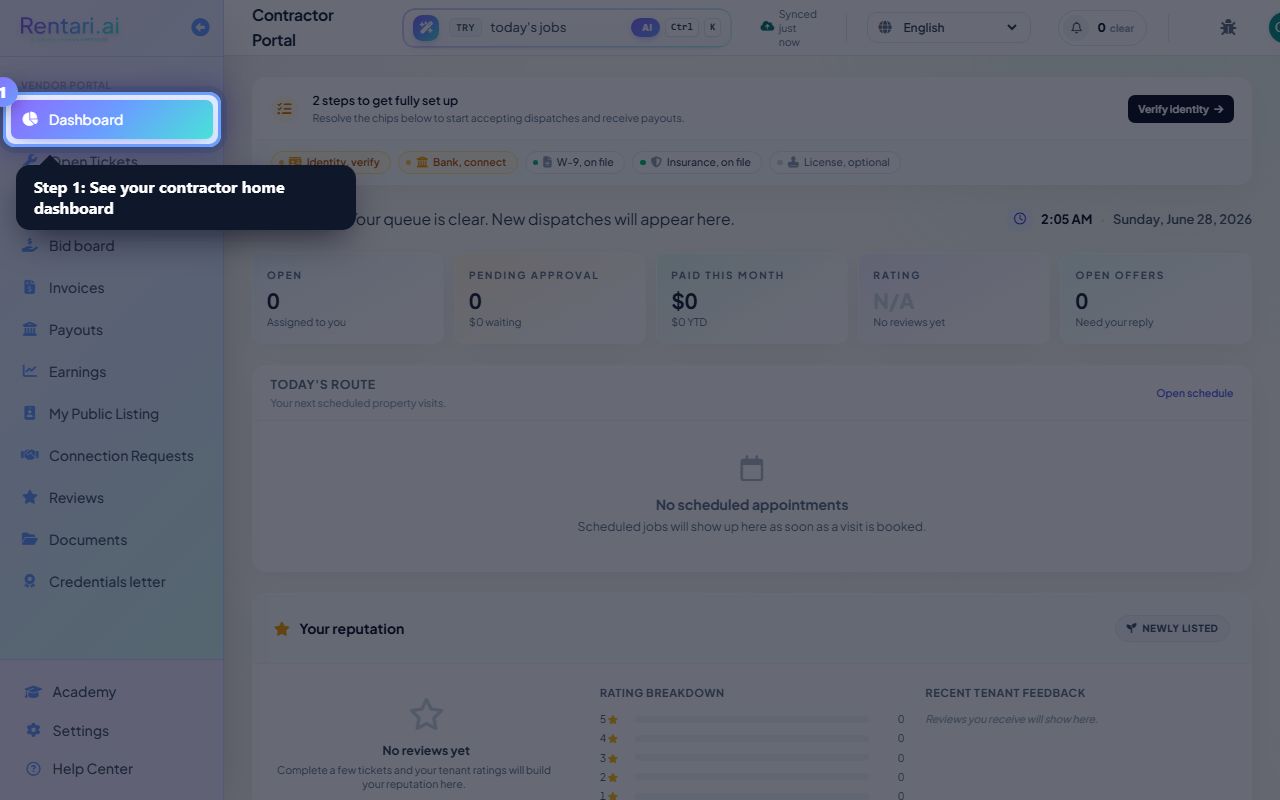
Your contractor home
Action: Home shows the work assigned to you and your recent payouts.
New jobs show up here the moment a property manager assigns you.
Run a job
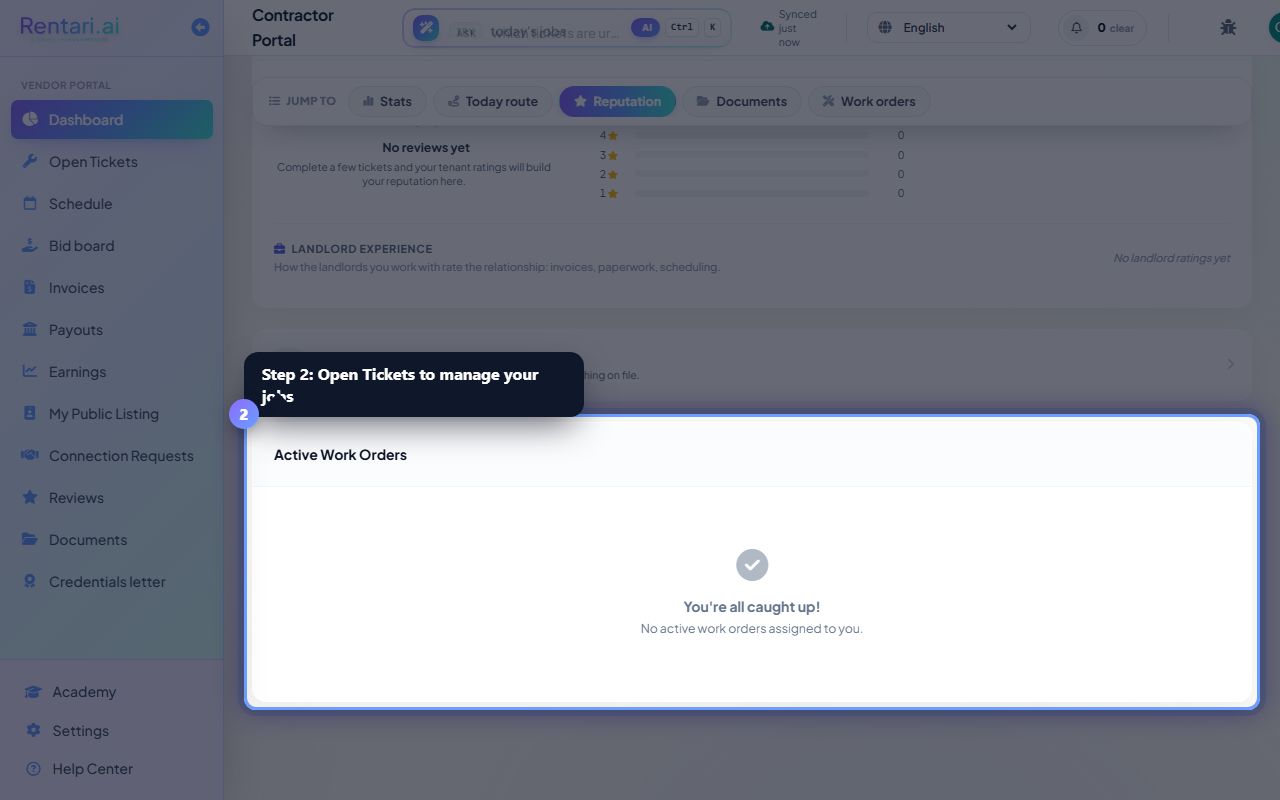
Action: Open Tickets to accept, update, and complete the maintenance jobs assigned to you.
Add notes and photos as you go so the manager and tenant stay in the loop.
Get paid and stay verified
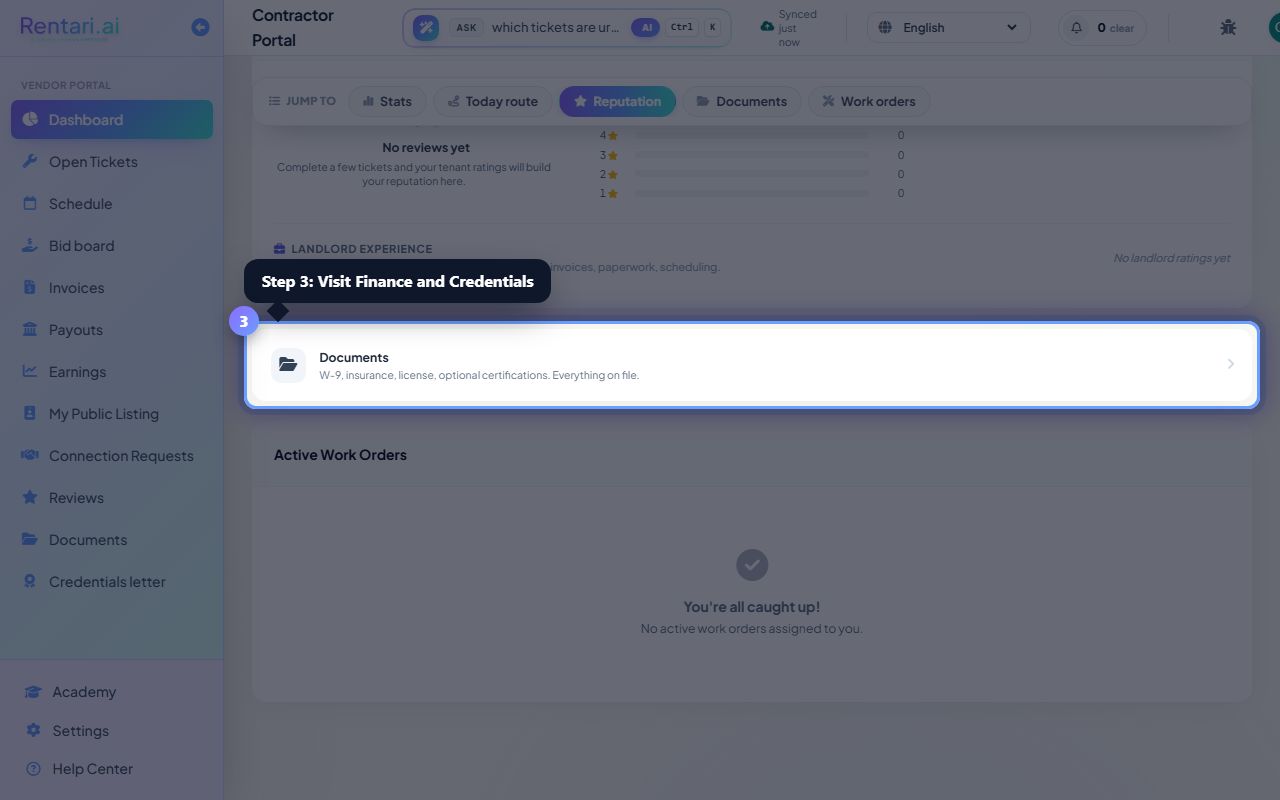
Action: Send invoices and track payouts in Finance, and keep your license, insurance, and W-9 current in Credentials.
Up-to-date credentials keep you eligible for more work.
Was this helpful?
Thanks for your feedback.