
Help Center • Vendors • Maintenance
Accept and run a job
Take an assigned ticket, update it, and mark it complete.
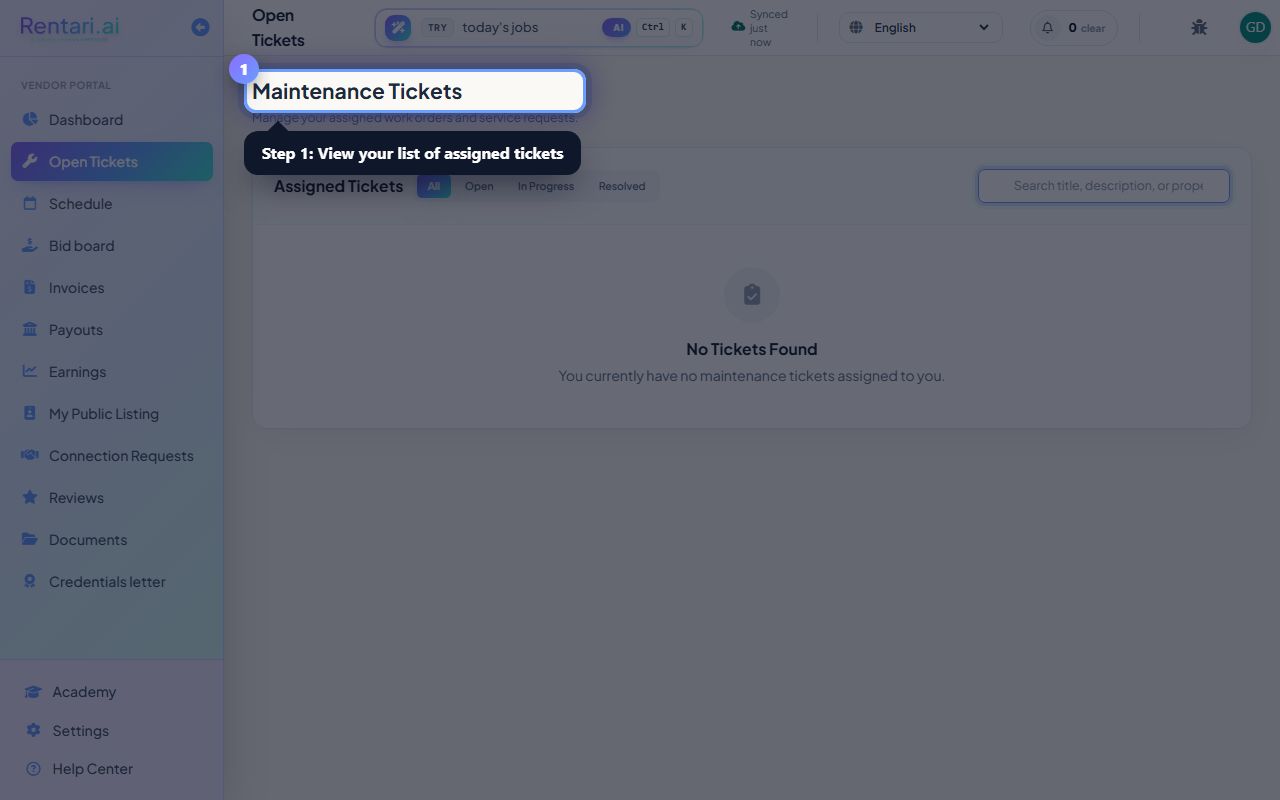
Open Tickets
Action: Choose Tickets to see the jobs assigned to you.
Accept a ticket to let the manager know you are on it.
Update as you go
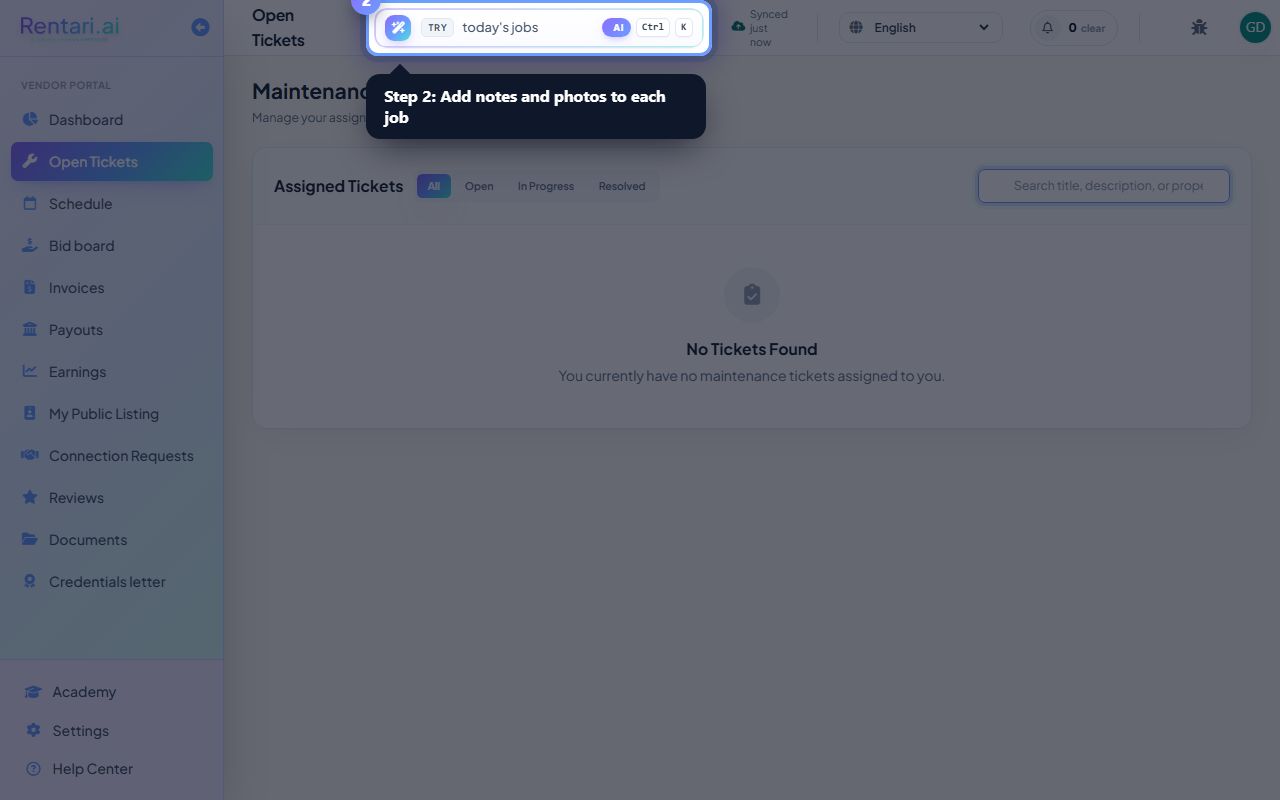
Action: Add notes and photos while you work the job.
Updates keep the manager and tenant informed.
Complete
Action: Mark the job complete when the work is done.
A clean record makes invoicing simple.
Was this helpful?
Thanks for your feedback.