Help Center • Landlords • Portfolio
Track an eviction case
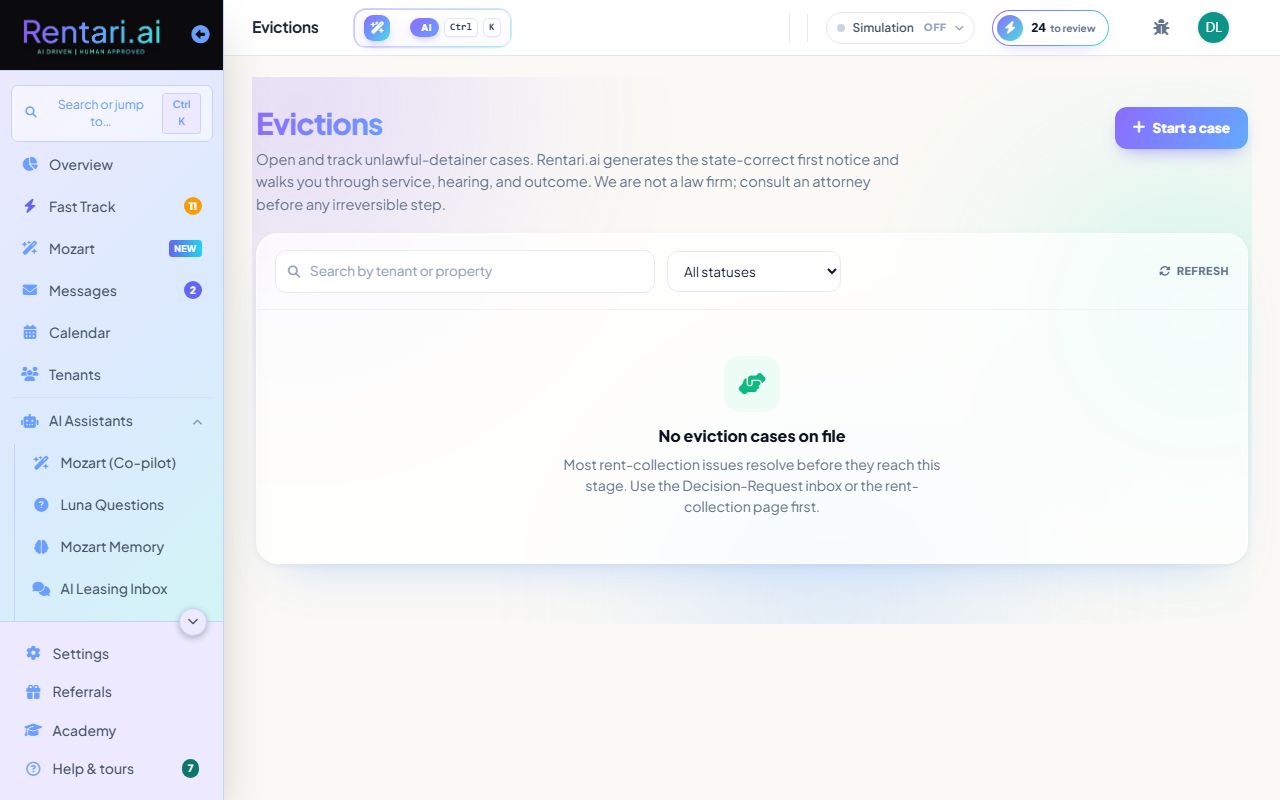
Open and track unlawful-detainer cases from notice generation through service, hearing, and outcome.
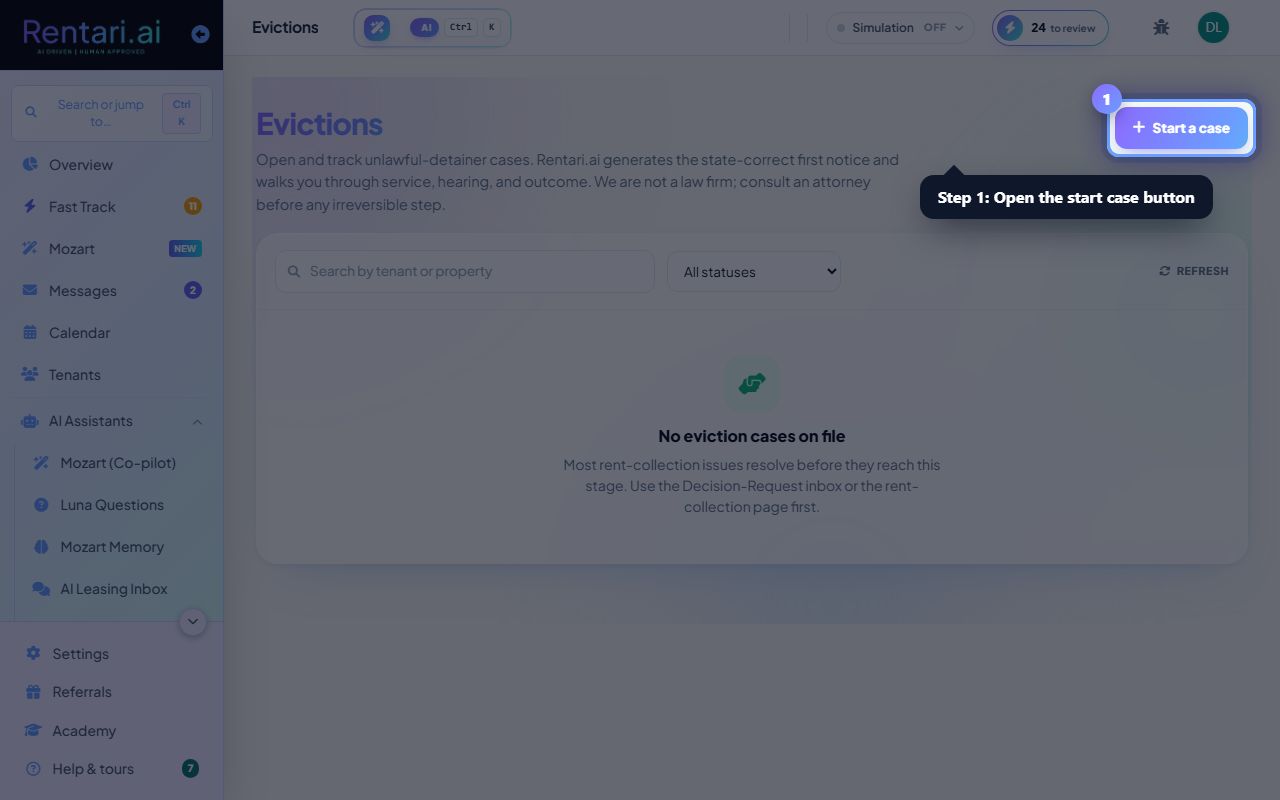
Start an eviction case
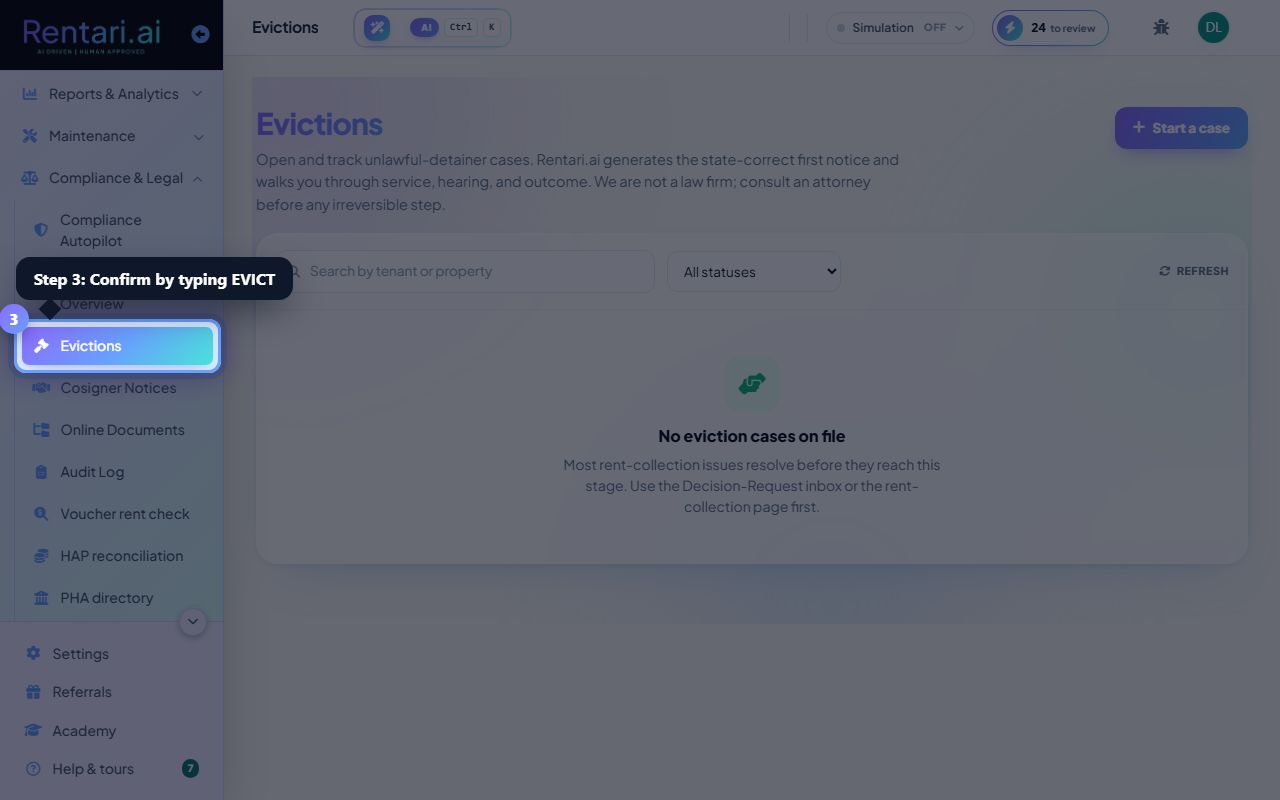
Action: Click the 'Start a case' button in the top right. Enter the lease ID, select a reason (non-payment, lease violation, holdover, or nuisance), and type EVICT in the confirmation field to proceed. Rentari generates the state-correct first notice.
Review the generated notice with an attorney before service. Rentari is not a law firm and cannot provide legal advice.
Mark the notice as served
Action: Open the case detail page. In the documents section, mark each notice served by clicking on it and selecting the service method (personal, posting, certified mail, email, or other), then confirm the date served.
Certified mail creates a paper trail. Some states require specific service methods, so consult your attorney on the correct approach.
Record hearing date and outcome
Action: On the case detail page, set the hearing date when the court schedules it. After the hearing, record the outcome (won possession, settled, dismissed, abandoned, or withdrawn) and type CLOSE to confirm. Rentari tracks your progress through every stage.
Once closed, the case is locked. If you need to reopen it, contact support. All timestamps are recorded for your audit trail.