Help Center • Tenants • Account & Settings
Manage settings and preferences
Control notification preferences, security settings, and communication channels for your rental account.
Control text alerts in the About me tab
Action: Click the 'About me' tab and find the 'Text alerts' section. Toggle the switch to allow your property manager to reach you by SMS. When enabled, you will receive text messages for maintenance requests, rent reminders, and other updates.
Disabling text alerts does not stop email notifications. Important communications will still reach you via email even if you turn off SMS.
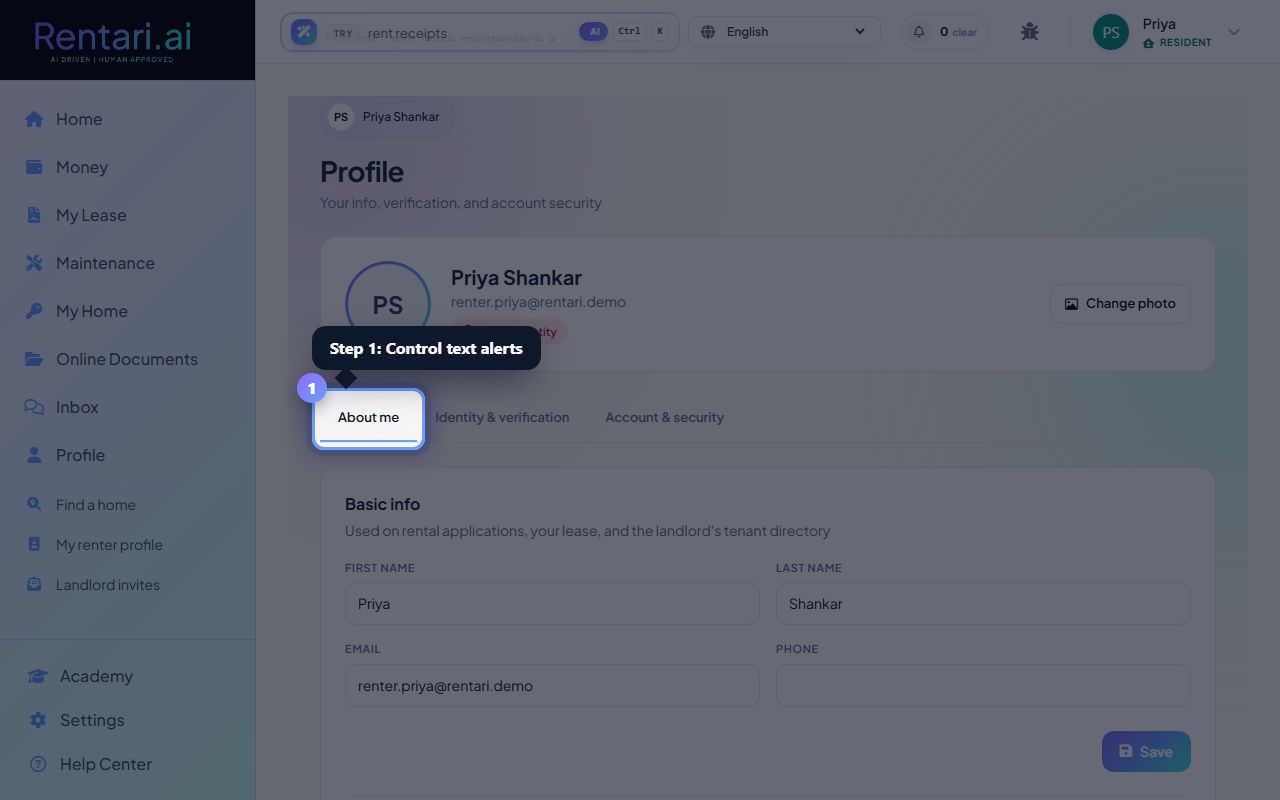
Manage your session security in Account & security tab
Action: Click the 'Account & security' tab. You can change your password at any time. If you signed in on a shared device and forgot to log out, click 'Sign out' to end all active sessions from this account.
Signing out from here is safer than closing the browser on a shared device. You will be asked to sign in again the next time you access Rentari.ai.
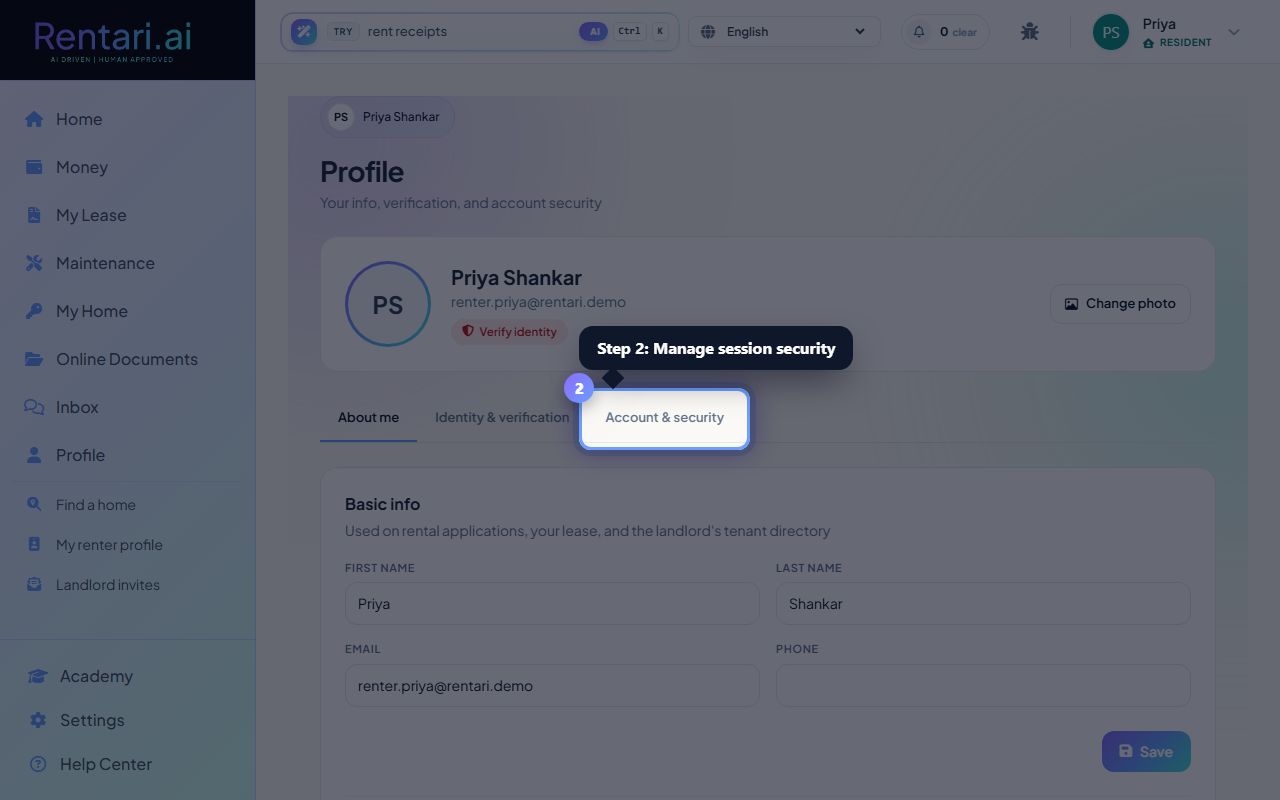
Keep your contact info current
Action: In the 'About me' tab, make sure your email and phone number are correct. These are used for all account notifications and landlord communication. Click Save after making changes.
Update your phone number and email immediately if they change. Landlords and Rentari.ai use these to contact you about applications, leases, and payment deadlines.