Help Center • Tenants • Account & Settings
Update your profile
Manage your basic info, verify your identity, update emergency contacts, and set text alert preferences.
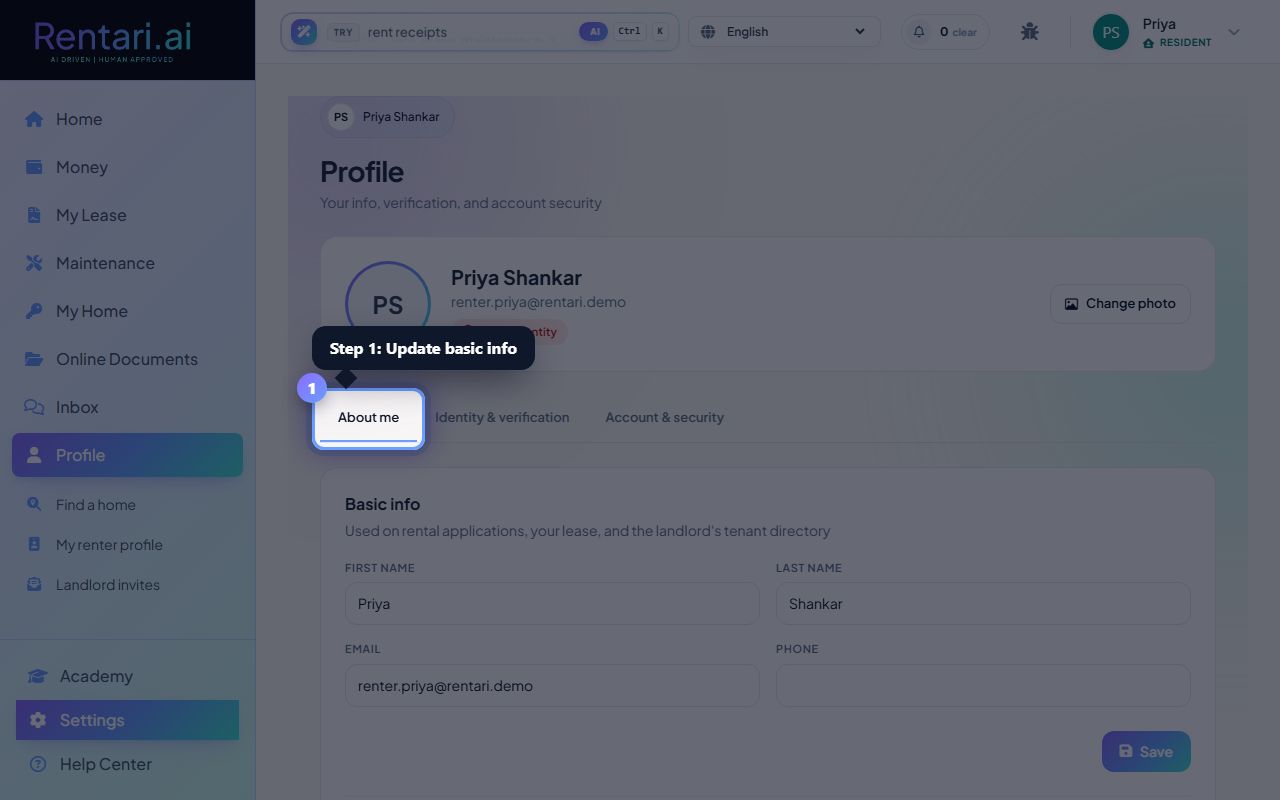
Update your basic info in the About me tab
Action: Click the 'About me' tab. Edit your first name, last name, email, phone, employer, and job title. These details appear on rental applications and your lease. Check the text alerts toggle to allow or block SMS messages from your property manager. Click Save after each section.
Your employer and job title are shown to landlords during application review and at renewal time. Keep them current and honest.
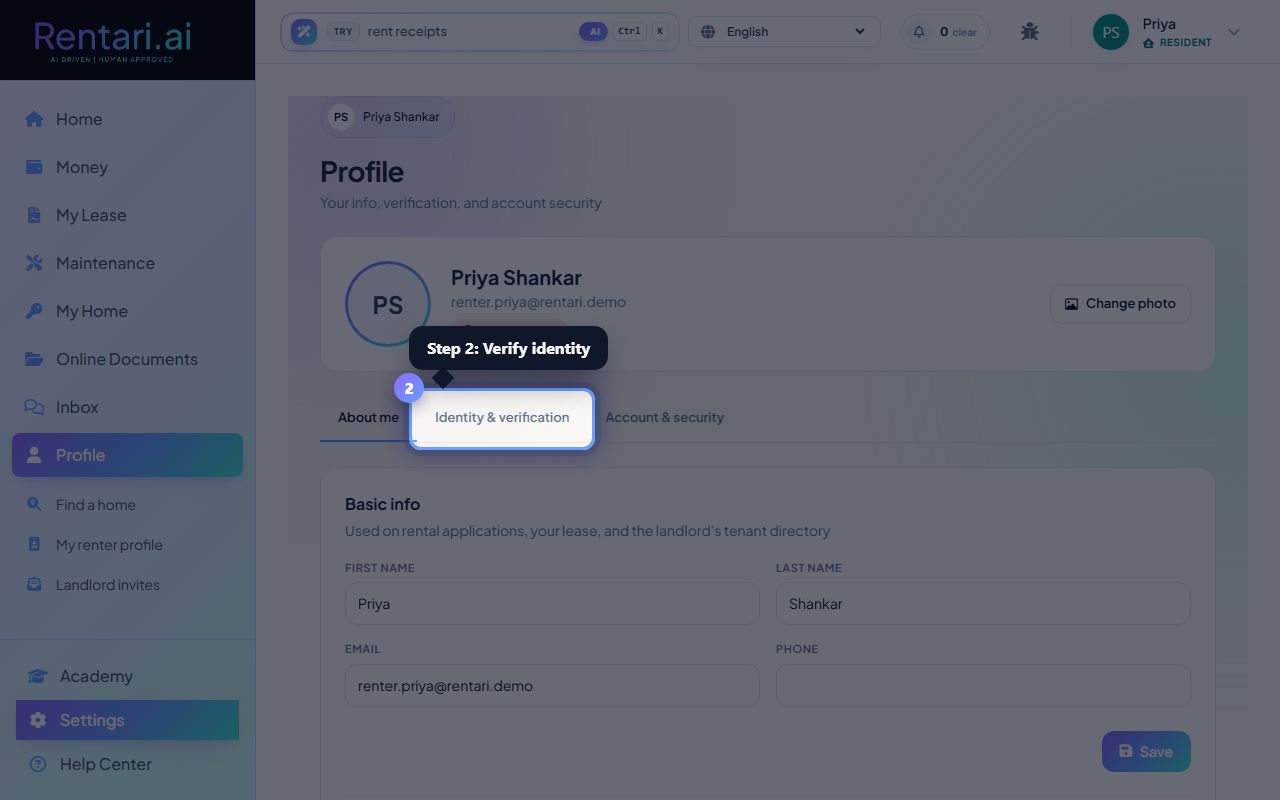
Verify your identity in the Identity & verification tab
Action: Click the 'Identity & verification' tab. If you have not verified yet, click Start to begin a Stripe Identity check. You will need to provide a government ID photo and a selfie. The process takes about 90 seconds. Once verified, future applications skip this step.
Stripe never shares your ID document with landlords, only the verified status. If verification is pending, you can click Check status to refresh instead of waiting on email.
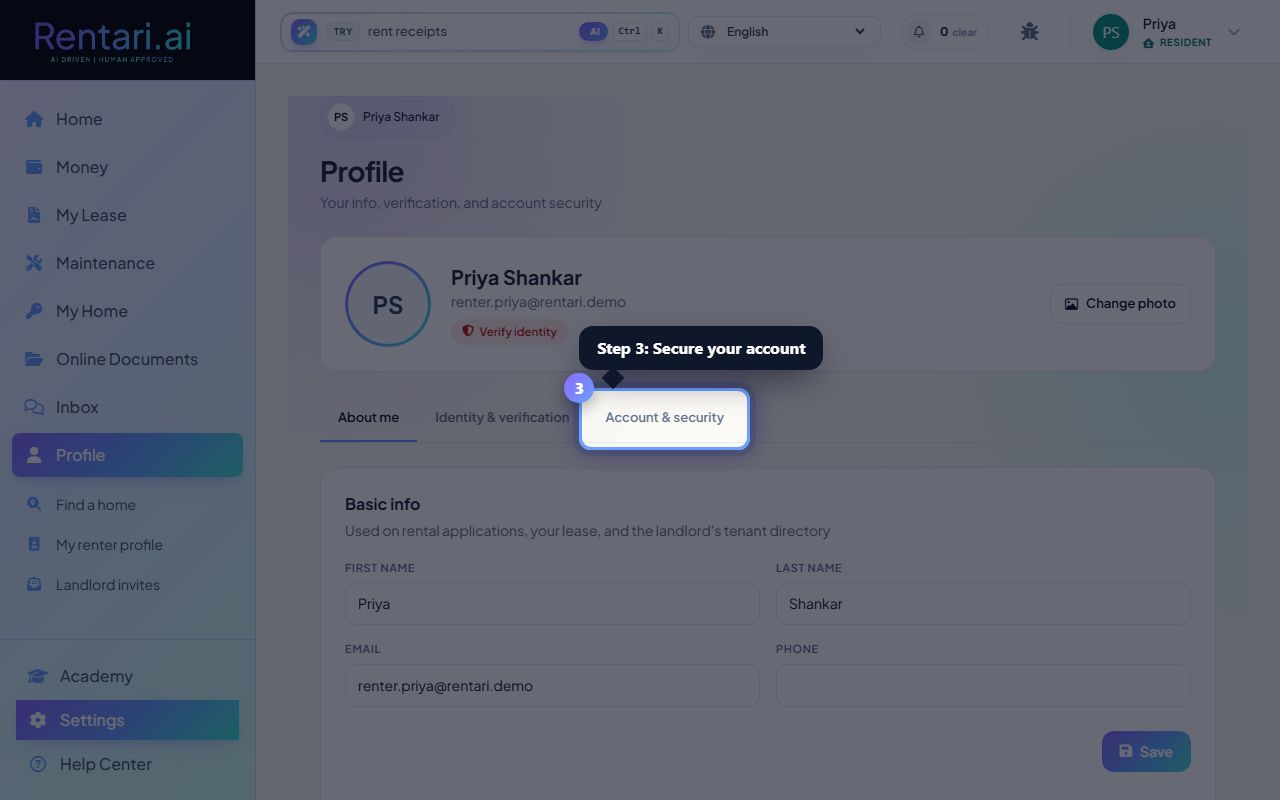
Secure your account in Account & security tab
Action: Click the 'Account & security' tab to change your password. Enter your current password, then your new password twice. We will email you a confirmation once it is changed. You can also click 'Sign out' to end your session.
Use at least 8 characters for your password. Signing out here ends only this session. You can sign back in anytime with your credentials.