Help Center • Tenants • Leasing & Screening
Search rental listings
Browse available rental listings on the Rentari.ai marketplace, filter by price and bedrooms, and save listings to compare.
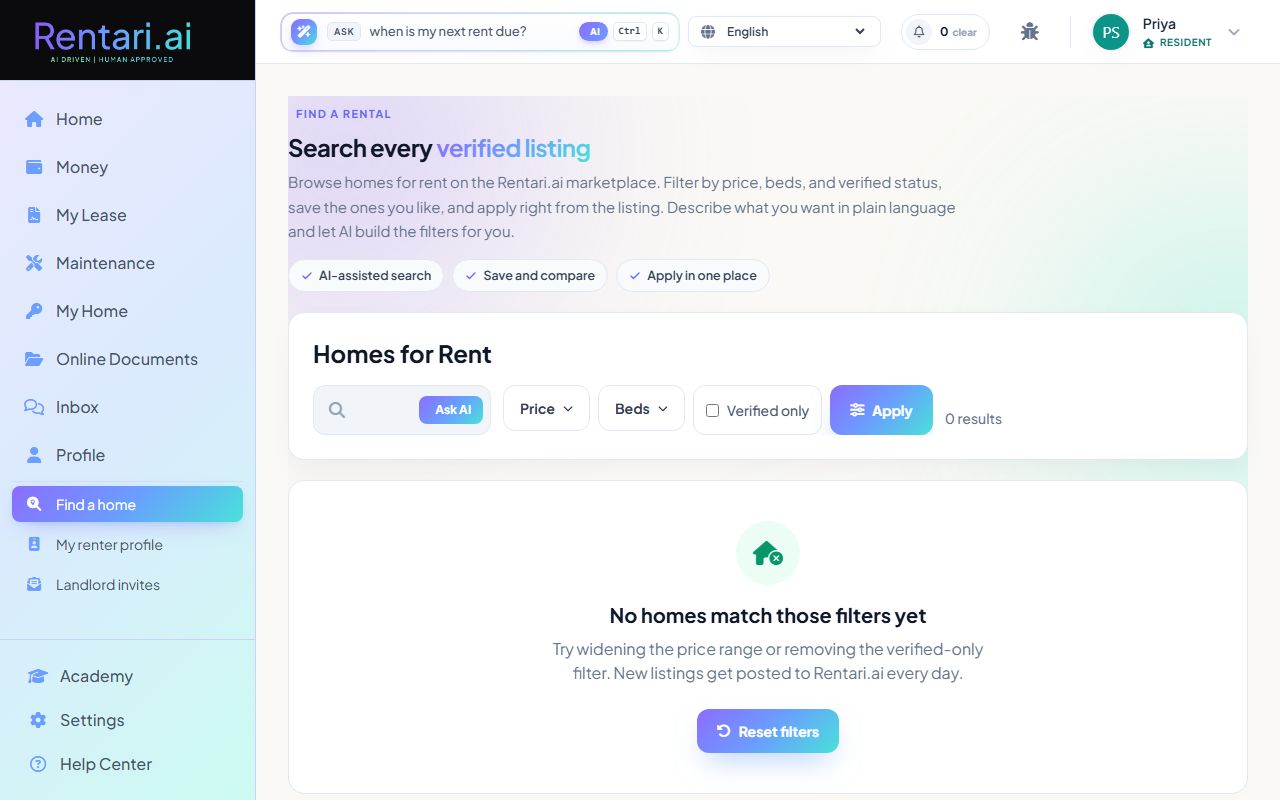
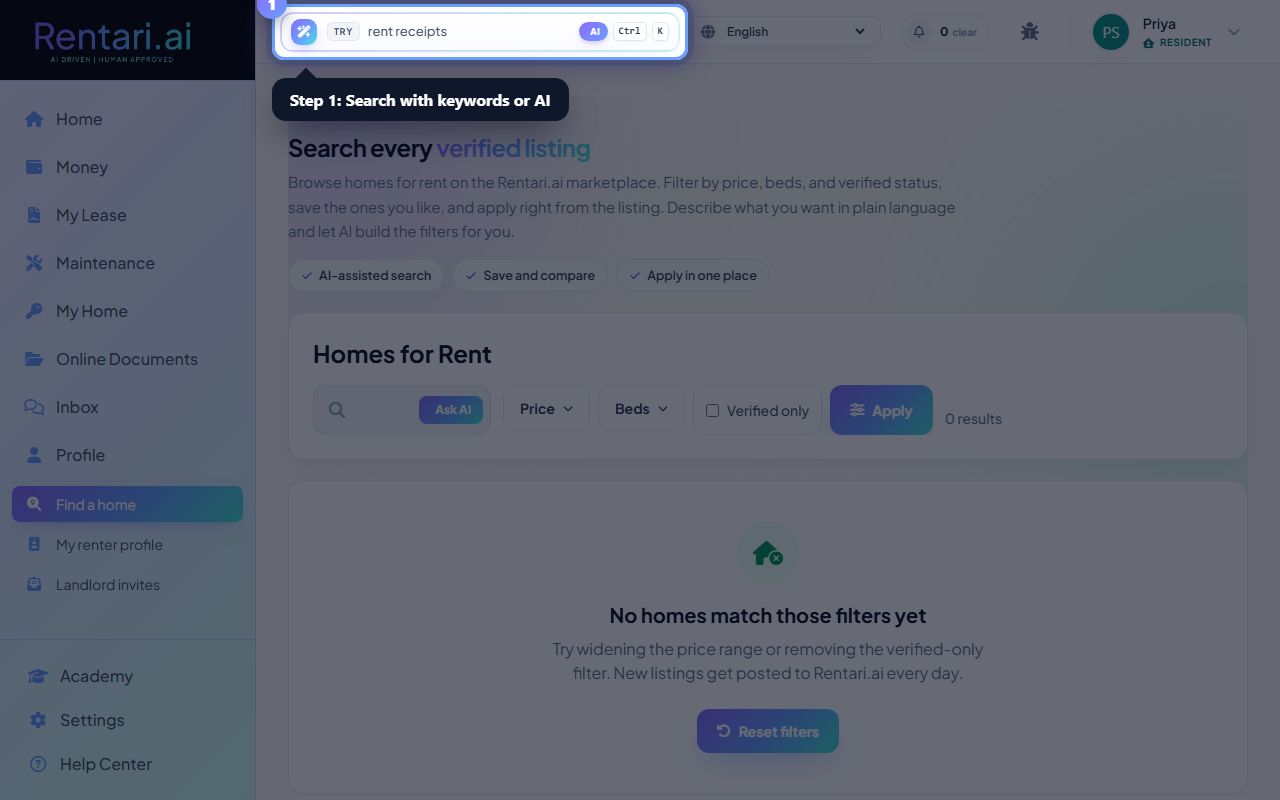
Search with keywords or AI
Action: Type your search in the text field. You can type natural language like '2 bed under $2k near Forest Park, pet friendly' or click 'Ask AI' to have the copilot build filters from your description. Press Enter or click Apply to search.
AI search interpreting your request, but you can always manually adjust filters. The search shows how many results match your criteria at the bottom of the form.
Filter by price, bedrooms, and verification status
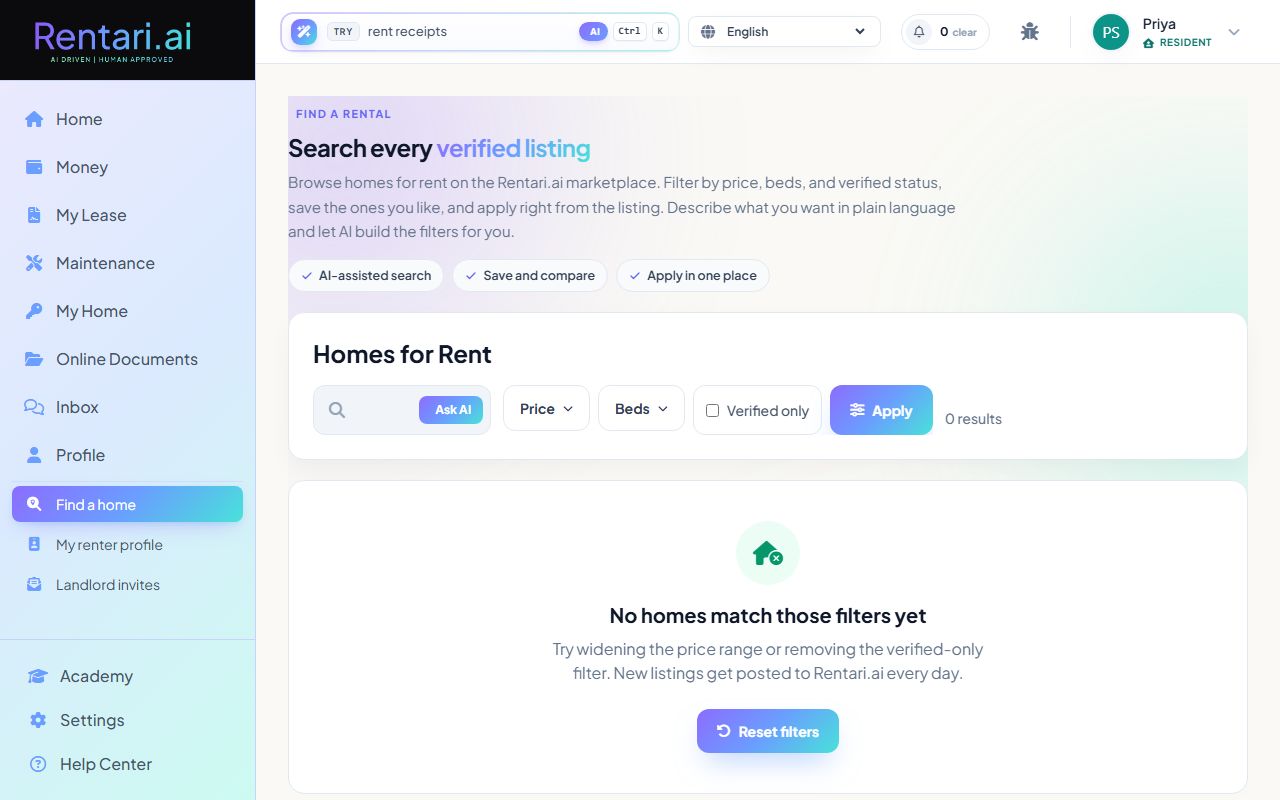
Action: Click the 'Price' dropdown to set min and max rent. Click 'Beds' to select 1 to 5 or more bedrooms. Check 'Verified only' to show only landlord-verified listings. Click Apply to update results.
Verified listings have been confirmed by landlords and are lower-risk. Removing filters shows more options but may include unverified postings.
Save and compare listings
Action: Click the heart icon on any listing to save it. Click the checkbox labeled 'Compare' to select 2 to 4 listings for side-by-side comparison. Saved listings persist in your favorites so you can return later.
Each listing card shows rent, beds, baths, sqft, and a fast-apply badge if available. Fast Apply listings can skip some form fields for a quicker application.