Help Center • Tenants • Leasing & Screening
Review your lease renewal offer
See your landlord's renewal offer with proposed rent, compare it to your current rent, and draft negotiation messages with AI assistance.
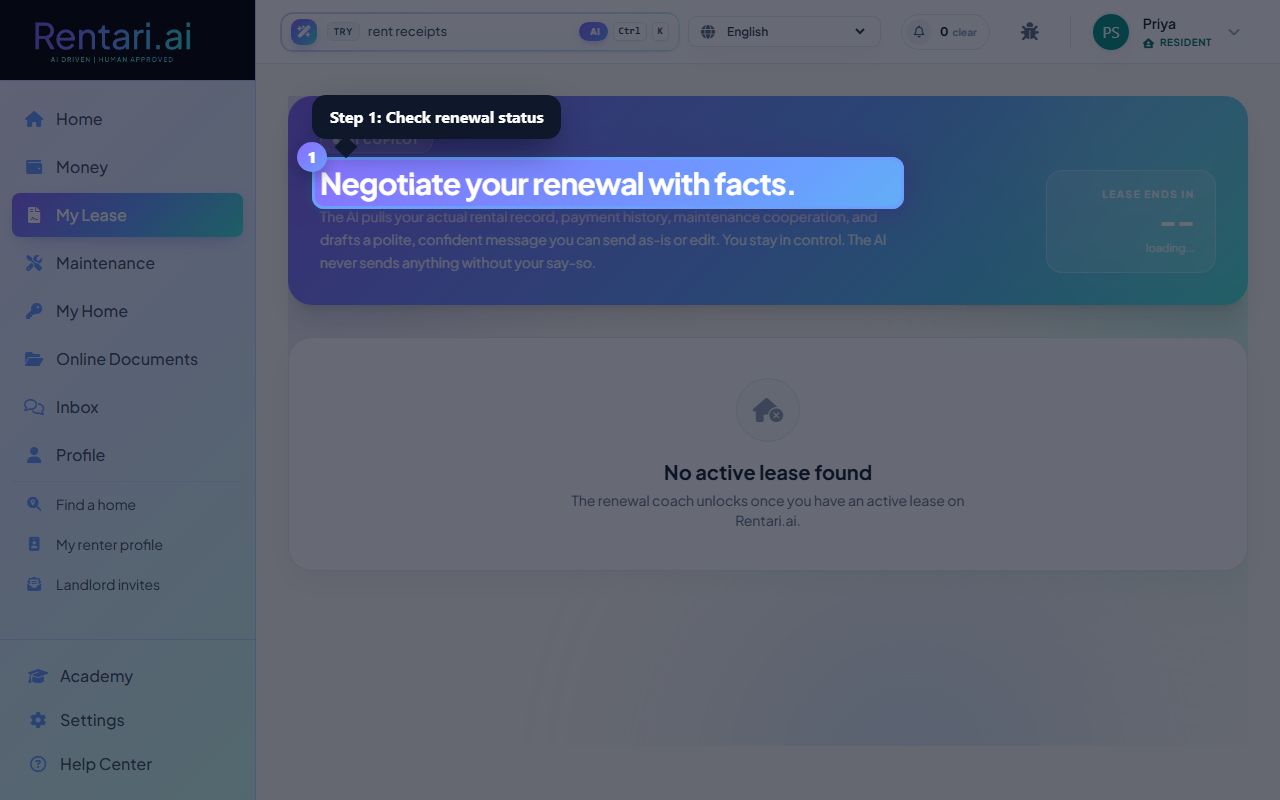
Check your renewal status
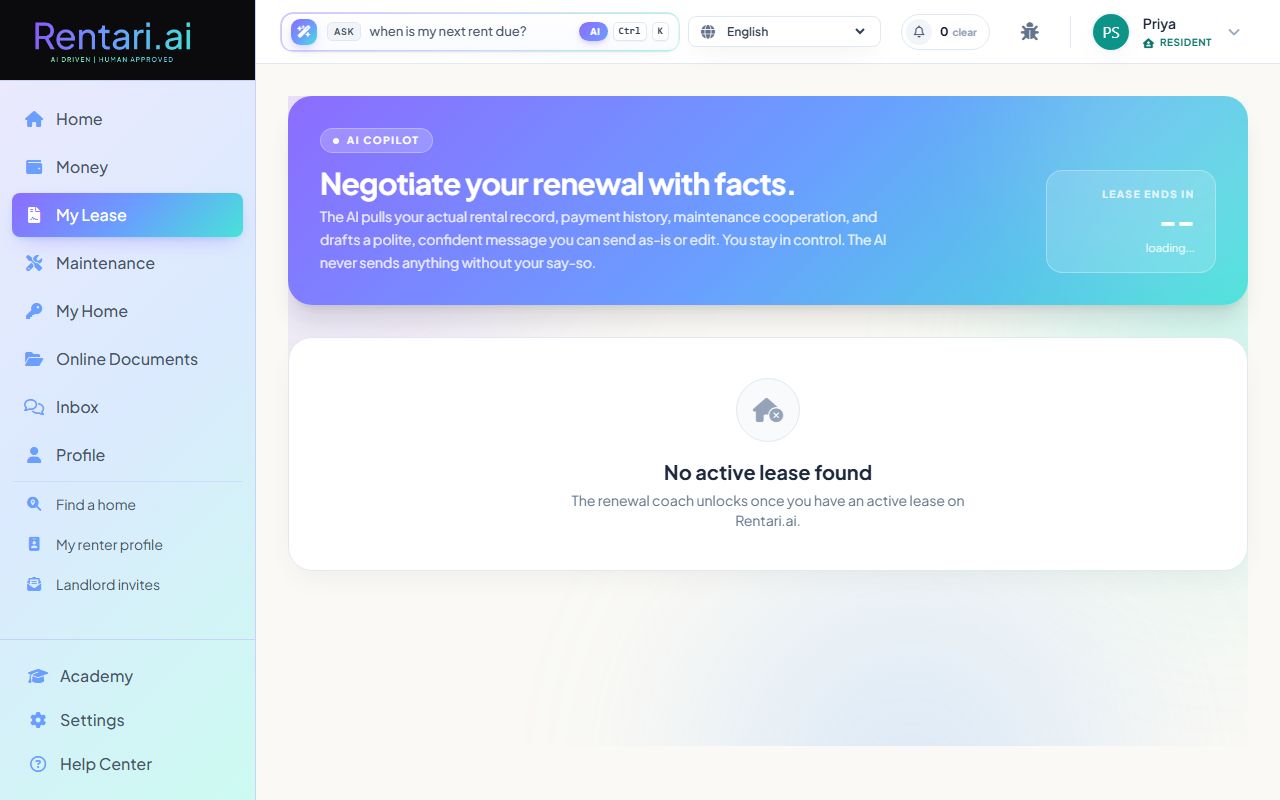
Action: The Renewal Center shows a countdown to your lease end date. When your landlord sends an offer, it appears in a card showing current rent, offered rent side by side, and a status pill (e.g., 'Pending your response'). If no offer yet, a message says you are waiting for the landlord's proposal.
The AI reads your actual rental history, payment record, and maintenance cooperation. It will draft negotiation points based on facts, not emotion.
Review the renewal offer details
Action: Your landlord's offer card shows the new rent amount. Click to expand for full terms. Additional sections may show incentives or requested changes to the lease.
The proposed rent will be compared to your current rent visually so you can spot increases at a glance. Take time to review before responding.
Draft or send a negotiation message
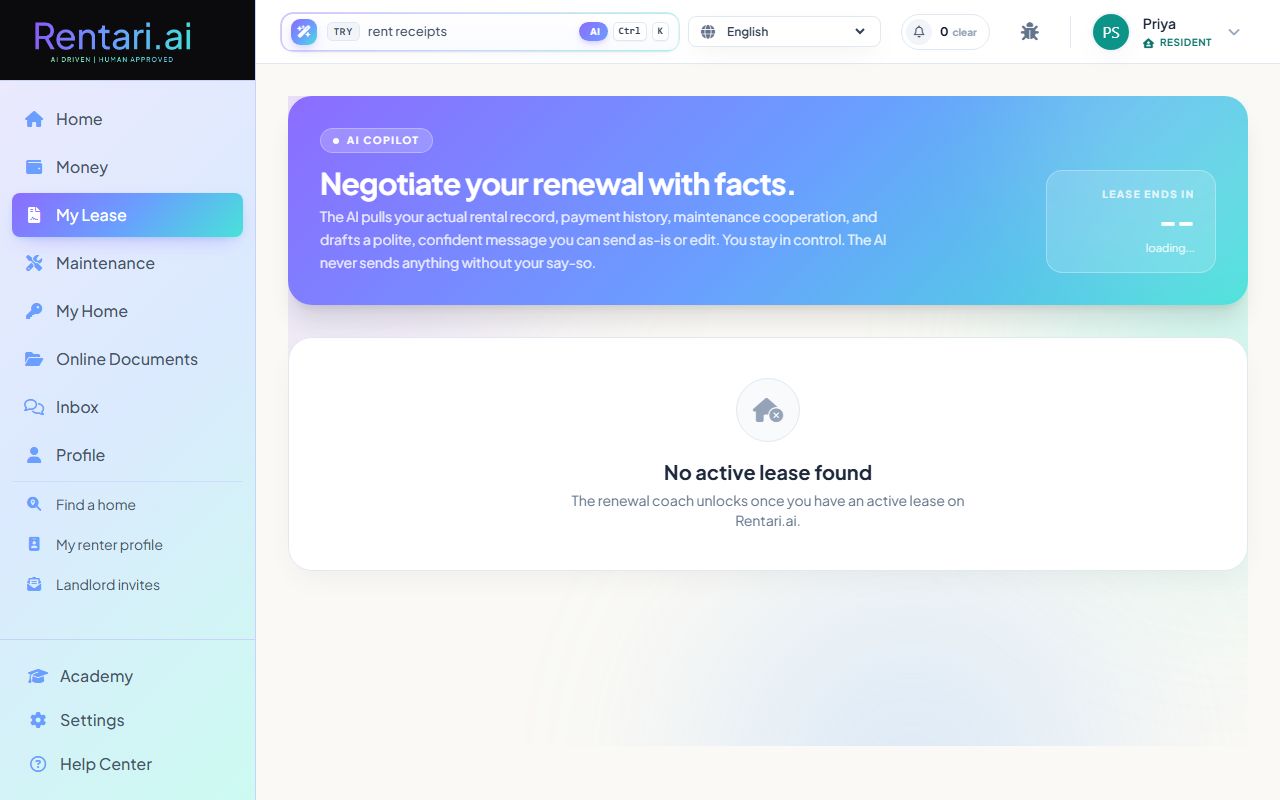
Action: In the 'Your message' section, click 'Get AI draft' to have Rentari.ai draft a polite negotiation message based on your rental record. Edit the draft text if needed, then click Send to deliver it to your landlord. You stay in full control, and nothing is sent without your approval.
The AI never sends on your behalf, it only proposes. You can edit every word before sending. Messages are delivered via email to your landlord automatically.