Help Center • Tenants • Documents
Request lease changes
Propose changes to your lease mid-tenancy, such as adding a roommate, subletting, or modifying terms, with written documentation.
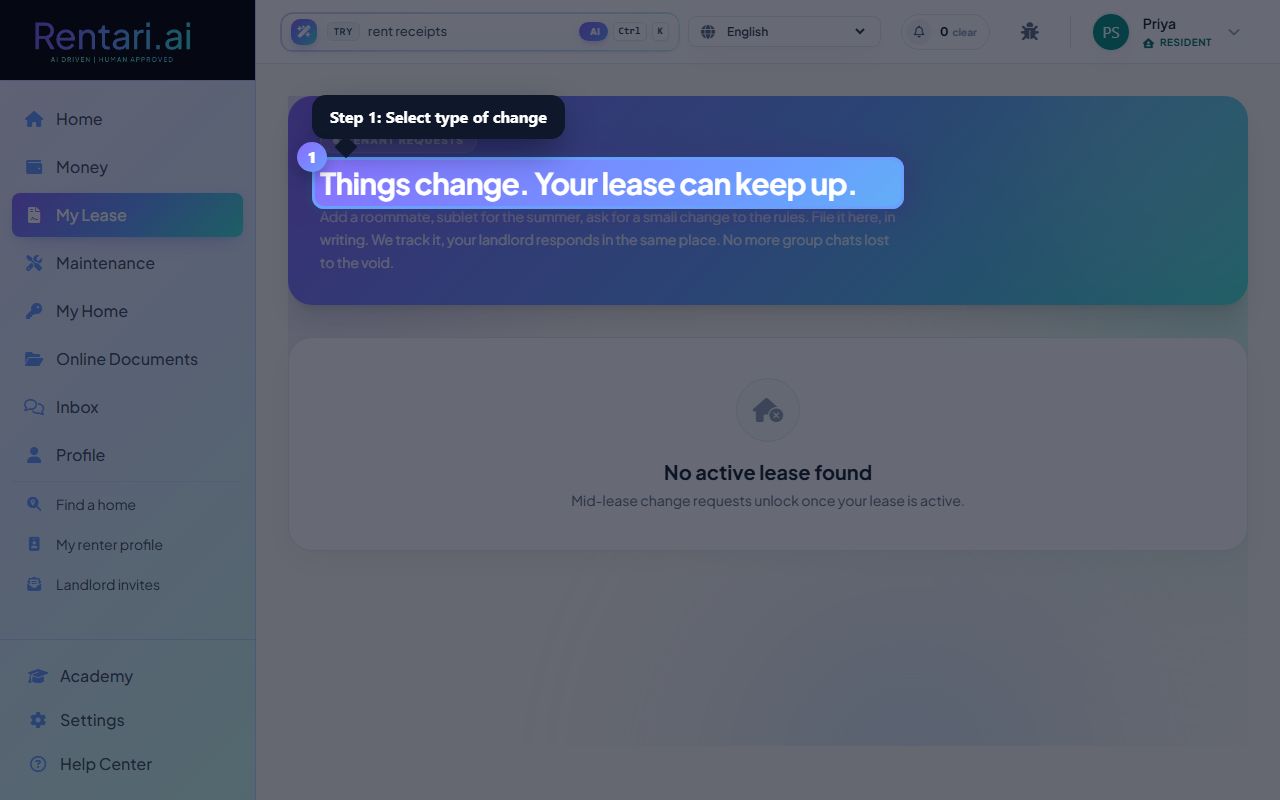
Select the type of change request
Action: Click one of four request-type buttons: 'Add roommate', 'Remove roommate', 'Sublet', or 'Modify terms'. Each type has its own form with relevant fields.
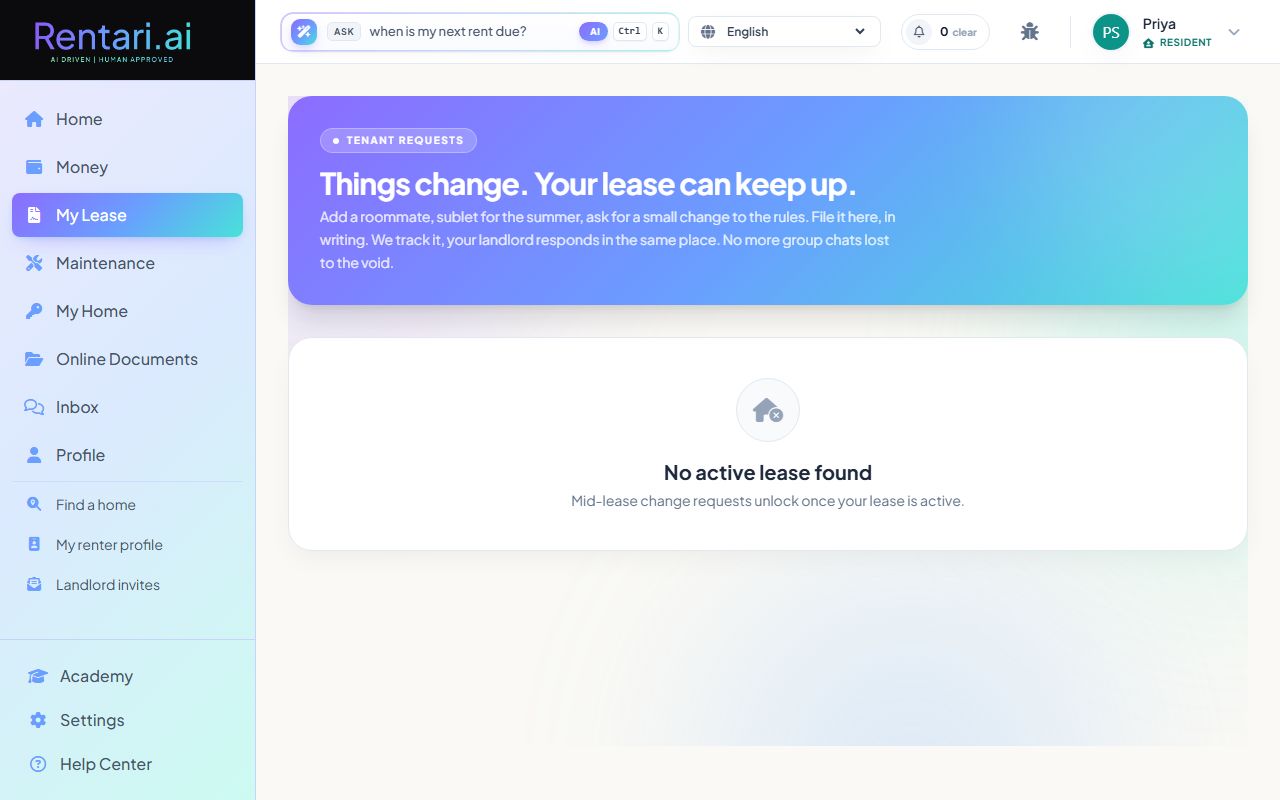
You can only file change requests if your lease is currently active. Pending or expired leases will show a message that mid-lease changes are not available yet.
Fill in the change request details
Action: For 'Add roommate' or 'Sublet', enter the prospective person's first and last name, email, and phone. For 'Remove roommate', enter who is leaving. For 'Modify terms', describe what you want to change. All requests auto-notify your landlord by email.
Be as specific as possible in the description. Your landlord will respond in the same thread, so keep everything written and timestamped for reference.
Track your request status
Action: After submitting, your request appears in the request history below showing submission date, type, and status (pending, approved, denied, or resolved). Click on a request to view the full conversation with your landlord.
Requests remain visible even after they are resolved so you have a complete record. Check back regularly for responses, or turn on notifications to get alerted when your landlord replies.