
Help Center • Tenants • Getting Started
What you see as a tenant
Where to pay rent, see your lease, file a repair, and message your property manager in your renter portal.
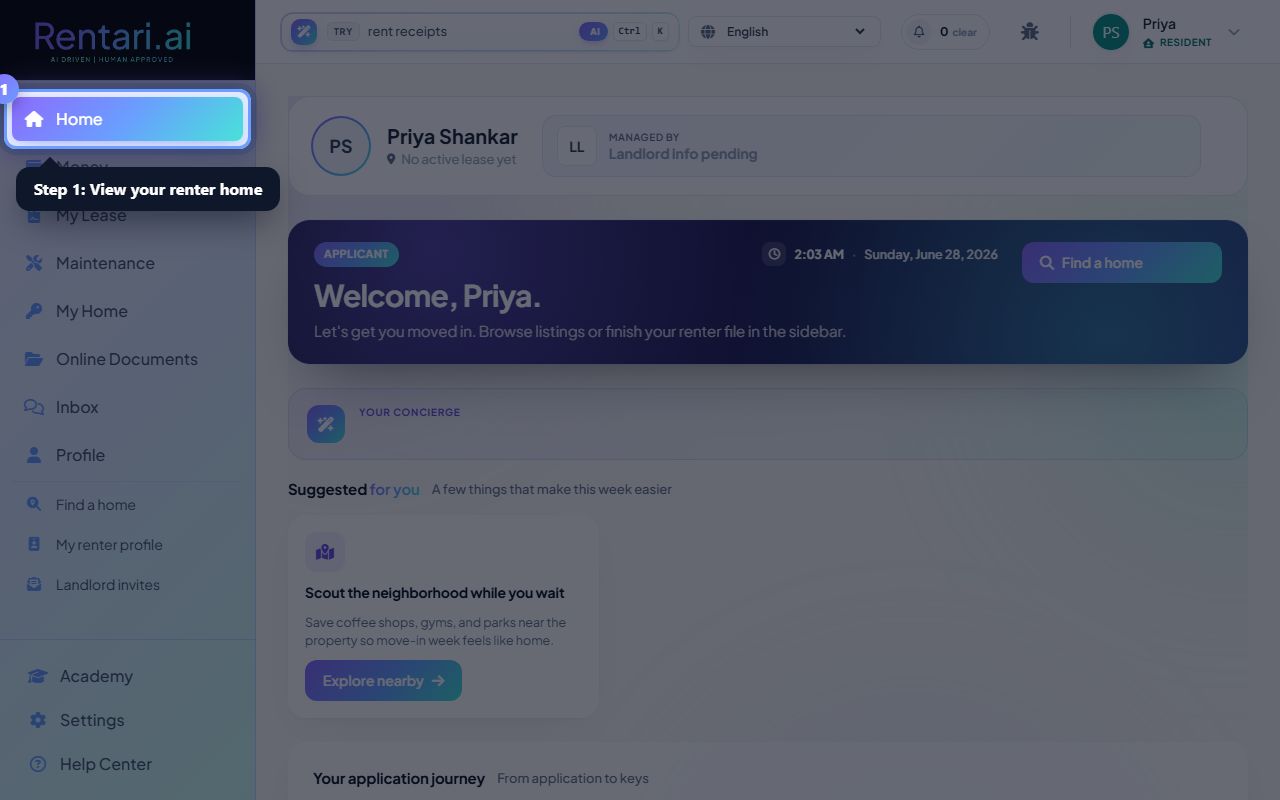
Your renter home
Action: Home shows rent due, open repair tickets, and a snapshot of your lease.
Everything your property manager shared with you lives here.
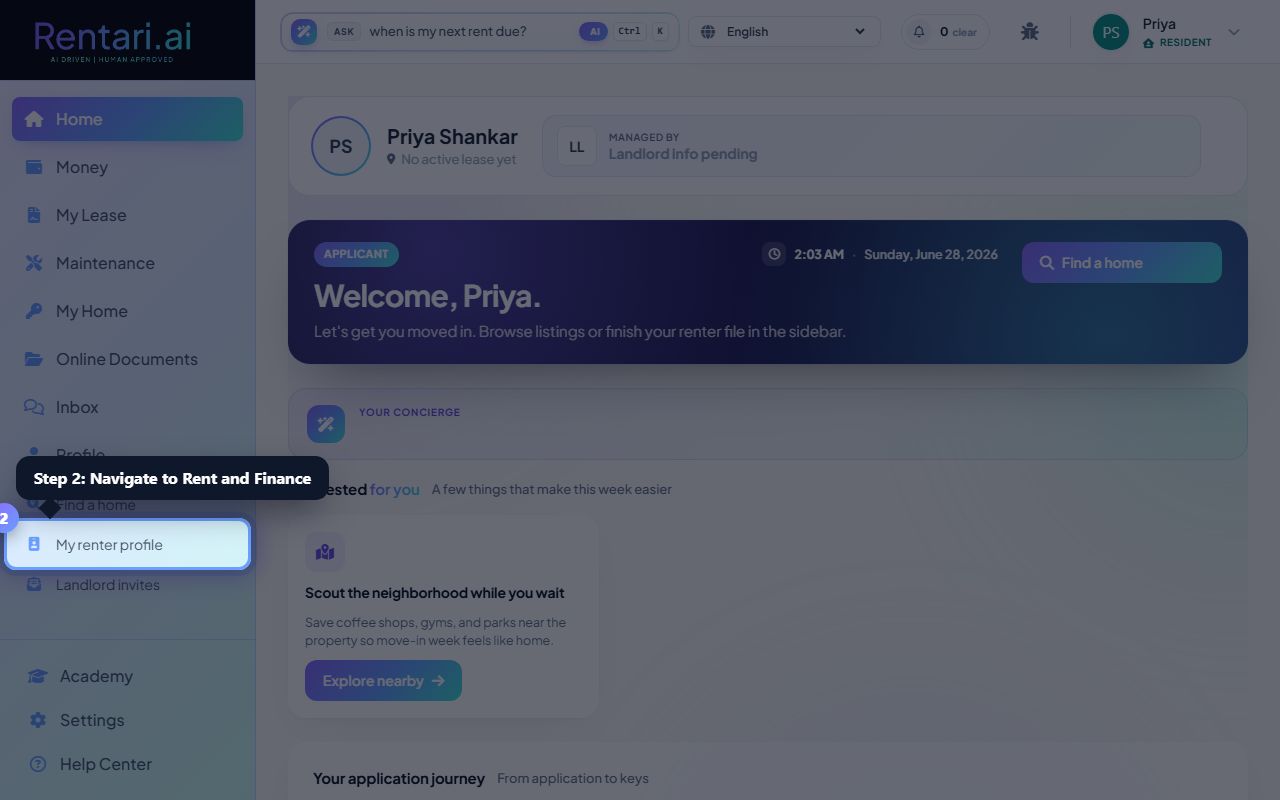
Pay and track money
Action: Open Rent and Finance to pay rent, set up autopay, and see your payment history.
Card payments clear right away; bank transfers take 1 to 3 business days.
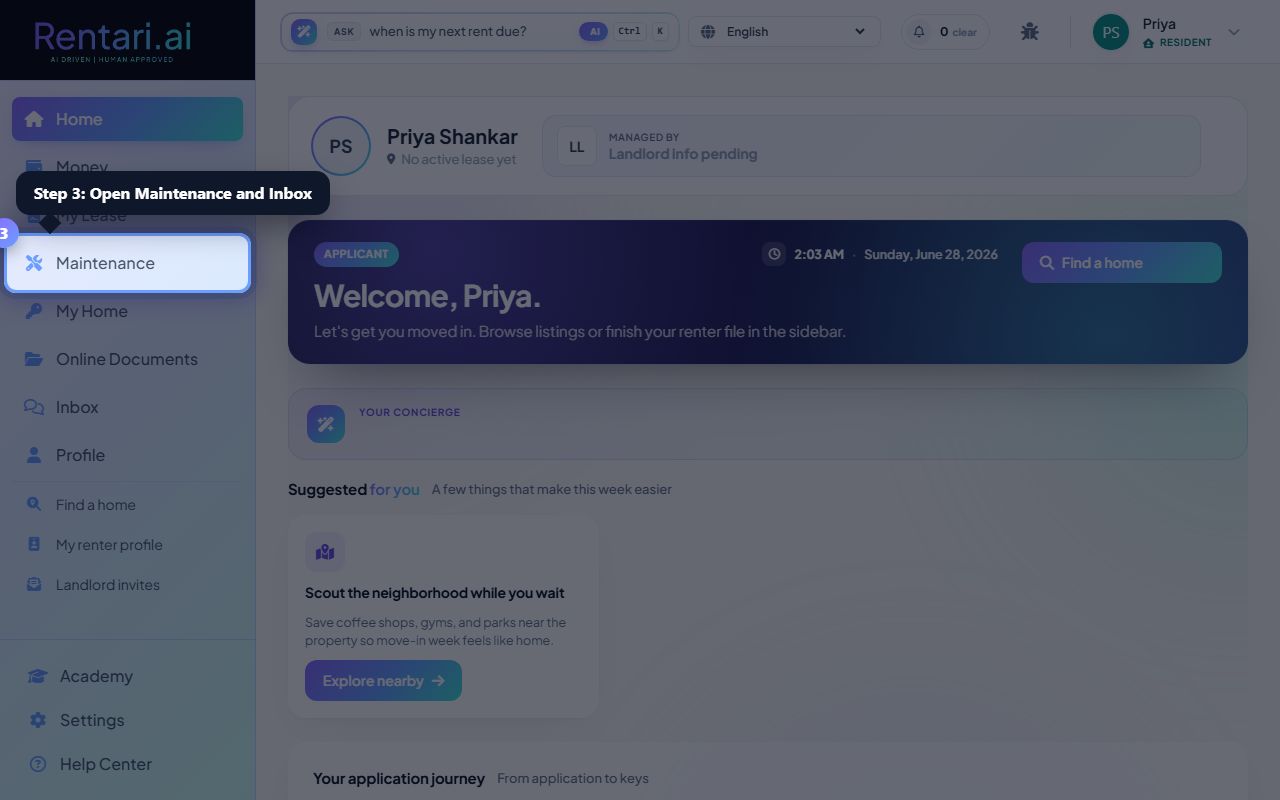
Ask for repairs and message your manager
Action: Use Maintenance to file a repair with photos, and Inbox to message your property manager.
Clear photos and a short description get repairs handled faster.
Was this helpful?
Thanks for your feedback.