Help Center • Tenants • Maintenance
Document move-in condition
Log pre-existing damage during your first 72 hours in a unit to protect your security deposit from unfair deductions at move-out.
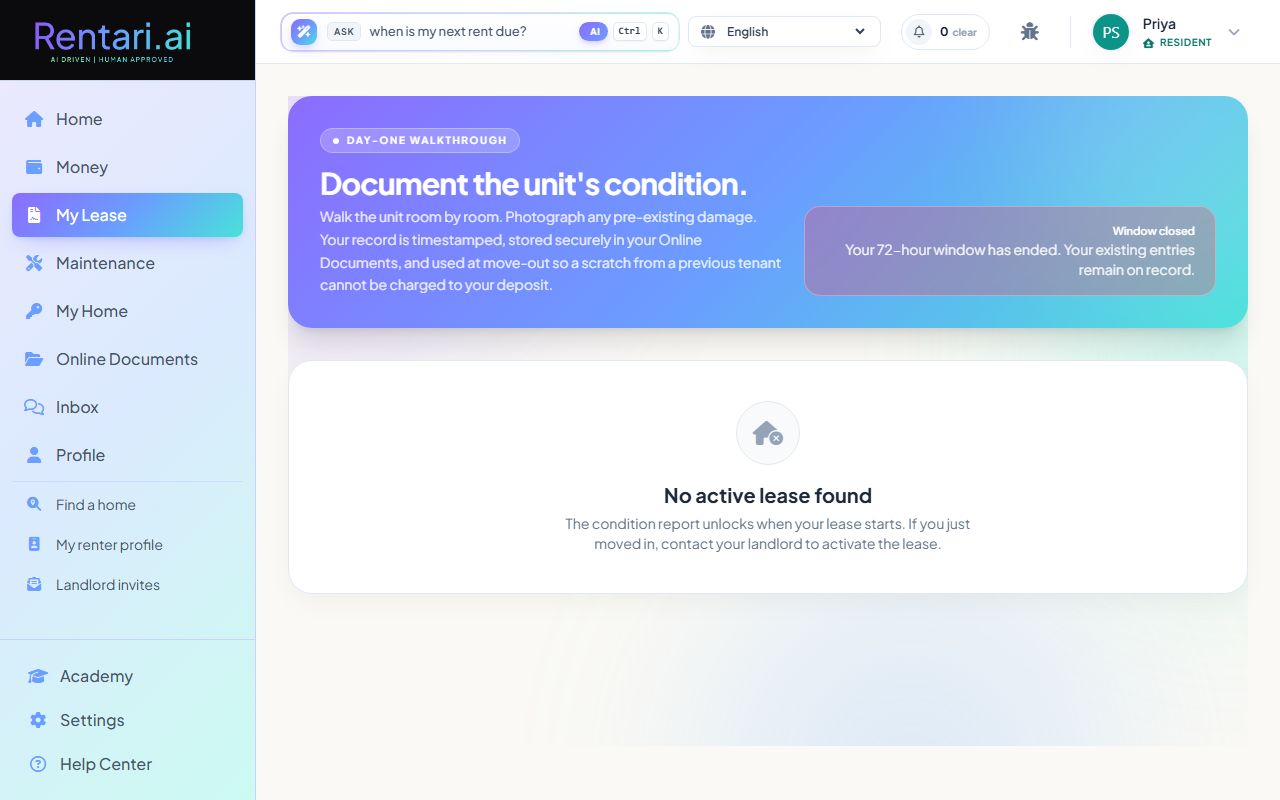
Open the move-in report within 72 hours
Action: After your lease starts, you have 72 hours to document the unit's condition. The page shows a countdown of remaining days and hours. Click 'Log a pre-existing condition' to start adding entries.
The 72-hour window is legally important in many states. Do not wait, take photos and add entries as soon as you move in. Your move-in report is stored privately and protects you at move-out.
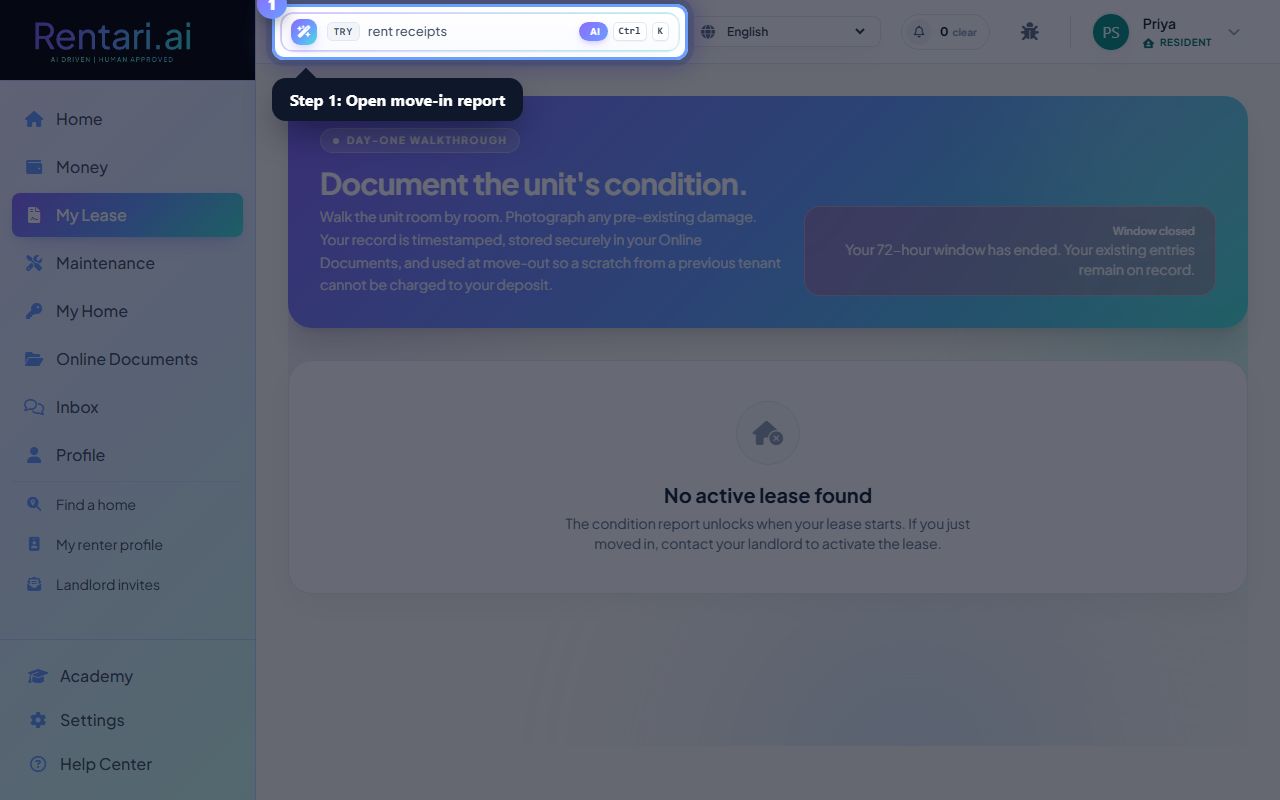
Add condition entries with room and photos
Action: Select a room from the dropdown (kitchen, bedroom, bathroom, etc.), describe what you found in plain language (e.g., 'scratch on hardwood by entry'), and upload a photo if possible. Click 'Log entry' to save. Add as many entries as you need.
Photos are optional but strongly recommended. Clear, timestamped photos prove existing damage. Skip blurry shots and make sure the damage is clearly visible and the location is obvious.
Review your logged entries
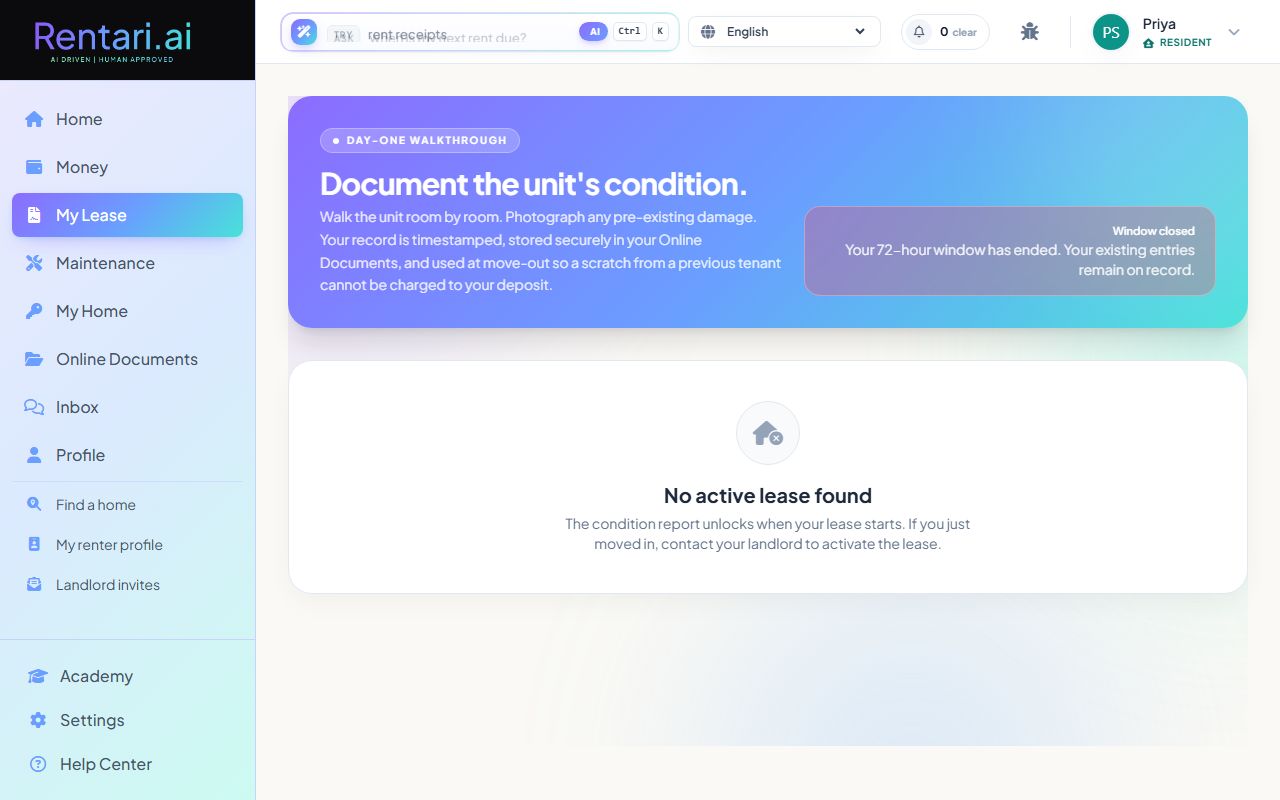
Action: All entries appear in the 'Your entries' section with the room, description, photo thumbnail, and timestamp. Your complete move-in report is stored in your Online Documents and shown to your landlord only when they request the move-in inspection.
After the 72-hour window closes, you can still view your entries but cannot add new ones. Your existing log stays on record and prevents disputes over pre-existing damage at move-out.