Help Center • Landlords • Accounting & Reports
Review your compliance calendar
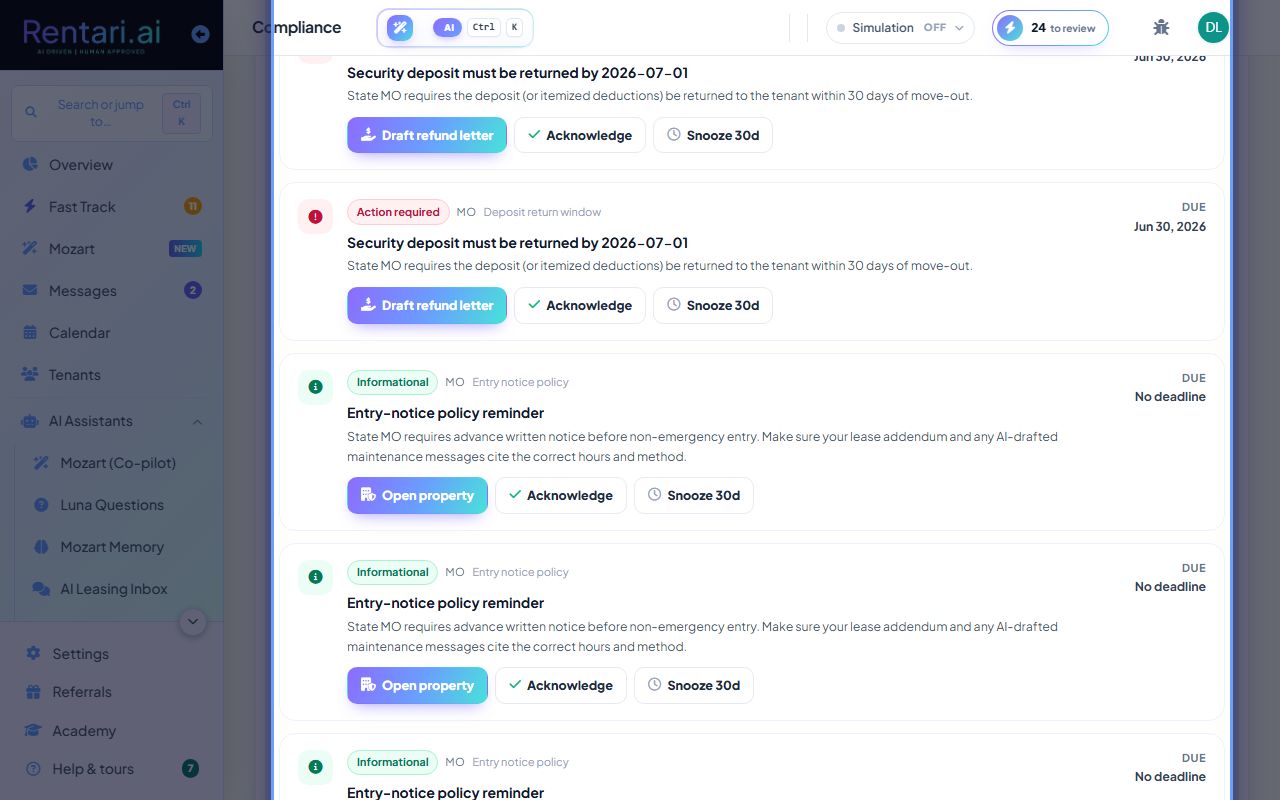
Check state-specific compliance deadlines in one place: lease renewals, deposit return deadlines, insurance expiration, and habitability risks.
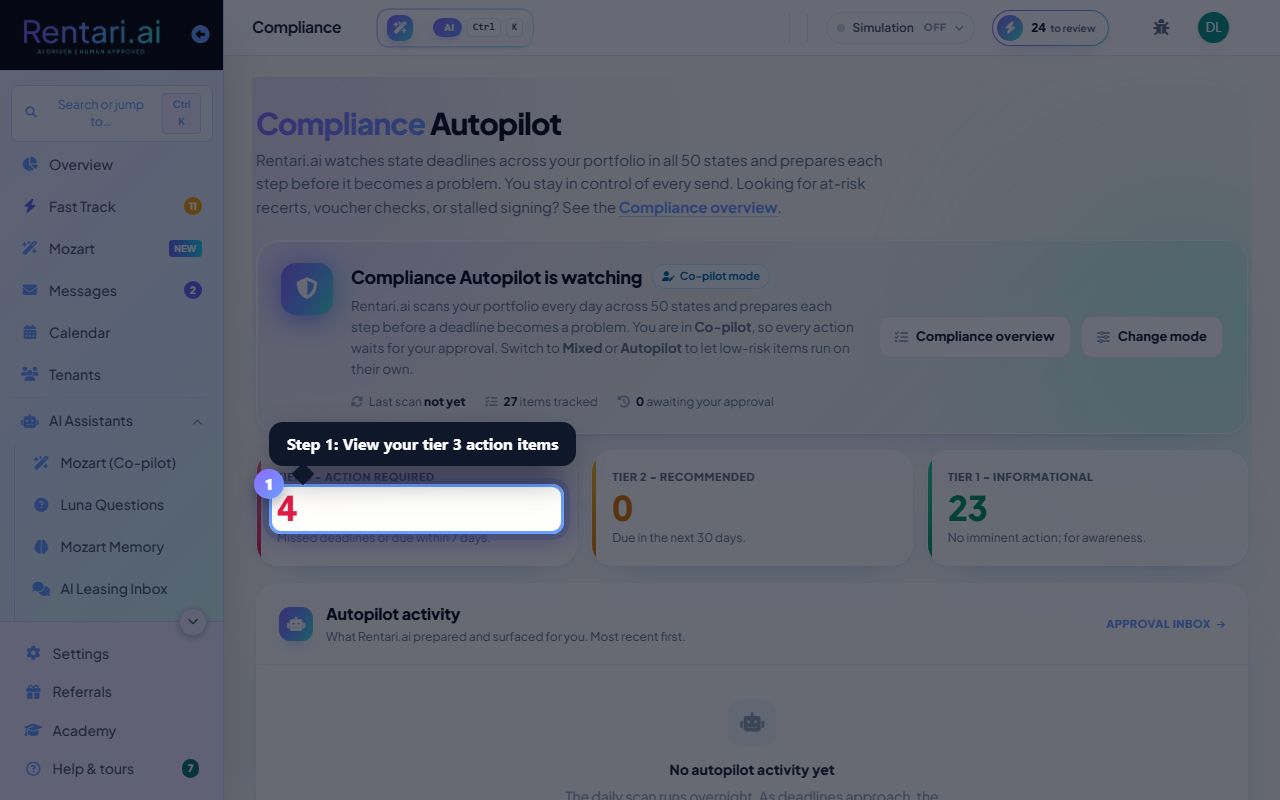
View your attention items at a glance
Action: The dashboard shows a roll-up of items that need attention in one tally. Click on any category tile (Renewals, Deposits, Insurance, etc.) to jump to the detailed section below and see which units or tenants are affected.
Items are filtered by state-specific windows. A lease renewal shows as due only within your state's notice period, not everywhere.
Handle lease renewals before the deadline
Action: In the Renewals section, review each lease expiring soon. The table shows the tenant, unit, state, days left, and notice required. Click 'View tenant' to send a renewal offer or notification.
Notice windows vary by state (often 30-90 days). Acting early keeps you ahead of the curve.
Catch insurance gaps and expiring policies
Action: Scroll to the Insurance section to see tenants with missing or expired renter insurance, and policies expiring within 30 days. Click 'Request upload' to prompt the tenant to provide a current certificate.
Renter insurance protects the landlord from tenant liability claims. A missing policy is a compliance gap, not a courtesy.