Help Center • Landlords • Maintenance
Scan for fraudulent listing copies
Monitor the web for cloned copies of your published listings and review alerts for suspected listing fraud, with one-click reporting tools.
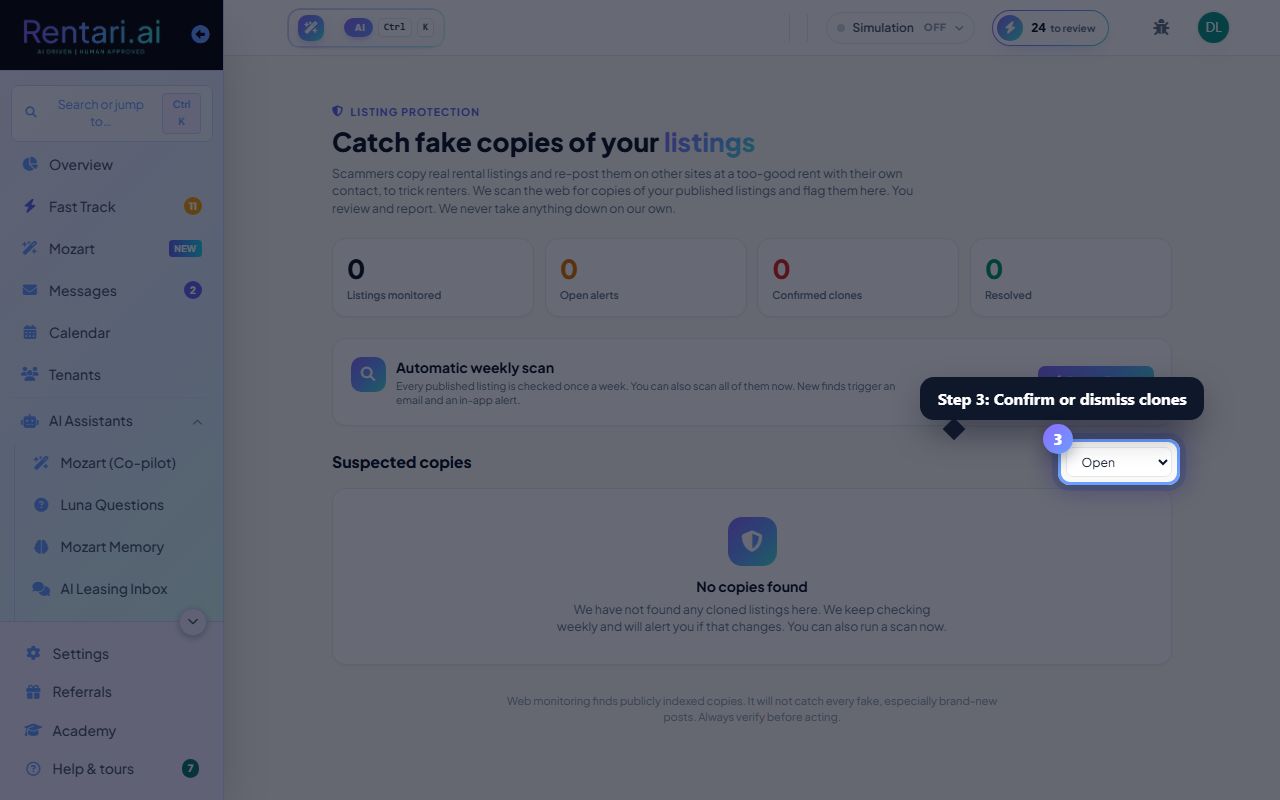
Review your listing protection dashboard
Action: From the sidebar, click Listing Protection (or Maintenance > Listing Protection). The page shows summary stats: listings monitored, open alerts, confirmed clones, and resolved cases. Below is a Scan all now button and a filter dropdown (Open, Confirmed, Resolved, Dismissed, All).
Every published listing is automatically checked once a week. New suspected clones trigger an email and in-app alert.
Review suspected copies and assess severity
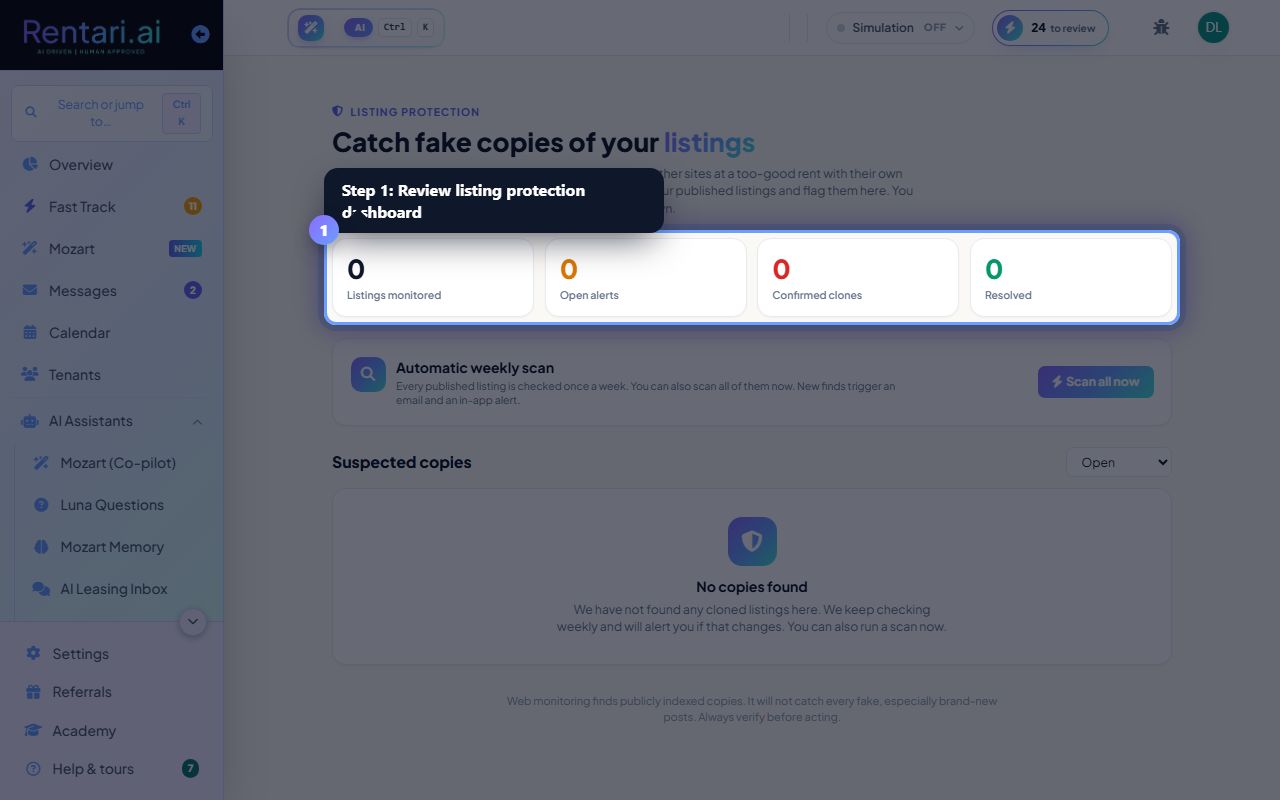
Action: Scroll down to Suspected copies to see cards for each detected clone. Each card shows: severity pill (HIGH RISK, MEDIUM RISK, LOW RISK), status pill (OPEN, CONFIRMED, DISMISSED, RESOLVED), the title/URL of the suspect listing, the site it was found on, and the rent shown. Click Open to view the clone in a new tab.
AI explains why it flagged the copy (e.g. 'Same photos as your listing'). Review the URL and compare details; not every flag is a true duplicate.
Confirm, dismiss, or report clones
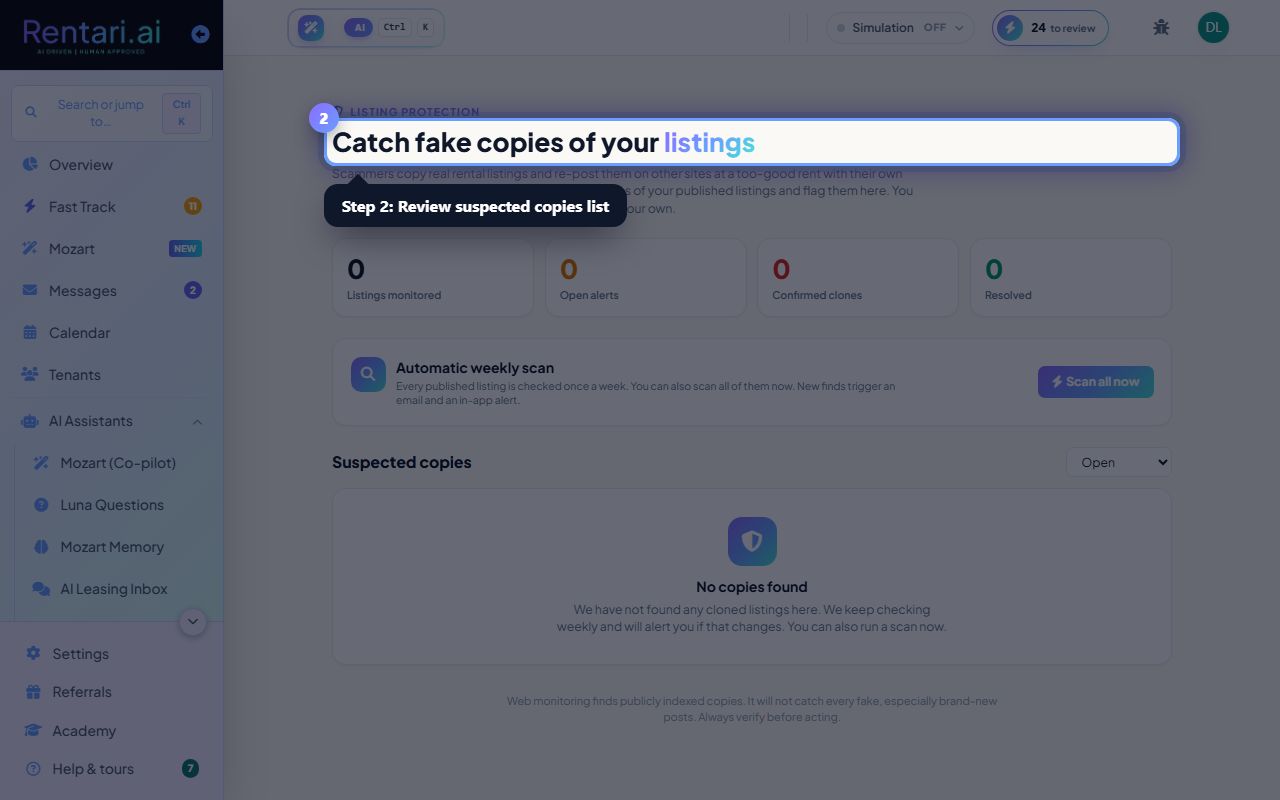
Action: For each open alert, click Confirm clone if it is a scam, or Not a clone if it is a false positive. For confirmed clones, use the Open link to navigate to the fraudulent posting and click Report on that site (most sites have a 'report listing' link). Once removed, mark it as Resolved in Rentari.
Watermarking your photos across the middle deters copycats. Never share your raw photo files publicly.