
Help Center • Landlords • Getting Started
What you see as a landlord
A two-minute tour of your dashboard: where rent, tenants, leases, maintenance, and your AI co-pilot live.
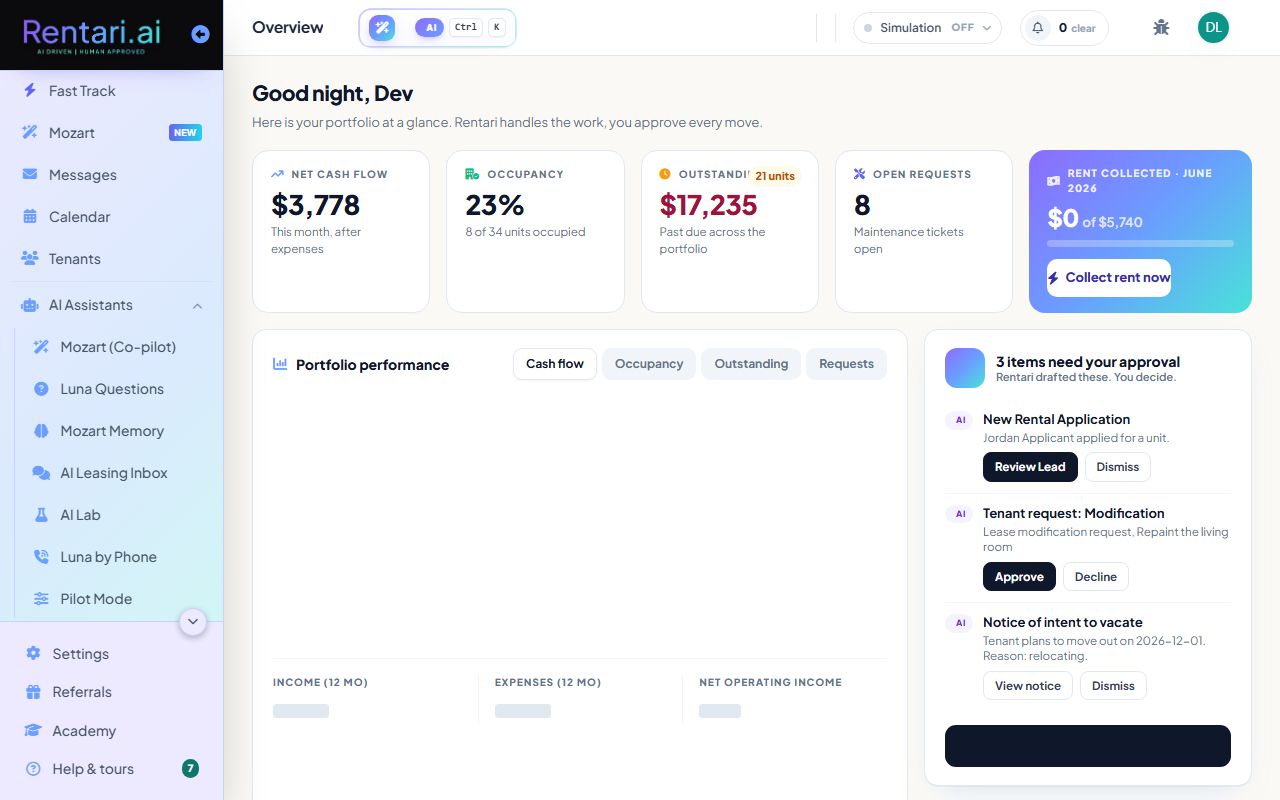
Your command center
Action: The Dashboard is your home. It shows headline numbers, the Today brief, and alerts that need you.
Stuck anywhere? The Help button (bottom right) is on every page.
Run the day from the sidebar
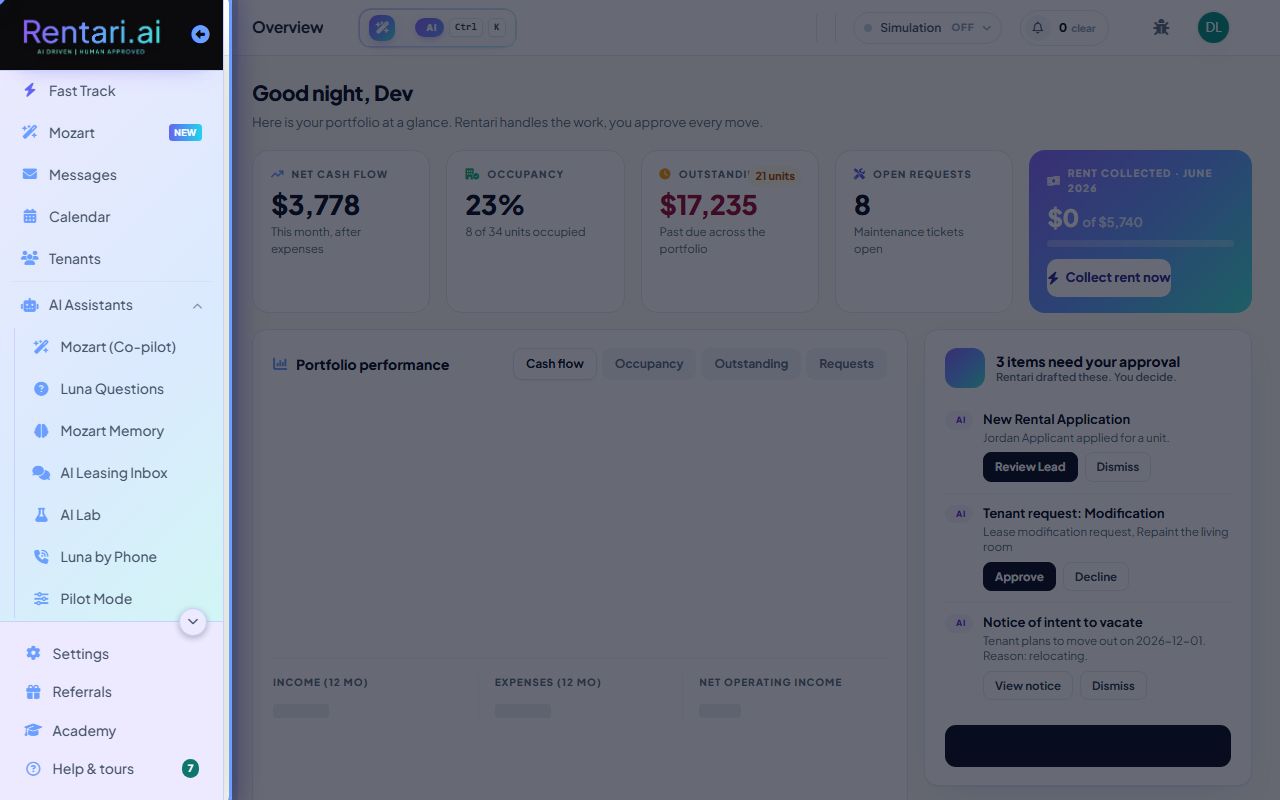
Action: Properties, Tenants, Rent Collection, Leasing, Maintenance, and Accounting each have a sidebar entry grouped by area.
Use the search box up top, or press Ctrl plus K, to jump to any page.
Let Mozart do the work
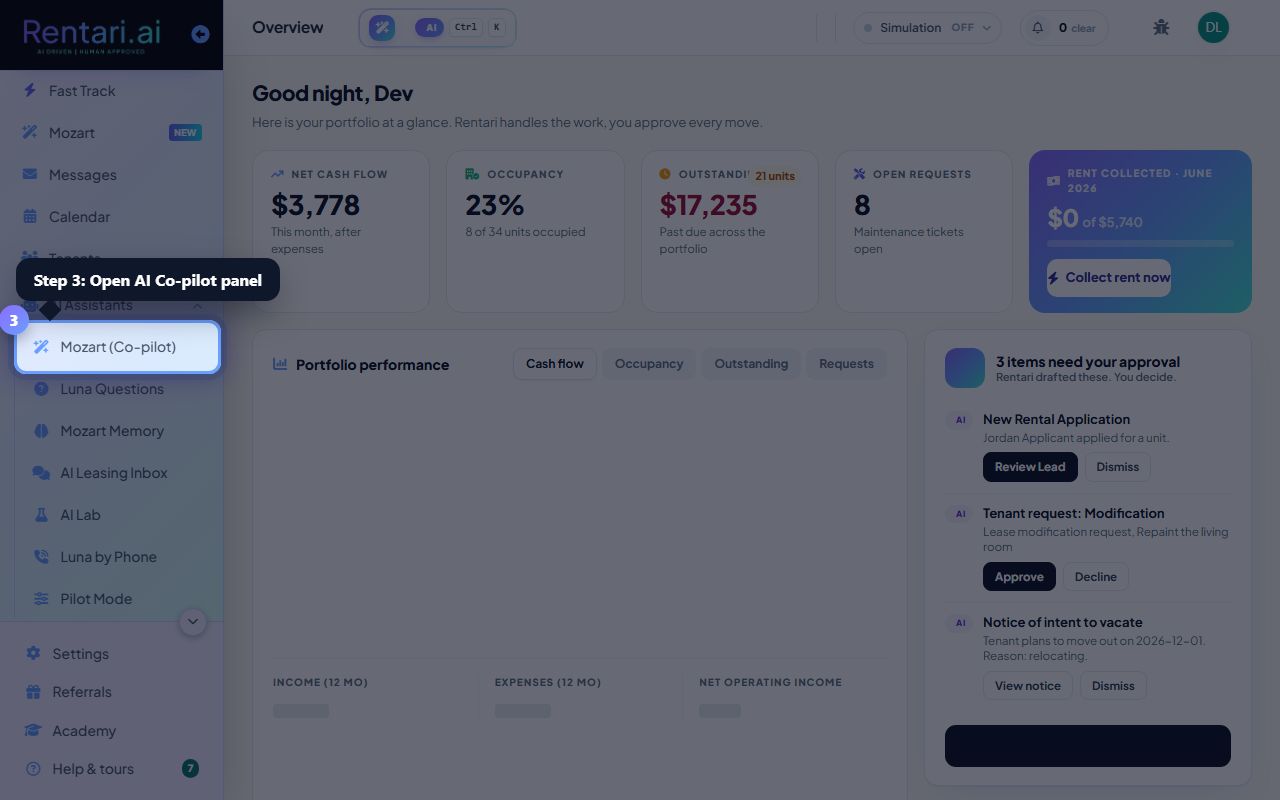
Action: Open AI Co-pilot to ask about your portfolio and get drafts and proposed actions. You approve every move.
Mozart never sends money or a notice on its own. It proposes, you decide.
Was this helpful?
Thanks for your feedback.