Help Center • Landlords • Getting Started
Watch video lessons in the Academy
Browse and watch short, narrated video walkthroughs of every Rentari.ai feature.
Find the lesson you need
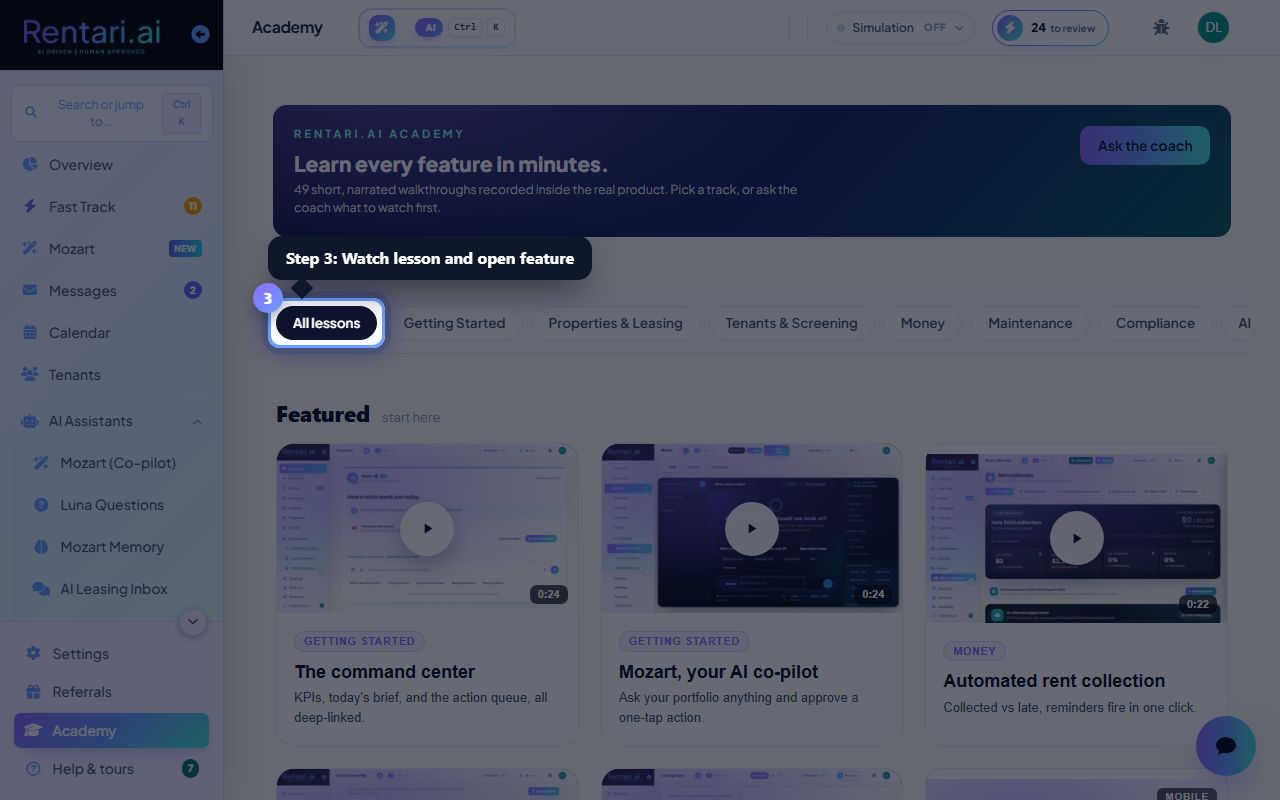
Action: The Academy dashboard shows a grid of lessons organized by category (Getting Started, Portfolio, Leasing, Accounting, etc.). Each card displays a video thumbnail and title. Use the filter tabs at the top to narrow by category, or scroll to browse all. Click any card to open the video player.
Videos are short (3-10 minutes) and play inside Rentari.ai. No transcript? Look for a 'Show transcript' link below the player to read along. All lessons assume no prior knowledge of the platform.
Ask the coach for a recommendation
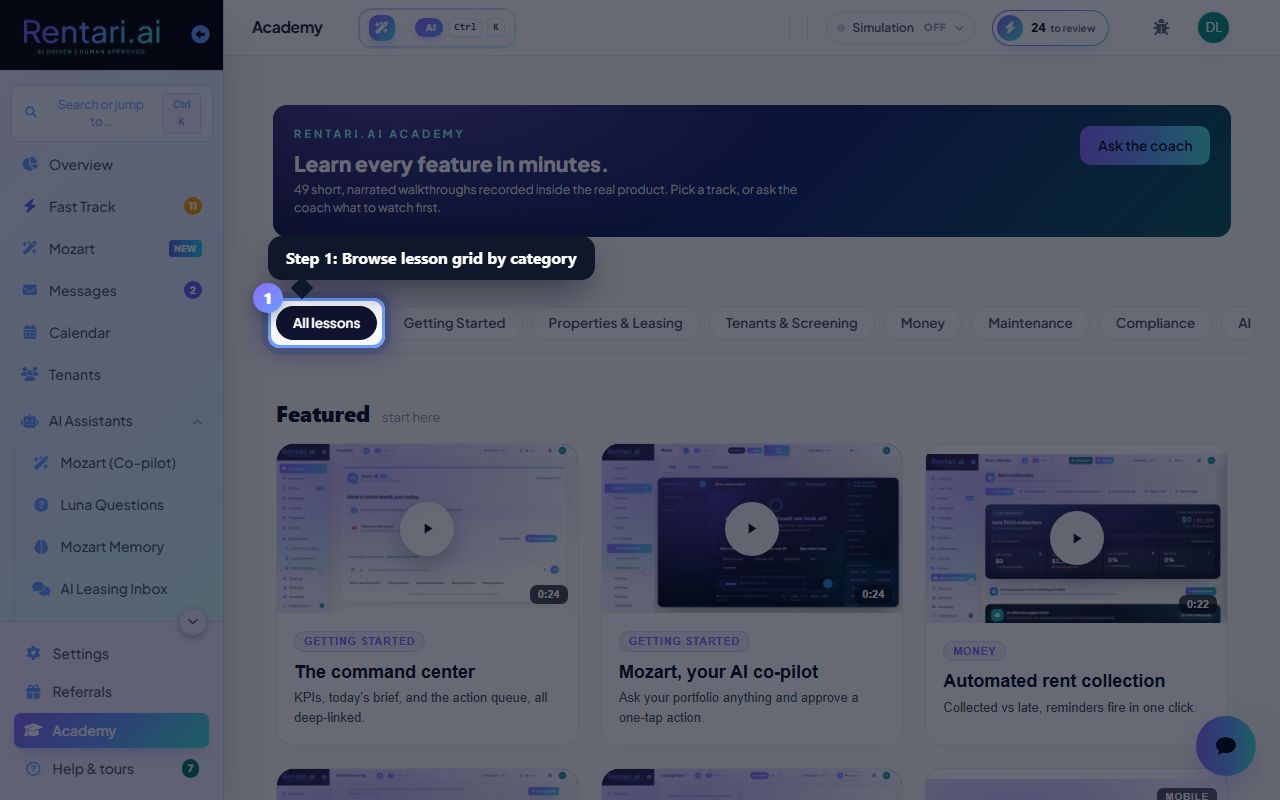
Action: Click the 'Ask the coach' button at the top of the Academy page. A chat panel opens where you can type a question like 'How do I collect rent?' or 'What is screening?' The AI coach suggests the best lesson for you, or answers the question directly if no video covers it.
The coach learns from your portfolio, so it knows your plan tier and what features you have access to. If you're on the Free plan, it won't recommend Pro features.
Mark lessons as watched and build your knowledge
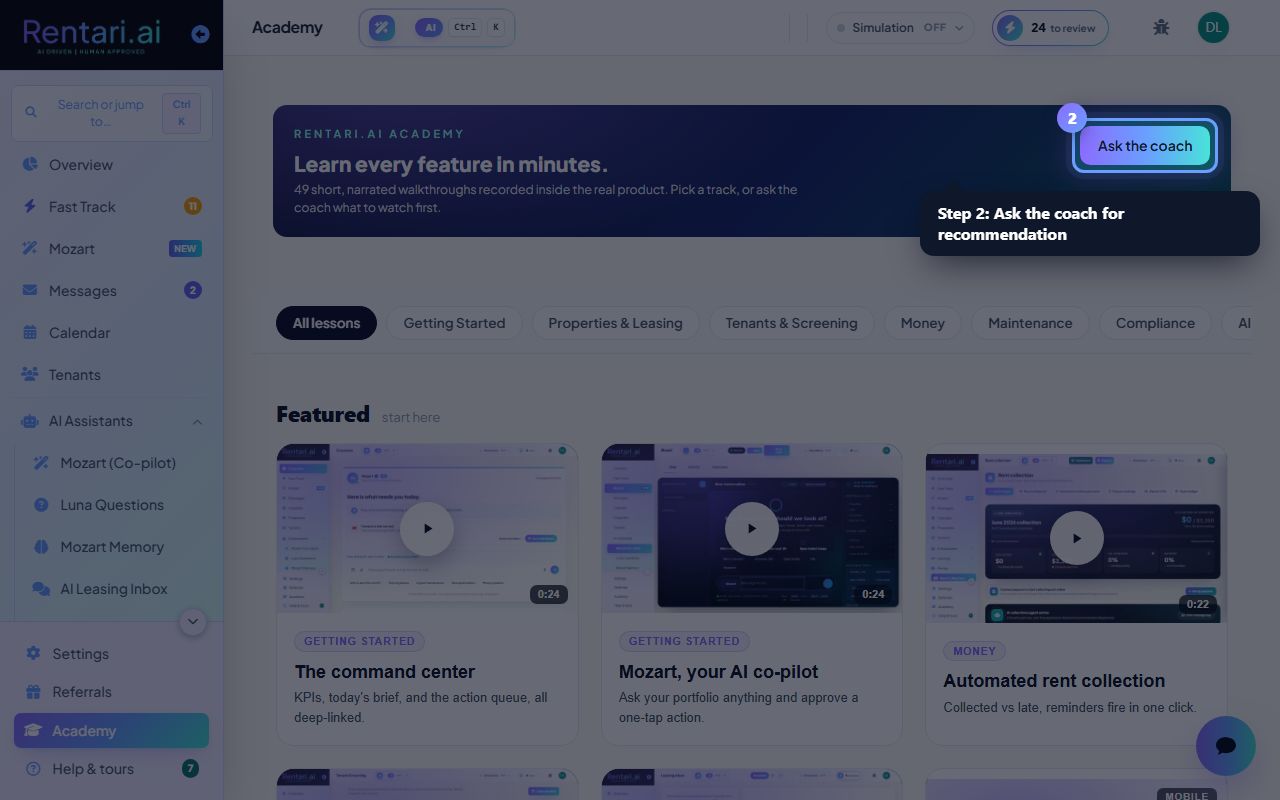
Action: As you watch, the video player tracks your progress. Click the checkmark icon to mark a lesson complete. Your watch history appears in an 'My progress' section (if available) so you can resume where you left off. Return to the Academy anytime to re-watch or explore new topics.
No pressure to finish everything at once. Landlords often jump to lessons they need right now (e.g., 'How do I send a lease?') and come back for other features later. Bookmarking favorites can help you stay organized.