Help Center • Vendors • Account & Settings
Your reviews
View tenant and landlord ratings and feedback on your work, respond to reviews, and request ratings from completed jobs.
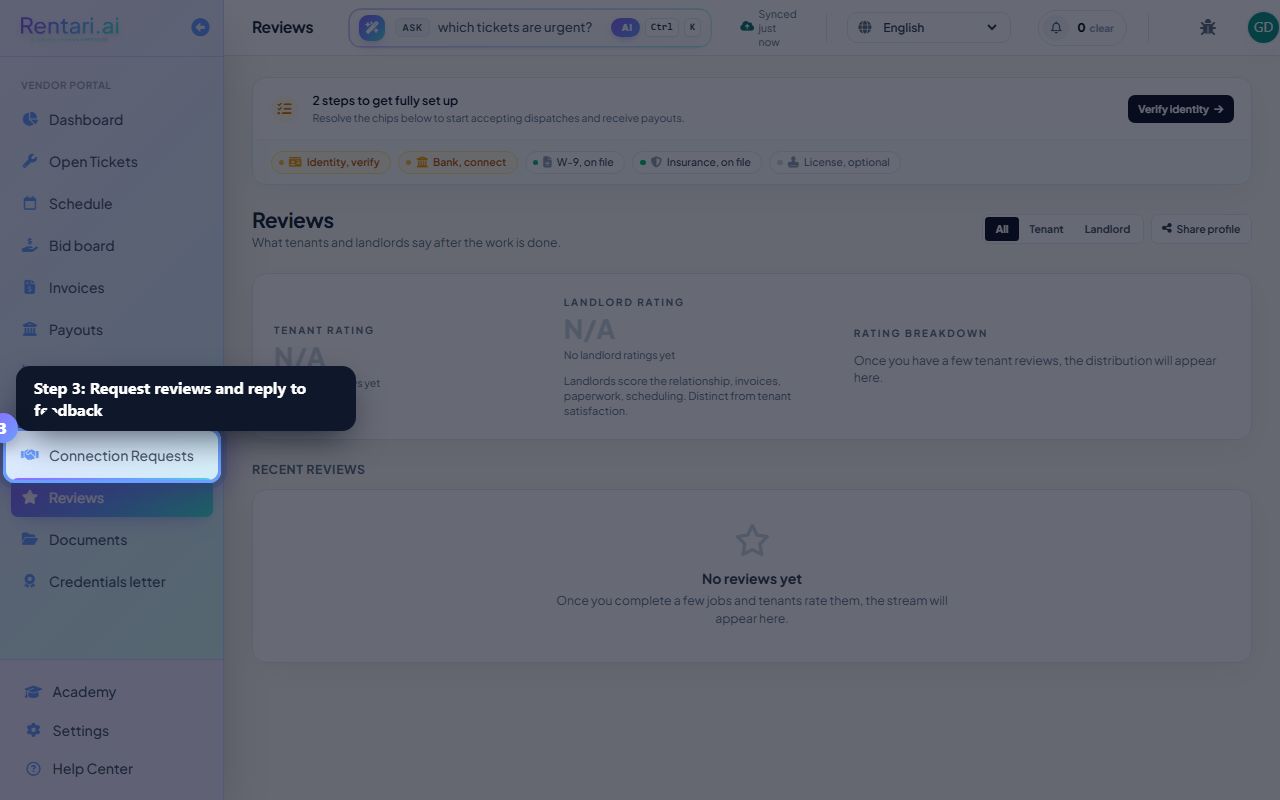
Check your headline ratings
Action: View the top hero card showing your tenant rating (out of 5) with a star display and review count. Below that is your landlord rating (separate, focused on business conduct) and a rating breakdown bar chart showing how many 5-star, 4-star, 3-star, 2-star, and 1-star reviews you have.
Tenant rating is your renter-facing reputation. Landlord rating reflects how you handle invoices, paperwork, and scheduling. If you have 10+ reviews at 4.5+ stars, you may earn a Trusted pro badge.
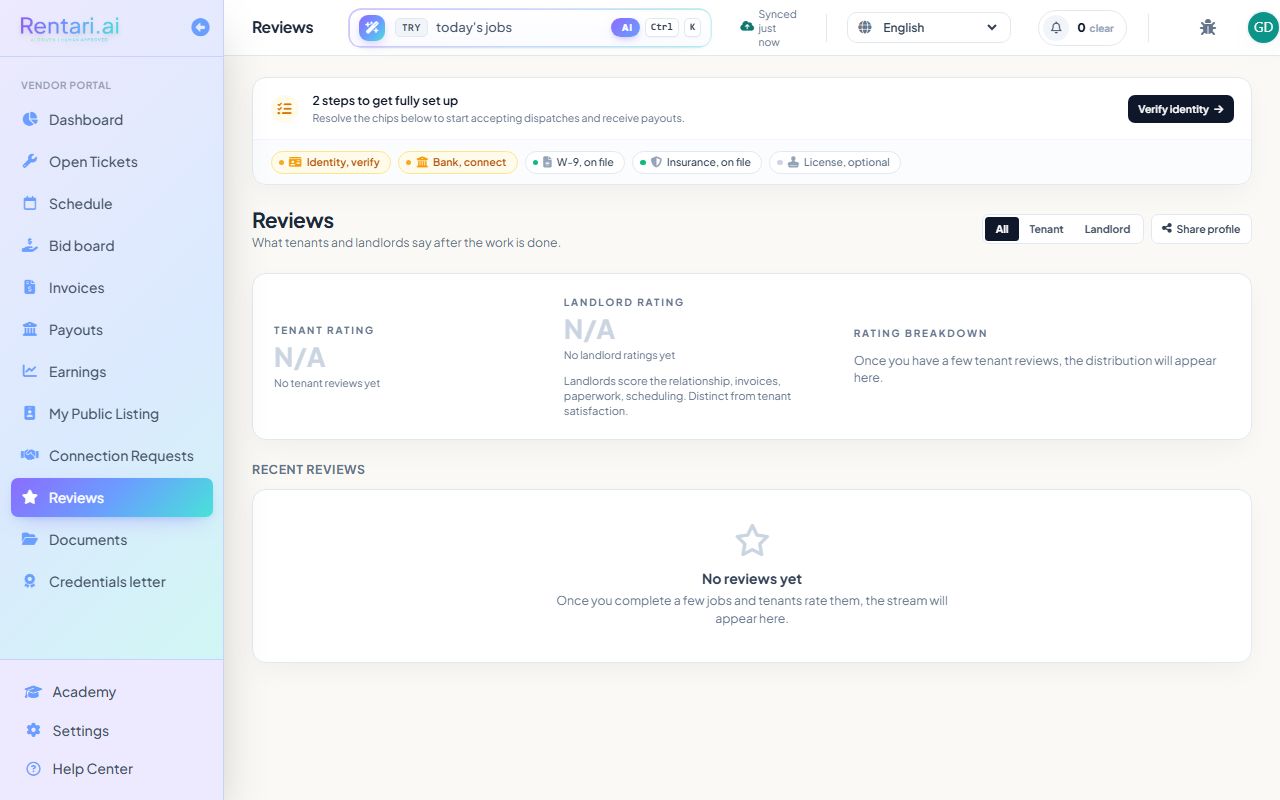
Filter and browse reviews
Action: Use the filter buttons (All, Tenant, Landlord) to view reviews by type, then scroll through the Recent reviews section to read individual feedback and star ratings on your completed work.
Reviews are sorted most recent first. Each review shows the job title, rating, feedback text, and the date you completed the work.
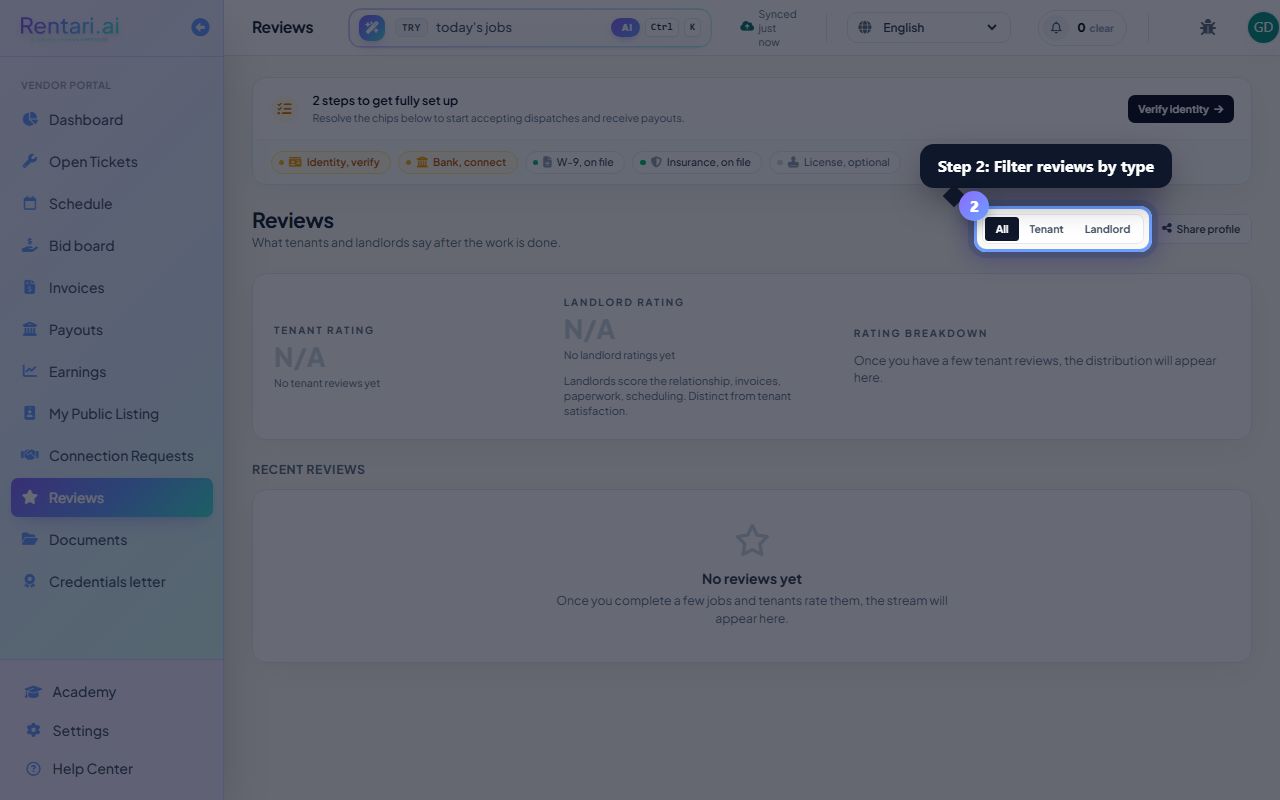
Request reviews and reply to feedback
Action: If you have completed jobs without tenant reviews yet, click Request reviews and select jobs to send review requests via the landlord. To reply to a review, click the reply button on any review card and type your professional response.
Requesting reviews right after the work doubles the response rate. Click Share profile to send your public vendor profile link to anyone who might hire you. Your replies are visible to future customers.