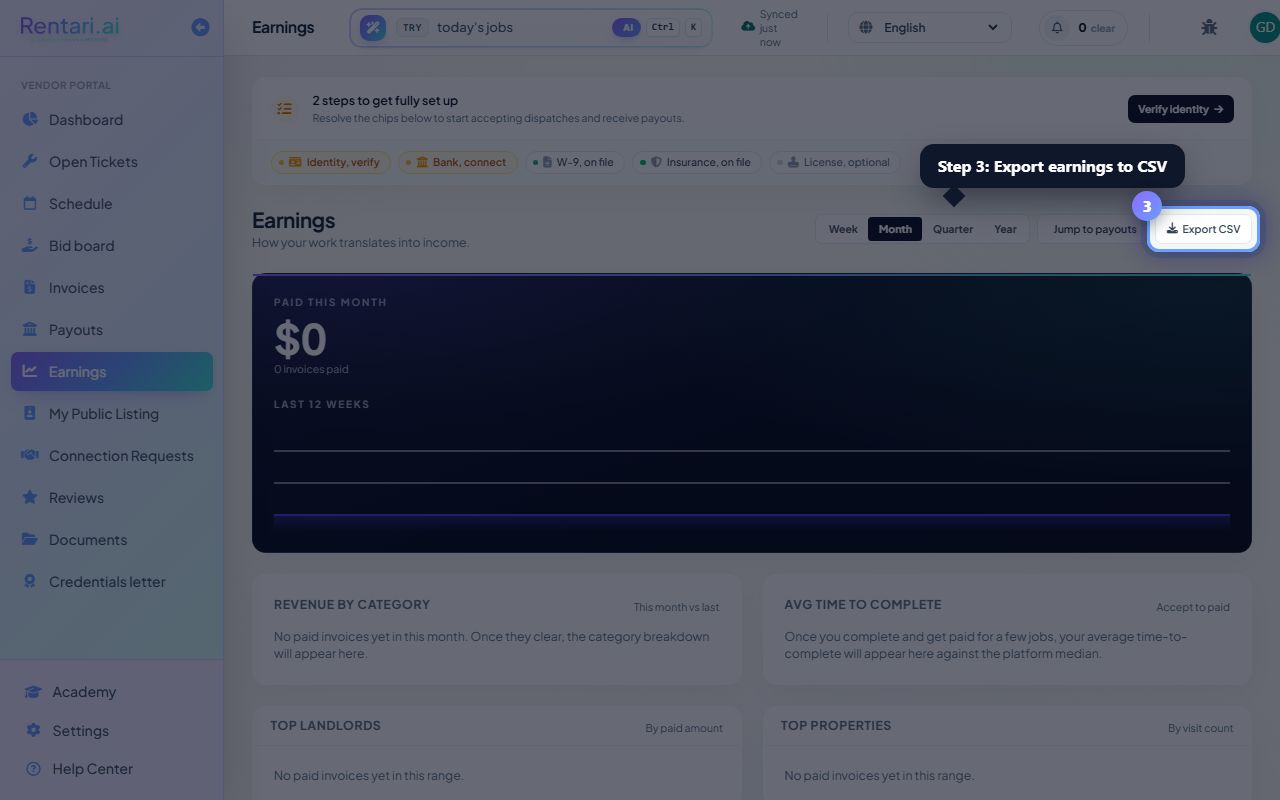
Help Center • Vendors • Get Paid
Your earnings
Track your income over time, view category and landlord breakdowns, and export earnings reports to CSV.
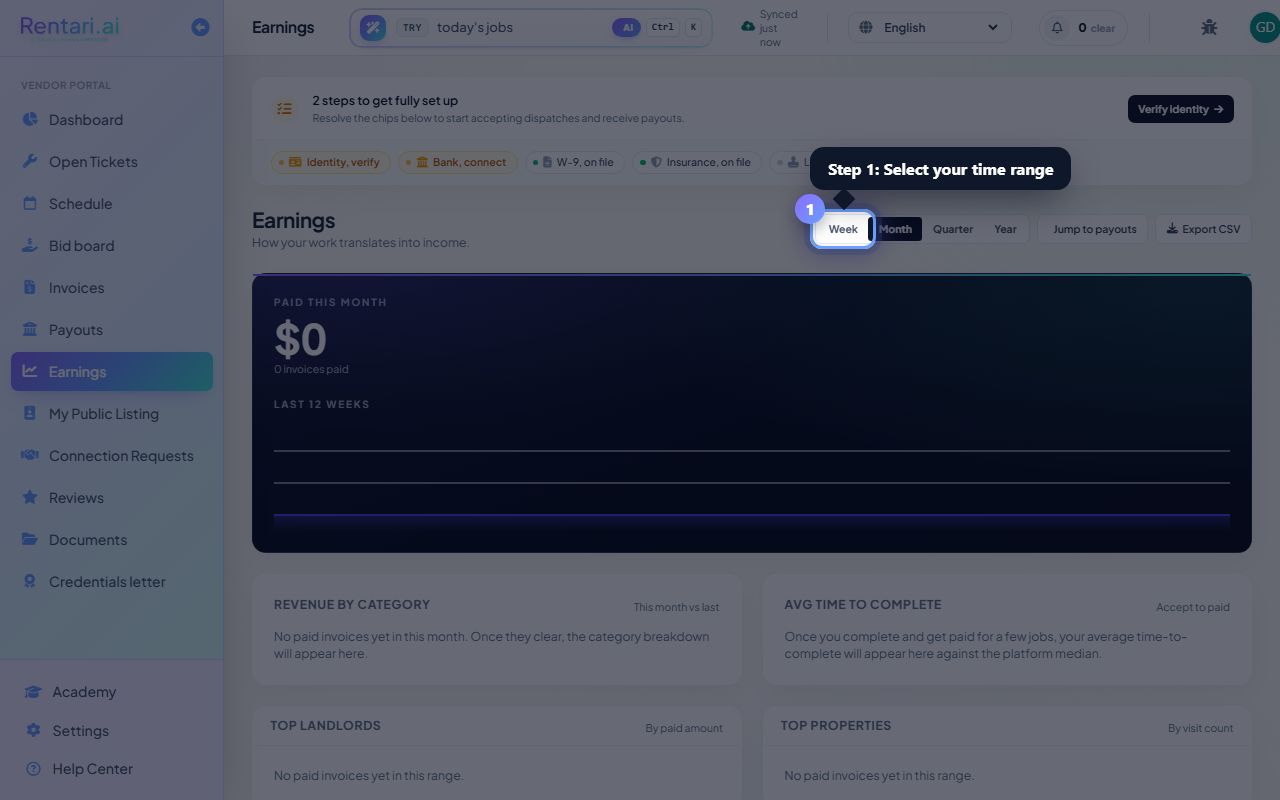
Select your time range
Action: Click the week, month, quarter, or year button in the top-right toolbar to filter your earnings data.
Month is the default view. Your earnings adjust automatically as you change the range, and the 12-week sparkline updates to show your trend.
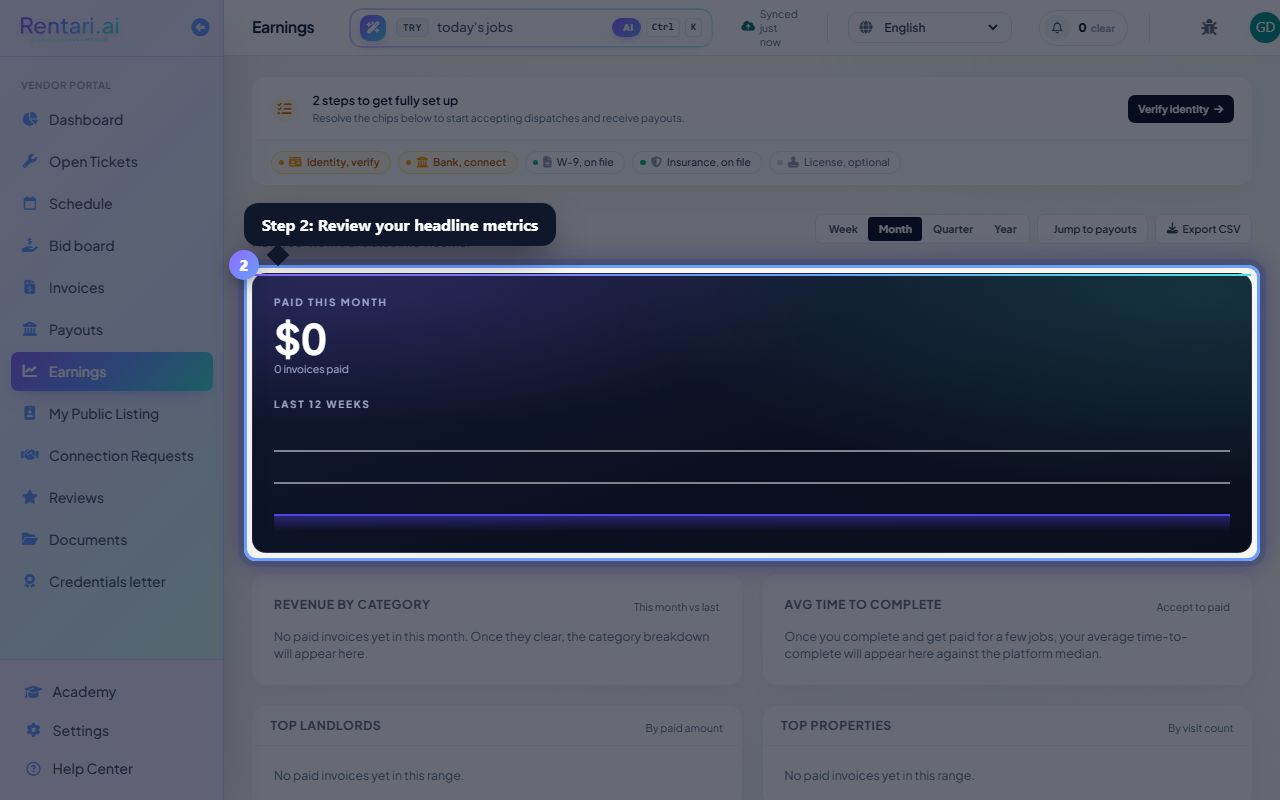
Review your headline metrics
Action: Read the total paid amount in the dark hero card, which shows your income, percent change, invoice count, and average per invoice for the selected range.
The green or red arrow and percentage tell you whether you earned more or less compared to the same period before. Check the invoice count below the total to gauge your volume.
Explore category and landlord breakdowns
Action: Scroll down to see the Category breakdown bar chart and Top landlords table, then click Export CSV to download all your paid invoices with property, date, and landlord details.
The categories are ranked by amount earned, and top properties show your visit count per location. Export the CSV to reconcile records with your accountant or for tax prep.