Help Center • Landlords • Documents
Upload an existing lease
Upload a lease document and get an instant AI compliance check against your state's rules, with a score and flagged risk clauses.
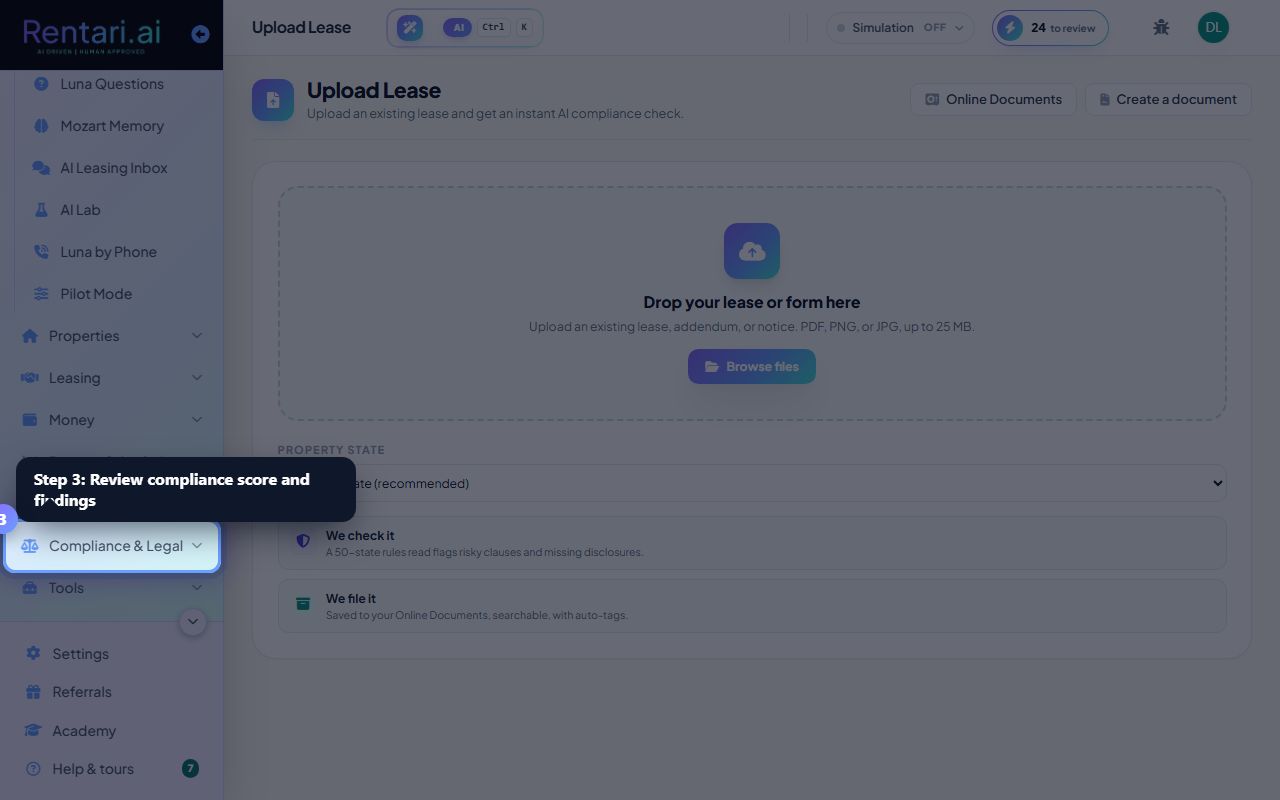
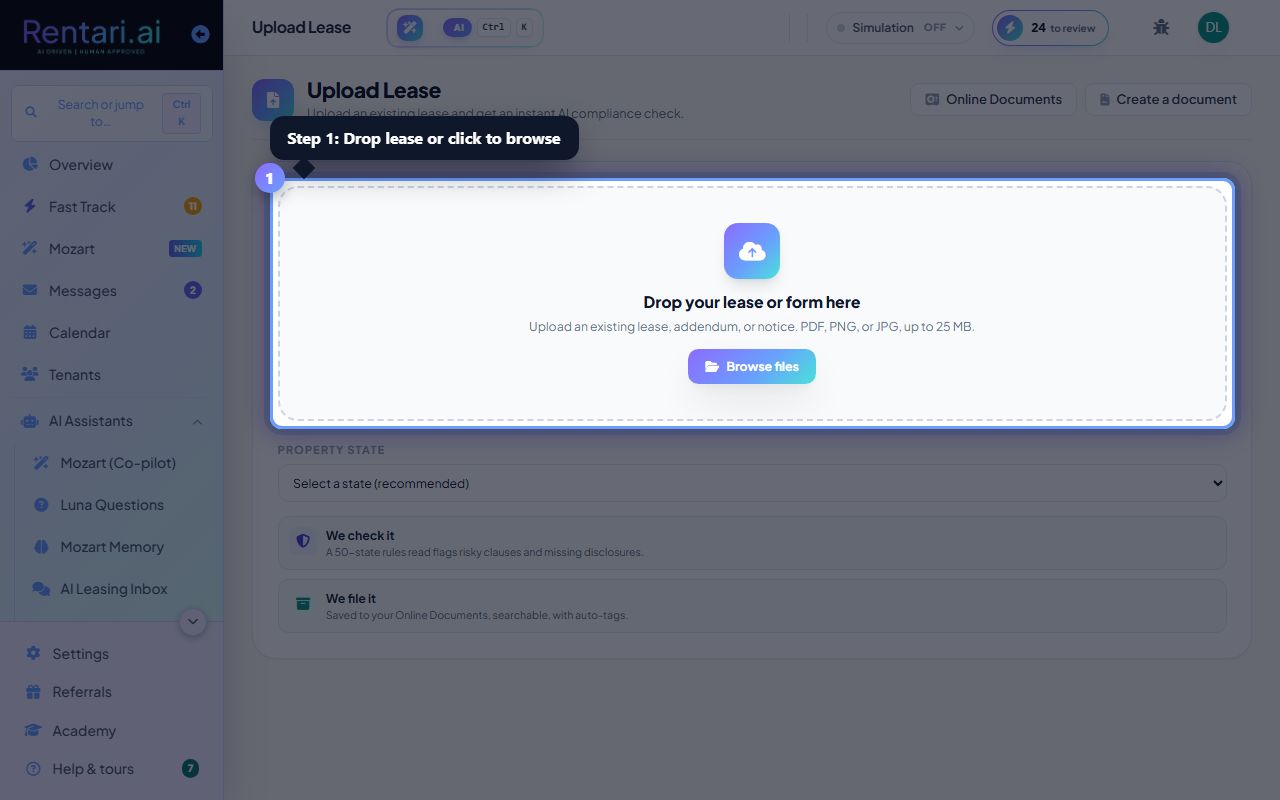
Select state and upload your lease
Action: Choose a state from the dropdown on the right (recommended for accurate audit). Click the dropzone in the center or drag-and-drop a PDF, PNG, or JPG file (up to 25 MB). The Upload Lease button is also available.
Wait for the AI analysis
Action: The dropzone shows a spinner while the AI reads and cross-references your state's statutes. This takes a moment. A progress message appears: 'AI is reading your lease, cross-referencing 2026 [State] statutes.'
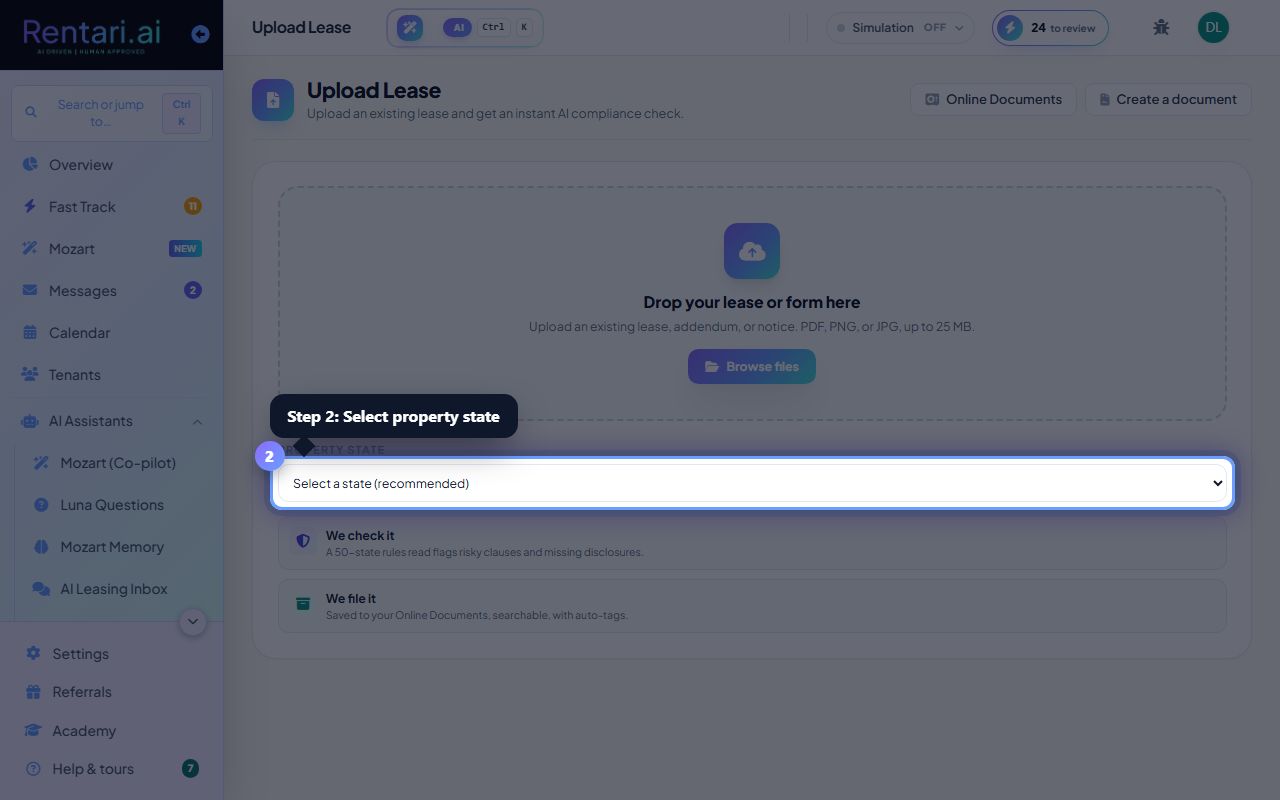
Review findings and act
Action: Results show a Compliance score (0-100), extracted lease terms (base rent, late fee, term length), and AI audit findings grouped by severity (high risk, watch, note). Click Replace this clause to draft a compliant replacement in Document Studio, or click Analyze another to upload a new lease.