Help Center • Vendors • Get Paid
Track payouts
Monitor when your approved invoices are paid out to your bank account and track payout history by tax year.
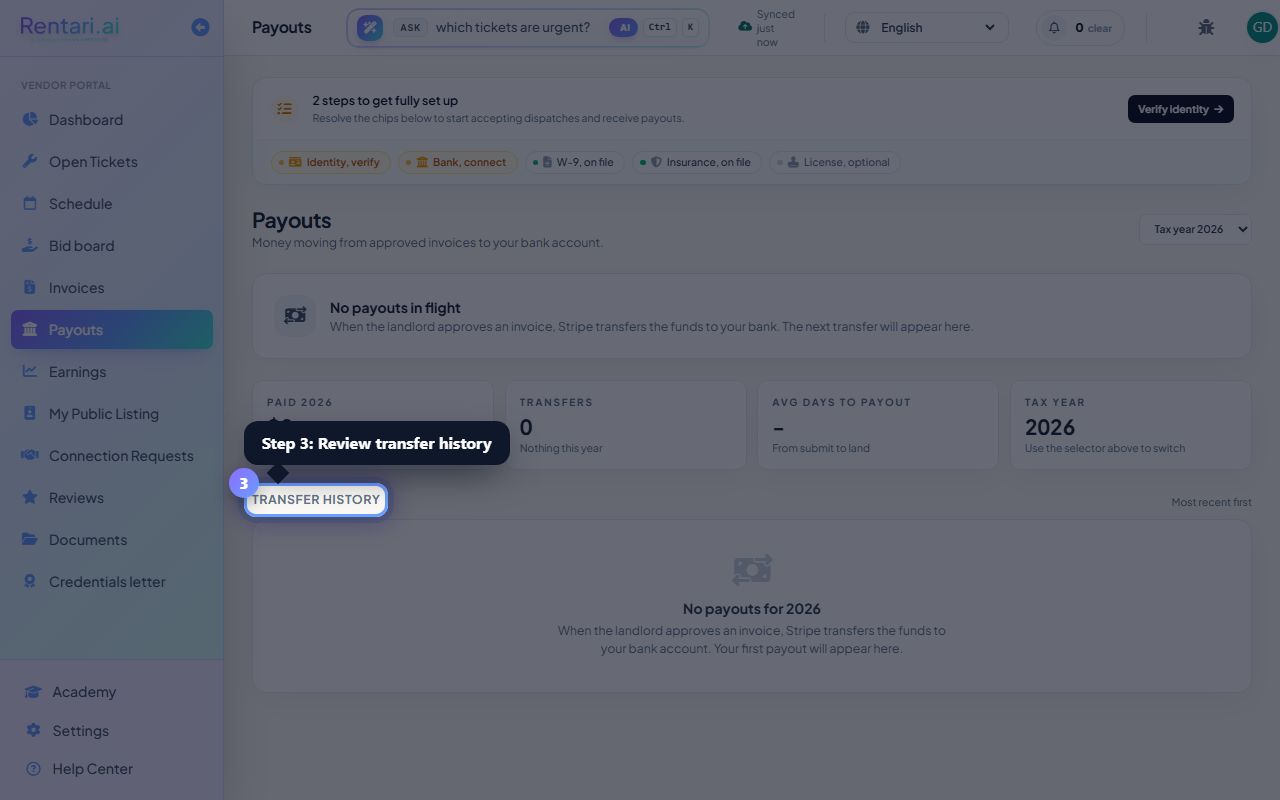
Check the next payout status
Action: Look at the Next payout hero card near the top, which shows the amount in flight, your bank destination, and an estimated arrival window of 1 to 2 business days.
If there are no payouts in flight, you will see a message saying 'No payouts in flight' instead. Once the landlord approves an invoice, Stripe initiates the transfer and it appears here.
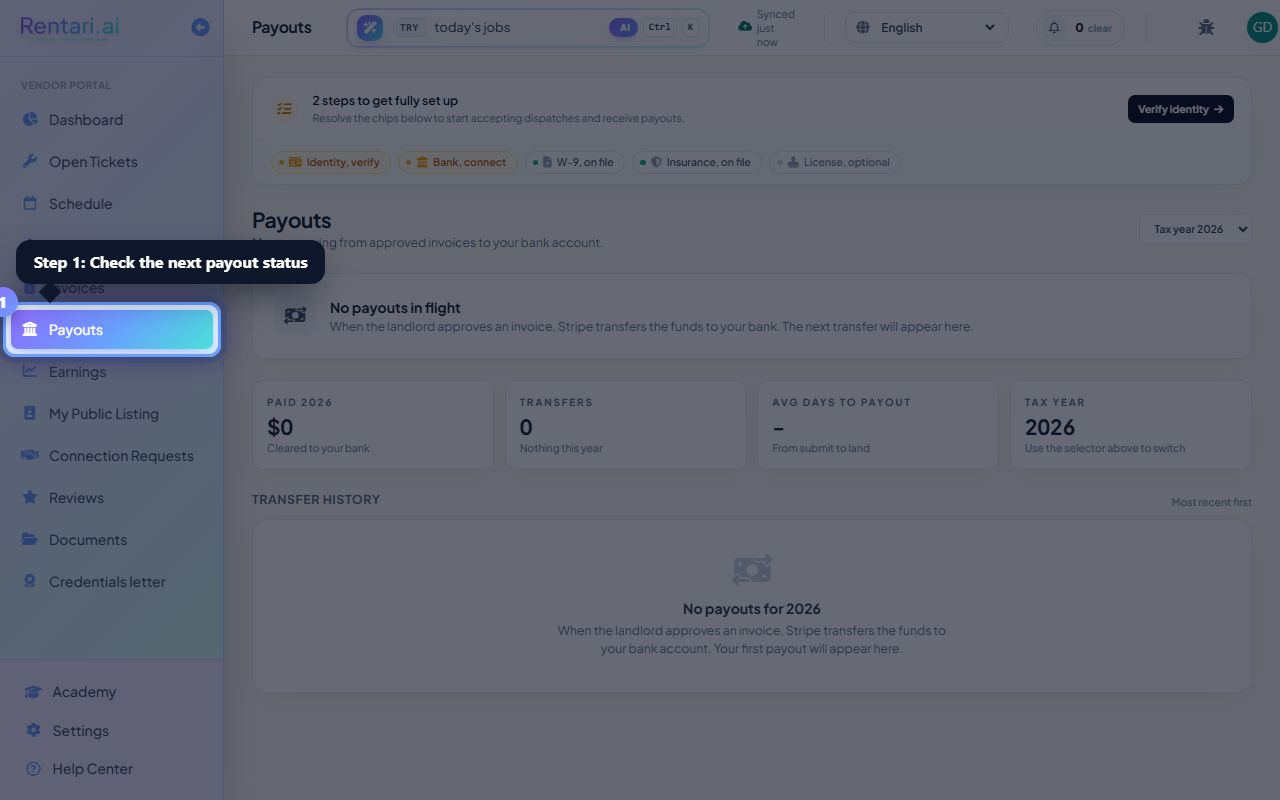
Filter payouts by tax year
Action: Use the Tax year dropdown in the top-right to switch between years and see payouts for that calendar year.
The dropdown shows the most recent four years plus a selection for viewing all time. Your Paid YTD, Transfers count, and average days to payout all update when you change the year.
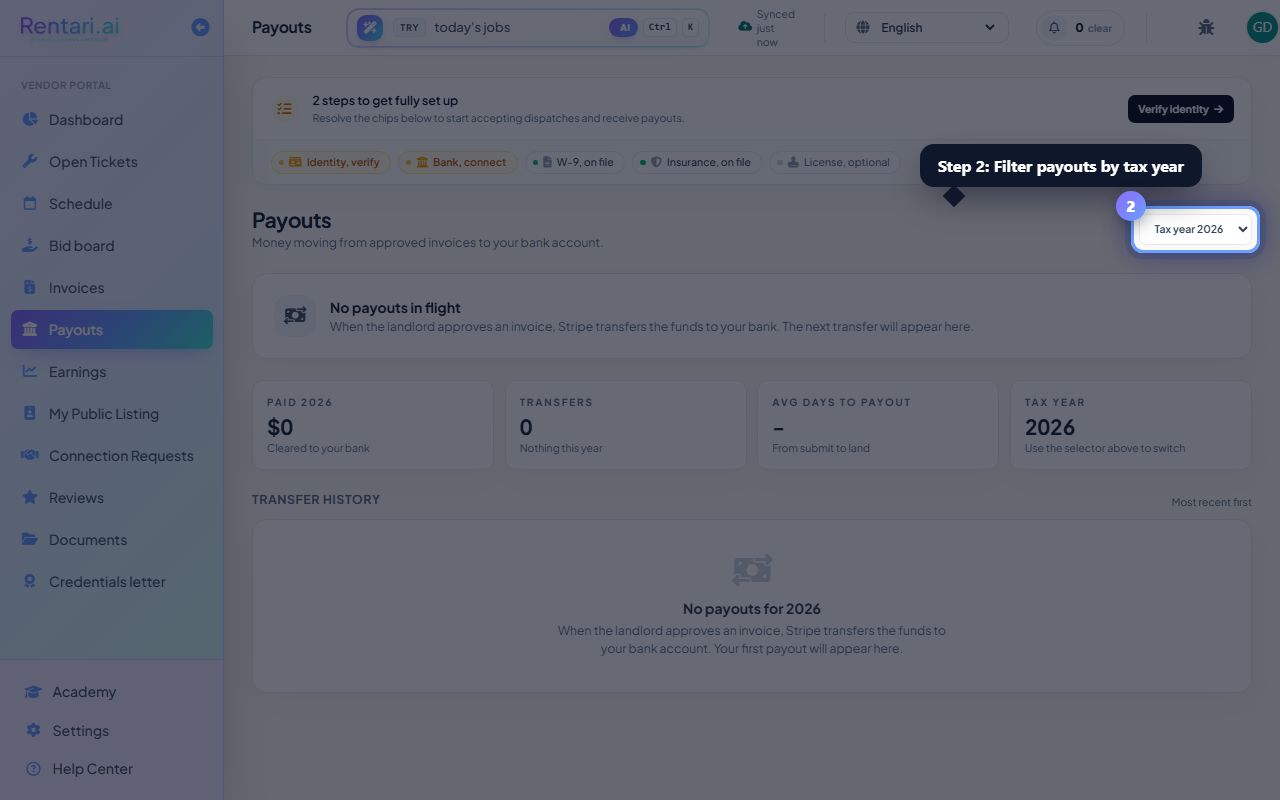
Review transfer history and export
Action: Scroll to Transfer history to see all your cleared and processing transfers with date, amount, destination, and status. Click Year-end statement to download the full payout report.
The status column shows paid (cleared), processing (in flight), or transfer failed. Each row includes the creation date and settlement date, helping you reconcile with your bank statements.