Help Center • Landlords • Portfolio
Track coworking and flex-space membership
Manage coworking members, membership plans, MRR, and desk utilization by location.
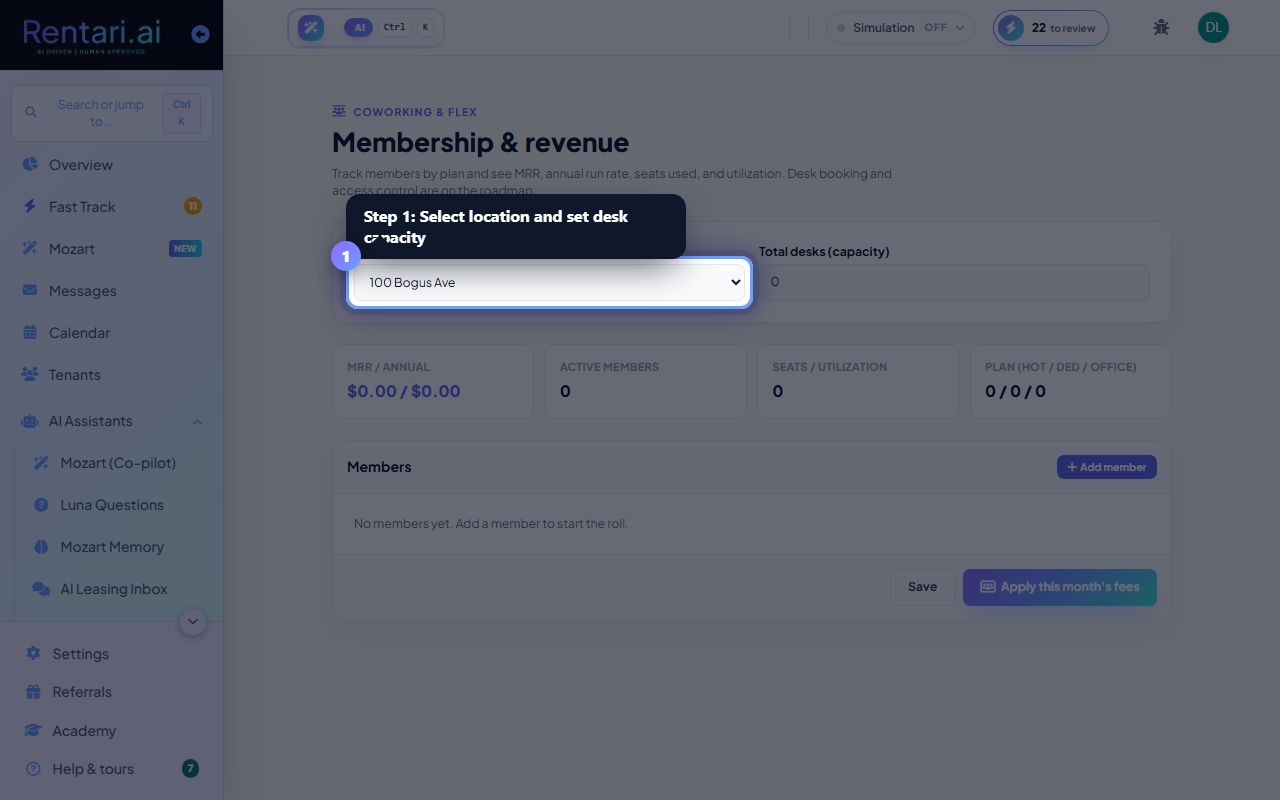
Select location and set desk capacity
Action: Select a Location from the dropdown. Enter Total desks (capacity) for that location to calculate utilization. This capacity figure is used across all members at the location.
Total desks is the maximum number of workstations or offices available. Utilization % will be calculated as (seats occupied / total desks), so set it accurately.
Add members by plan and fee
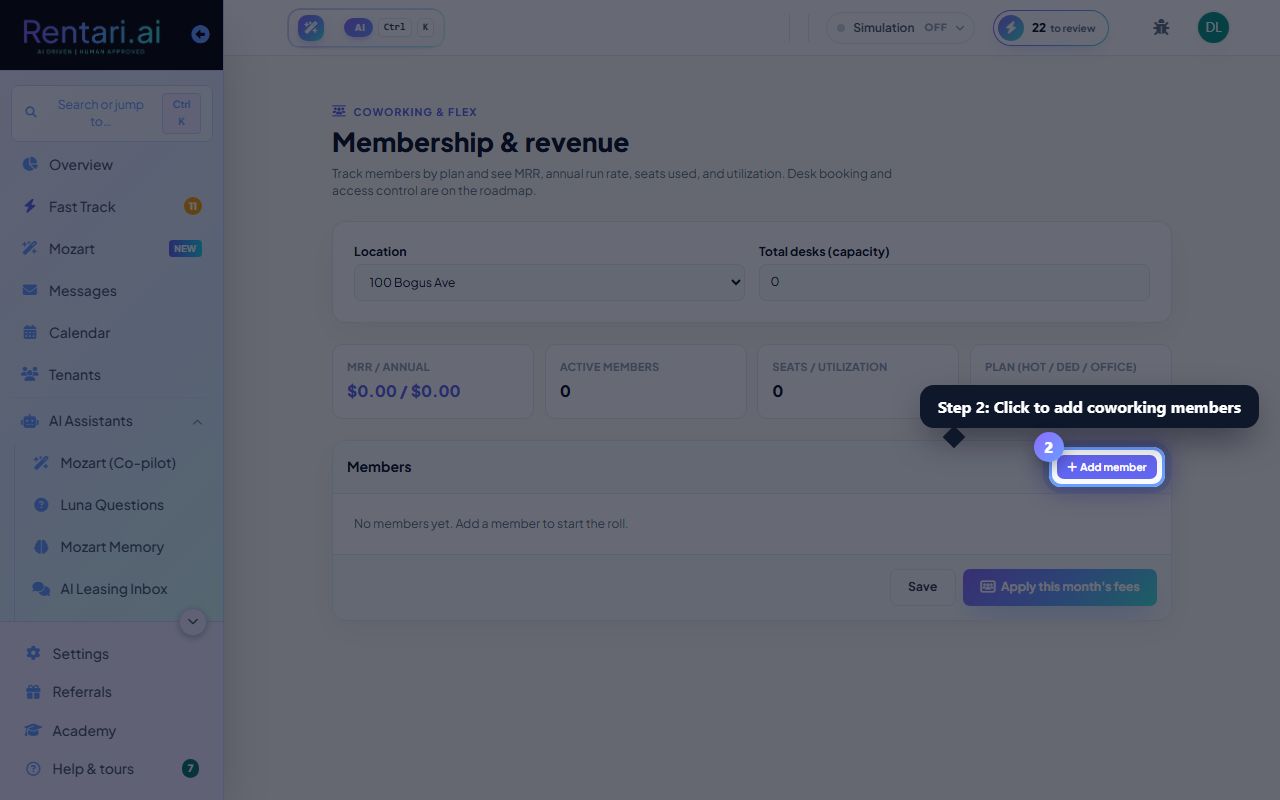
Action: Click Add member. Enter Member name, select Plan (Hot desk, Dedicated desk, or Private office), enter Monthly fee, set Seats (default 1), and set Status (Active, Paused, or Cancelled). Delete members by clicking the trash icon.
Only active members count toward MRR and utilization. Paused members are kept on record but do not bill. Cancelled members should be deleted or paused.
Apply fees and view analytics
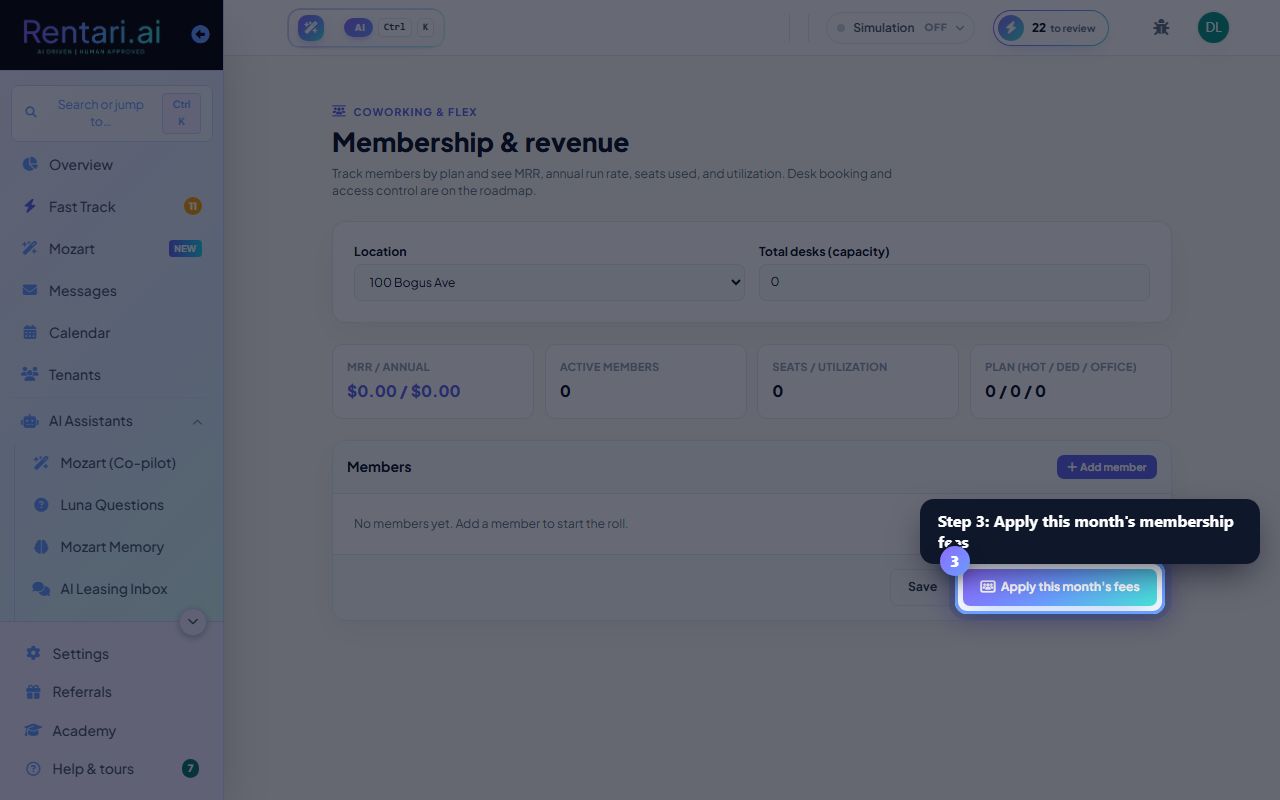
Action: Click Save to store edits. Check the summary cards for MRR/annual run rate, active members count, seats/utilization %, and plan mix (Hot/Ded/Office). Click Apply this month's fees to post all active member charges to their ledgers.
MRR and annual figures update live as you add or change members. Apply fees once per month; re-applying skips members already billed. Desk booking and access control are on the roadmap.