
Help Center • Tenants • Documents
Sign your lease
Review and e-sign the lease your property manager sent you.
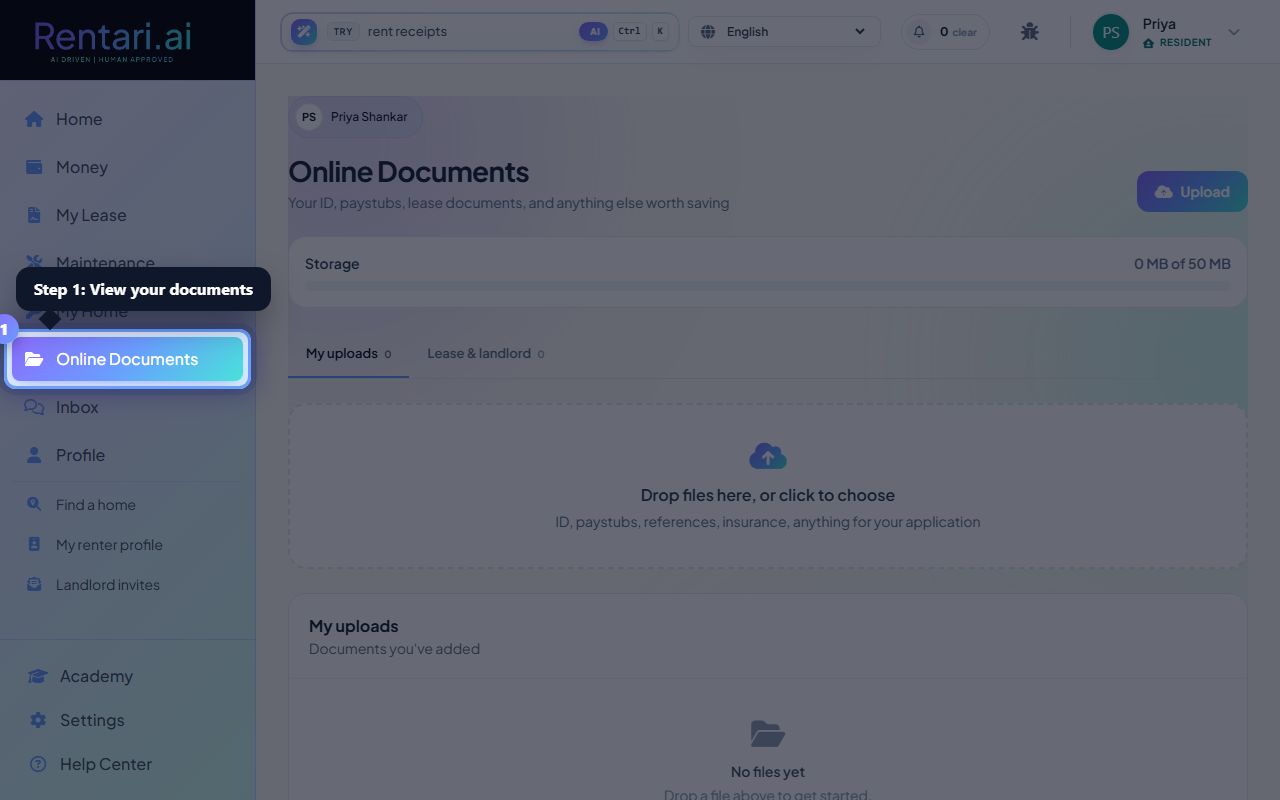
Open your documents
Action: Choose Online Documents to find the lease waiting for you.
If no lease is there yet, your manager may still be preparing it.
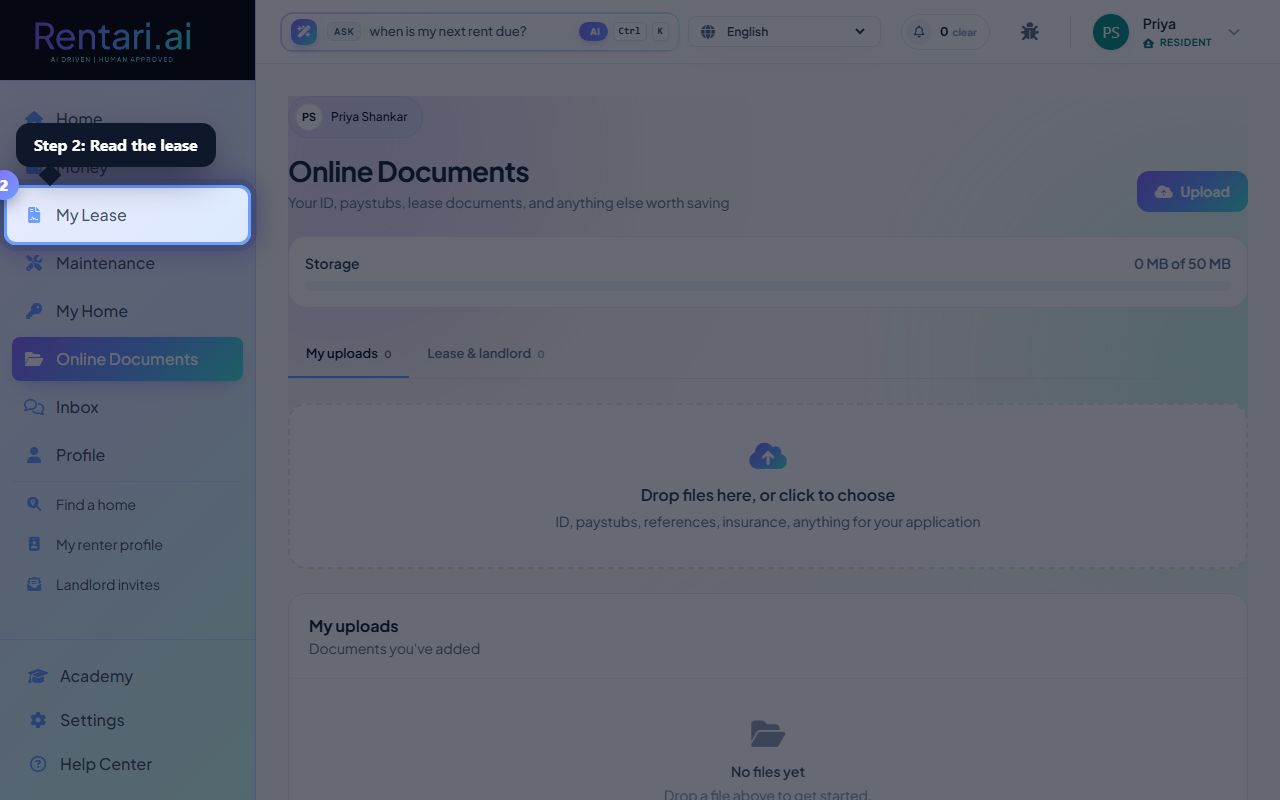
Read it
Action: Read the agreement in full before you sign.
Ask your manager any question through Inbox first.
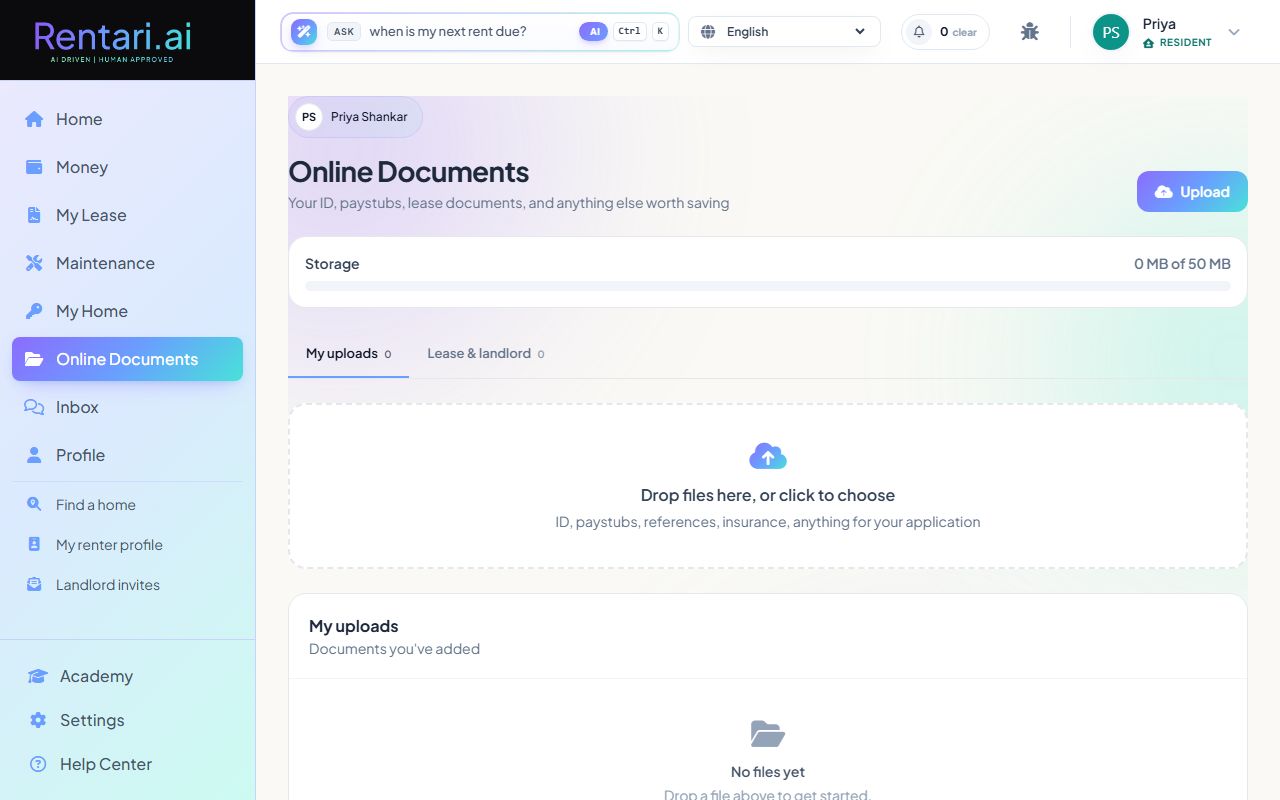
E-sign
Action: Use the signature feature to sign digitally.
You get a signed copy stored in your documents.
Was this helpful?
Thanks for your feedback.