Help Center • Tenants • Leasing & Screening
Request an accommodation
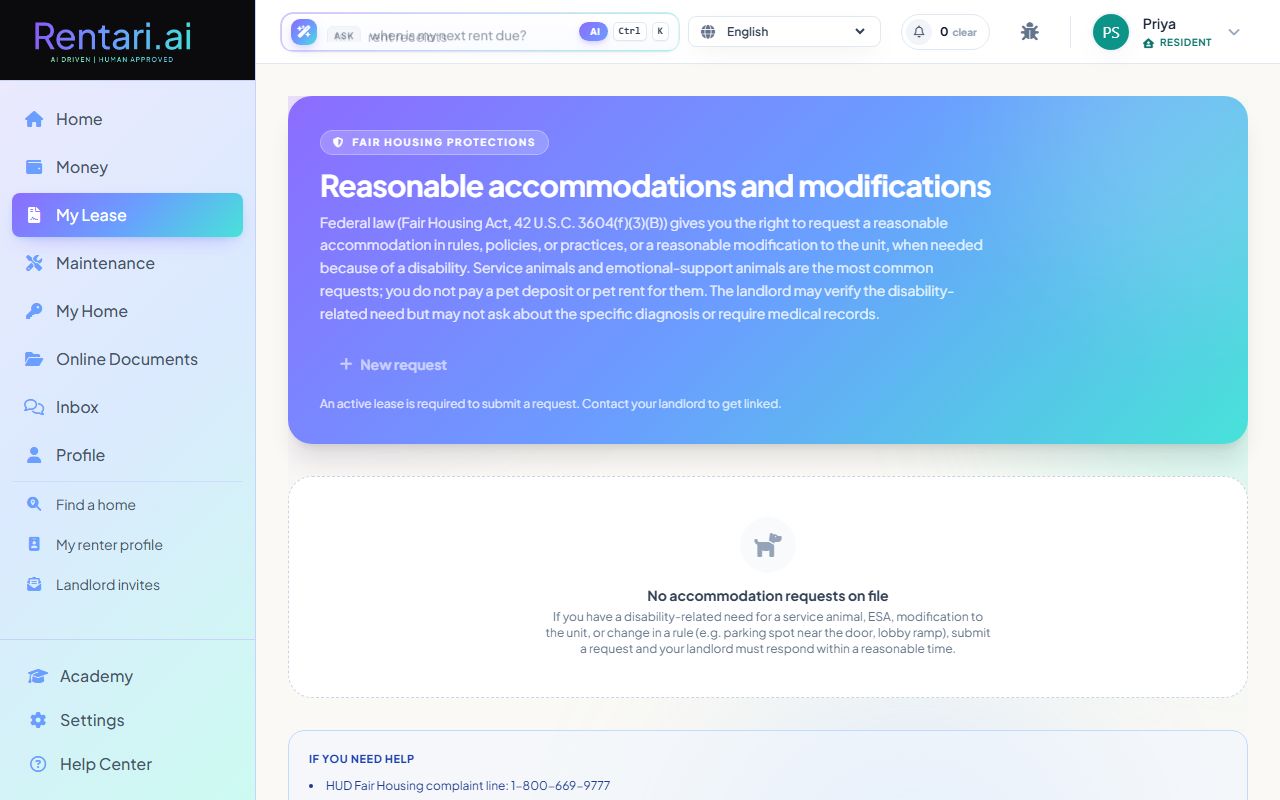
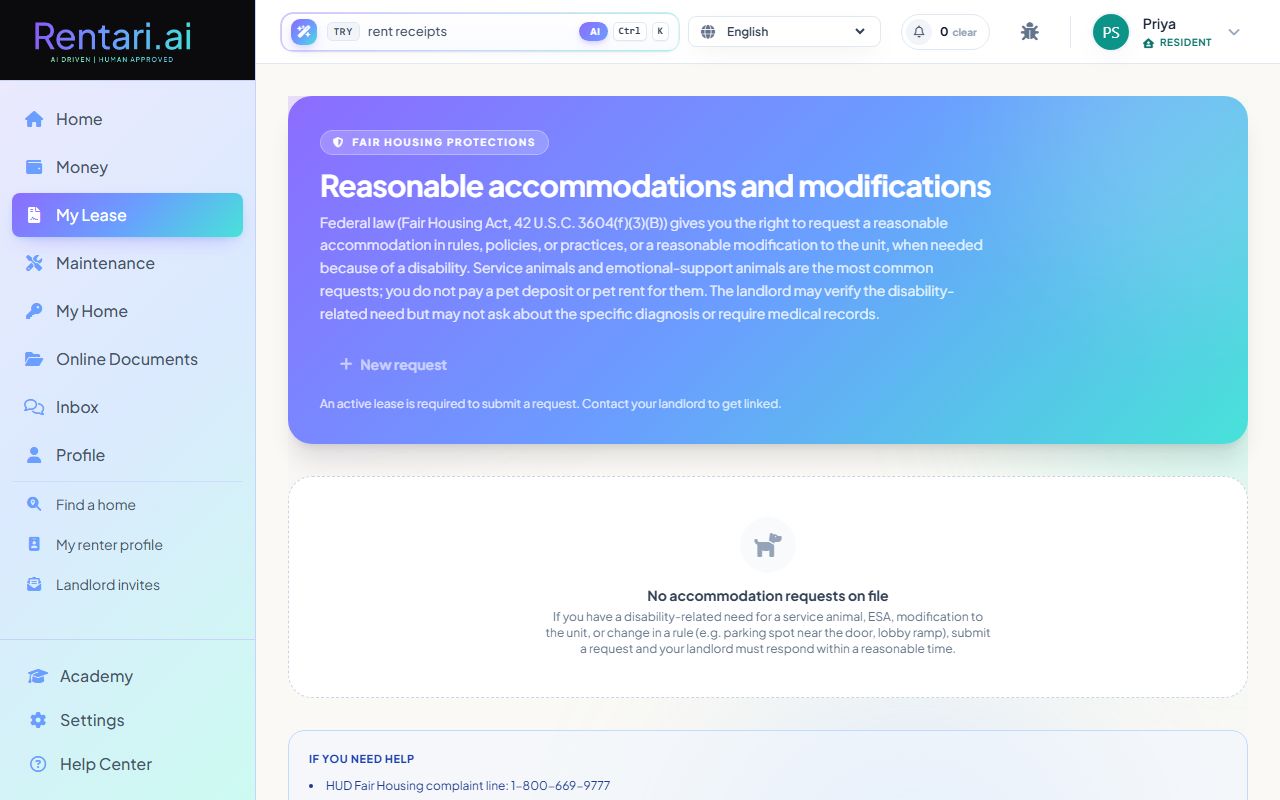
Request a reasonable accommodation under the Fair Housing Act, such as a service animal, ESA, unit modification, or policy change.
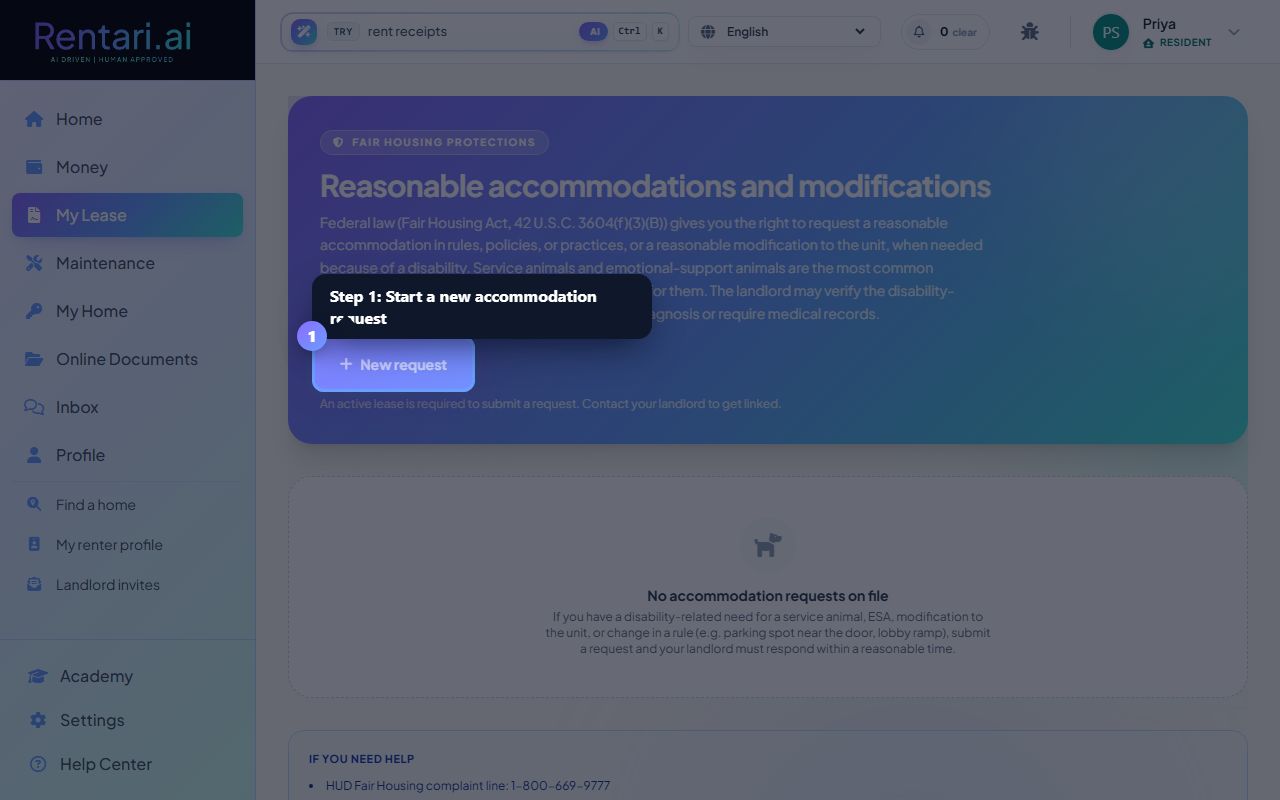
Start a new accommodation request
Action: Click the 'New request' button. A modal dialog opens with a dropdown to select the request type: Service animal, Emotional support animal, Physical modification to the unit, Change in a rule/policy/practice, or Other. Fields for species and animal name appear if you select an animal type.
Service animals and emotional-support animals do not charge pet fees or deposits. If your animal is one of these, also request it here instead of (or in addition to) the Pets page.
Describe your disability-related need
Action: Enter a brief description in the 'Disability-related need' field explaining why the accommodation is needed. Do NOT upload medical records, prescriptions, or share specific diagnoses. The form warns you: the landlord can verify the disability-related need but cannot ask for diagnosis details.
Focus on the functional limitation and how the accommodation helps. Example: 'My service dog provides mobility assistance and alerts me to medical episodes.' Keep it factual and brief.
Upload verification if requested
Action: Submit the request. If the landlord needs verification, your request status changes to 'Verification requested' with a blue pill. A form appears to upload a signed letter from a healthcare provider confirming the disability-related need (PDF or image, max 10 MB). Click 'Upload' to send it back to your landlord.
A signed letter from a qualified provider is sufficient. Your landlord must respond to your request in writing within a reasonable time per Fair Housing law.