Help Center • Tenants • Documents
Read your lease
View your signed lease document, key terms, and lifecycle milestones in one place.
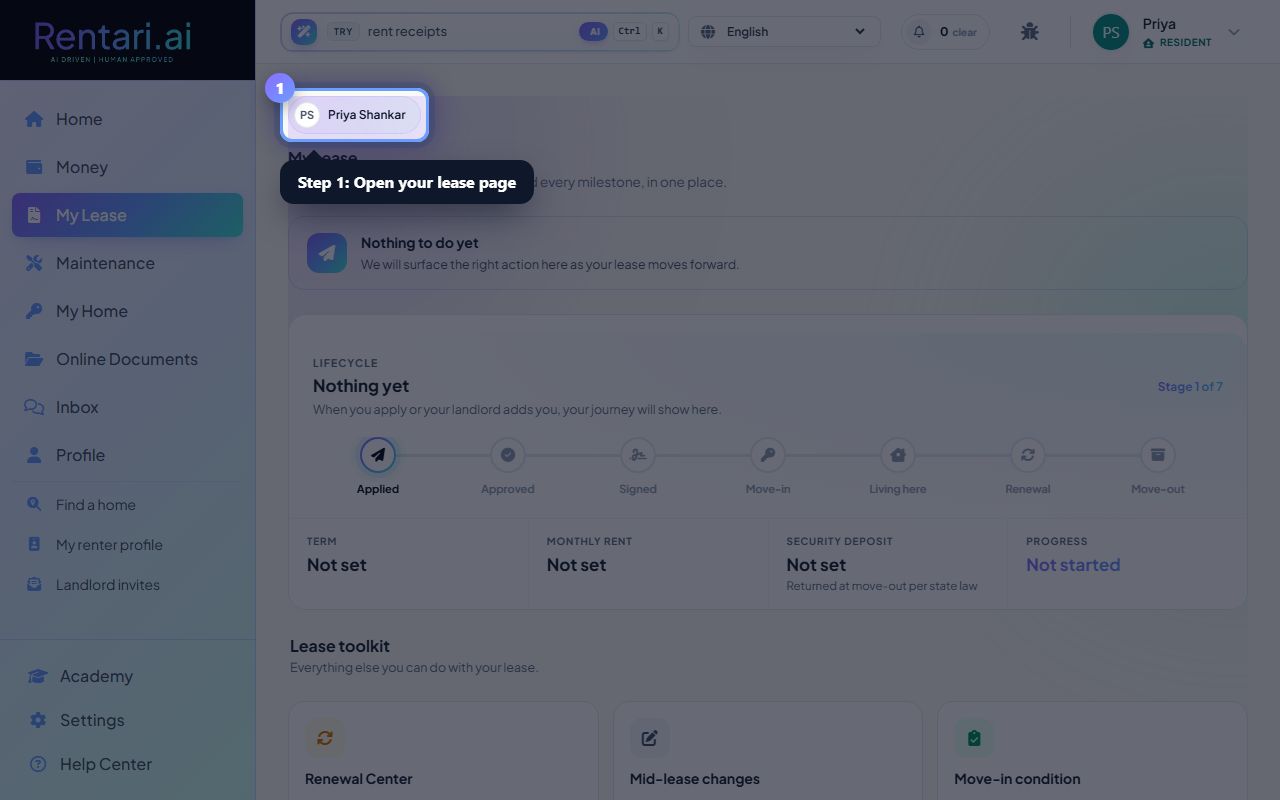
Open your lease page
Action: Navigate to the My Lease page. You'll see your lease information organized with a lifecycle stepper showing your current stage, a summary of key terms (rent amount, due date, security deposit), and your signed lease documents below.
The lifecycle stepper shows seven stages of your tenancy from signing through move-out. Your current stage is highlighted with a dot and line connectors.
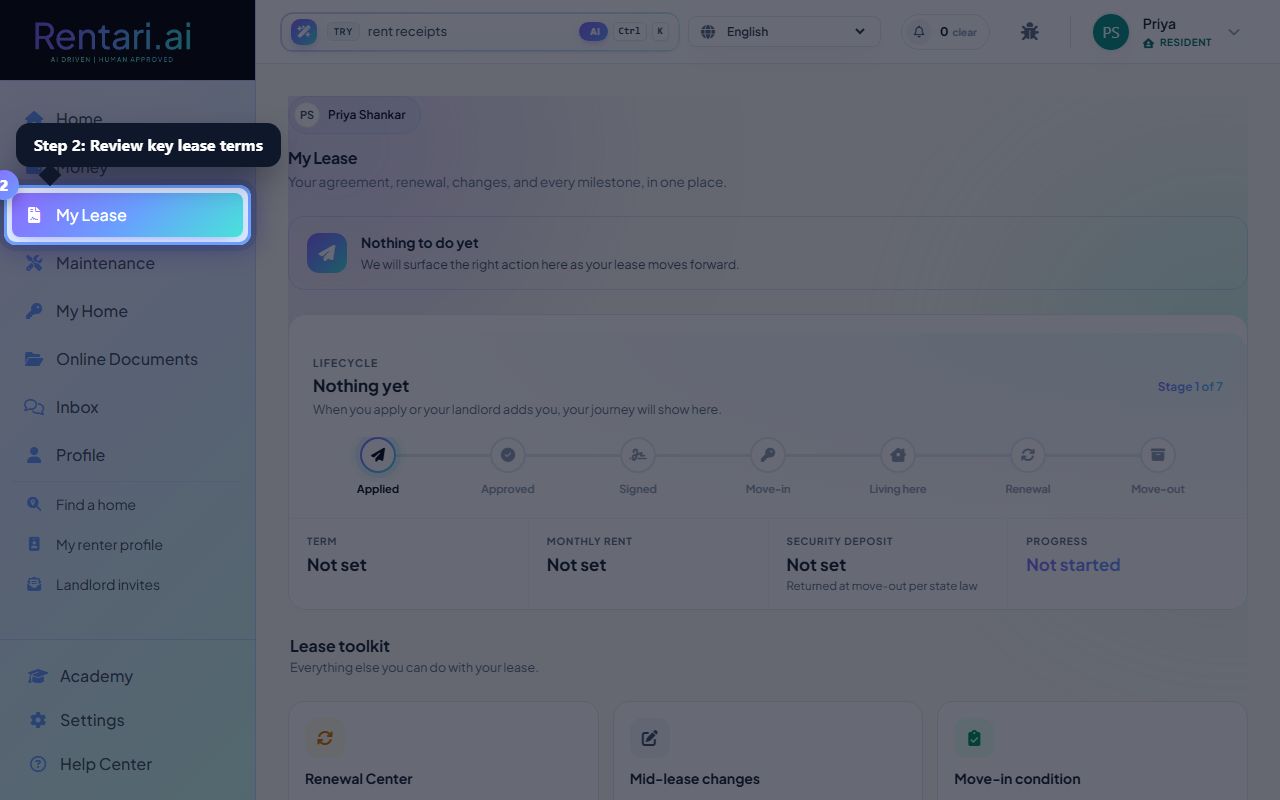
Review key lease terms
Action: Scroll to the 'Key terms at a glance' card showing your monthly rent, late fees, pet rent, NSF fees, insurance requirements, and security deposit. These fields are pulled directly from your signed lease.
All monetary amounts display in dollars with proper formatting, and policy requirements show as Required or Optional.
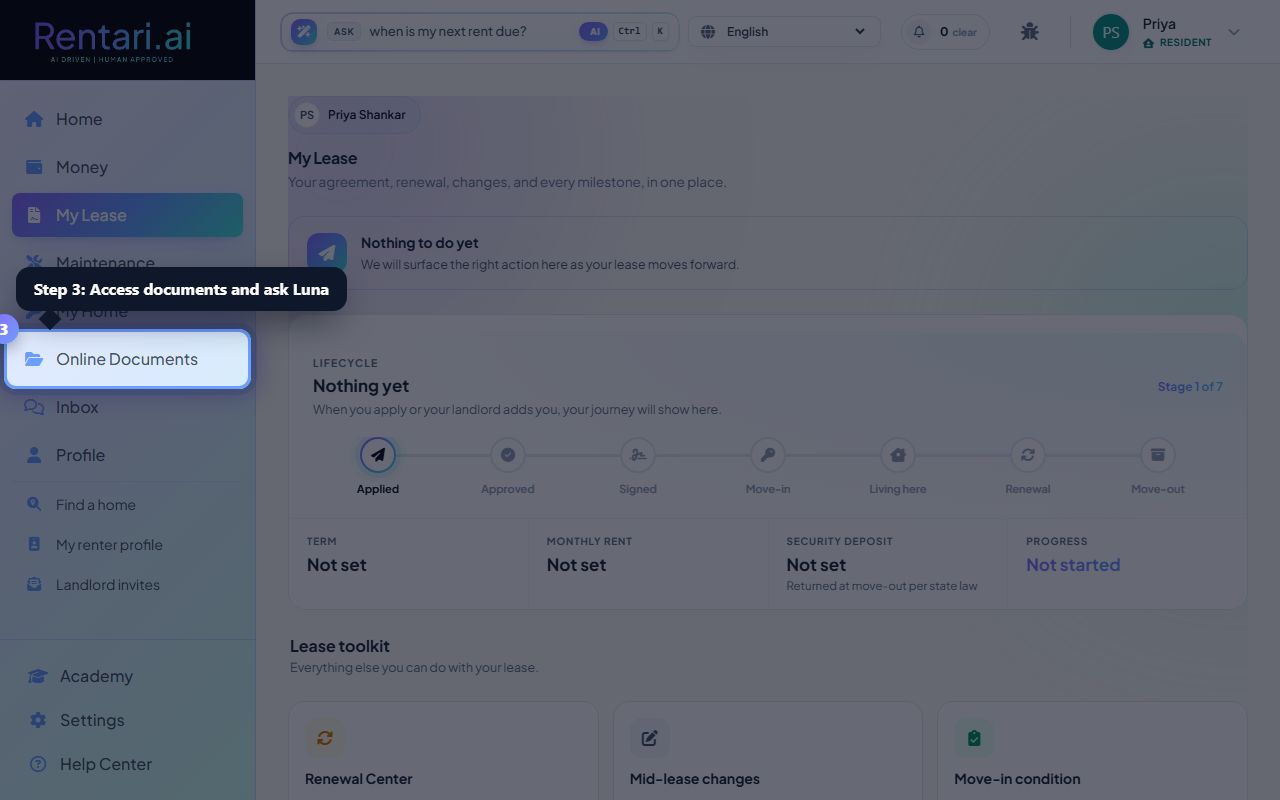
Access your lease documents and ask Luna
Action: View all versions of your lease document in the 'Lease documents' section with status pills. You can click the eye icon to view any document. Click 'Ask Luna' to access the docked AI assistant that answers instant questions about your lease by reading the actual signed agreement.
Luna's instant answers are deterministic from your actual lease fields, not guesses. If information is not in your lease, Luna will point you to your property manager.