Help Center • Tenants • Maintenance
Rate a vendor after repair
Rate and review the contractor or maintenance vendor after they complete a repair at your home.
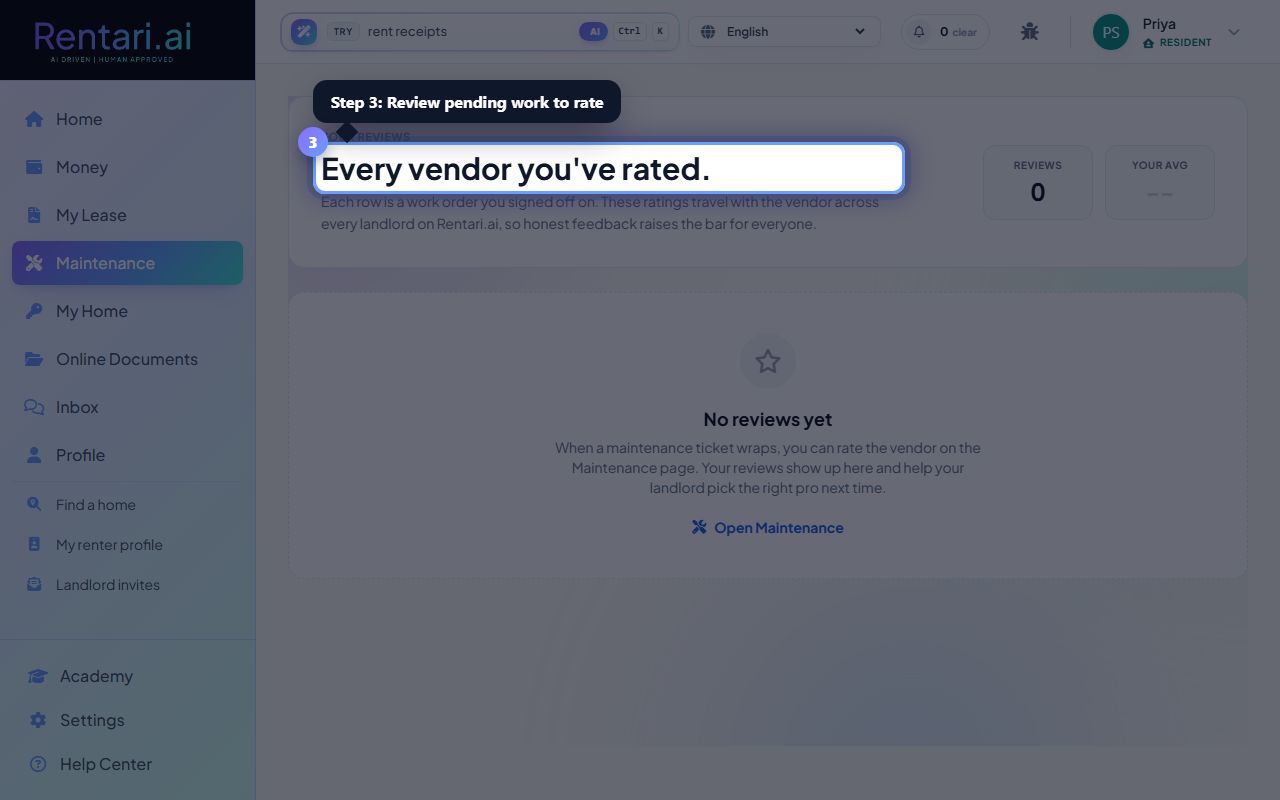
View your vendor ratings summary
Action: The page shows a summary at the top with your total number of reviews and average rating. Below is a section titled 'Your reviews' (or an empty state if no reviews yet) with your review count listed in the header.
Reviews are read-only by design. Once a rating is recorded, you cannot edit it. This ensures accurate historical feedback about your rental experience.
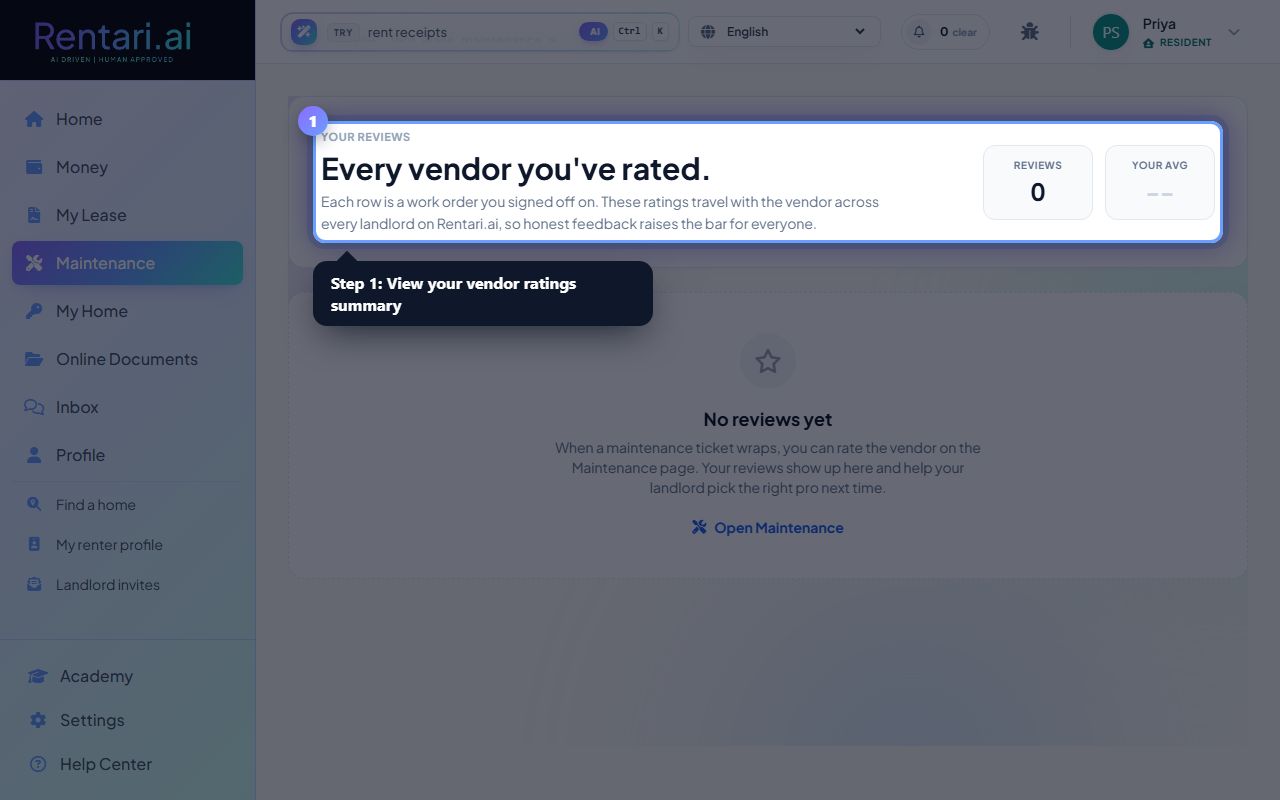
See completed maintenance tickets
Action: Each review row displays the maintenance work title (e.g., 'Plumbing repair'), vendor name (contractor company or 'Maintenance team'), specialty category, your star rating (1-5), your written feedback, and the completion date.
Only signed-off (completed) maintenance tickets appear here. Pending or in-progress repairs won't show until the vendor marks them resolved.
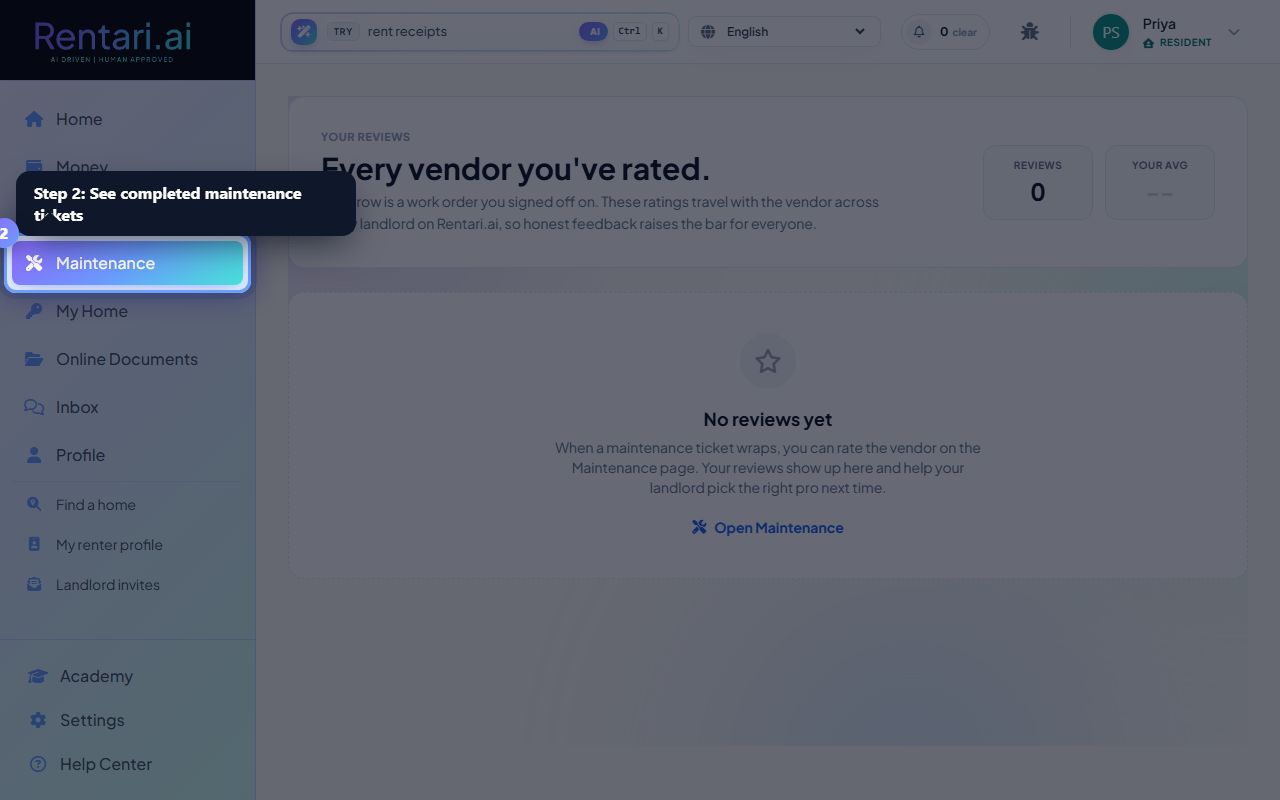
Review pending work to rate
Action: If you have pending work to rate (completed but not yet reviewed), a count badge shows how many tickets are waiting for your feedback. Navigate to the Maintenance section to complete and rate each ticket when the vendor finishes.
Your ratings help landlords select quality vendors and help vendors improve their service. Be specific in your feedback (e.g., 'Fast response, professional, left the space clean').