
Help Center • Landlords • Accounting & Reports
Reconcile move-out deposits and deductions
Track HAP voucher deposits and tenant-share payments to spot shortfalls and late payments.
View HAP reconciliation summary and configure lookback
Action: Open the Move-Out Reconciliation page. At the top, four summary tiles show your voucher unit count and current issues: HAP shortfalls (PHA paid less than expected), late HAP deposits (no payment within 15 days), and tenant-share misses. Use the 'Lookback' dropdown to view the last 3, 6, or 12 months of data.
If you have no voucher units, the page shows an empty state. Voucher units must be marked on their property page by setting the tenant share and HAP amount on the HUD Subsidy panel. Only voucher units appear in this reconciliation.

Review the reconciliation table for each unit and month
Action: The table below lists each voucher unit by row with columns for Month, HAP expected vs. received, tenant-share expected vs. received, and status. Green status means all payments matched. Amber or red means a shortfall or late payment. Click any row to open a modal to record the deposit you actually received.
The PHA may pay late or short. Each payment leg (HAP vs. tenant share) has a different remedy. If HAP is short, contact the PHA. If tenant share is short, treat it like rent arrears.
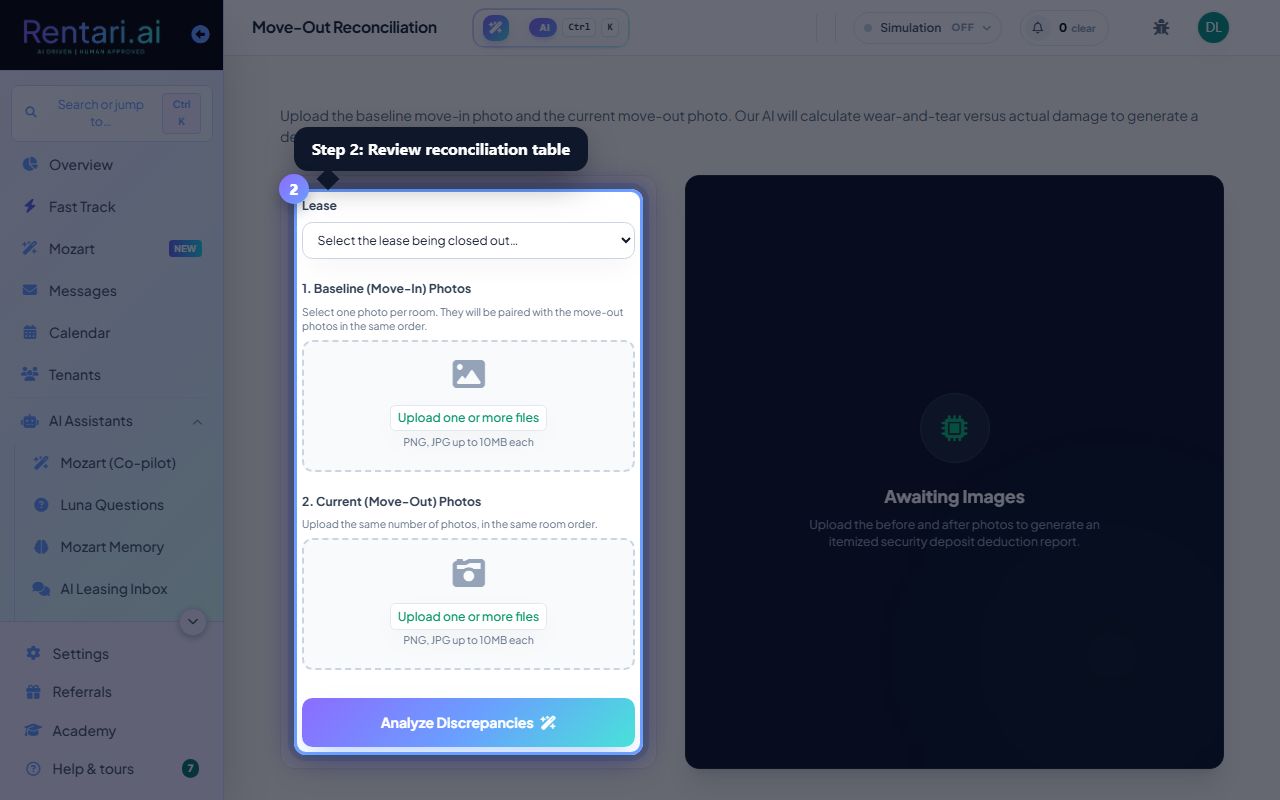
Record received deposits and follow up on mismatches
Action: Click a row with a shortfall to open the deposit modal. Enter the amount you received, the date it posted, a PHA reference number (if you have one), and notes. Save the entry. The table updates to show you've recorded it. For unresolved shortfalls, use the notes field to track follow-ups or disputes with the PHA.
Keep PHA ACH memos and correspondence handy when filling this out. If HAP is consistently short, escalate to your PHA liaison. Document everything so you can prove timely notice if a dispute arises.