
Help Center • Landlords • Accounting & Reports
Calculate HUD total tenant payment
Use the Total Tenant Payment calculator to compute subsidized rent and utility line items per 24 CFR 5.628.
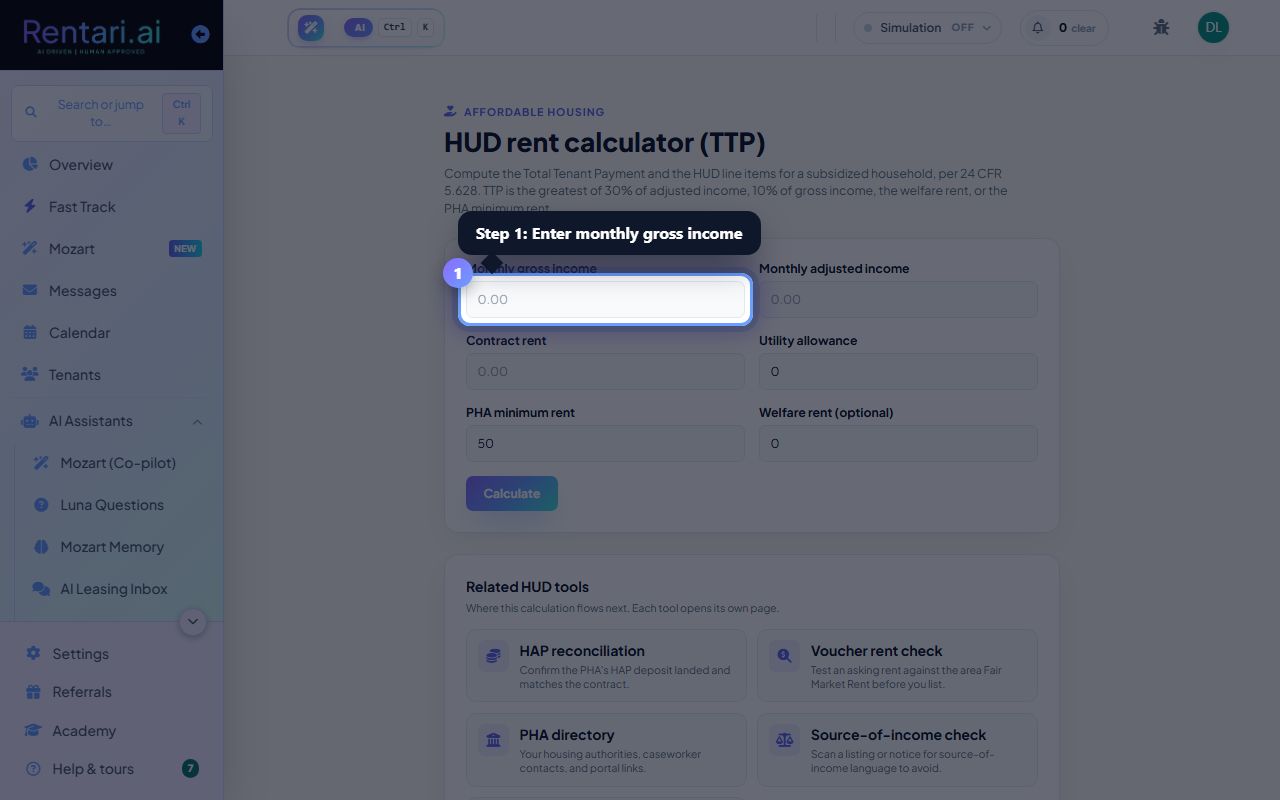
Enter household income
Action: In the input form, fill Monthly gross income and Monthly adjusted income, then enter Contract rent and Utility allowance.
At least one income figure must be above zero for a meaningful calculation. Adjusted income deductions follow 24 CFR Part 5; verify against your PHA's rules.
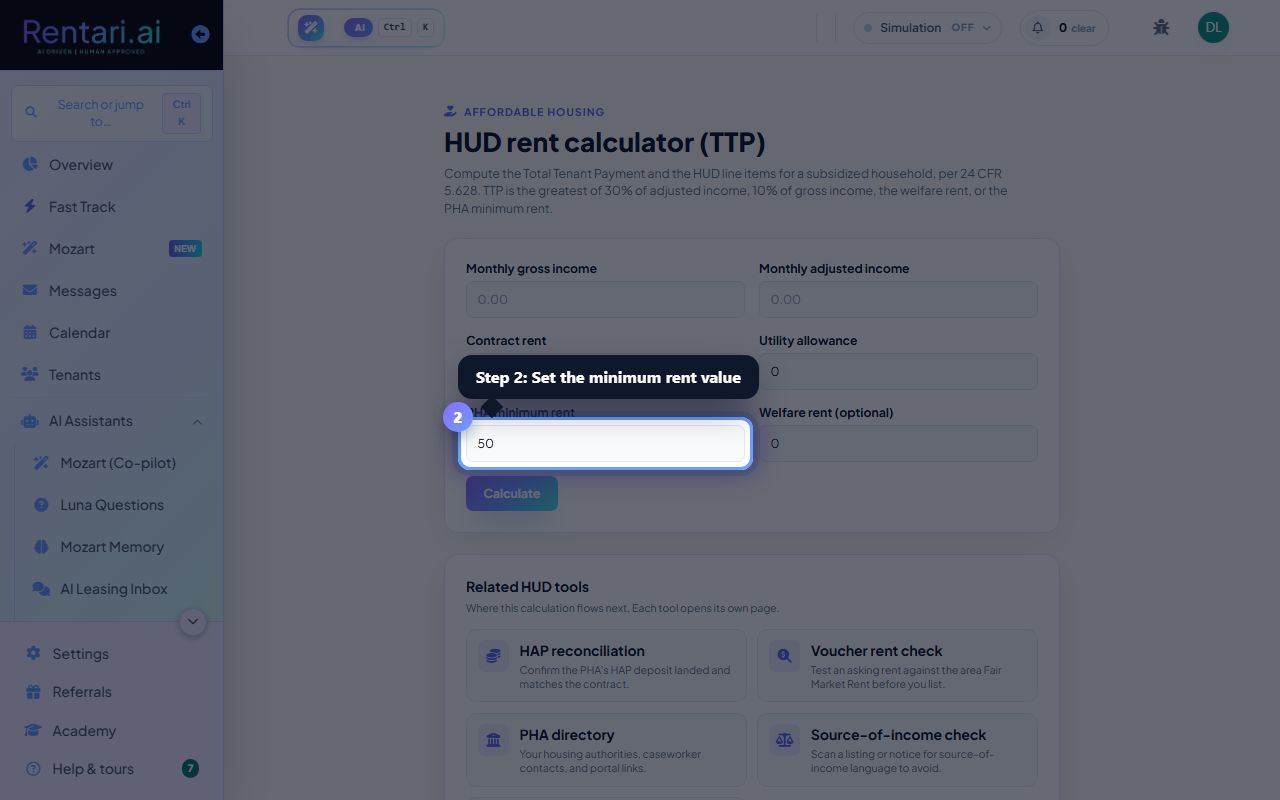
Set the minimum rent and welfare rent
Action: Set PHA minimum rent (default 50, often 0-50 range per your PHA). If applicable, enter Welfare rent (as-paid states only), then click Calculate.
The TTP becomes the greatest of four amounts. Most subsidized units fall to the 30% adjusted income formula, but the calculator shows all four to confirm which one governs.
Review the tenant rent and HAP
Action: After calculation, the result displays Gross rent, Tenant rent (to owner), Utility reimbursement, and HAP. Click Track the HAP deposit in reconciliation to move to HAP posting.
If Utility allowance exceeds TTP, the tenant gets a utility reimbursement instead of owing rent. This estimate is for planning; confirm totals against the PHA's official certification.