Help Center • Landlords • Documents
AI lease auditor
Drop a lease PDF and get an instant AI audit that flags risky, missing, or outdated clauses against 50-state rules, with a compliance score.
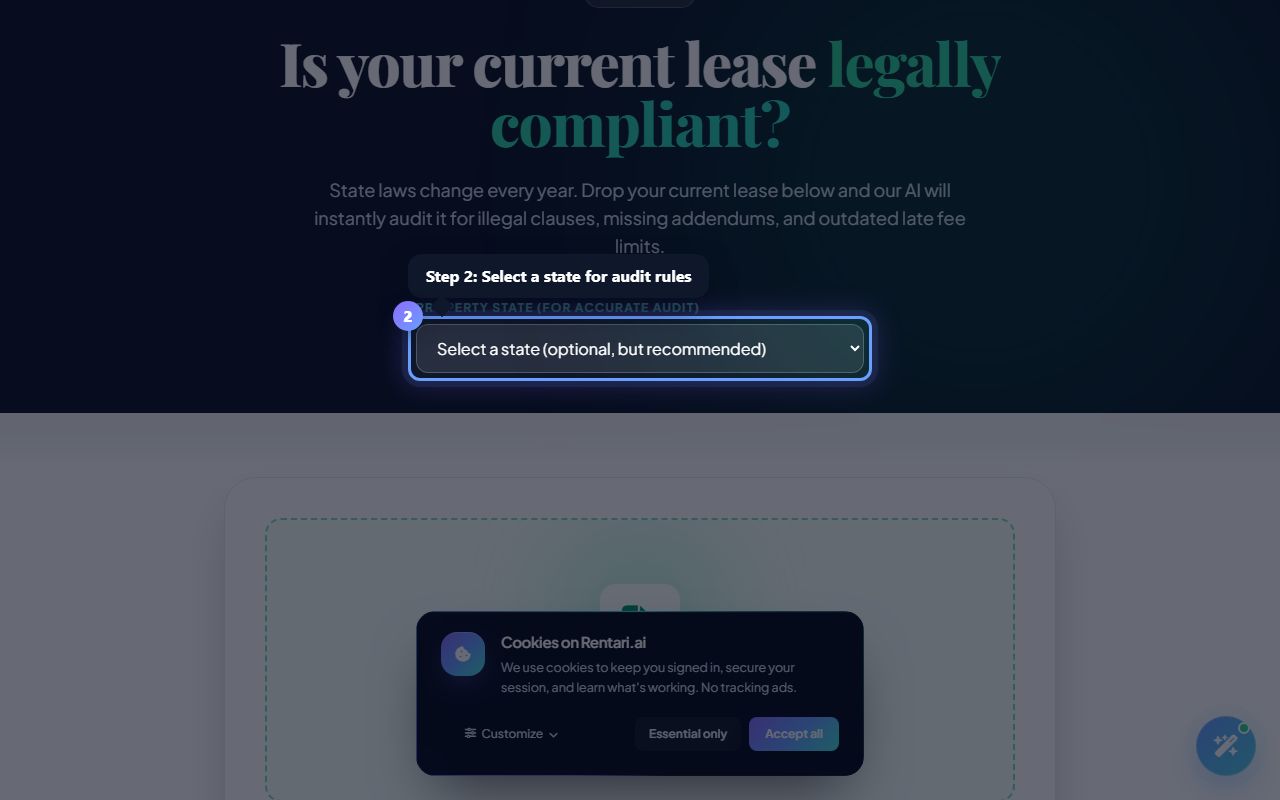
Optionally select your state
Action: Choose a state from the dropdown (recommended for accurate audit). The audit will cross-reference 2026 statutes for that state if you select one.
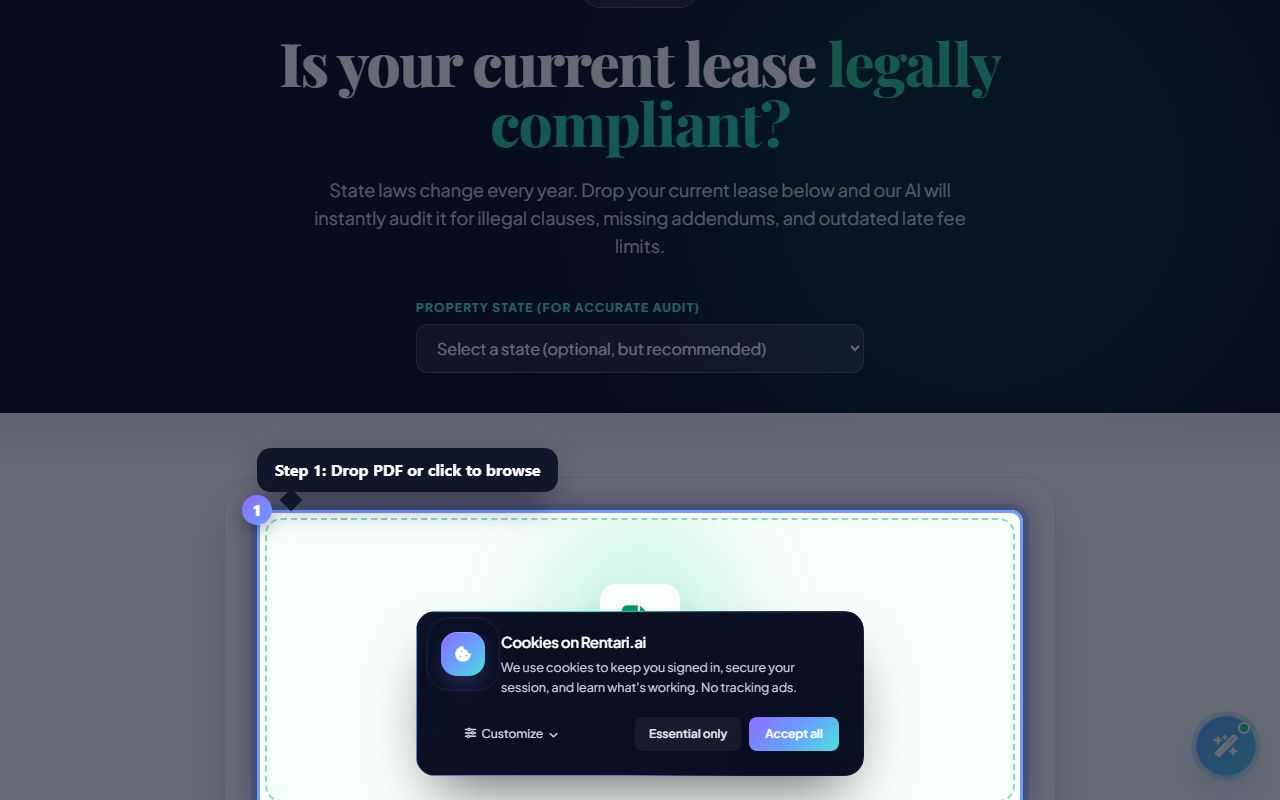
Upload your lease
Action: Click the dropzone that says Upload Your Lease Agreement or drag a PDF file onto it. The system accepts PDF only on this page. A spinner shows while the AI reads and analyzes.
Review score and findings
Action: The AI returns a Compliance Score (0-100), extracted terms (base rent, late fee, lease term), and AI Audit Findings sorted by severity. Each finding shows the risky clause text, reason, and severity (High Risk, Watch, Note). Click Draft a 2026 compliant replacement lease to generate a new version, or if authenticated, click Replace this clause to edit in Document Studio.