Help Center • Landlords • Maintenance
Capture and price an inspection
Walk a unit with your phone camera, AI detects damage and estimates repairs, then generate a signed move-out report with the refund deduction.
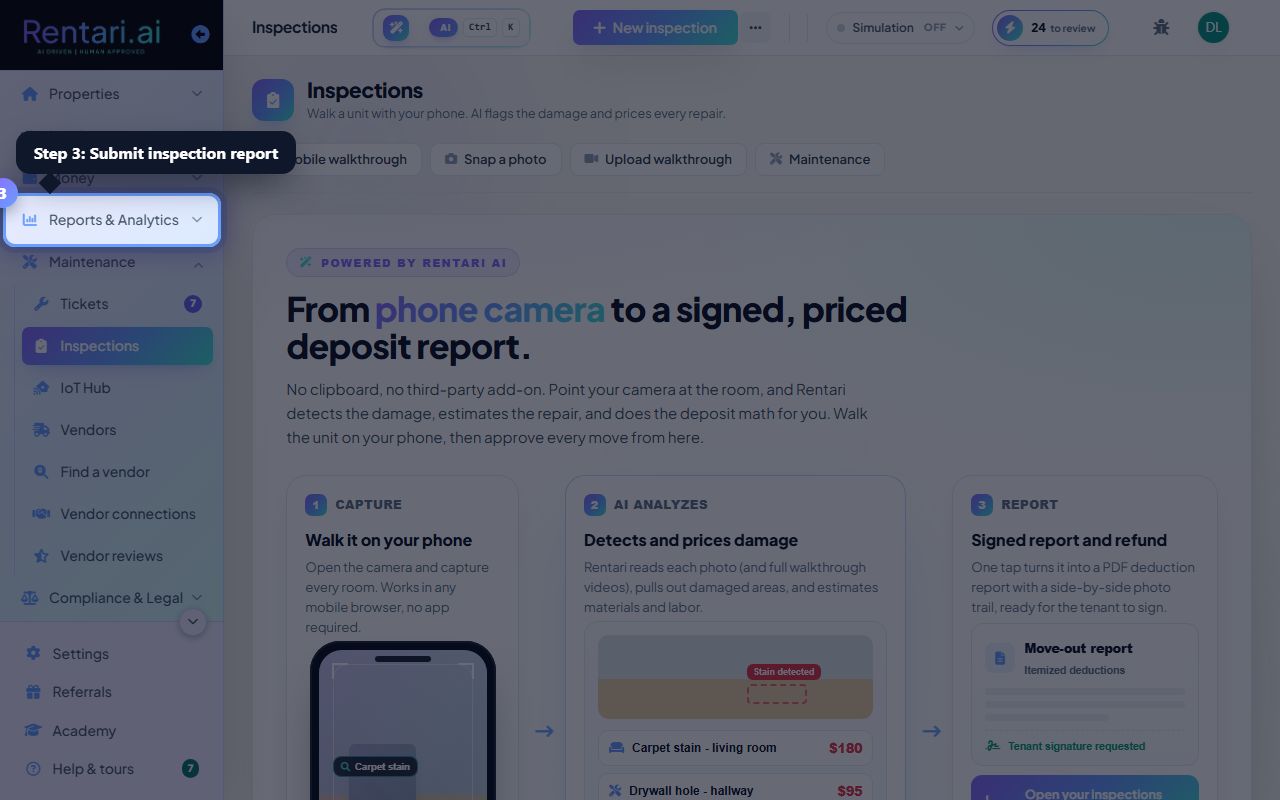
Create and start a new inspection
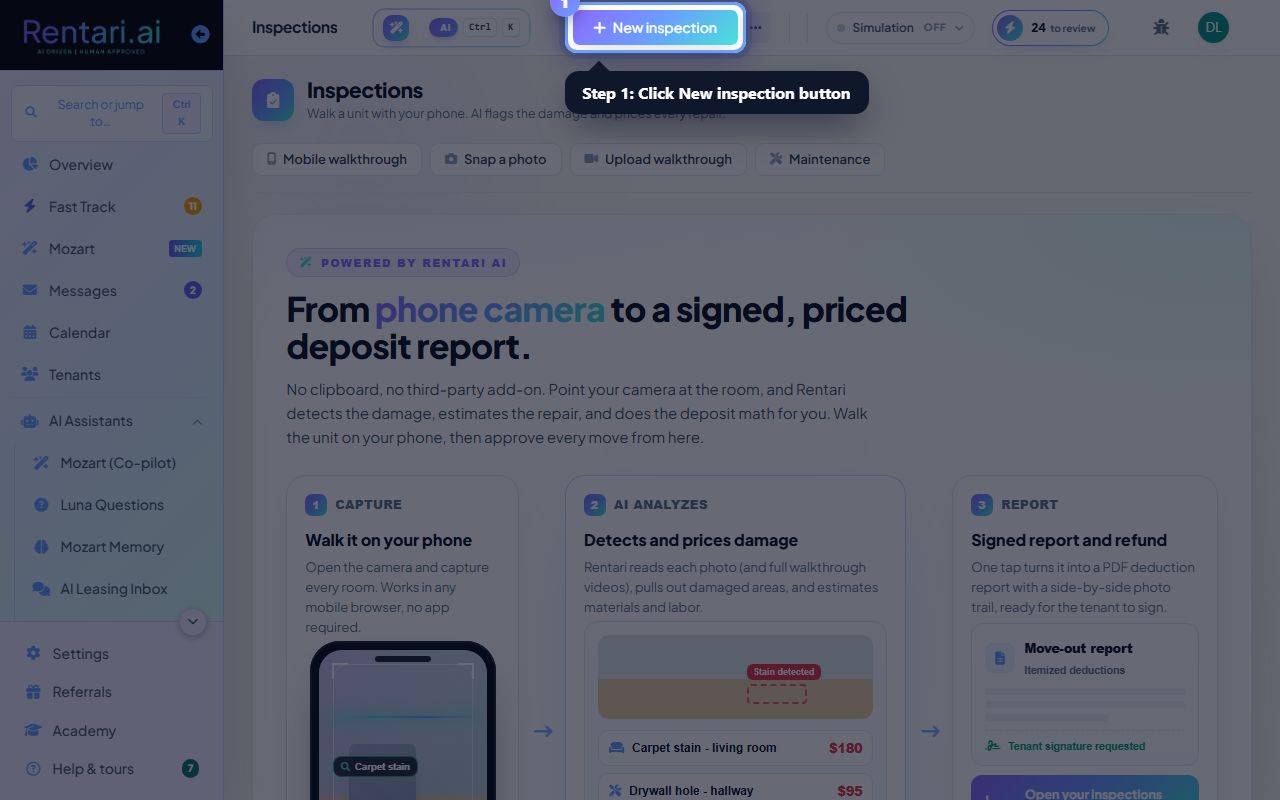
Action: Click 'New inspection' in the top right. Select the unit and inspection type (move-in, move-out, or routine). Rentari assigns the current tenant if one is active on that unit.
Move-in inspections capture baseline condition. Move-out inspections are paired with move-in to show what changed during tenancy.
Snap photos and let AI detect damage
Action: Open the inspection on your phone and use 'Mobile walkthrough' to photograph each room. AI watches live, spots damage (stains, holes, wear), and estimates materials and labor. You can also upload a full walkthrough video.
Lighting matters. Take photos from multiple angles so the AI can assess damage accurately. One photo per issue is enough.
Review estimates and generate a signed report
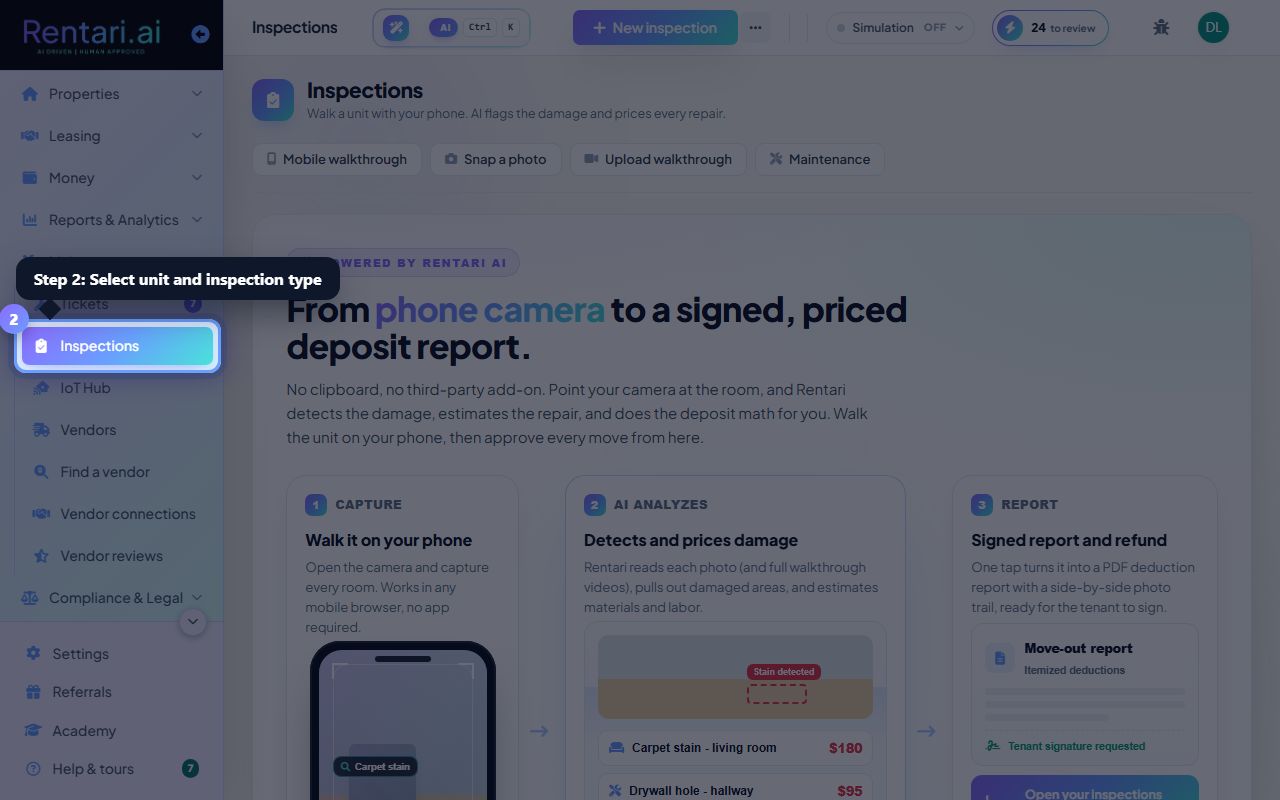
Action: Back in the dashboard, open the inspection and review the detected damages, repair costs, and recommended refund in the Overview tab. Once approved, click 'Generate PDF' to create an itemized move-out report ready for the tenant to sign.
Disputes show in the Disputes tab if the tenant contests a deduction. You can waive or reject each one, and the refund recalculates.