Help Center • Landlords • Get Paid
Reconcile commercial tenant CAM charges
Reconcile a commercial tenant's share of recoverable operating expenses (CAM) and post the monthly estimate.
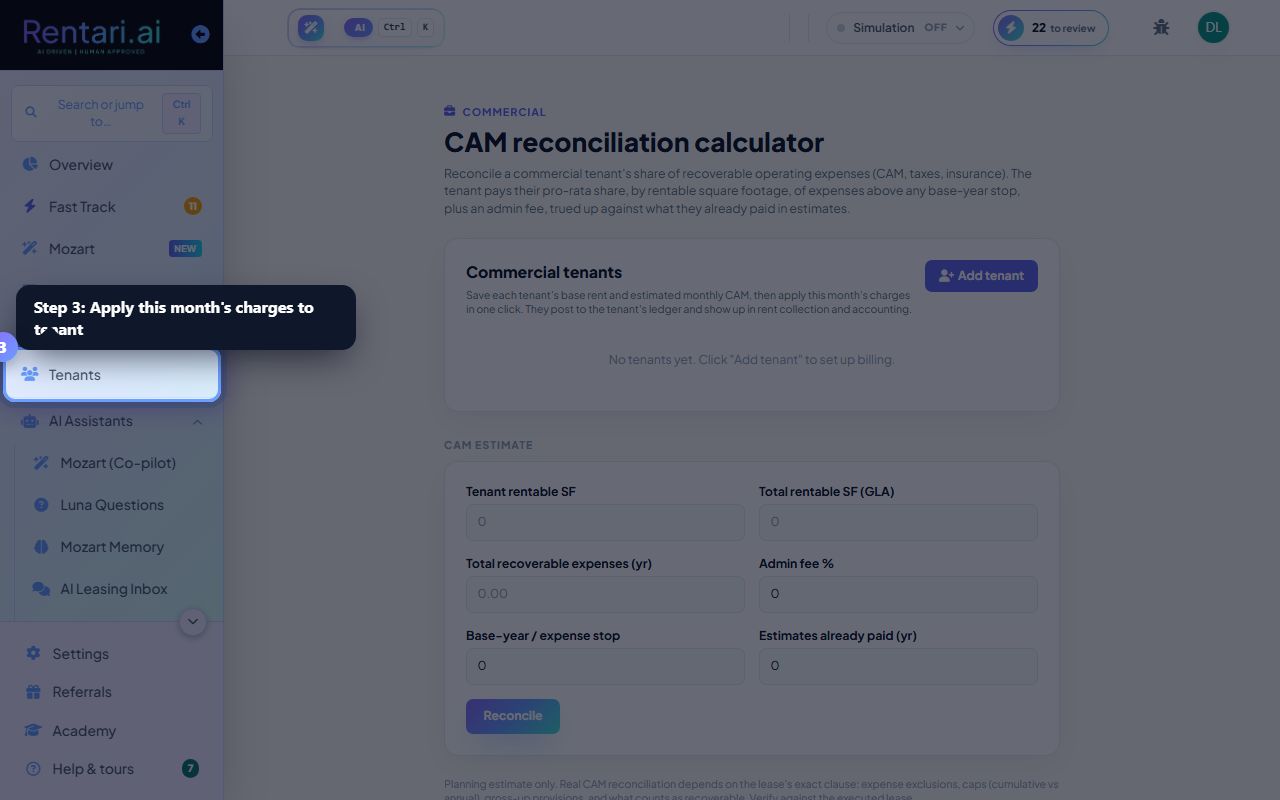
Add commercial tenants and base rent
Action: Click Add tenant, enter Business name, select Suite (optional), enter Base rent (monthly) and Estimated CAM (monthly). Save tenant. Click Add tenant again for each occupant.
Each tenant's saved CAM estimate is the monthly charge. You can edit or delete tenants at any time. The Add tenant button creates a new row each time.
Enter annual CAM and reconcile
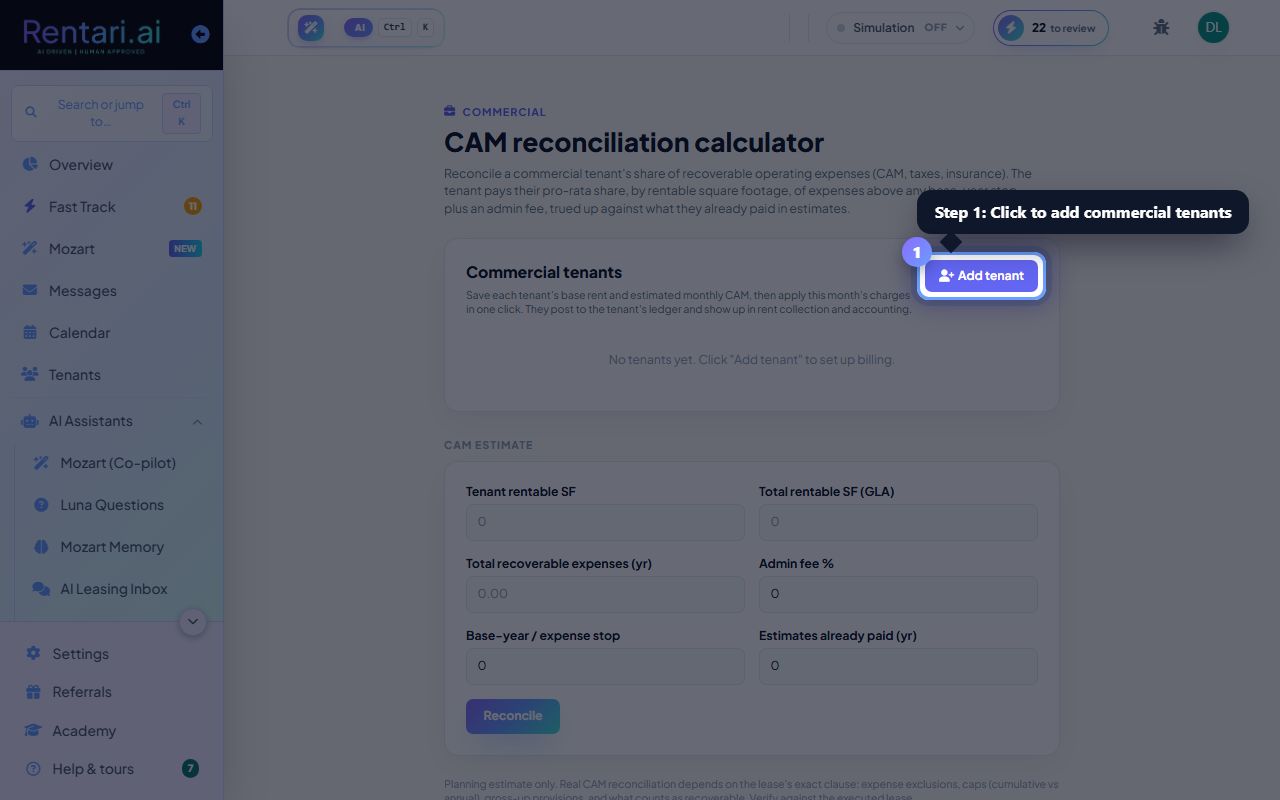
Action: Fill Tenant rentable SF, Total rentable SF (GLA), Total recoverable expenses (year), Admin fee %, Base-year/expense stop, and Estimates already paid (year). Click Reconcile to calculate.
The reconciliation shows what is owed (positive) or refunded (negative) for the full year. Use the next monthly estimate to update a tenant's ongoing CAM charge.
Apply charges and post to ledger
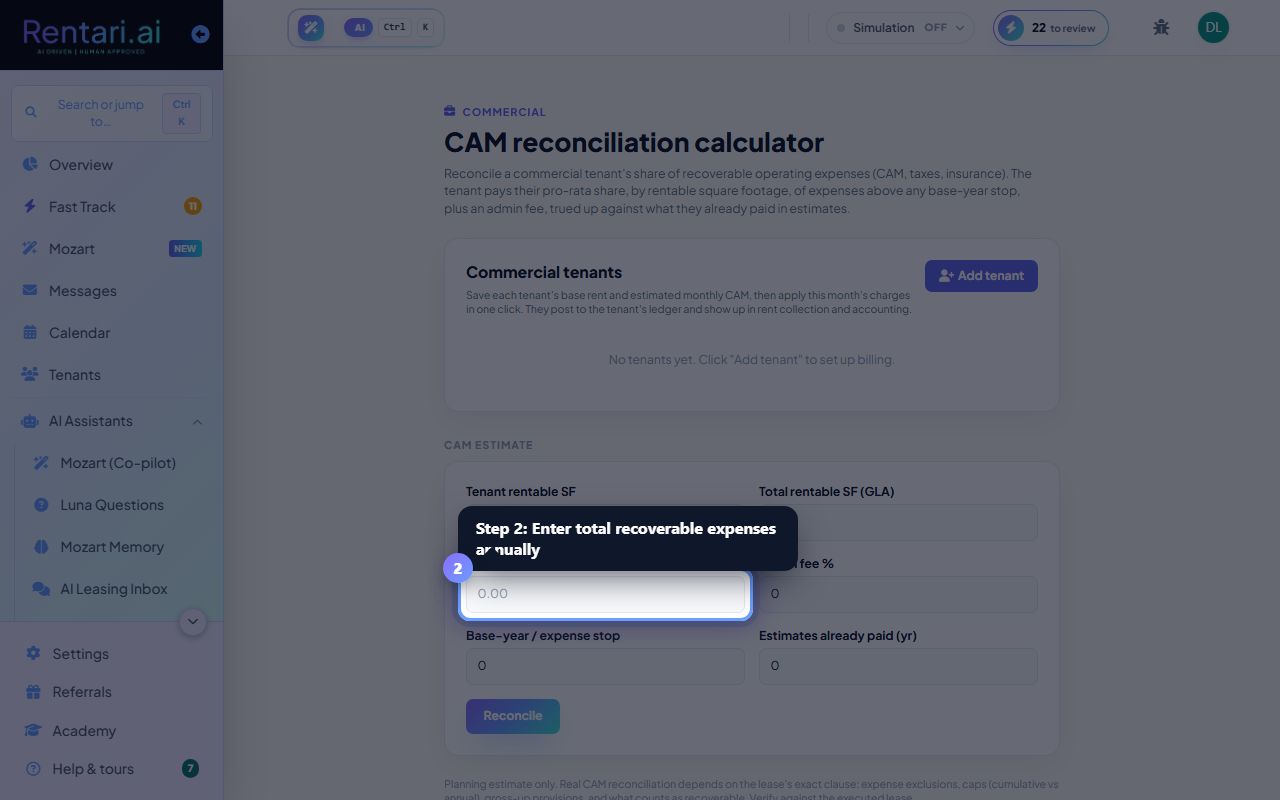
Action: Select a saved tenant from the roster and click Apply this month's charges. Confirm the billing. The charge posts to that tenant's ledger and flows into rent collection and accounting.
Applying the same month again will skip tenants already billed, so you will not double-charge. The monthly estimate is a planning guide; your lease's exact CAM clause (caps, exclusions, gross-up) governs the real charge.