Help Center • Landlords • Accounting & Reports
Create owner statements
Assign ownership shares to a property and generate monthly statements that split income and expenses across multiple owners.
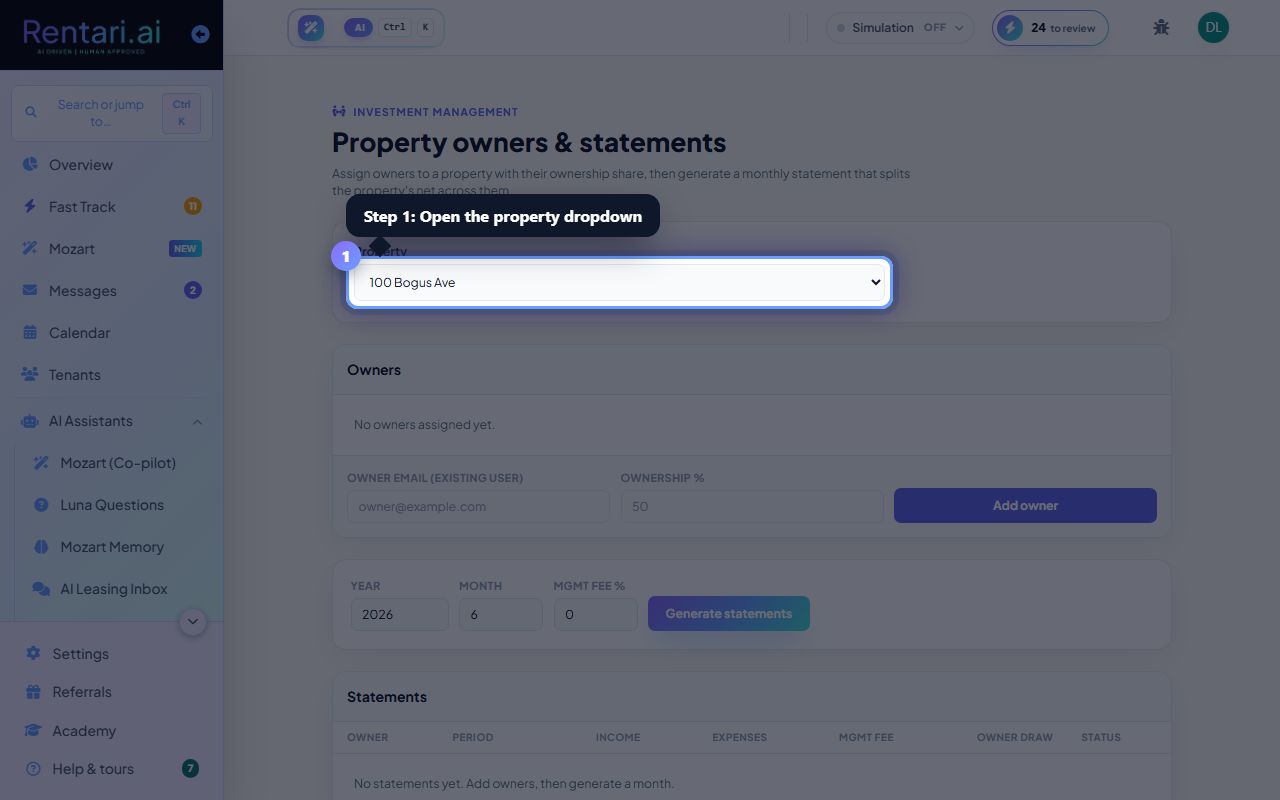
Select your property
Action: Open the Property dropdown near the top of the page and choose which property's owners you want to manage. The dropdown shows all properties by street address. If no properties appear, you must add a property first.
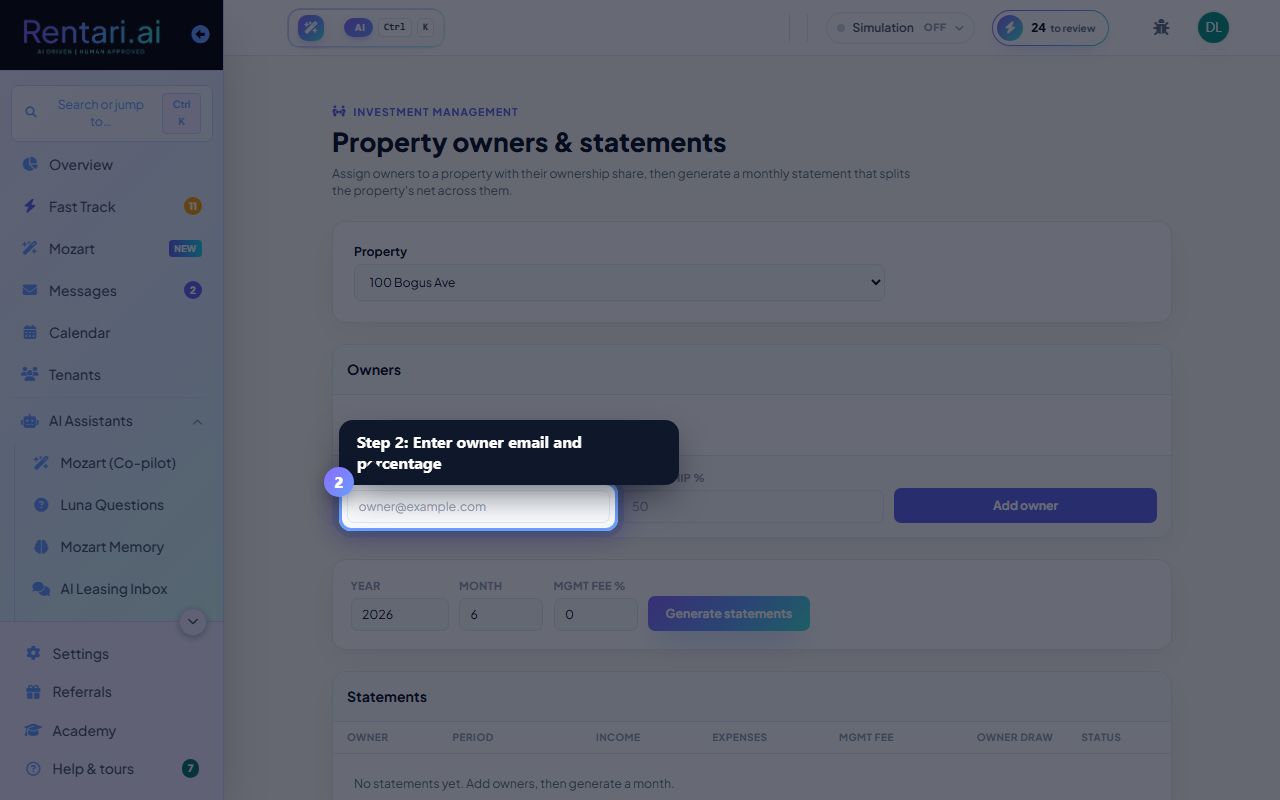
Add owners and their shares
Action: In the Owners section, enter an owner email (for an existing Rentari.ai user), type their ownership percentage (0-100), and click Add owner. The page tracks total assigned percentage. To remove an owner, click the trash icon next to their name.
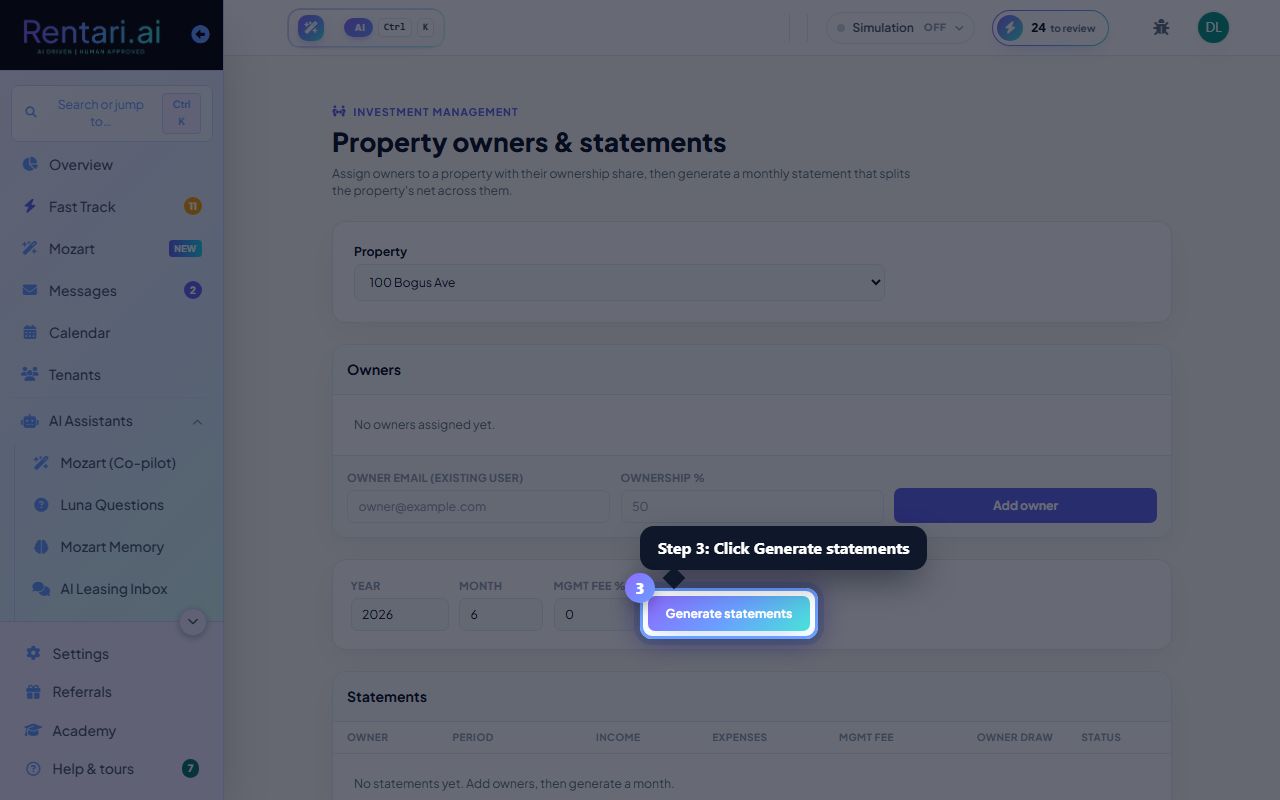
Generate and review statements
Action: Check the Management fee saved against this property, which every statement reads including the automatic monthly run. Then set the Year and Month and click Generate statements. Leave Override fee % blank to use the saved fee; type a number only to change it for this one run. The page shows gross income, expenses, management fee, and the owner draw for each person.