Help Center • Landlords • Maintenance
Luna tenant questions
Answer questions from Luna (your tenants' AI assistant) that it could not resolve, which teaches Luna for future questions and builds your property knowledge base.
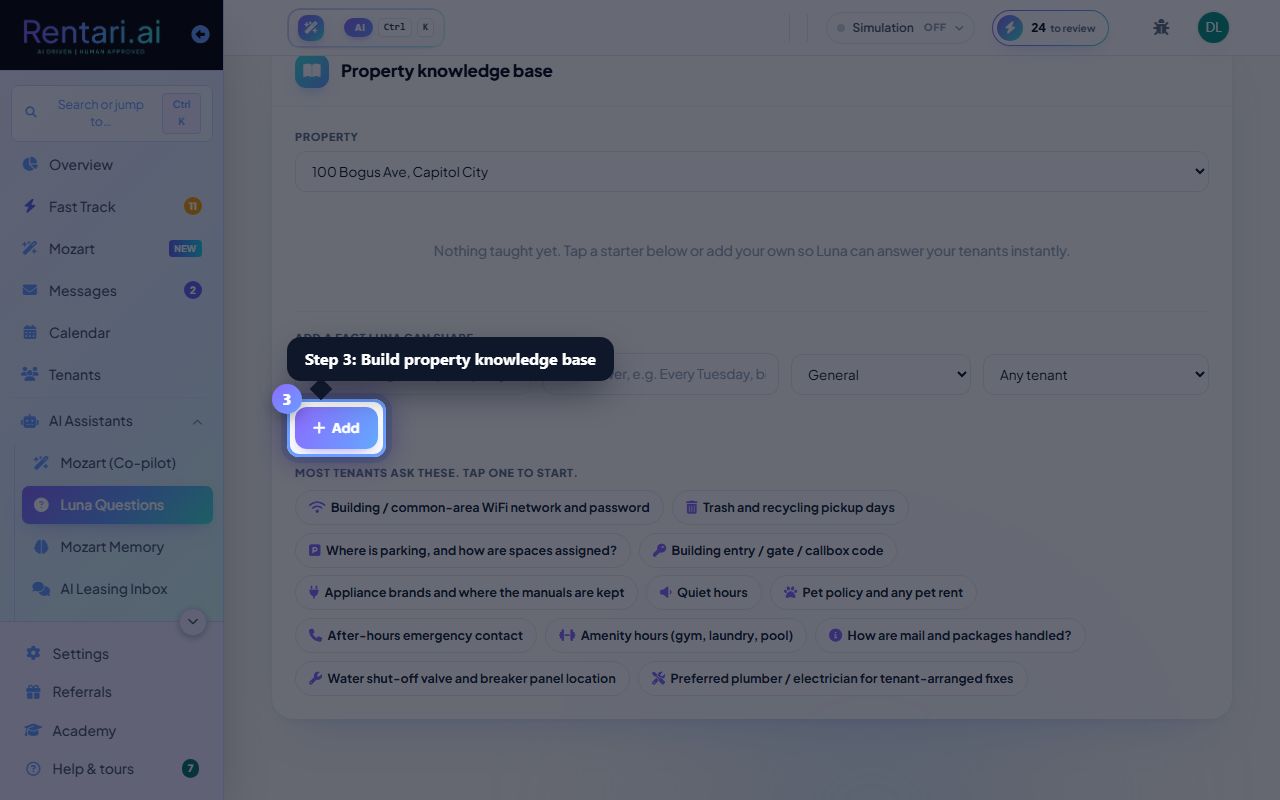
Review unanswered questions
Action: Scroll through the questions listed under your properties. Each question shows the tenant name, property, the question text, and Luna's confidence level. Look for questions with 'Luna couldn't answer' status.
Click a property name in the filter panel on the left to see only questions for that unit. Luna keeps a history so you can track what questions come up most often per property.
Write and save your answer
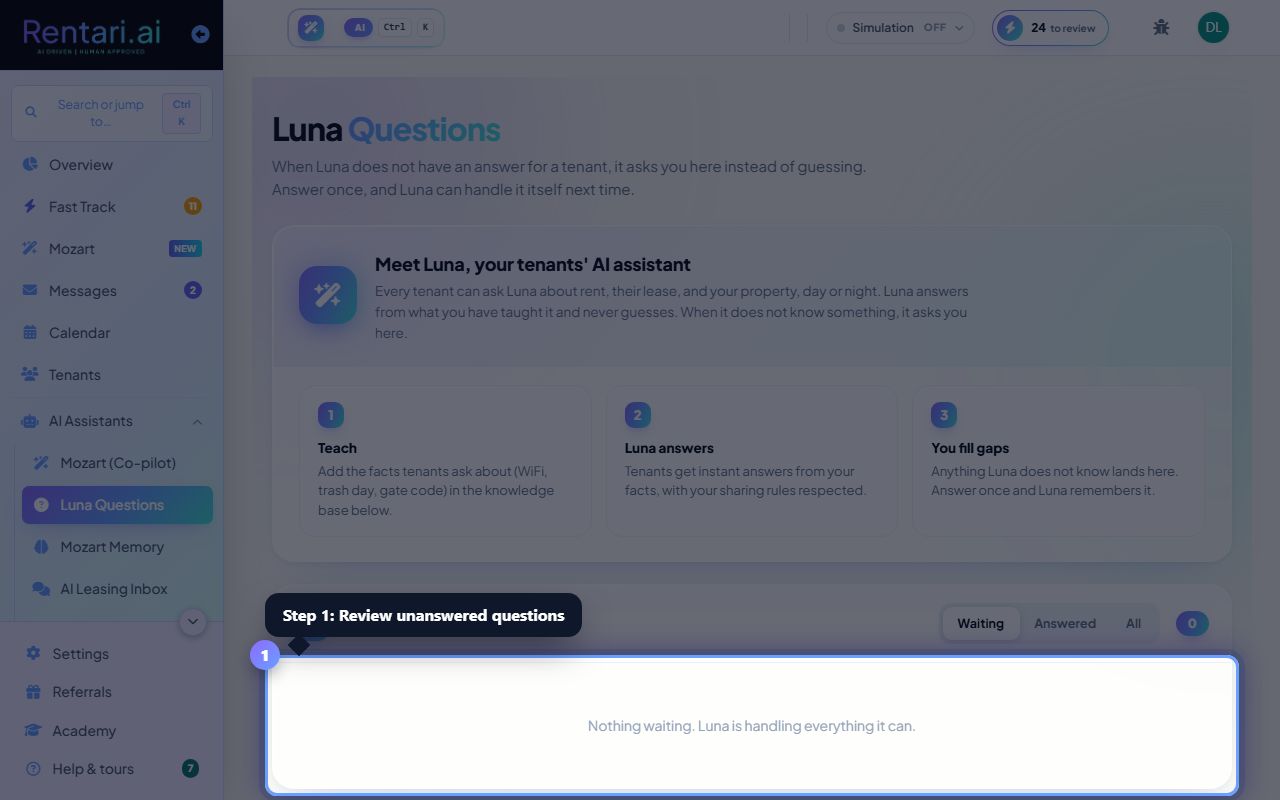
Action: Click the text area under a question and type your answer. Check the 'Teach Luna' checkbox if you want this answer added to the knowledge base so Luna can answer the same question next time.
Your answers are not sent back to the tenant automatically. You choose when to teach Luna by checking 'Teach Luna', which stores your answer for future tenant queries.
Build property knowledge base
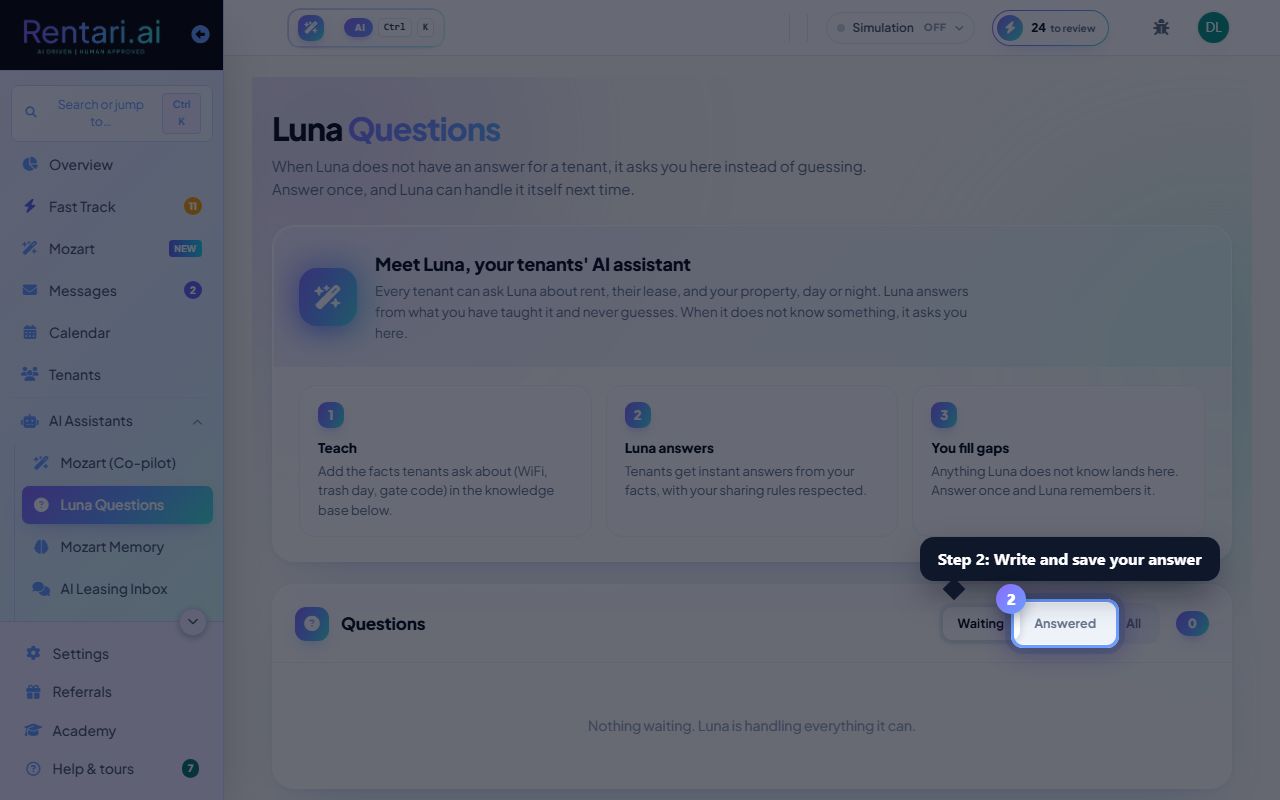
Action: View and edit the knowledge base items below each question. Add key facts (pet policy, lease length, utilities included, etc.) using the form at the bottom. These facts help Luna answer tenants more accurately.
You can delete knowledge base items if they are outdated. Luna reads your knowledge base at the start of each conversation with a tenant, so it always has current property rules.