Help Center • Tenants • Get Paid
Add renters insurance
Browse vetted renters insurance partners, get quotes, buy a policy, and upload your declaration page for lease verification.
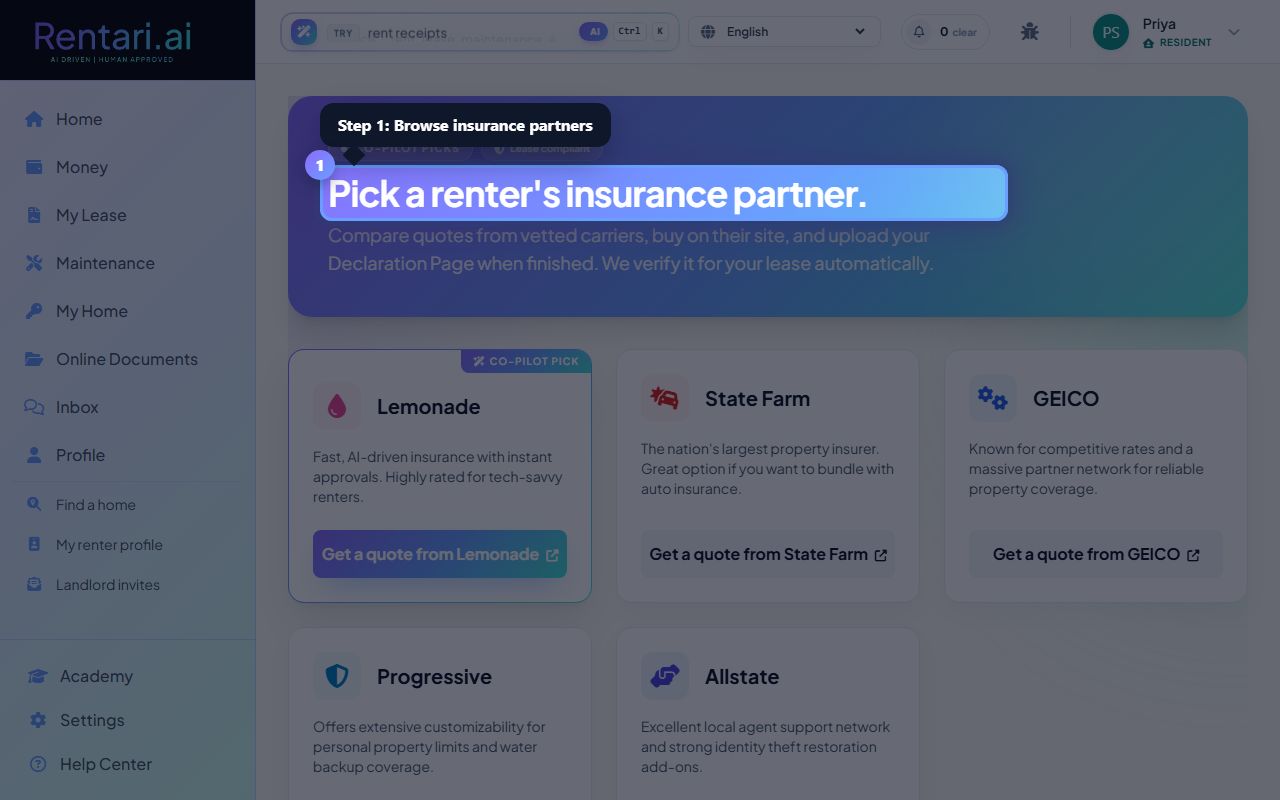
Browse insurance partners
Action: View a grid of vetted insurance carrier cards, each showing the carrier name, company icon, brief description, and AI rationale if recommended. Cards with AI recommendations have a 'Co-pilot pick' badge. Click 'Get a quote from [Provider]' to visit their website.
The AI recommends carriers based on your lease profile (rent amount, pet fees, assistance animals). Co-pilot picks appear first with a gradient border and special styling.
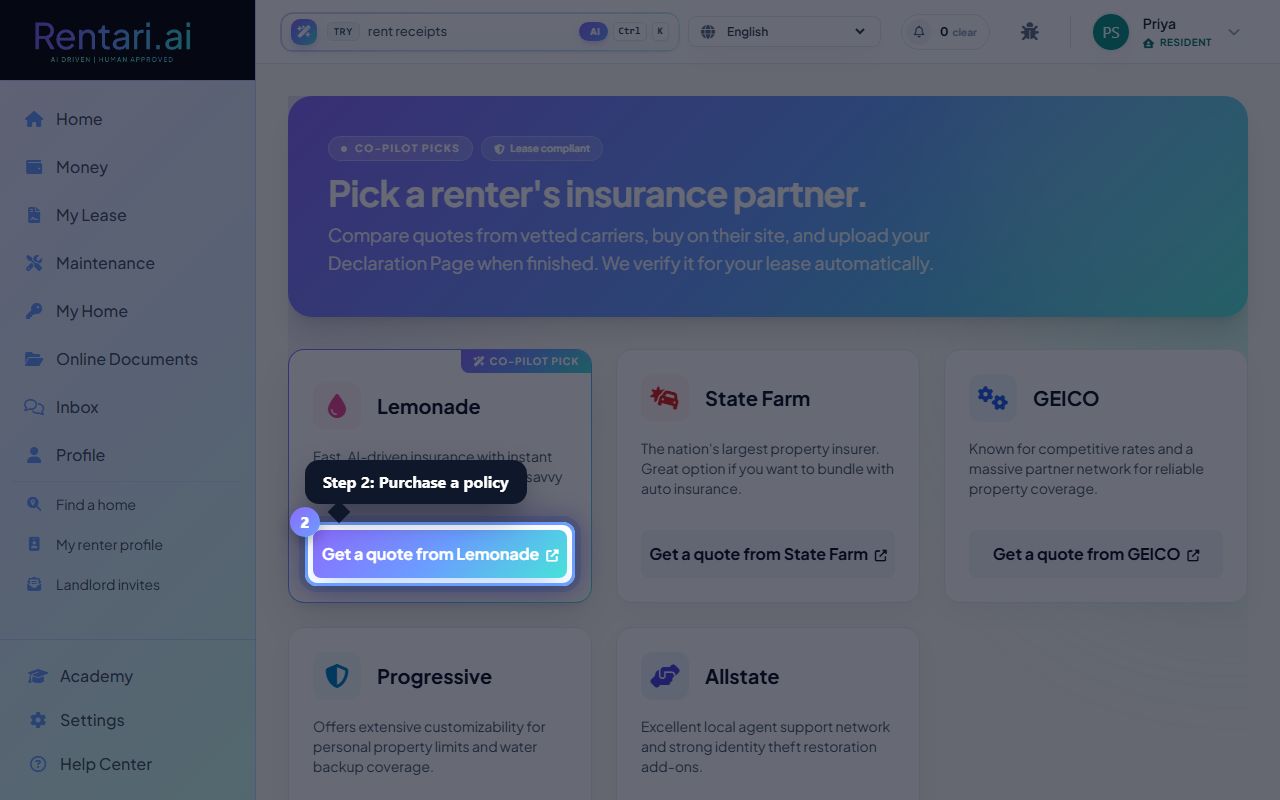
Purchase a policy
Action: Click the 'Get a quote' link on any carrier card. You're redirected to the provider's website in a new tab to complete your quote and purchase. Once purchased, download your PDF Declaration Page.
Keep your Declaration Page (proof of insurance) handy. This is the document you'll upload to verify your lease compliance.
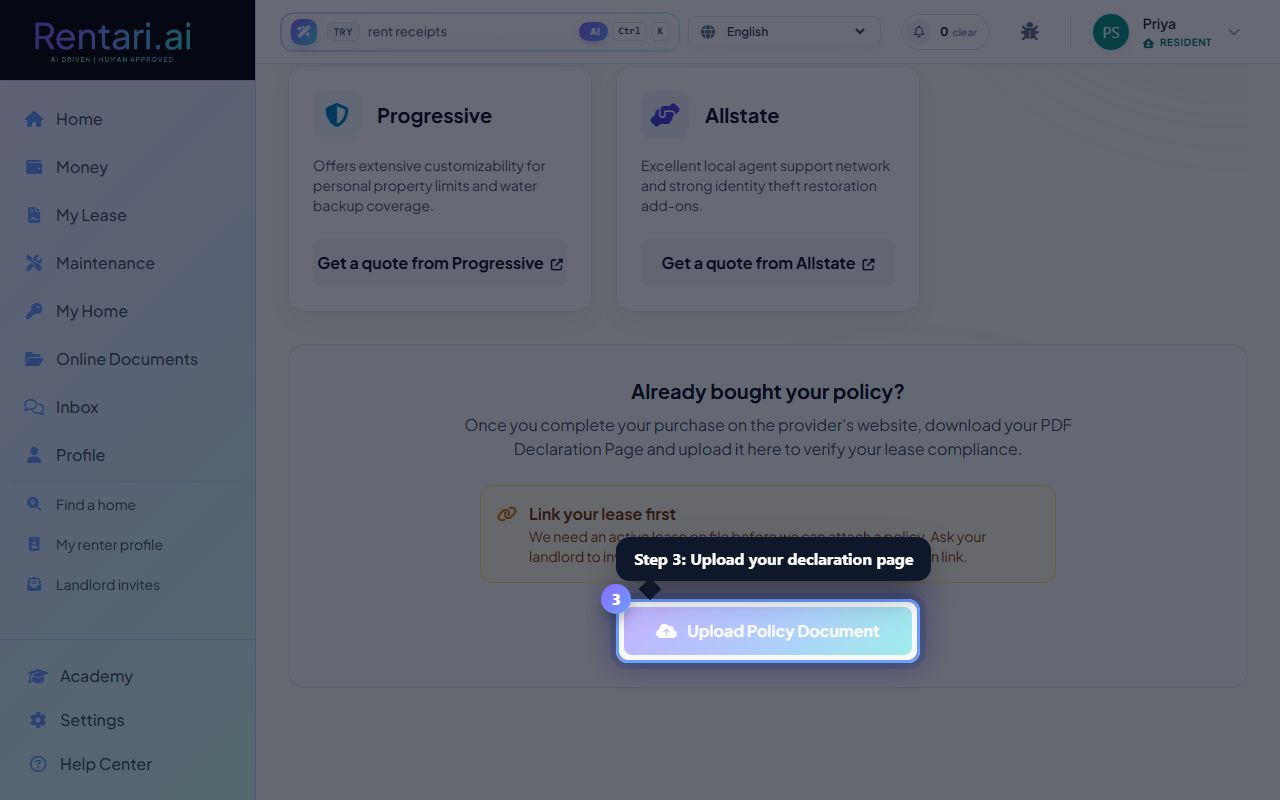
Upload your declaration page
Action: Return to Rentari.ai and scroll to 'Already bought your policy?' Click 'Upload Policy Document' and select your Declaration Page PDF or image file. The AI analyzes it and displays verified policy details: carrier, policy number, effective dates, liability coverage, and personal property coverage.
Once verified and uploaded, your policy status shows in a teal box at the top with a shield checkmark. Your lease compliance is automatically confirmed.