Landlords & managers
- Download the app and sign in.
- New landlord? Create an account. Joining a team? Use your invitation.
- Open your property to review tasks, rent, and messages.
Rentari on your phone
Pay rent, follow a repair, or keep work moving between properties. Download the app for your phone.
Free to download. Plan features and service fees vary. See pricing.
Prefer your browser? Sign in to Rentari.
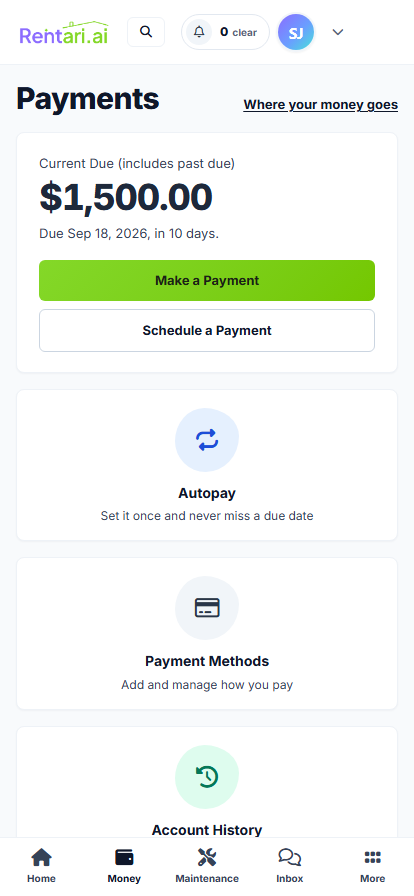

See your balance and choose how to pay.
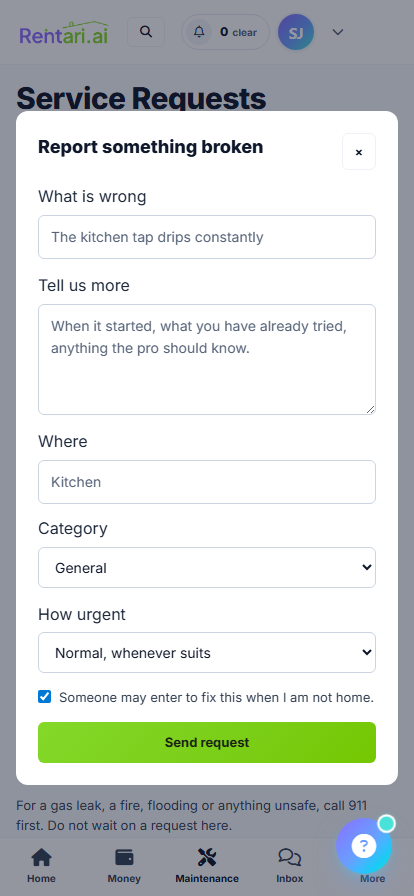
Report an issue and keep the conversation with the repair.
Find your lease dates, rent and rental documents.
The same app serves landlords, tenants, and vendors. Use the email linked to your Rentari account.
Check that you used the email on your invitation. Ask the person who invited you to confirm access, or contact support.