
Before you startA completed job, and your bank connected. Without the bank an invoice can be approved but not paid.
1
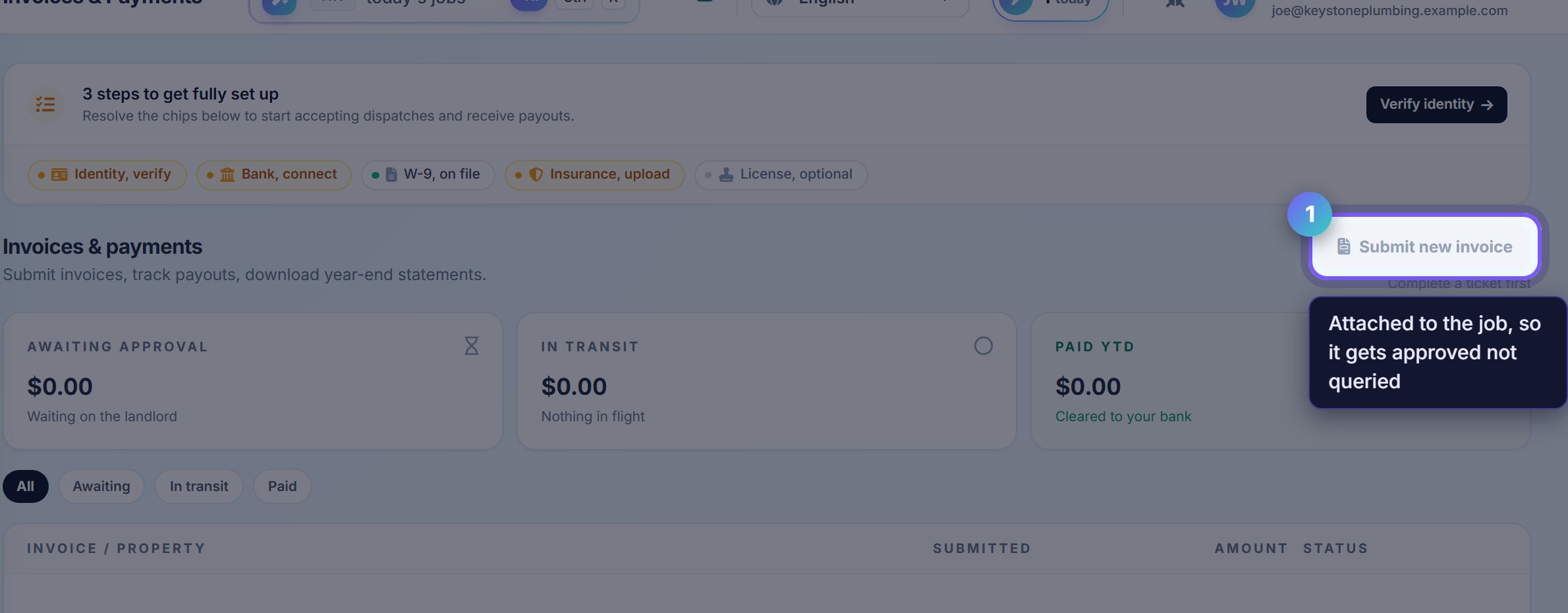
Invoice against the work order
Submitting from the job means the property, the ticket and the photographs are already attached, so the landlord approves rather than queries.
A separate invoice with nothing attached is the one that sits waiting while somebody works out what it was for.
2
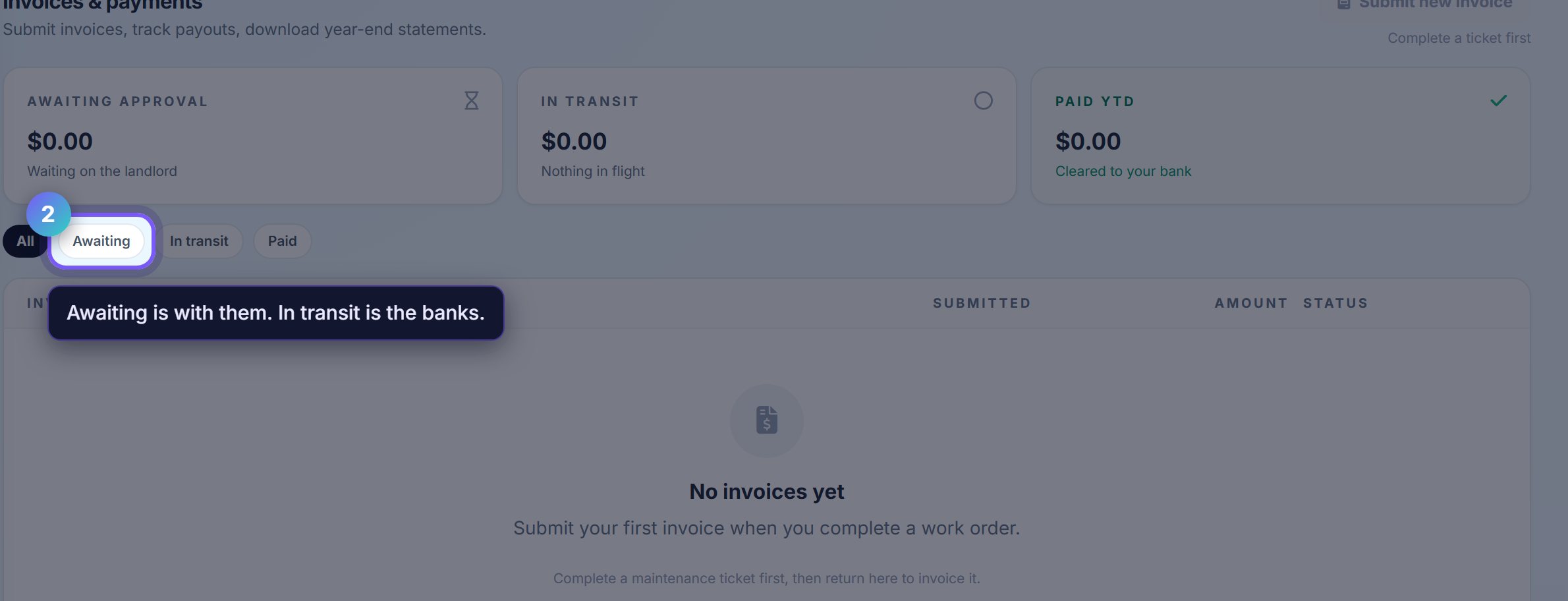
The status tabs are the answer to "where is my money"
Awaiting is with the landlord. In transit has been approved and is moving through the banking system. Paid has landed.
In transit usually means a day or two rather than a problem. It is the banks, not the landlord.
Worth knowingAn invoice stuck in Awaiting for a week is worth a message through the job thread, which keeps the question attached to the work rather than in somebody's inbox.
Where to go next
- PayoutsThe schedule your paid invoices arrive on.
- DocumentsW-9, insurance and licences, kept current.