
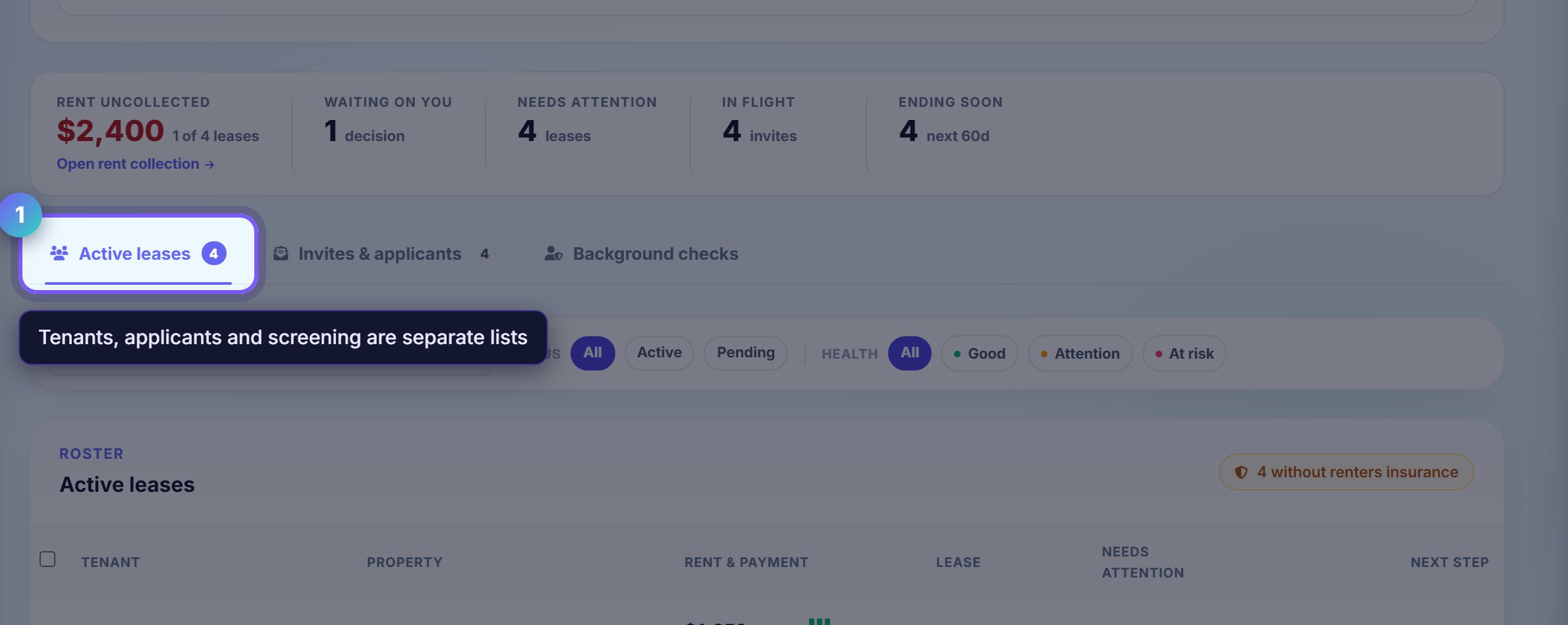
Know which tab you are on
Active leases is people currently renting from you. Invites and applicants is everyone still in the funnel. Background checks is the screening queue.
They are separate lists on purpose: an applicant is not a tenant, and mixing them is how a prospect ends up on a rent reminder.
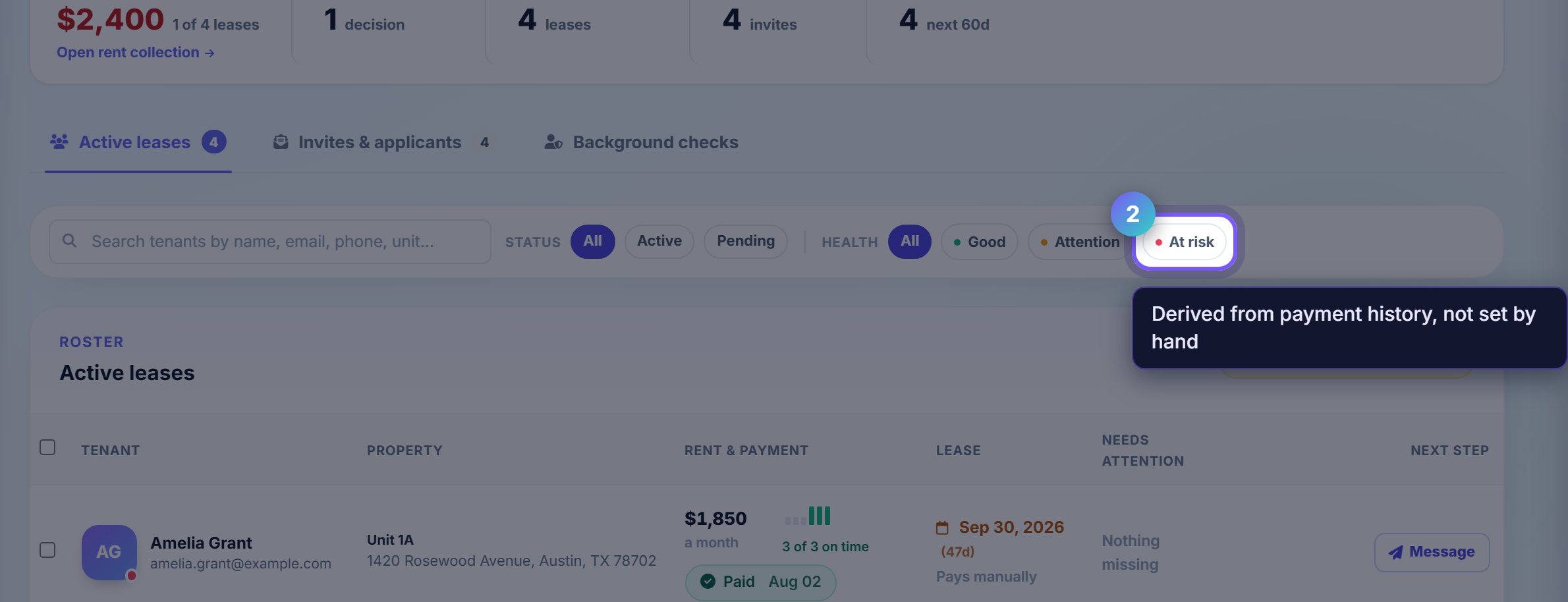
Filter to the problem, not the person
The second row of chips is a health filter: Good, Attention, At risk. It is derived from payment history rather than from anything you set by hand.
At risk is the short list worth a phone call. Attention is usually a single late payment and often resolves itself.
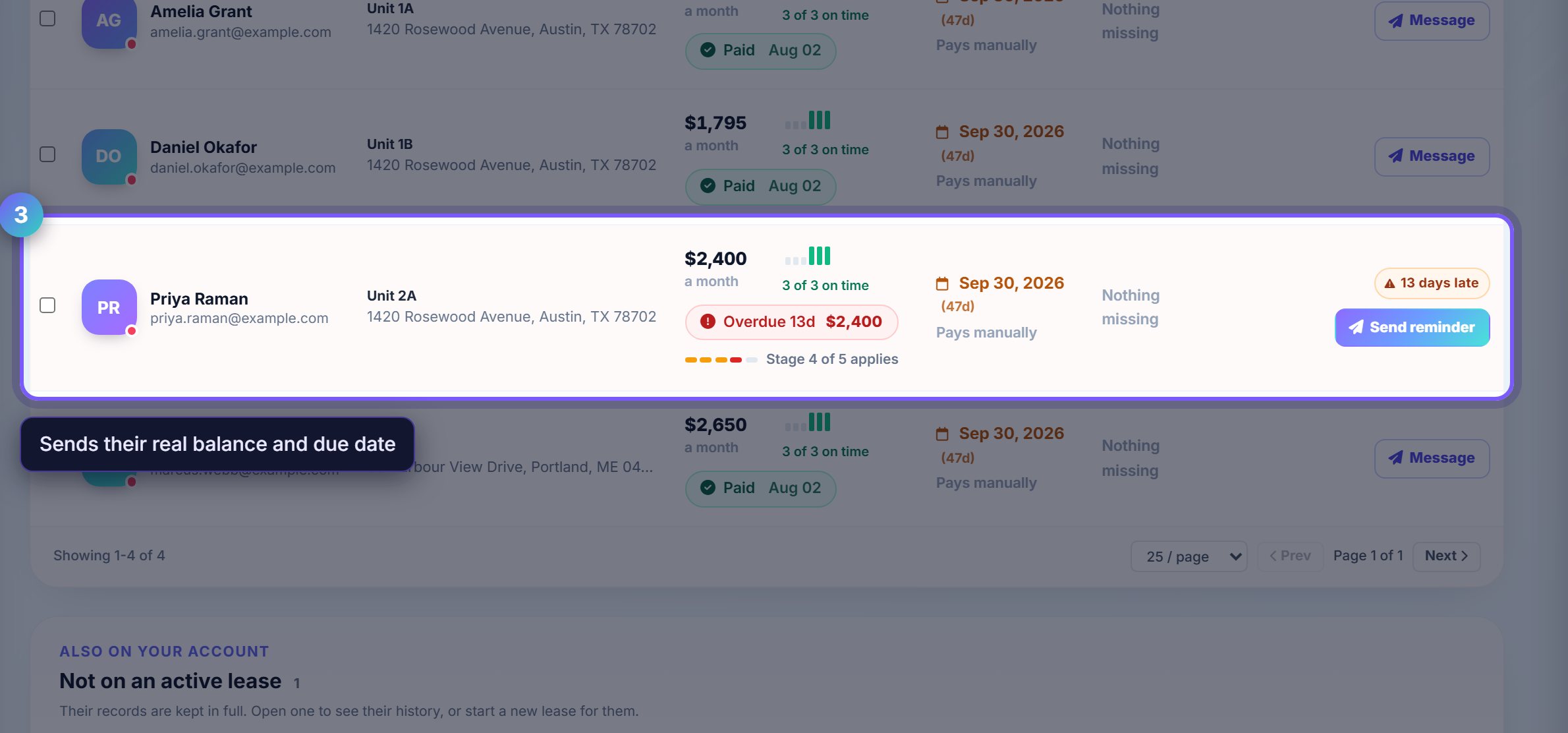
Nudge without writing anything
Send reminder goes out through the channels that tenant has agreed to, using their actual balance and due date. You are not composing the message.
Where you see it instead of a plain row, Send autopay invite is the better button: a tenant on autopay stops appearing in this list at all.
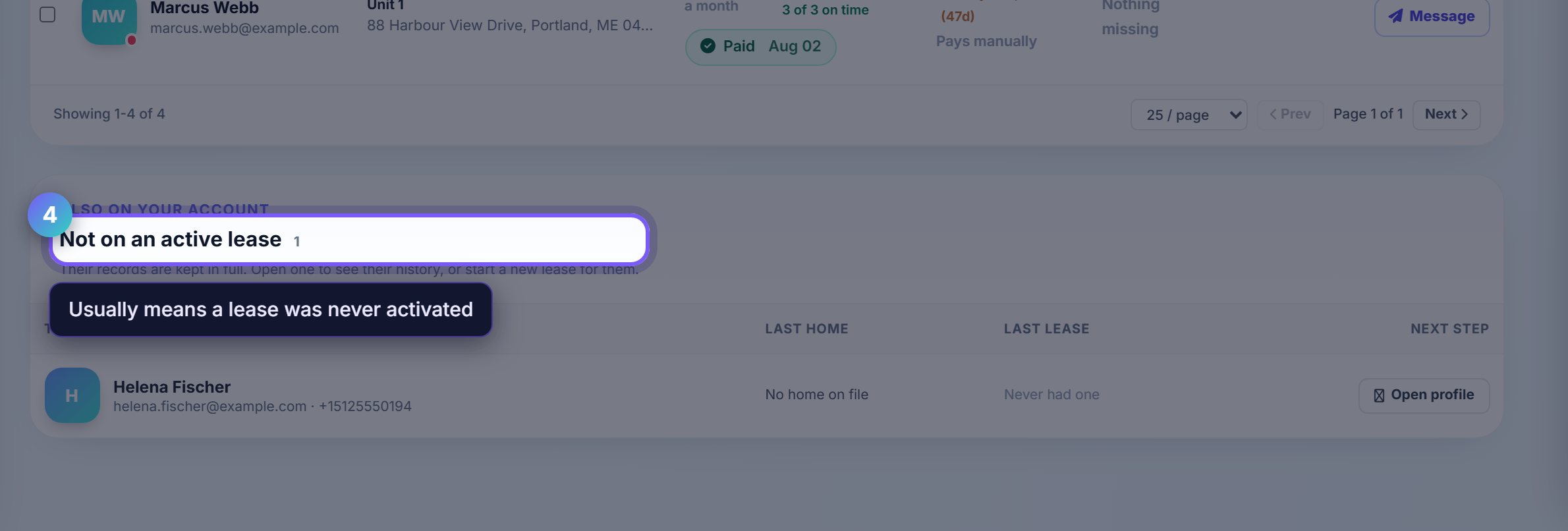
Check who is not on a lease
The bottom section is people in your account with no active lease: past tenants, applicants who never signed, household members added by hand.
It is worth a scan. A tenant who has moved in but shows here usually means the lease was never activated, and no rent will be billed.
Where to go next
- Rent collectionThe money side of the same list.
- Lease trackerEvery lease from draft to executed, and what is stuck.