
Before you startNothing.
1
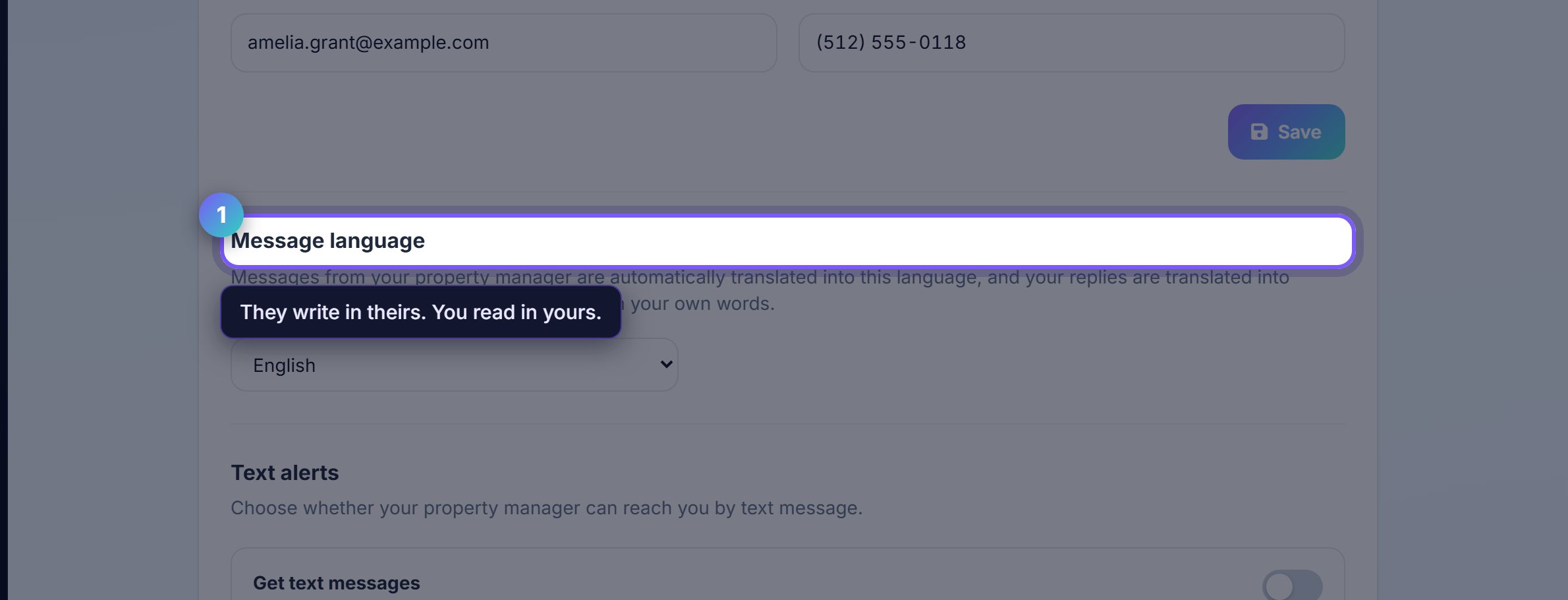
Set the language you want to be written to in
Message language changes what your landlord's messages arrive in. They keep writing in theirs and you keep reading in yours.
It applies to reminders and notices as well as chat, so it is not just the interface.
2
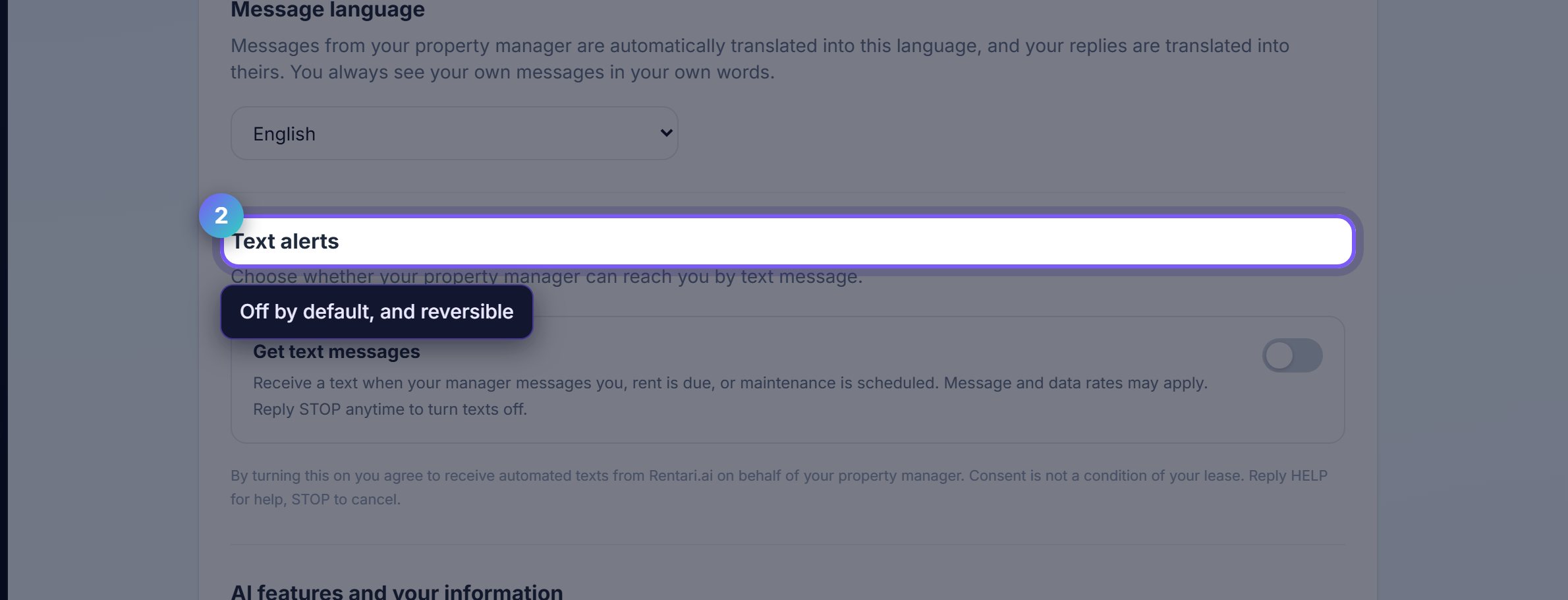
Text alerts are opt-in and stay that way
Rent reminders and maintenance updates by SMS only happen if you turn them on, and you can turn them off again here at any time.
Turning them off does not stop anything important reaching you. Email and the portal still work.
Worth knowingQuiet hours are respected regardless of the setting. Nothing automated arrives late at night.
3
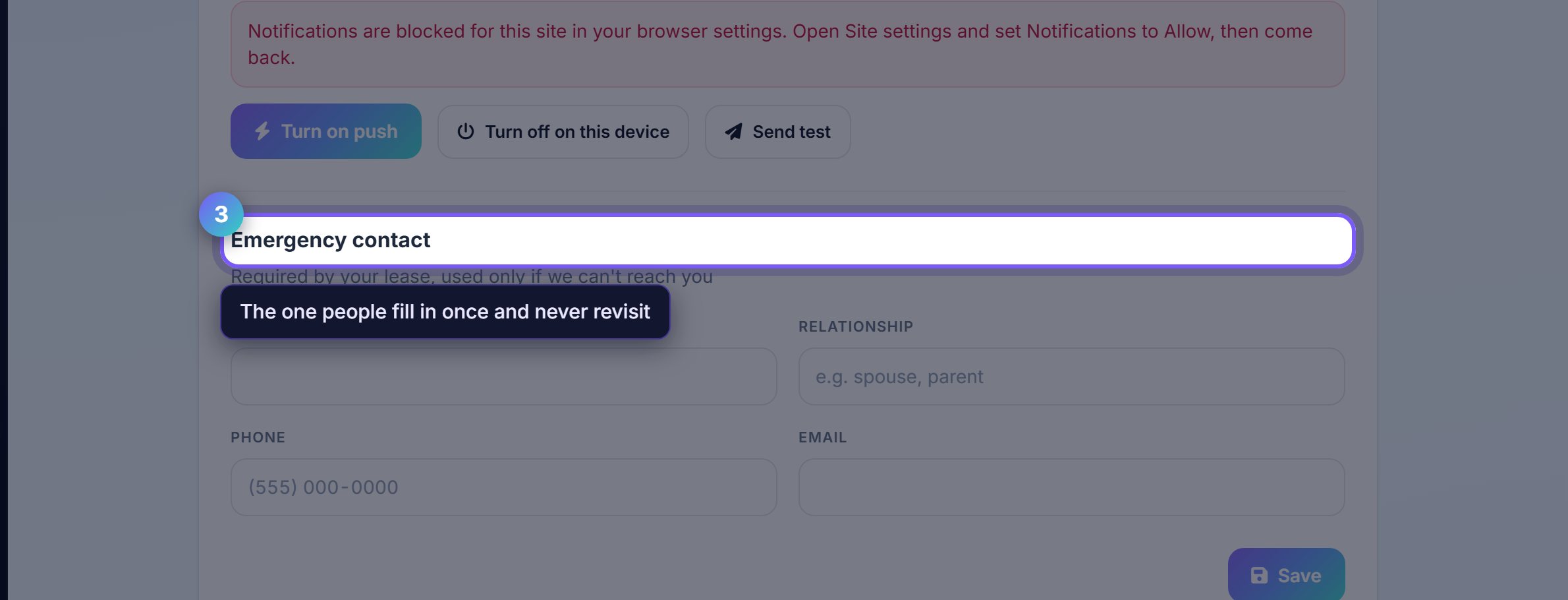
Keep the emergency contact current
This is who your landlord reaches if there is a fire, a flood or anything where you cannot be found.
It is the field people fill in once and never revisit, and it is worth checking when the person changes.
Where to go next
- Your homeThe day to day view.
- MoneyPayment methods and autopay.