
The balance is the whole answer
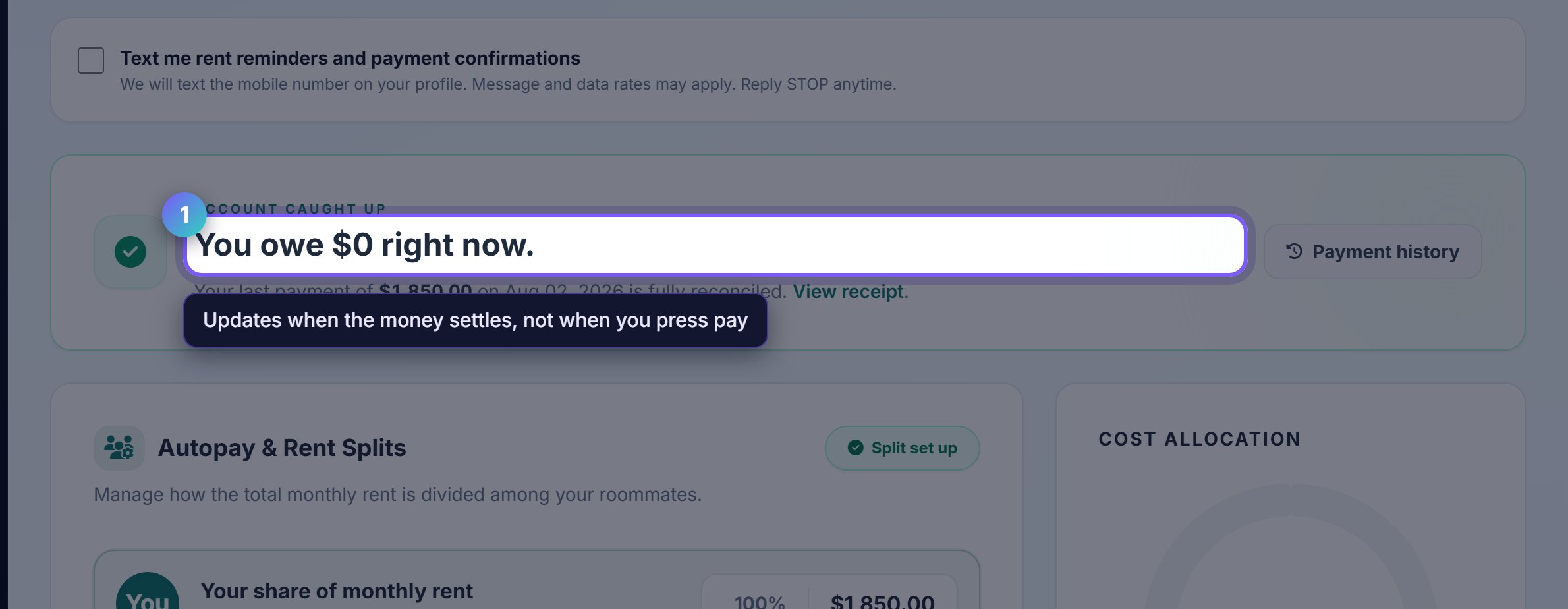
One figure at the top: what you owe right now. If it is zero, you are up to date and there is nothing to do.
It updates when a payment settles rather than when you submit it, so a bank transfer takes a day or two to show as cleared.
Bank costs less than card
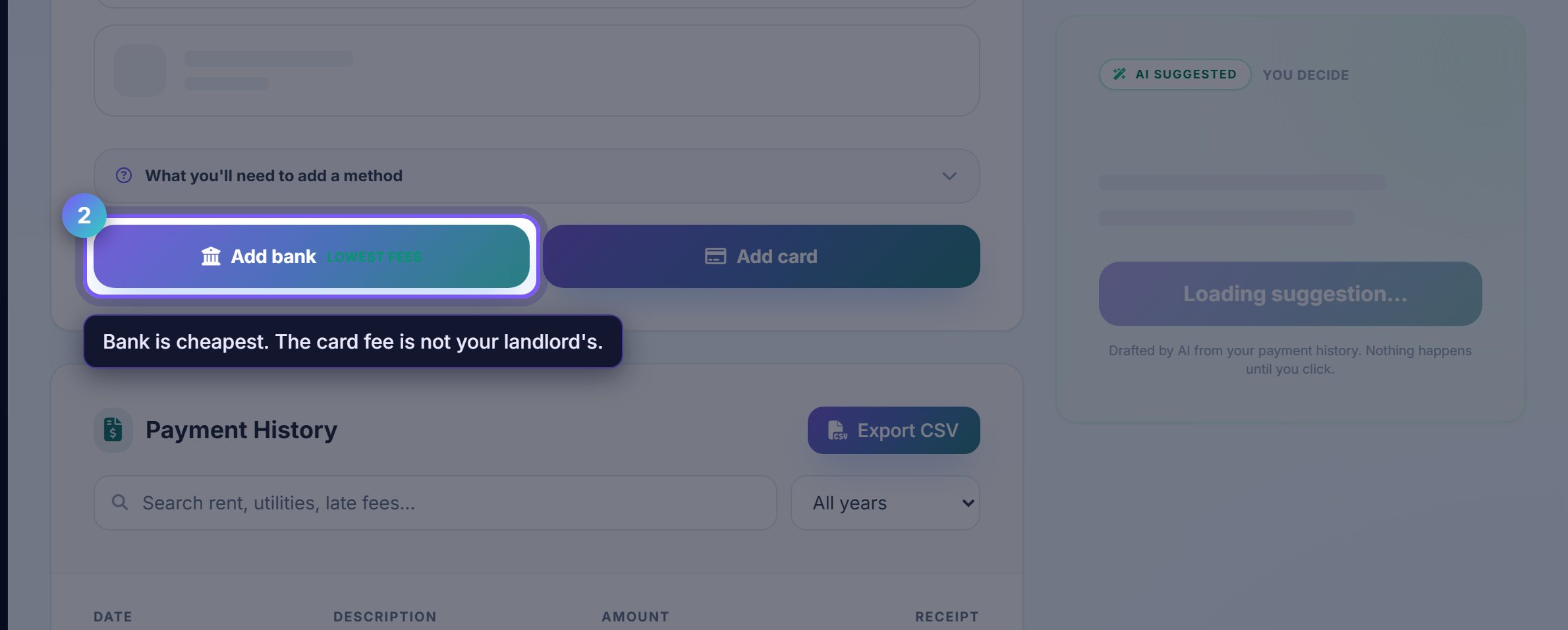
A bank account is the cheapest way to pay and often free. Cards carry a processing fee, which is charged by the card networks rather than by your landlord.
Both are secure and neither shares your account details with your landlord.
Set autopay once
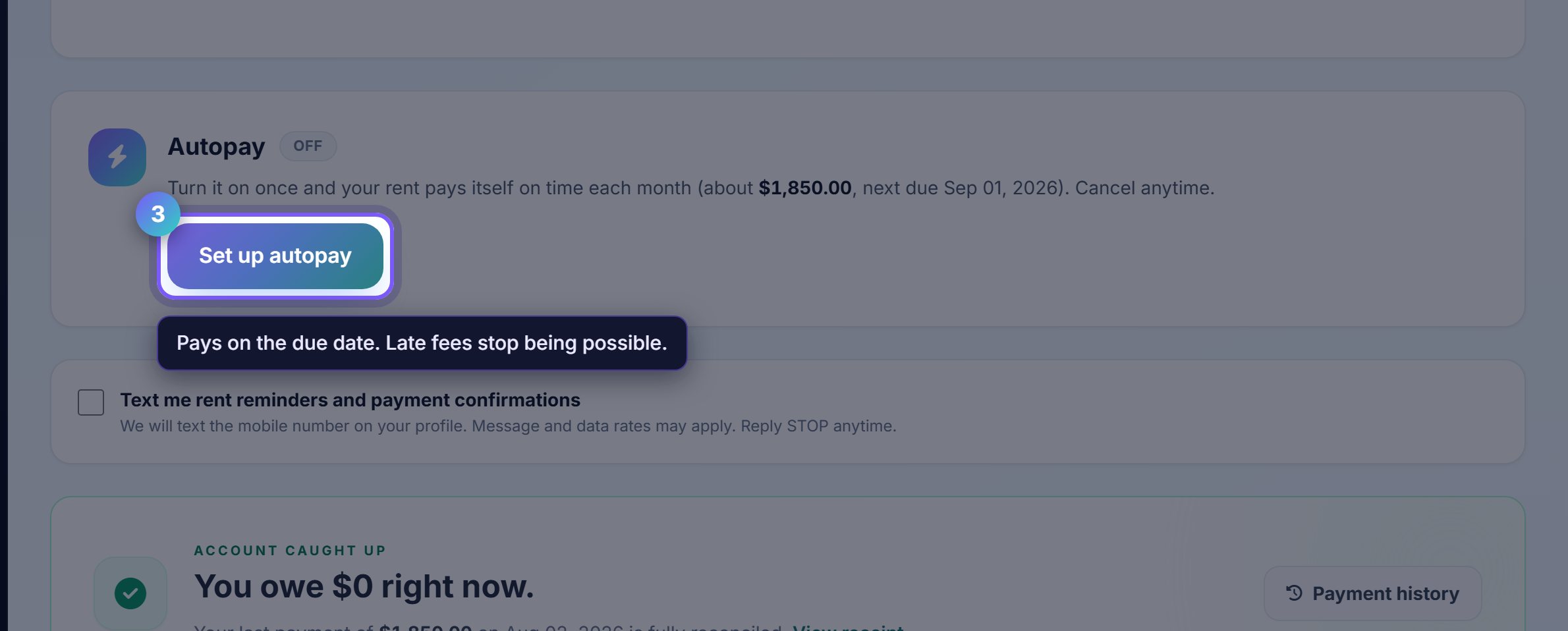
Autopay pays on the due date every month. Late fees stop being possible, and you stop having to remember.
You can cap the amount or pause it, and you are told before each payment goes out rather than after.
Your own payment record
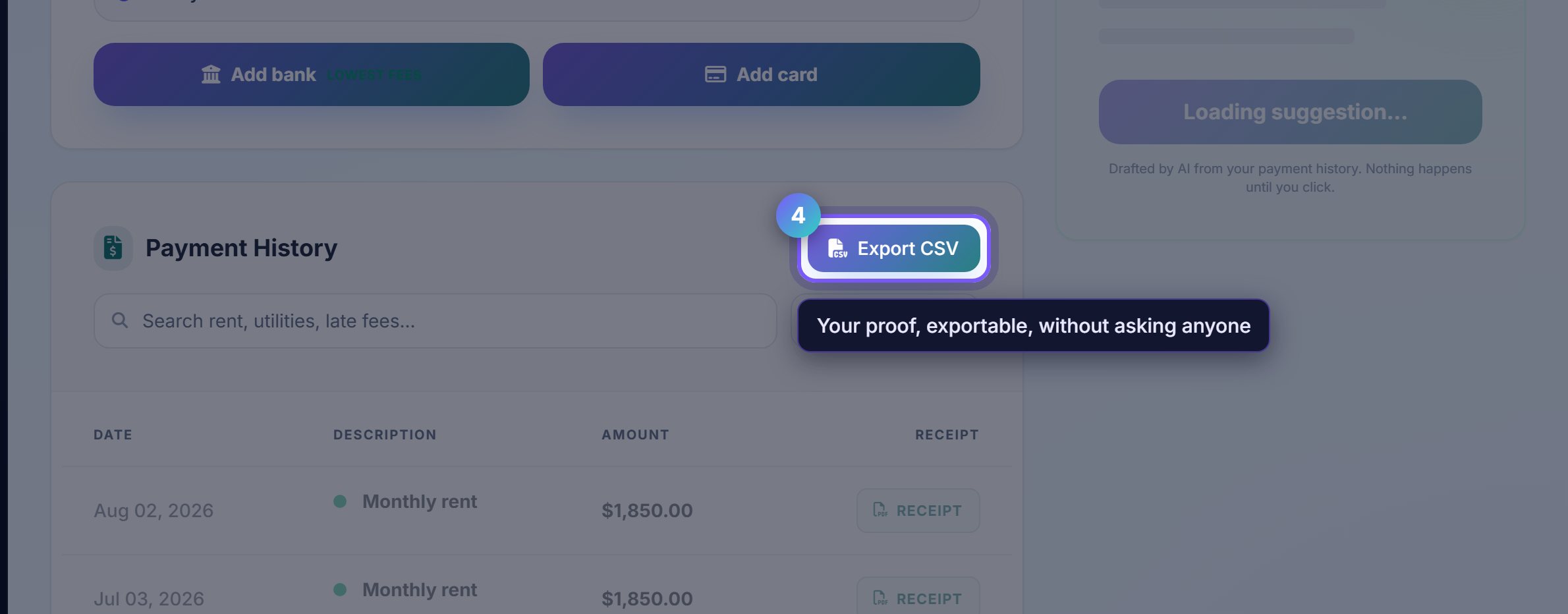
Payment history is every payment you have made, with dates and receipts, exportable as a spreadsheet.
This is the proof if anything is ever disputed, and it is yours without having to ask for it.
Where to go next
- Your leaseWhat you are paying for, and until when.
- Your homeReport a problem or ask a question.