
Before you startAn invite from your landlord. Everything here is read from your actual lease.
1
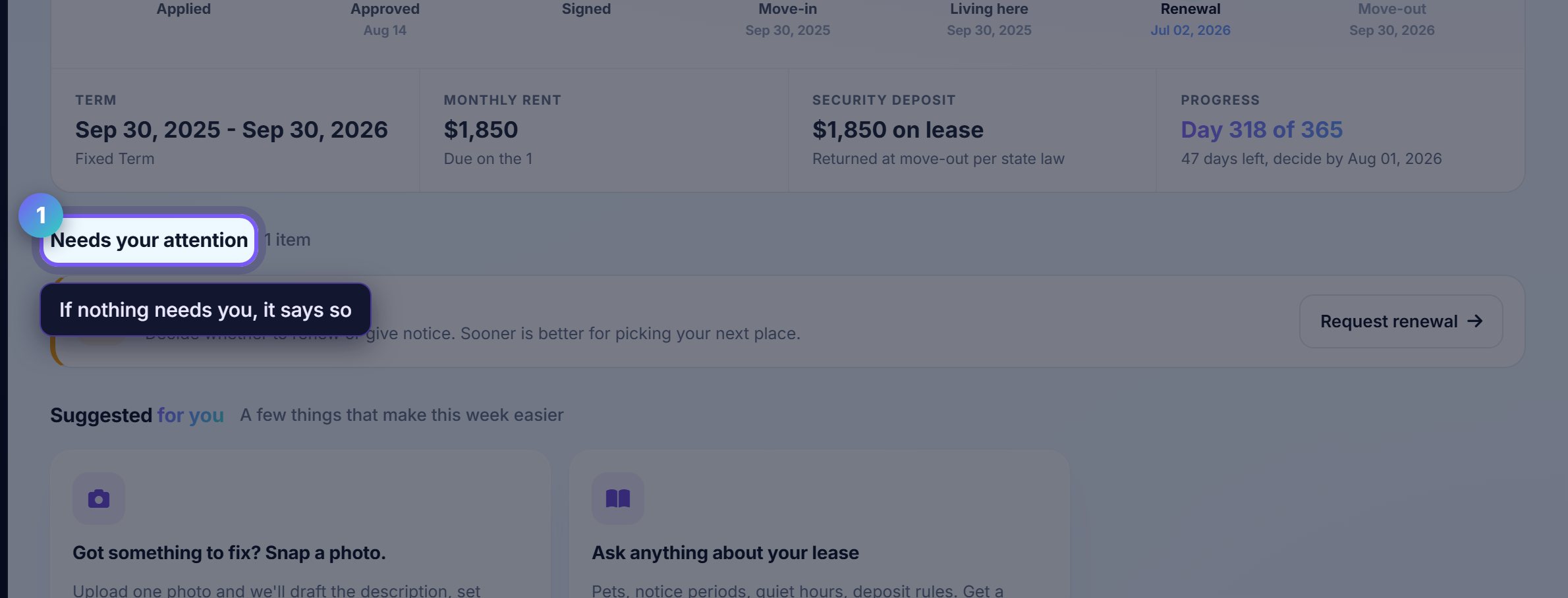
The top of the page is what needs you
Rent due, anything outstanding, and whatever your landlord is waiting on. If nothing needs you, it says so rather than inventing a task.
Everything below it is available whenever you want it, not a queue to work through.
2
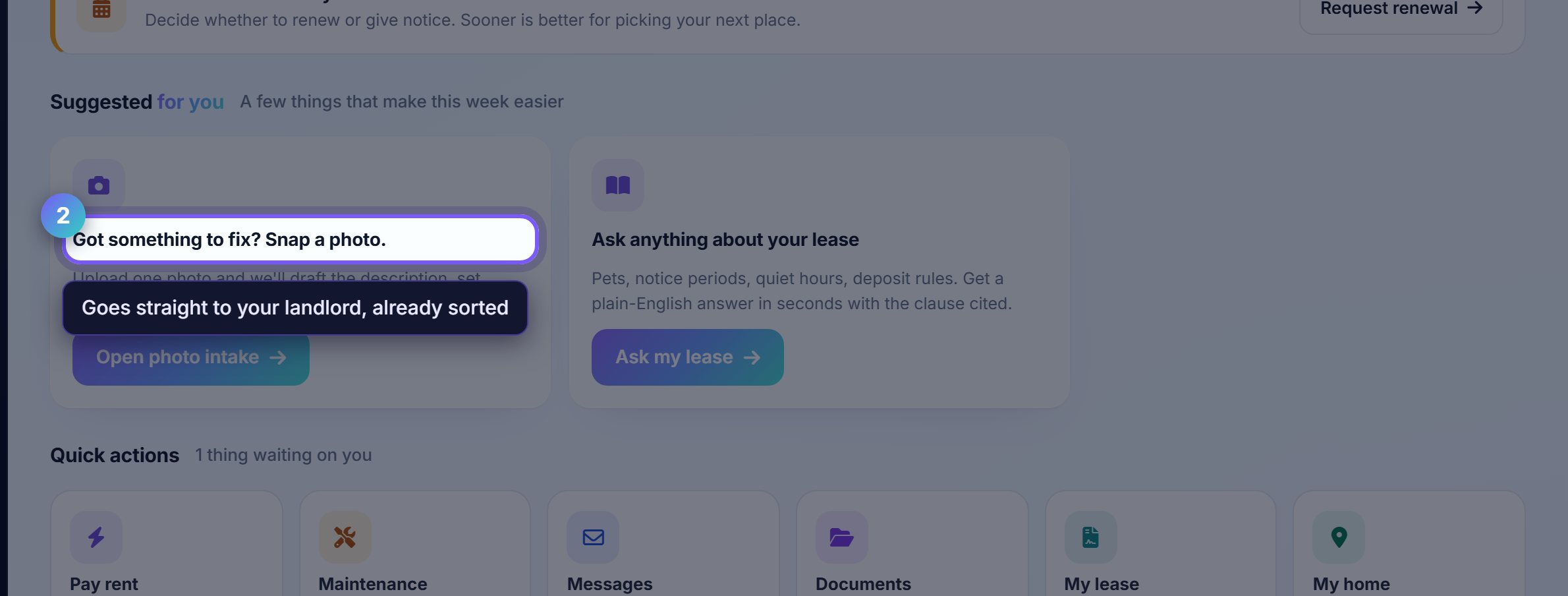
Report a problem with a photograph
A photograph is worth more than a description. Snap the problem and it reaches your landlord already categorised, with the unit attached.
You get updates as it moves, so you do not have to ask whether anything is happening.
3
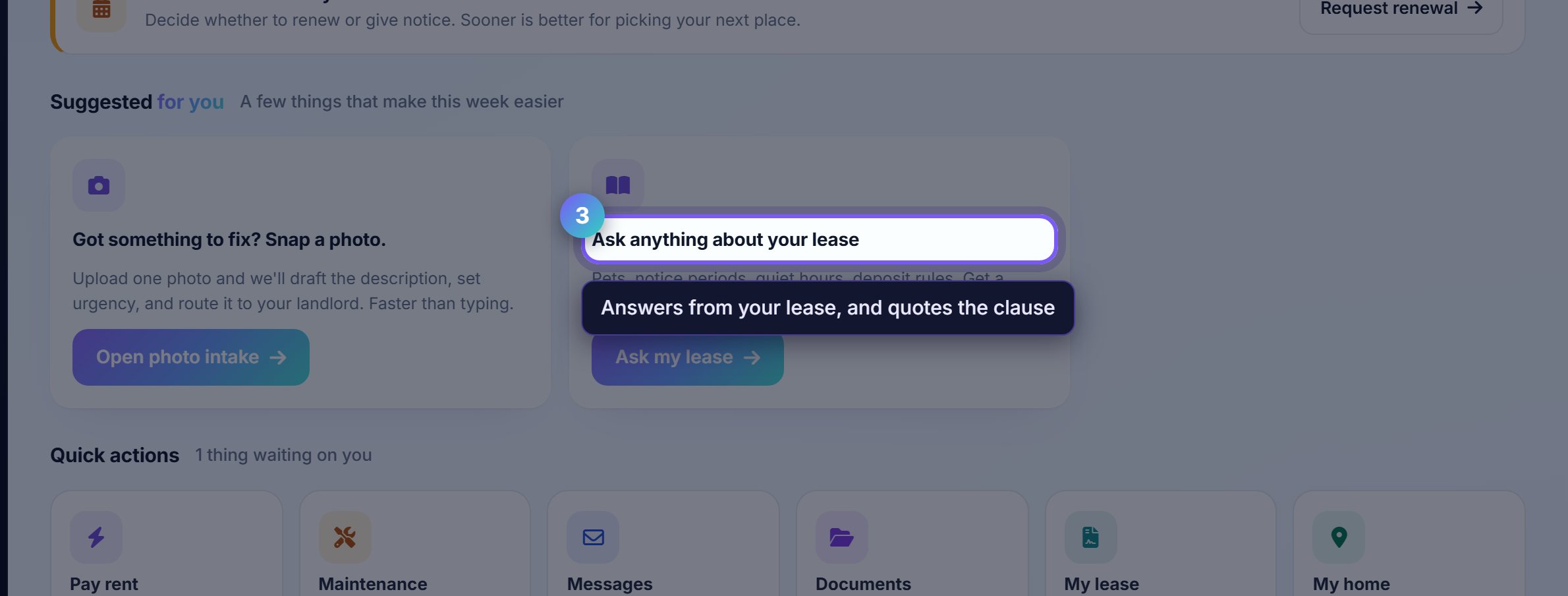
Ask about your own lease
The assistant answers from your actual lease document: notice periods, what the deposit covers, whether you may keep a cat.
It quotes the clause rather than paraphrasing, so you can check the answer against the words you signed.
Worth knowingYour landlord cannot see these questions. Asking what your notice period is does not tell them you are thinking of leaving.
Where to go next
- MoneyPay rent and set up autopay.
- Your leaseThe document itself, and the dates that matter.