
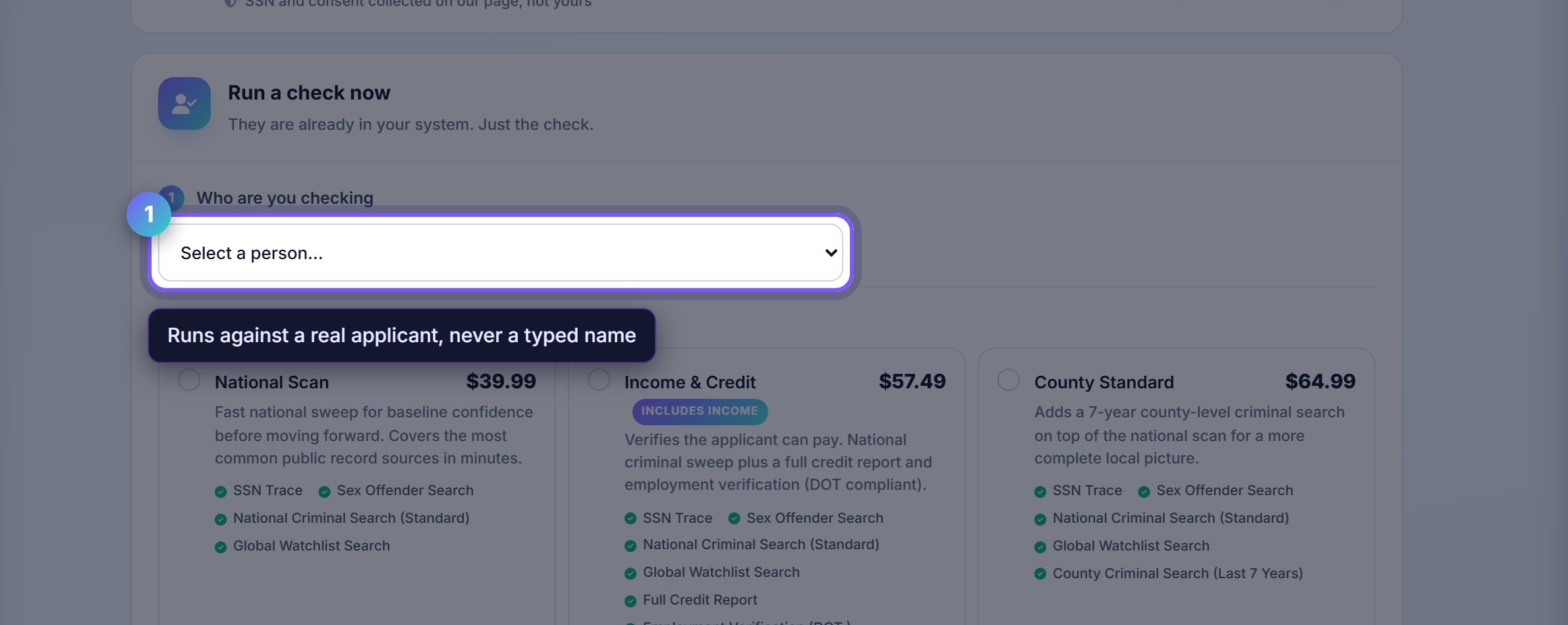
Pick the person, not a blank form
Checks run against somebody already in your account, so the report attaches to the right applicant and stays with their file.
There is no way to run a check on a name typed from nowhere. That is the consent requirement, not a limitation.
Choose the depth you actually need
The packages differ in what they include: criminal only, credit only, or the full income and credit picture.
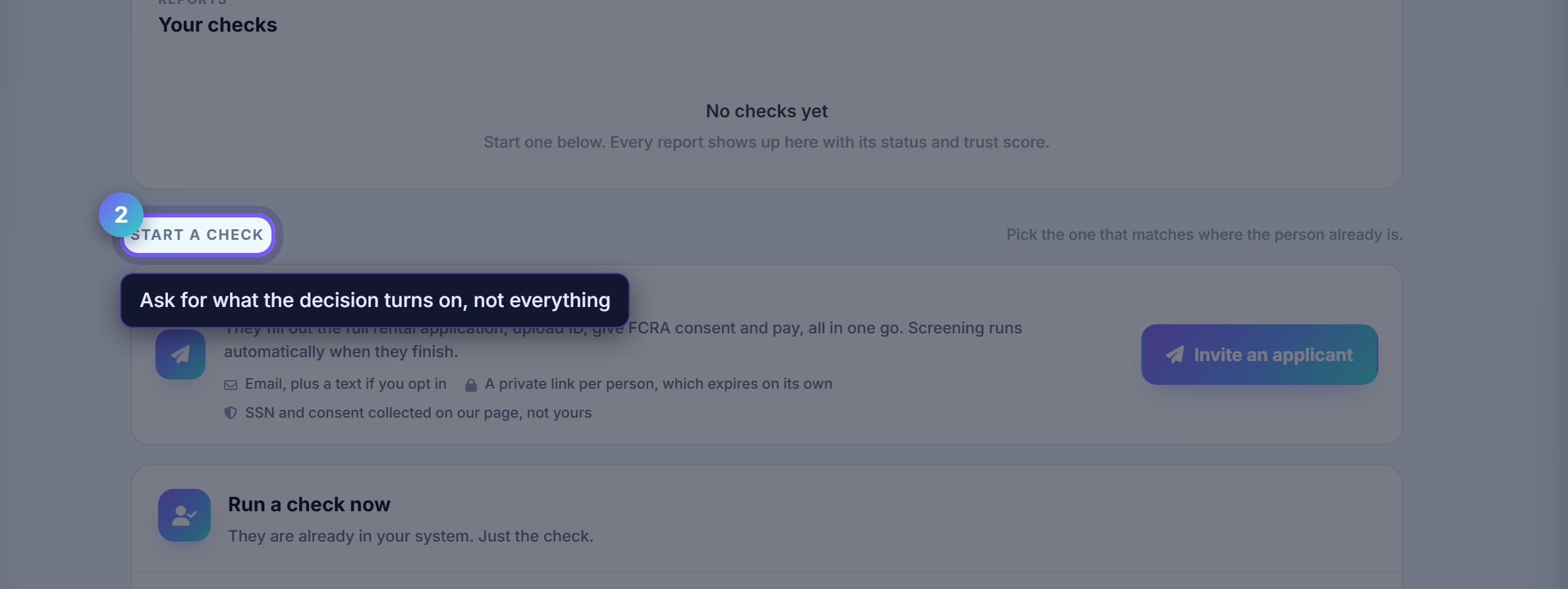
More is not automatically better. Ask for what your decision genuinely turns on, because every extra category is another thing you now have to handle lawfully.
Decide who pays before you run it
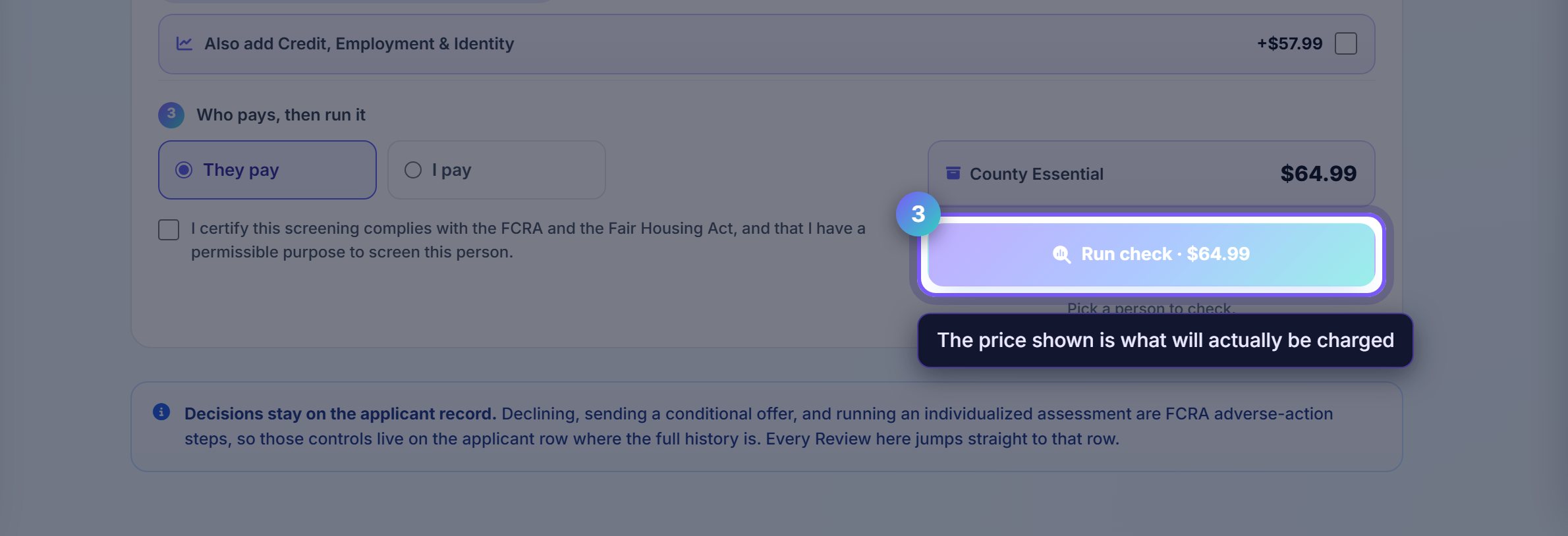
The applicant can pay their own screening fee, or you can absorb it. The toggle sets which, and the price shown updates with the package.
Applicant-paid is normal and legal in most states, though several cap the fee and a few ban it outright. Rentari shows the cap for the property's state.
Where to go next
- Leasing pipelineMove the approved applicant towards a lease.
- E-sign and leasesDraft the lease once you have decided.