
Read the month first
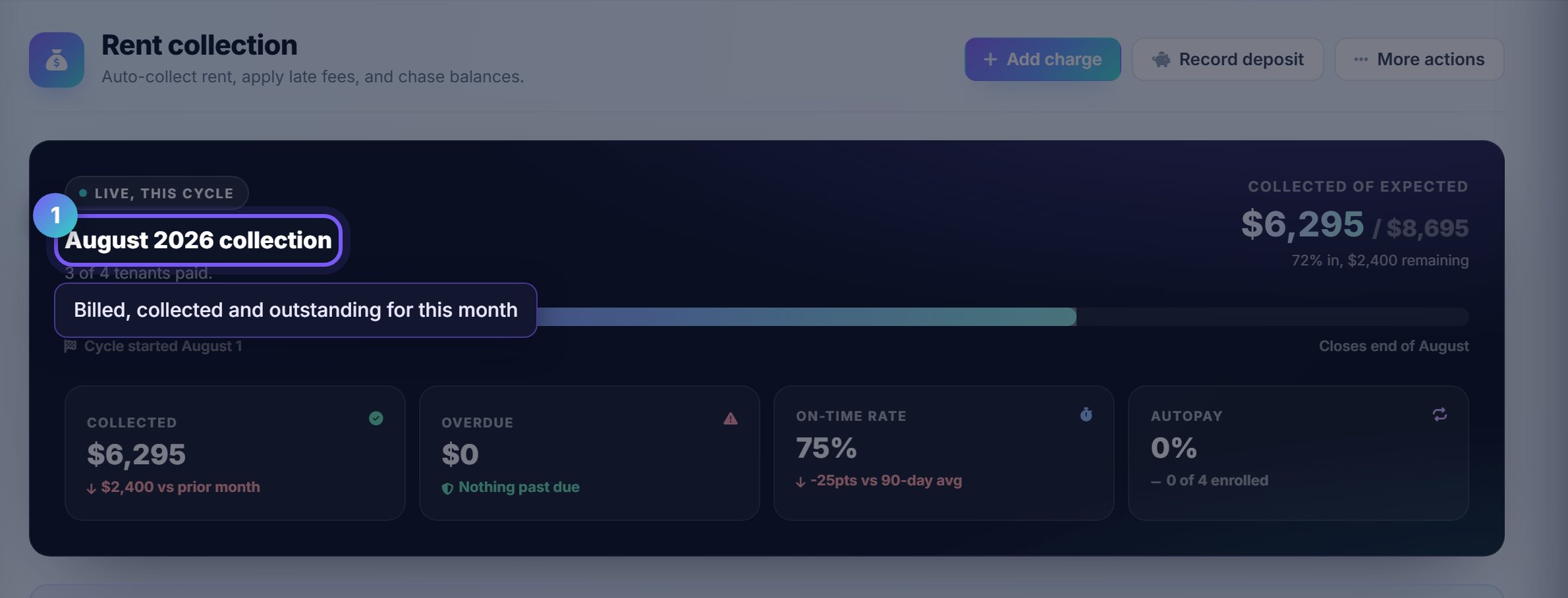
The header block is the current month's collection: what was billed, what has settled, and what is still outstanding.
Settled means the money moved, not that a charge exists. A large gap here early in the month is normal; the same gap on the 20th is not.
Work the action queue, not the list
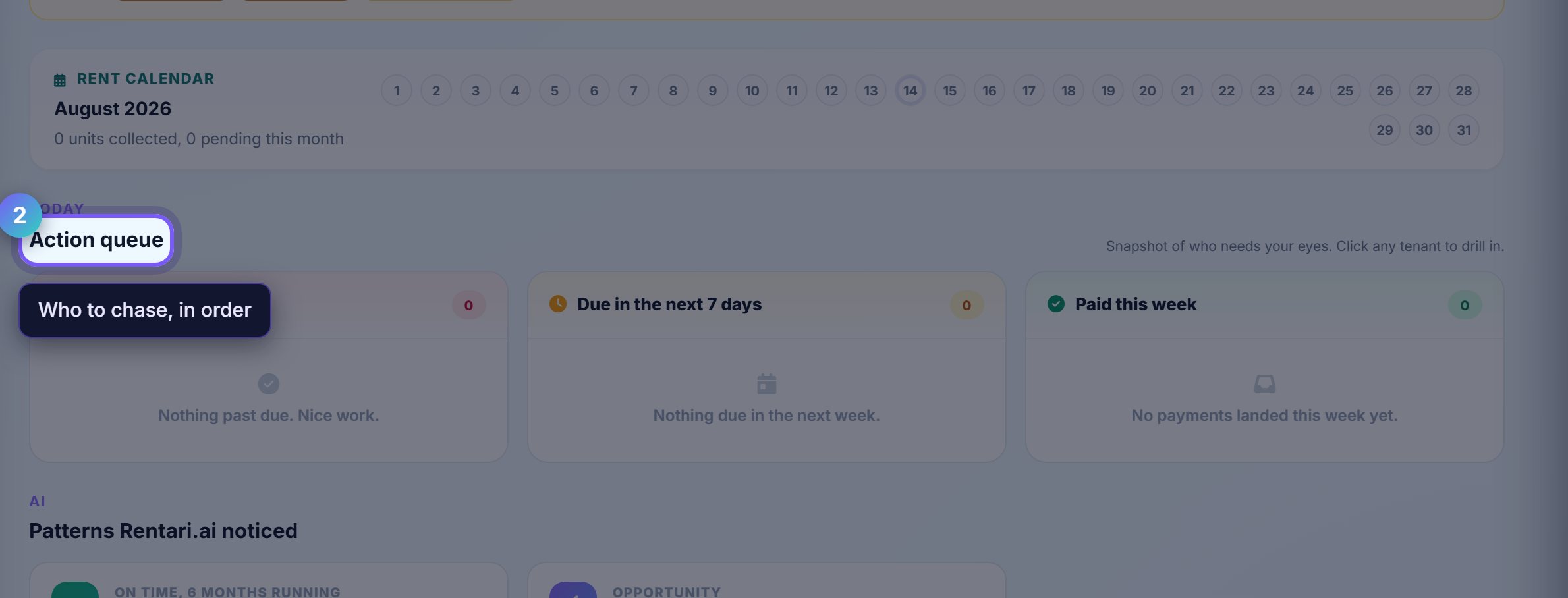
The action queue is the page's opinion about who needs chasing today, ordered by how overdue they are.
Each row has a Remind button that sends through whichever channels that tenant has agreed to. You are not writing the message.
Add a one-off charge
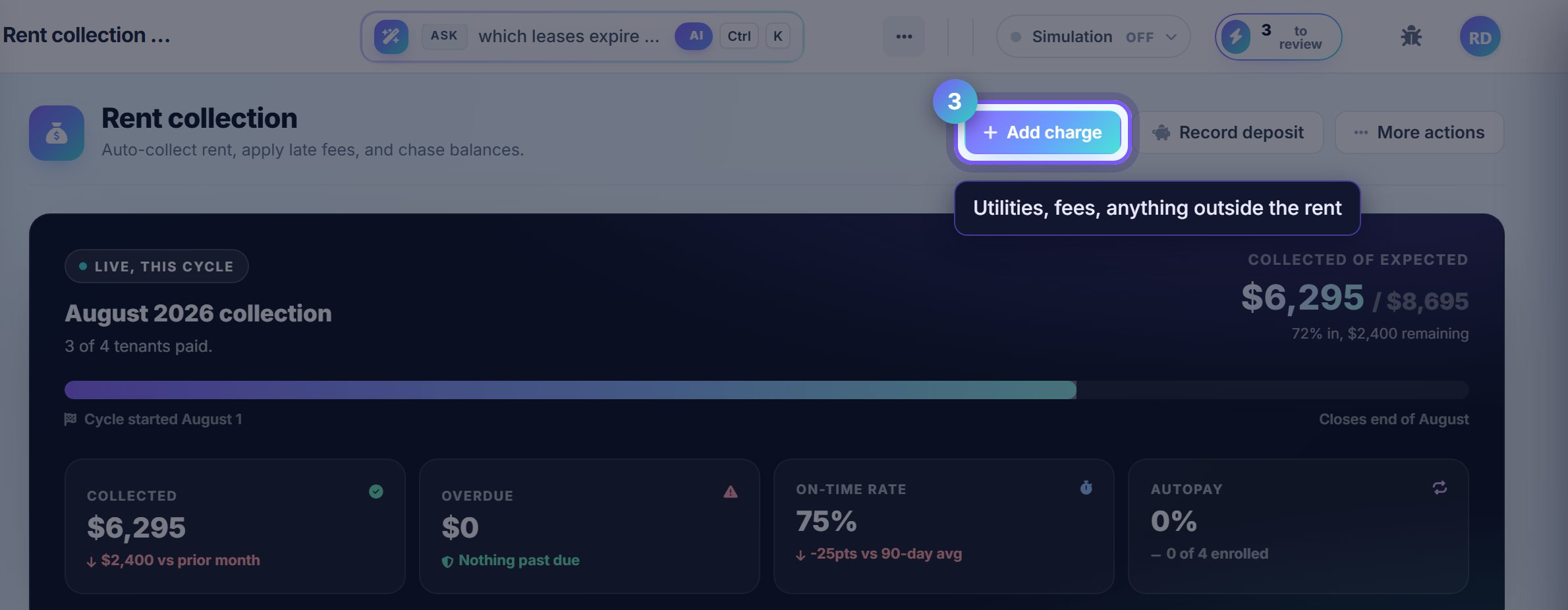
Add charge posts anything that is not the regular rent: a utility share, a repair the tenant agreed to cover, a late fee you are adding by hand.
It lands on the tenant's ledger and in their portal immediately, so they see the same line you do.
Scan the rent roll
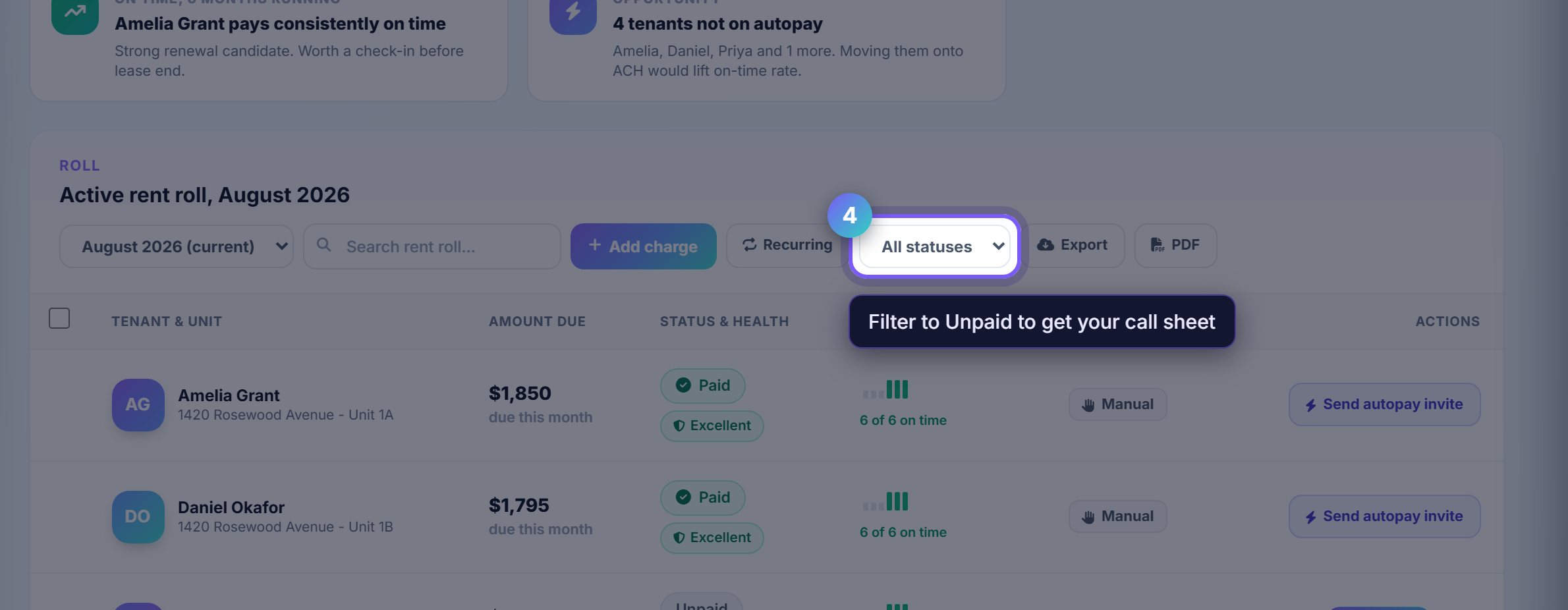
The rent roll is every active lease for the selected month, with its status. Use the month picker to look back rather than digging through reports.
The status filter is the fastest way to answer "who has not paid": switch it to Unpaid and the list becomes your call sheet.
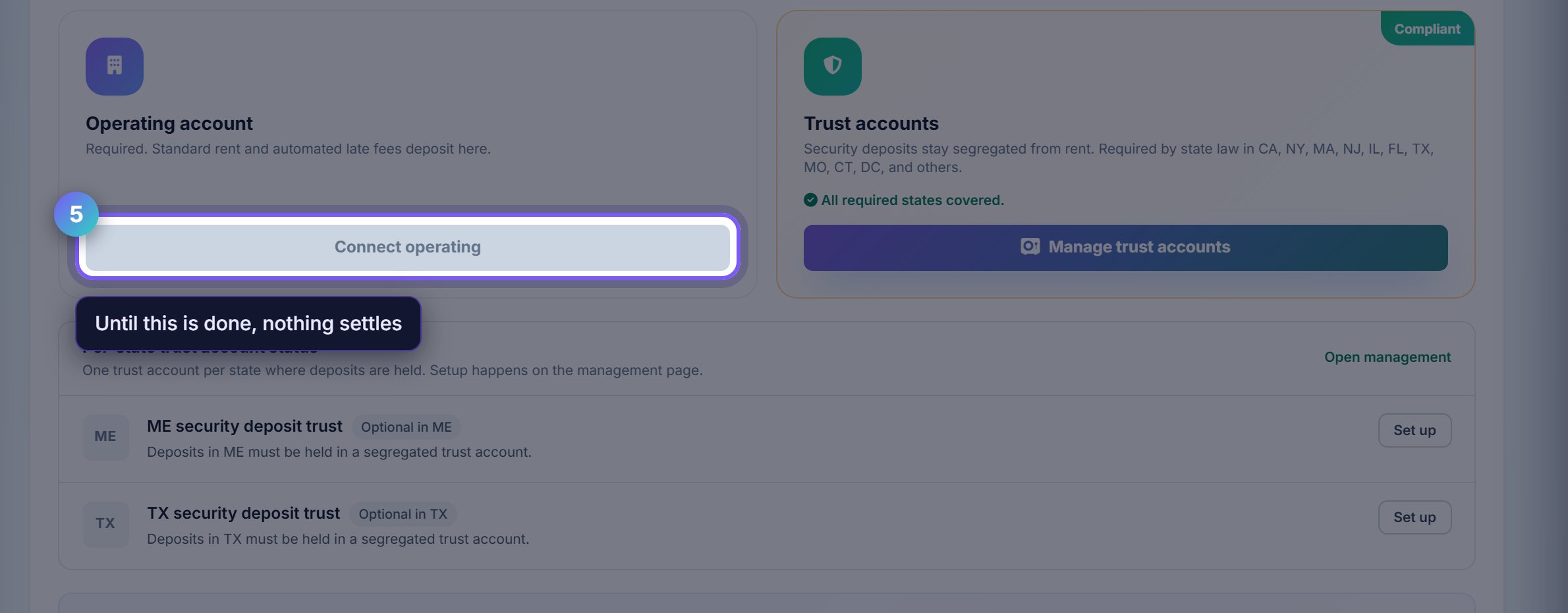
Connect the bank, or none of this settles
Rent collection needs a payout account. Until one is connected, charges are recorded and tenants can be reminded, but nothing reaches you.
Stripe handles the bank details and the identity checks. Rentari never sees or stores your account number.
Where to go next
- AccountingWhere the collected money lands, and how it becomes a Schedule E.
- TenantsHousehold details, balances and the portal invite.