
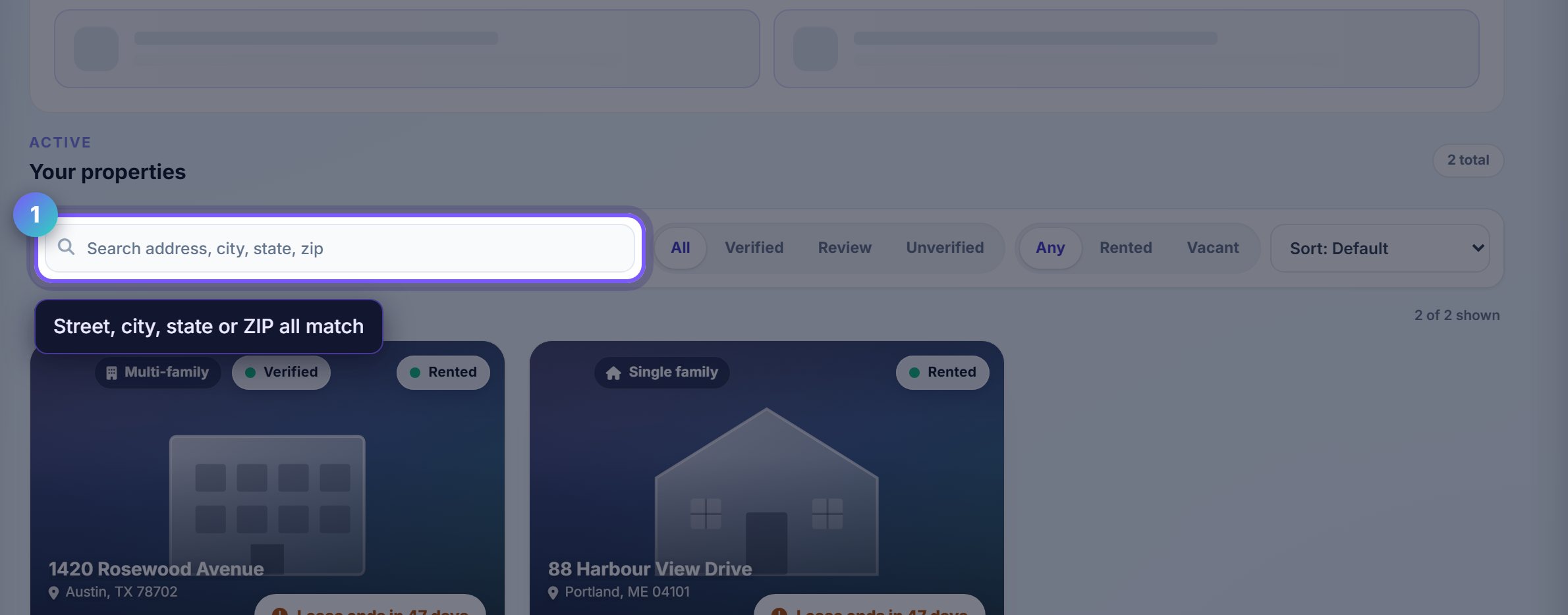
Search by anything on the address
The search box matches street, city, state and ZIP, so a partial postcode finds a property as well as a street name does.
This is why the full address matters when you add a property: two buildings on the same street name in different towns are only distinguishable if the city and ZIP are filled in.
Filter by what you are actually looking for
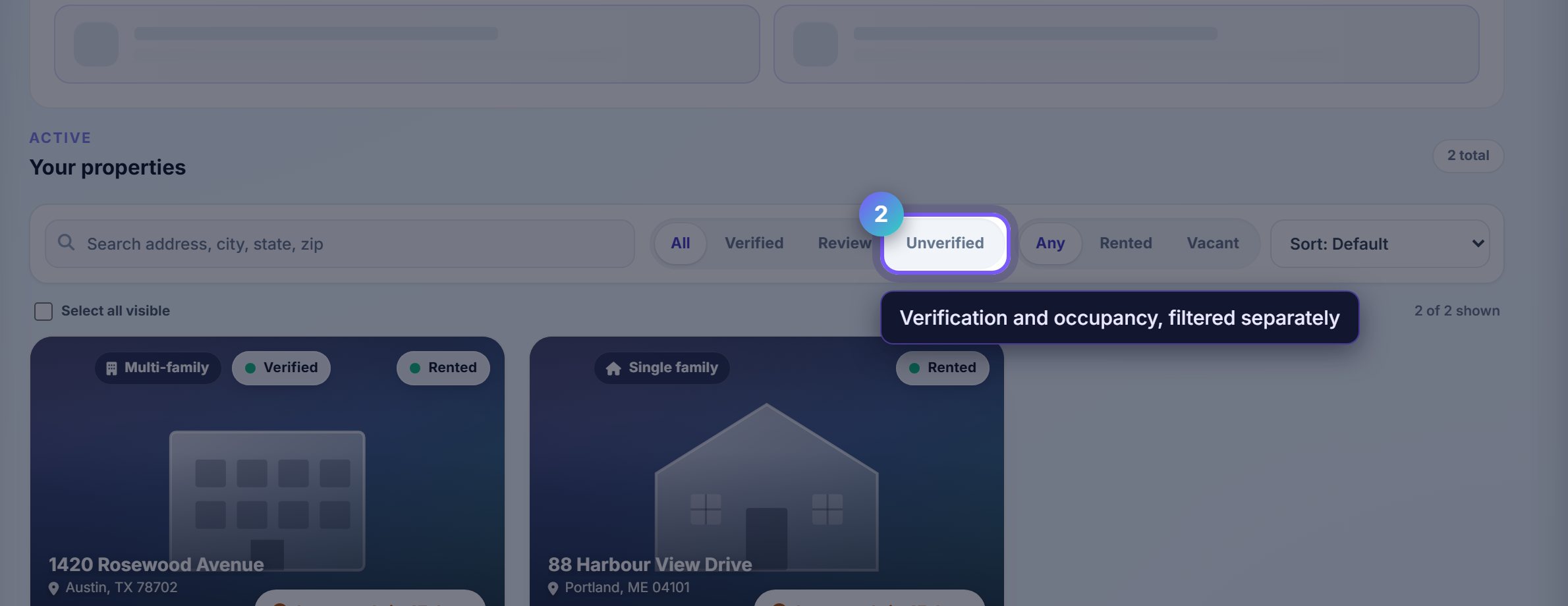
The chips are two independent filters. The first set is ownership verification status, the second is occupancy.
Combining them answers the questions you usually have: unverified and rented is the set that will block a payout, vacant is your marketing list.
Clear the ownership check early
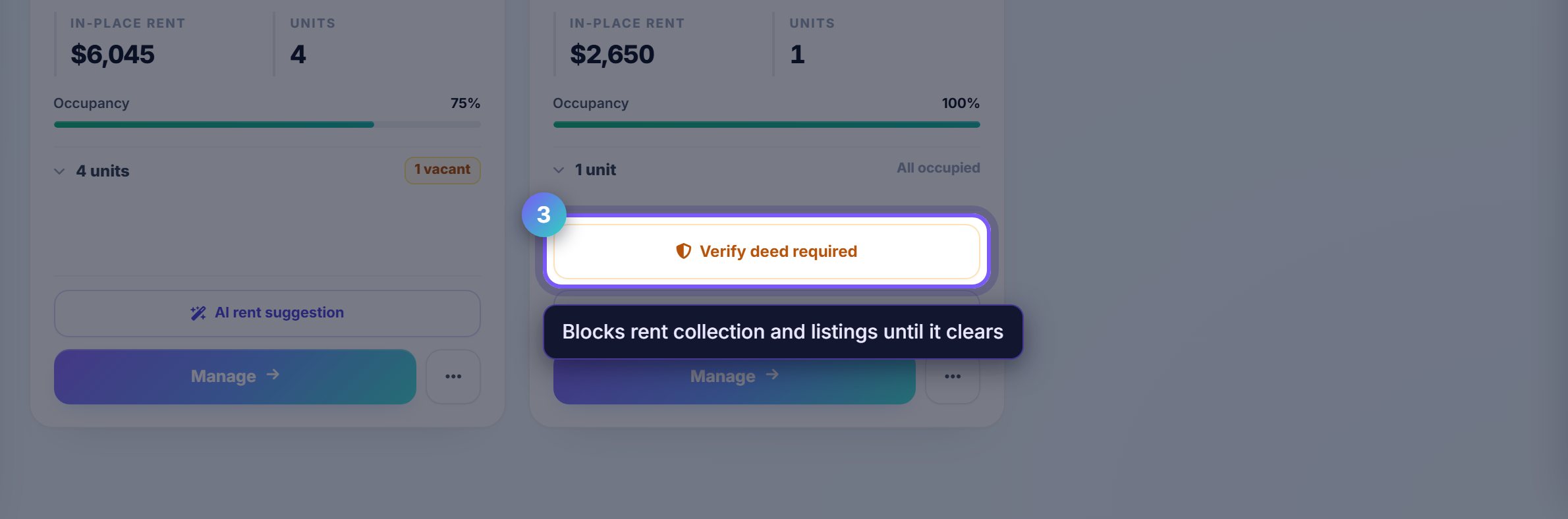
An unverified property carries a verify prompt on its card. Rentari first tries an automated check against public records; where that cannot find a match, it asks you for the deed instead.
Do this on day one. An unverified property can still hold tenants and leases, but it cannot collect rent or syndicate a listing, and finding that out on rent day is the expensive version.
Open a property to see its units
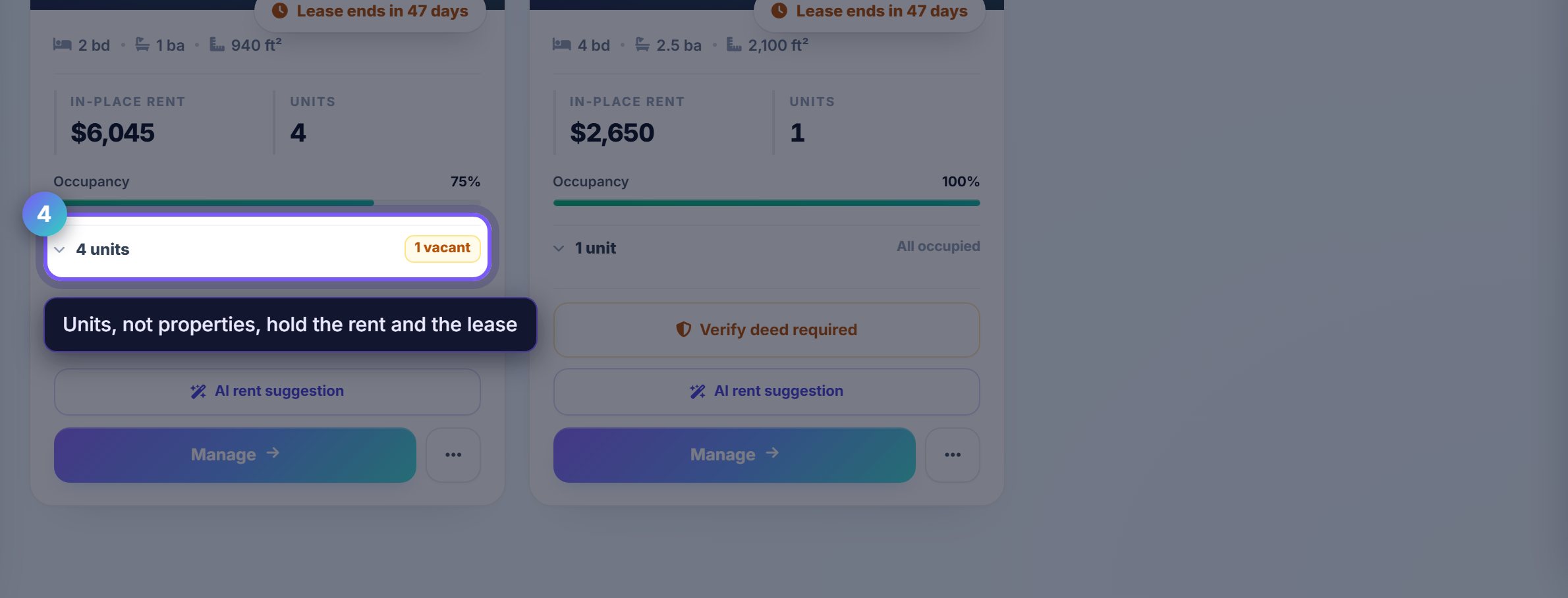
A property card summarises its units and how many are vacant. The count is the link: it opens the property with the unit list expanded.
Rent, tenants and leases all hang off the UNIT, not the property, so this is where the real work happens on anything larger than a single home.
Where to go next
- Tenants and leasesWho lives in each unit, and the state of their lease.
- Market a unitTurn a vacant unit into a published listing.