
Before you startNothing. This works from day one and is worth five minutes early, because everything Mozart drafts afterwards uses it.
1
A memory is a fact, not an instruction
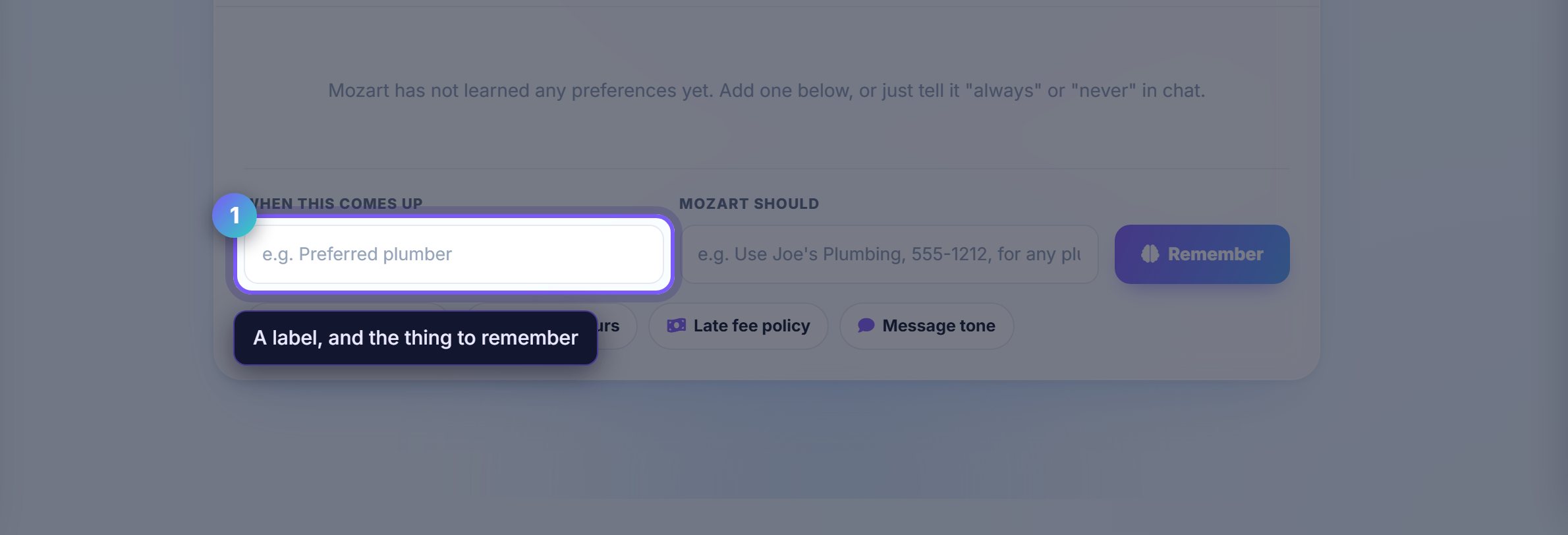
Each entry is a short label and the thing to remember. "Preferred plumber" and "Use Joe's Plumbing, 555-1212, for any plumbing job".
Write it the way you would tell a new assistant. Mozart applies it when the situation comes up rather than following it as a rule.
2
Start with the four that pay off immediately
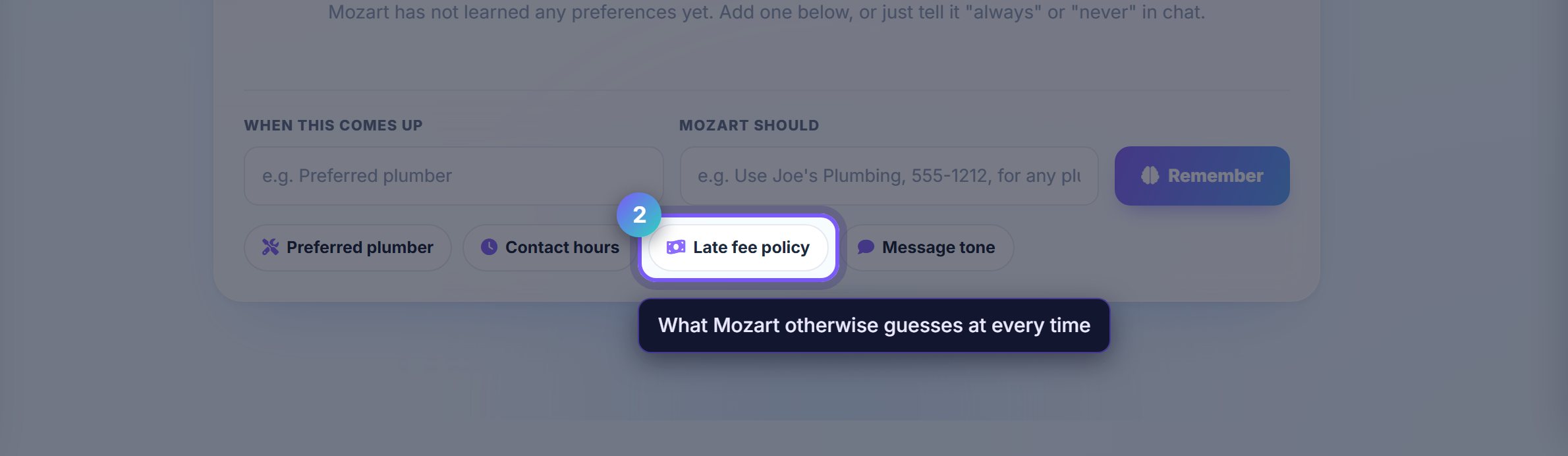
Preferred plumber, contact hours, late fee policy and message tone are the presets for a reason: they are what Mozart otherwise has to guess at every single time.
Message tone in particular changes every draft it writes to a tenant, so it is worth setting before you let it draft anything.
Worth knowingMemories are preferences, not permissions. Telling Mozart your late fee policy does not let it charge one; that still depends on your autonomy setting and your approval.
Where to go next
- MozartAsk something and see the memory applied.
- SettingsQuiet hours and channels, which are separate from these.